

Options
Overview
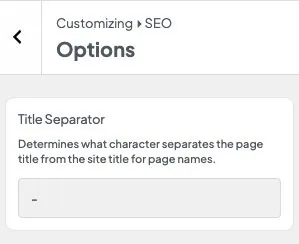
Options holds the site-wide SEO settings. Title Separator is used whenever a title includes a separator pill, and when Dirigible SEO builds a default title from the page name and the site name. Home Page Title and Home Page Description are for a home page that lists your latest posts, since that page has no SEO box of its own.
Where to find these settings
- In the WordPress admin, go to Appearance → Customize
- Open SEO
- Select the Options sub-panel
Settings
- Title Separator — the character between the page name and the site name (default
-) - Home Page Title — the search title for a home page that lists your latest posts. Leave it empty for the site name, separator and tagline (or Home, the separator and the site name with no tagline).
{site}and{|}work here. - Home Page Description — that home page's meta description. Leave it empty to use the tagline from Settings → General.
Tips
- Change this before you finish titles on a new site so every default title matches.
- The same character appears on the separator pill in the SEO sidebar on posts and pages.
- If your home page is a WordPress page, ignore the home settings and use that page's SEO box instead.
Settings
Options
Title Separator
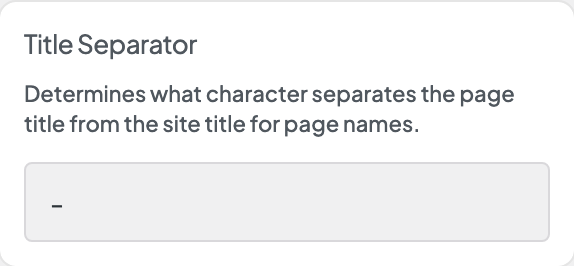
The character between the page name and the site name in default titles and in the separator pill.
Home Page Title
The search title for a home page that lists your latest posts. Empty uses the site name and tagline, or Home and the site name without a tagline.
Home Page Description
The meta description for a home page that lists your latest posts. Empty uses the tagline.