

Search documentation
No results found. Try a block name or setting label.
Features
Dirigible SEO
-
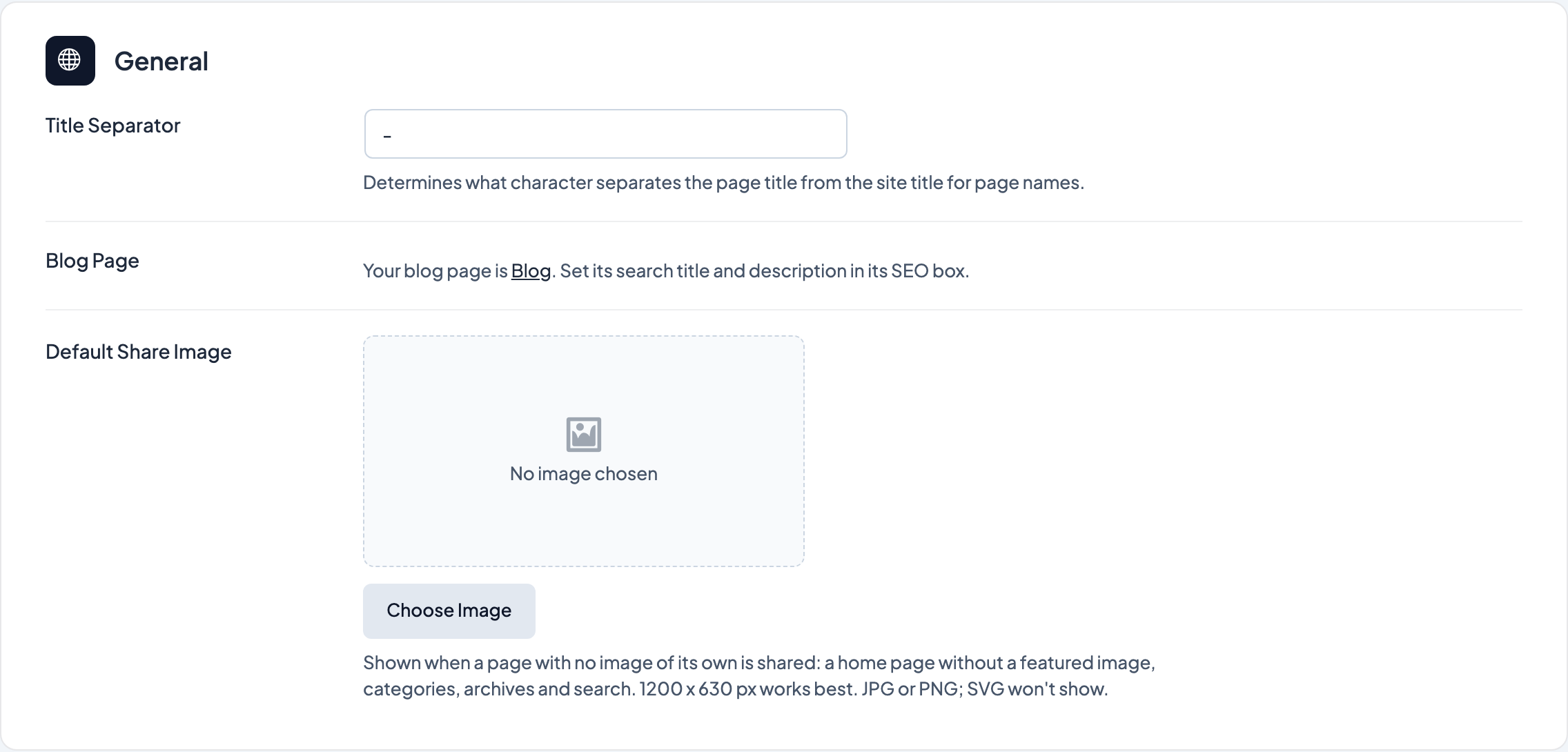 SEO settings
The title separator, the blog page's title and description when your home page lists your latest posts, the default share image, and what kind of business or organization your structured data describes.
SEO settings
The title separator, the blog page's title and description when your home page lists your latest posts, the default share image, and what kind of business or organization your structured data describes.
-
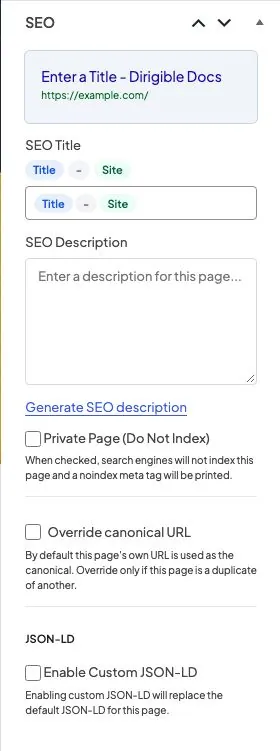 Page SEO
SEO title, meta description, noindex, canonical URL, and custom structured data for each page.
Page SEO
SEO title, meta description, noindex, canonical URL, and custom structured data for each page.
- Categories and tags Keep category, tag, and custom taxonomy archives out of search results with noindex, or point a duplicate archive to a canonical URL.
- Author archives Stop search engines from indexing an author's archive page, for staff accounts or authors whose archives shouldn't appear in search results.
- Tools Copy Yoast SEO titles, descriptions, noindex and canonical settings onto Dirigible SEO.
-
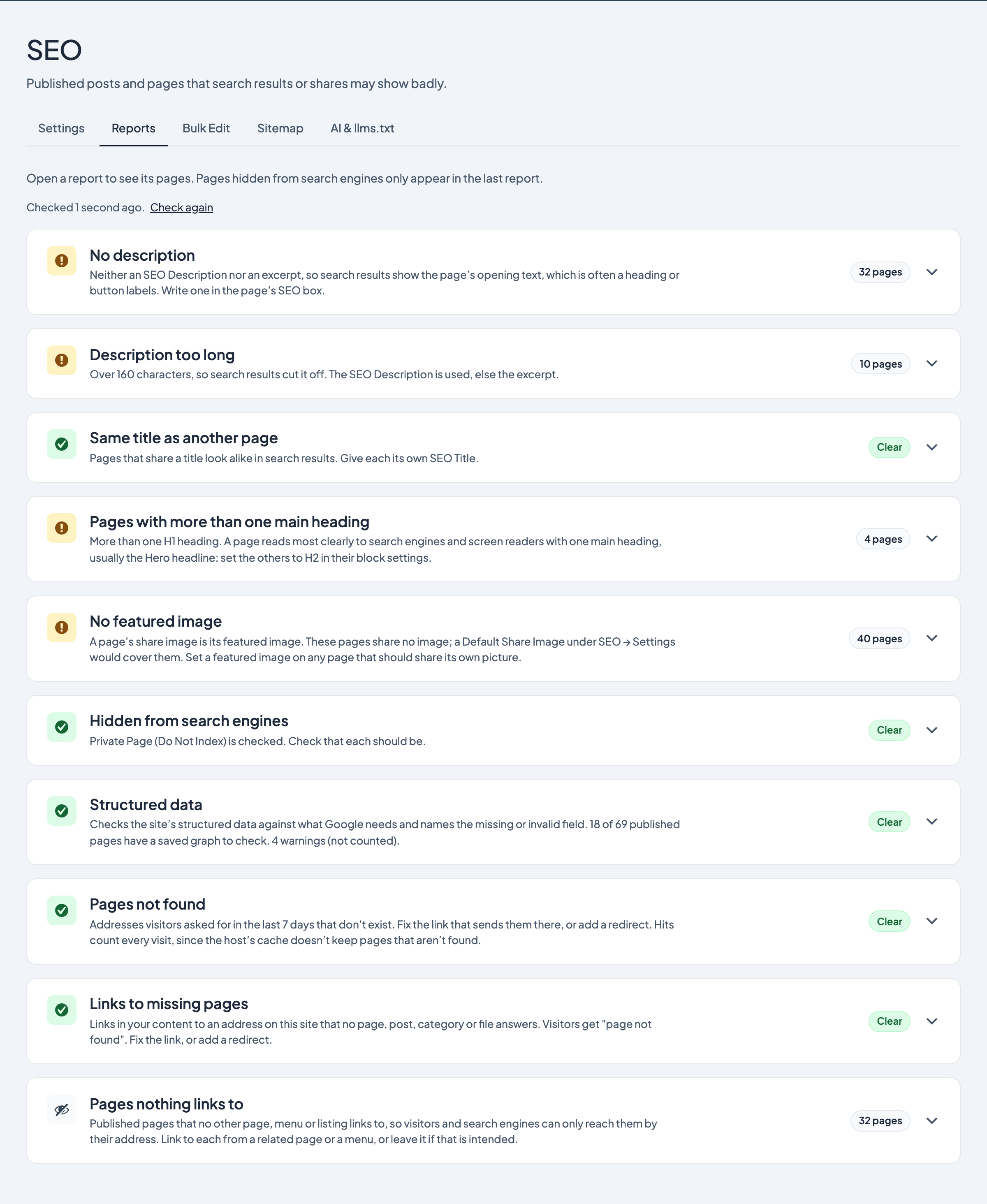 SEO reports
Lists of published pages with no description, a description that's too long, a title shared with another page, more than one main heading, no featured image, or hidden from search engines.
SEO reports
Lists of published pages with no description, a description that's too long, a title shared with another page, more than one main heading, no featured image, or hidden from search engines.
-
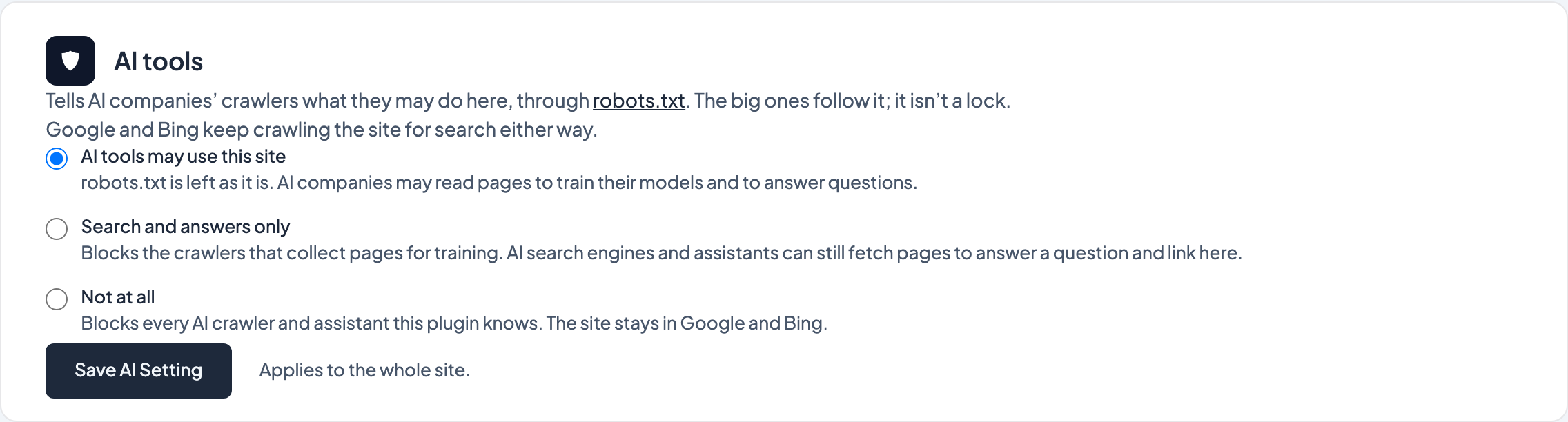 AI tools and llms.txt
Choose whether AI companies may train on your site or only answer questions with it, and publish a generated llms.txt that tells AI tools what the site is and where its main pages are.
AI tools and llms.txt
Choose whether AI companies may train on your site or only answer questions with it, and publish a generated llms.txt that tells AI tools what the site is and where its main pages are.
-
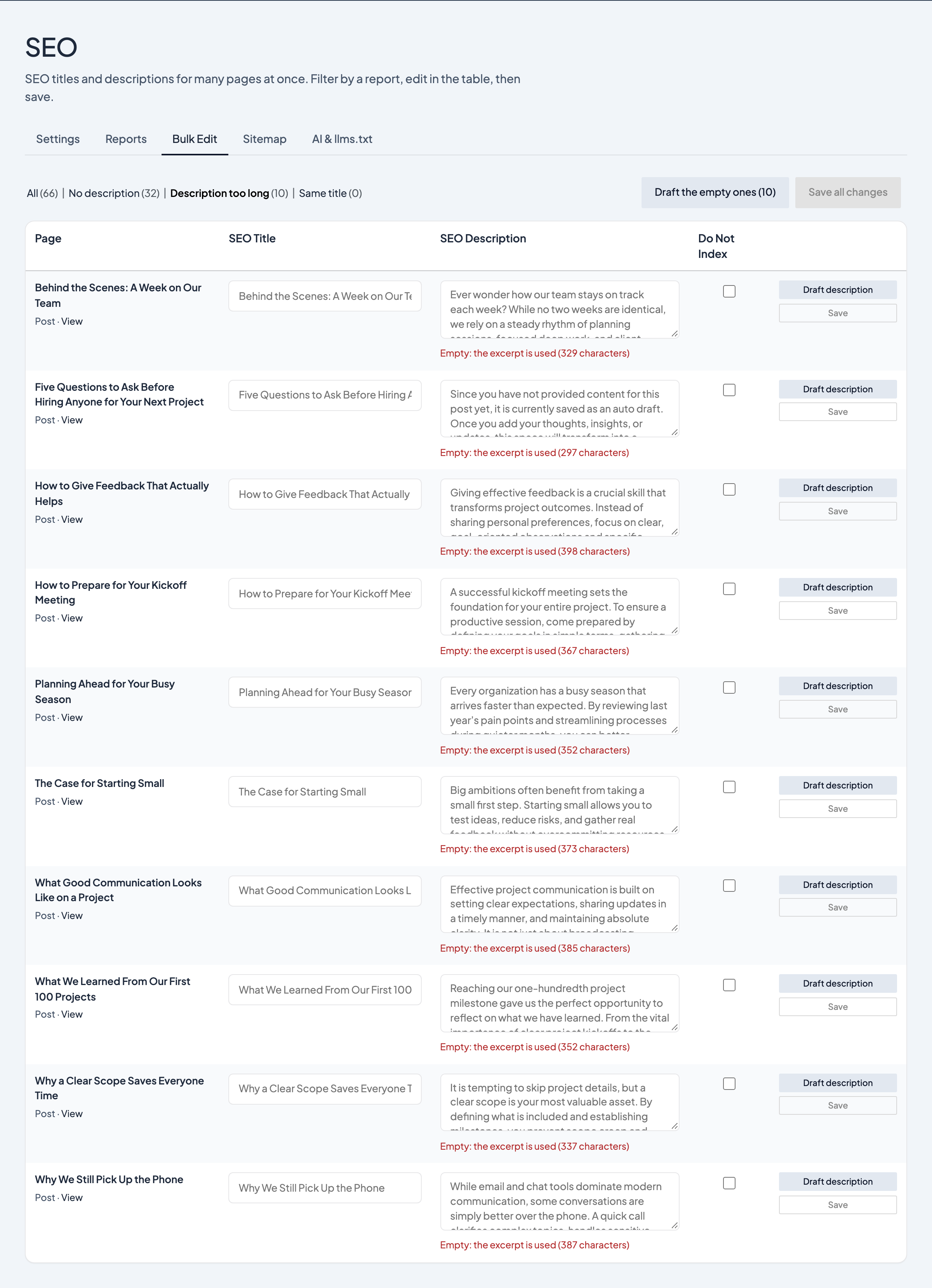 Bulk Edit
A table of your published pages with their SEO Title, SEO Description and Do Not Index, filtered by the SEO reports and saved in place, with AI-drafted descriptions to review.
Bulk Edit
A table of your published pages with their SEO Title, SEO Description and Do Not Index, filtered by the SEO reports and saved in place, with AI-drafted descriptions to review.
- Pages not found A report of the addresses visitors asked for that don't exist, with how often and where they came from and a suggested redirect for each one it can match, so you can fix the link or redirect it in one click.
- Ready for AI search What Dirigible does on its own so AI assistants and search engines understand your site, the one choice you make about AI crawlers, and what no plugin can promise.
- Redirects Send visitors and search engines from an old address to the page that replaced it, copy your redirects over from Redirection, Yoast SEO Premium or Rank Math, and turn the Pages not found report into redirects in one click.
-
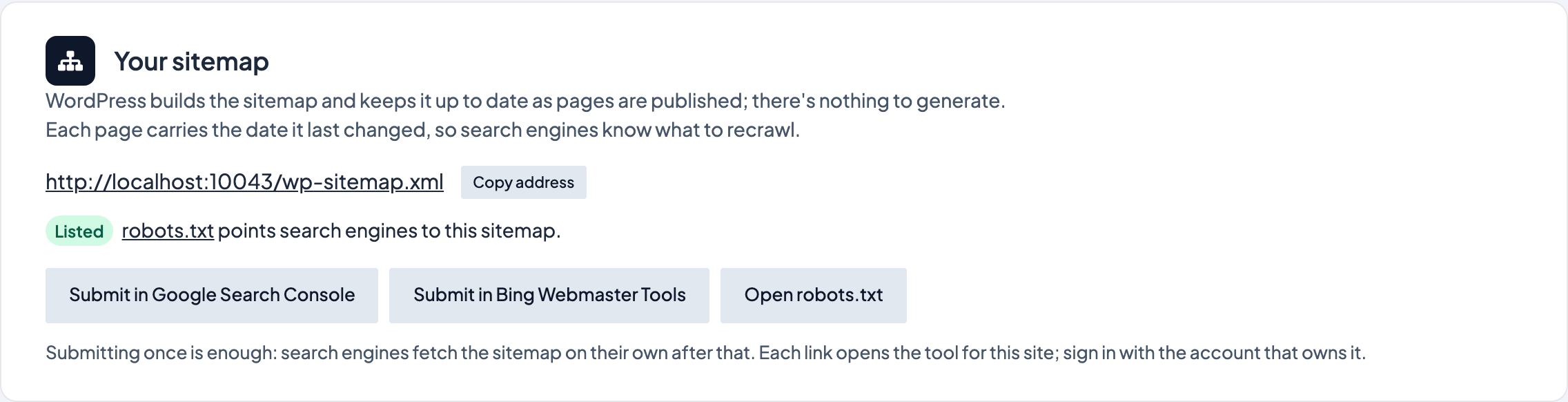 Sitemap
Where your sitemap is, what it lists and leaves out, how to submit it to Google and Bing, and how IndexNow tells search engines about changed pages.
Sitemap
Where your sitemap is, what it lists and leaves out, how to submit it to Google and Bing, and how IndexNow tells search engines about changed pages.
- Structured data check A report that checks the site's structured data against what Google needs and names the missing or invalid field, page by page.
- Broken links and orphan pages Two reports under SEO → Reports list links in your content that lead to a missing page on your own site, and published pages that nothing links to.
No items match your filter. Try another keyword.
Built by Dirigible Studio. Get in touch
