

Artists
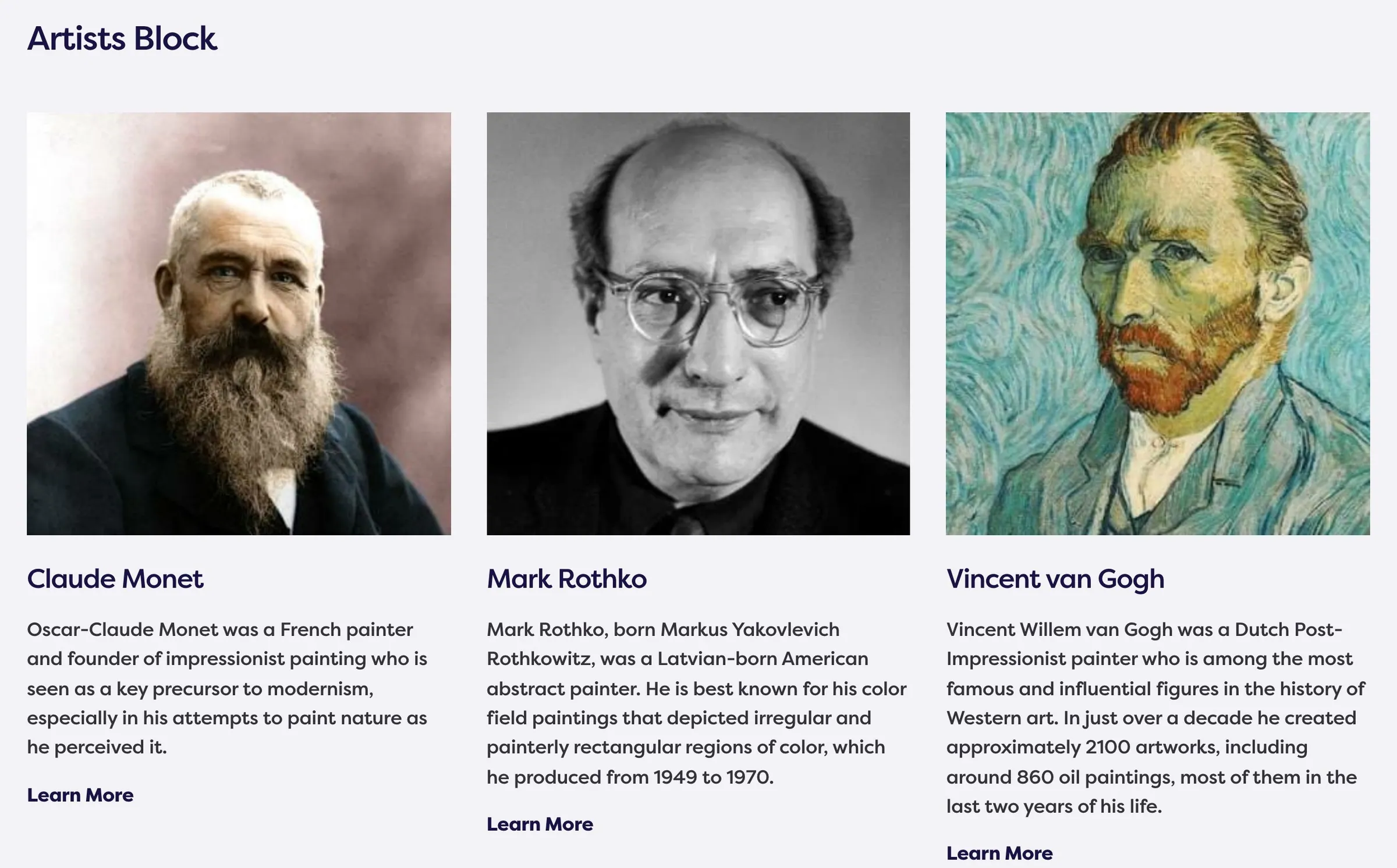
Usage
The Artists block lists the artists you pick in a three-column grid. Each card shows the photo, name, biography excerpt, and a Learn More link to the artist page. Optionally turn on Include Headline for a rule and heading above the grid.
When to use it
Use it to introduce the artists on a collection or about page. Prefer the Artist block when one profile should dominate the layout.
Tips
- Fill each artist’s Biography Excerpt and Photo before placing this block.
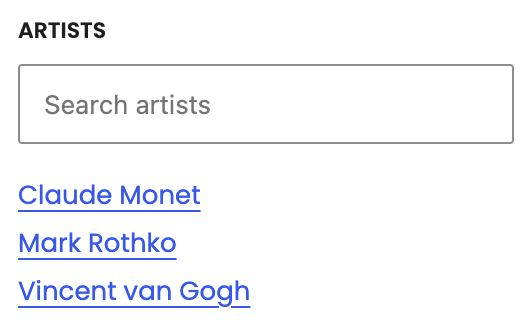
- Order in the sidebar is the order on the page.
Settings
Artists Block
Artists
Which artists appear in the grid, in the order you pick.

Include Headline
Shows a black rule and the Headline above the grid.

Headline
Heading above the grid when Include Headline is on (default Artists).
