

Artwork Gallery
Usage
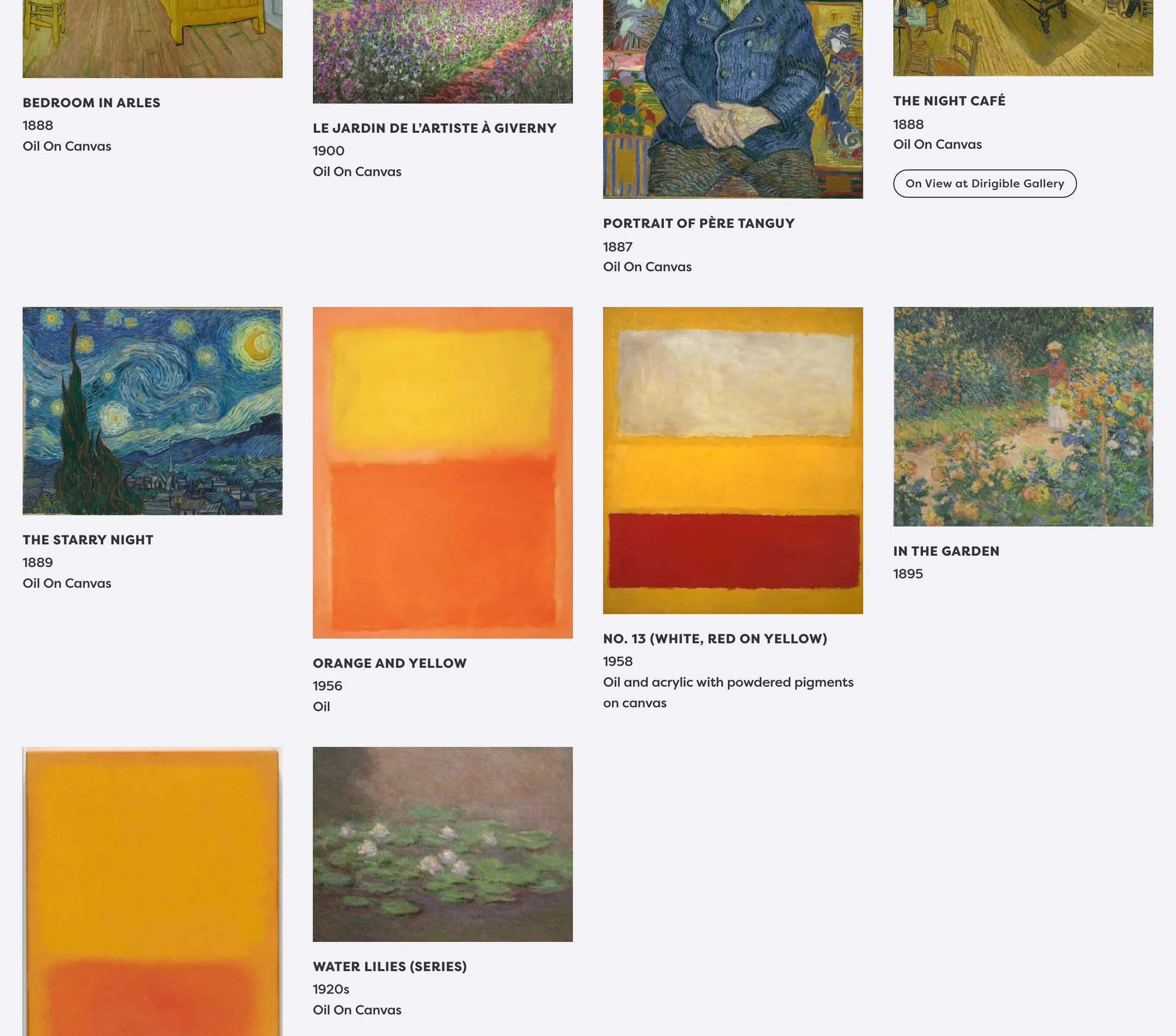
The Artwork Gallery block shows works in a grid. Choose Columns, where Links go (Page opens the artwork’s page, Image file opens its image), and whether works come from Handpicked selections, a By Category filter, or By Artist. Use Artwork Display to turn title, date, medium, and other details on or off.
A gallery shows up to 60 works at a time. Longer galleries get page links under the grid and a Load more button that adds the next 60 without leaving the page. Each page has its own address (for example ?artworks_page=2), so search engines find every work. Galleries of 60 or fewer look exactly as before.
When to use it
Use it as the main browsing grid on a collection or exhibition page. Pair with an Art Divider headline above the grid.
Tips
- Set Artwork Selection first — Artworks, Categories, or Artist only appears for the matching mode.
- Turn on Include Headline before you rely on the Headline field.
- Show On View uses Gallery Name (Artworks → Settings) when an artwork is marked on view.
Settings
Artwork Gallery Block
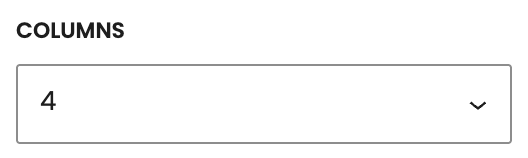
How many works sit in a row on wide screens.
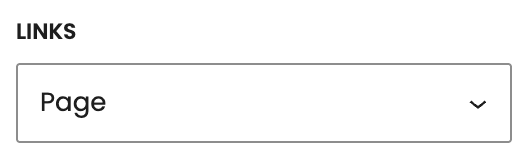
Where a work opens when someone clicks it.
- Page defaultOpens the artwork’s single page.
- Image fileOpens the artwork’s first image file on its own.
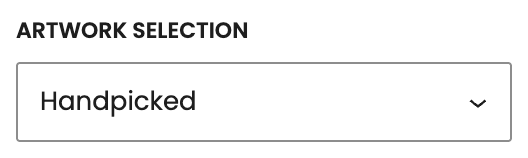
How the gallery chooses which works to show. Set this before Artist, Categories, or Artworks appears.
- Handpicked defaultYou pick specific artworks.
- By CategoryAll published works in the categories you choose.
- By ArtistAll published works linked to one artist.
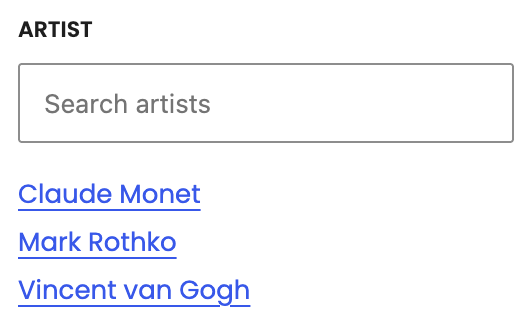
Artist whose works fill the gallery. Set Artwork Selection to By Artist first.

Categories whose works fill the gallery. Set Artwork Selection to By Category first.
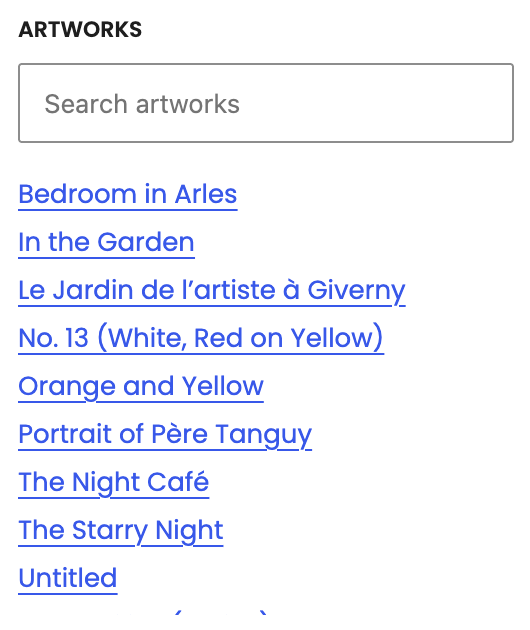
Works to show. Set Artwork Selection to Handpicked first.

Shows a black rule and the Headline above the grid.

Heading above the grid when Include Headline is on (default Artwork).
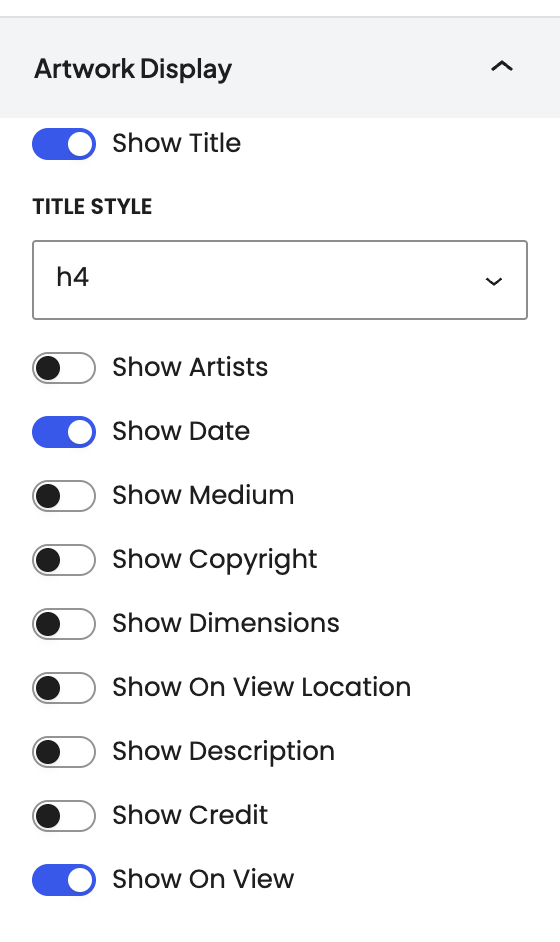
Which details show under each work.

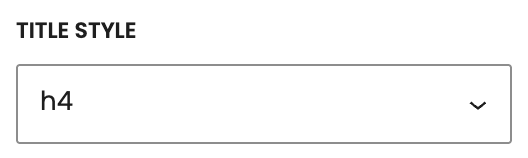
How the title looks. The heading level in the page outline stays the same.

Shows linked artist names under the work.





Shows the on-view location text.

Shows the artwork description under each work.


Shows the On View badge when the artwork is marked on view.
