

Artwork
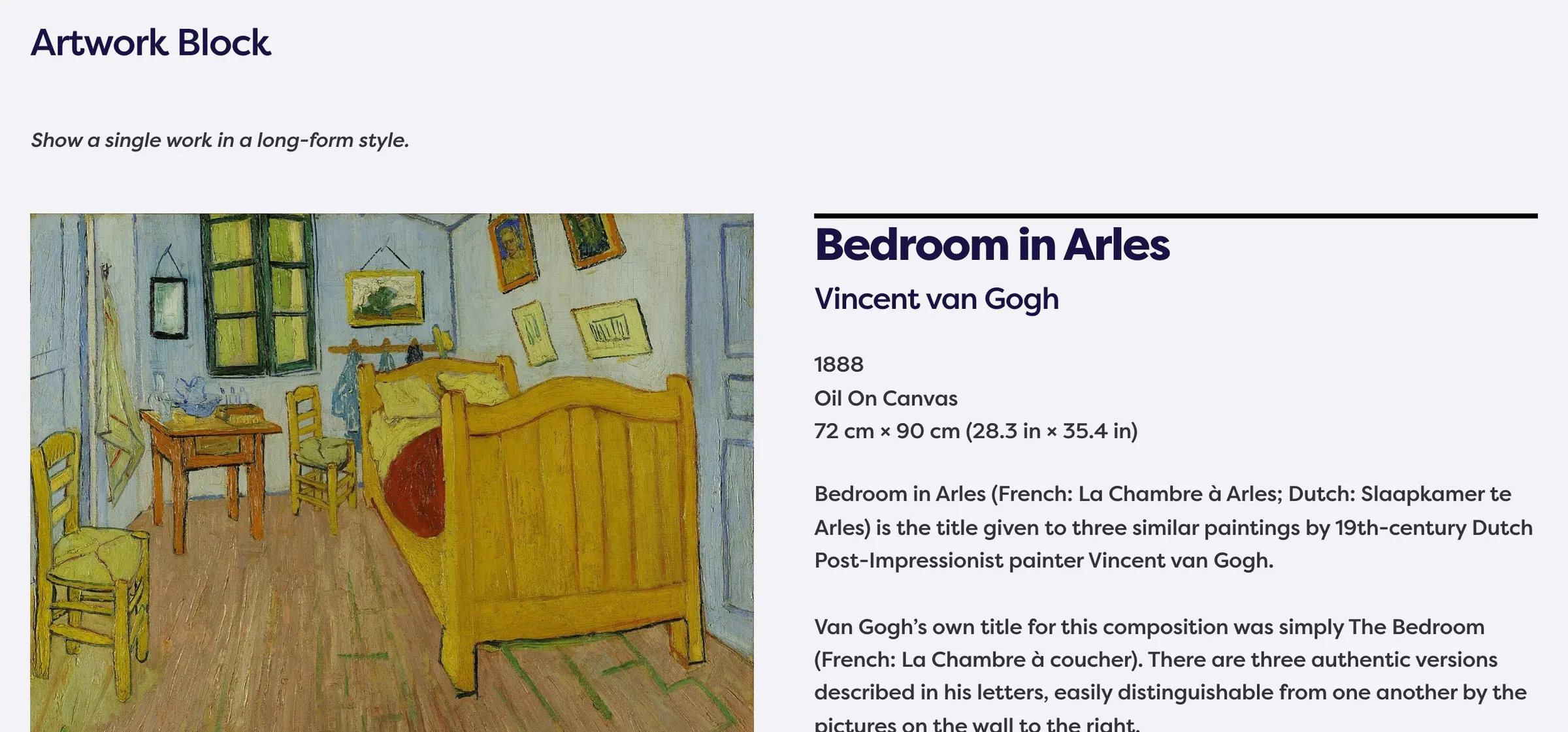
Usage
The Artwork block shows a single work: large images on one side and title, artists, date, medium, dimensions, description, on-view location, credit, and an On View badge on the other. Insert it from the block inserter and pick an Artwork in the sidebar.
When to use it
Use it for a featured piece or a detail stop on a collection page. Prefer Artwork Gallery when visitors should scan many works at once.
Tips
- Turn on Swap to put the text on the left and images on the right on large screens.
- The description and on-view details come from the artwork itself. Edit the artwork, not the block, to change them.
Settings
Artwork Block
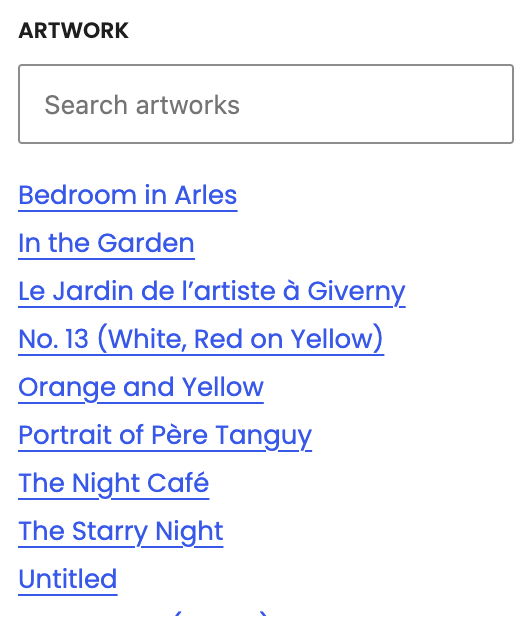
Artwork

Swap
On large screens, puts the text column on the left and images on the right.
