

Logo Carousel
Usage
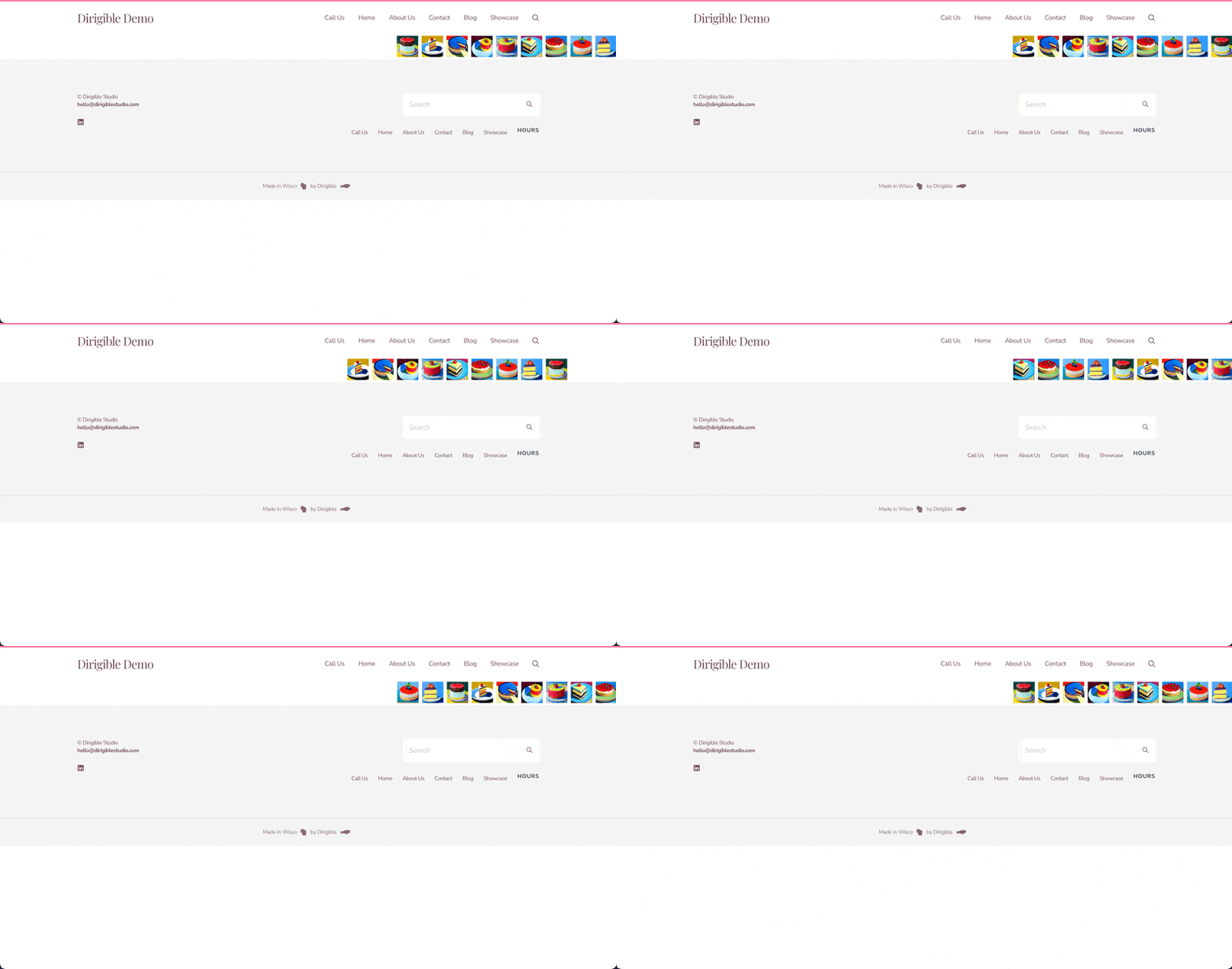
Logo Carousel is a scrolling row of logos that advances on its own. Use it for partner logos, sponsor strips, client lists, or certification badges.
The carousel loops continuously, and visitors can swipe it or scroll it sideways on a trackpad to browse; dragging with a mouse doesn't move it. There are no arrows or dots, so it stays light and unobtrusive. It pauses while a visitor hovers over it, and stays still for visitors who've turned on reduced motion in their device settings. When every logo fits across the screen, the row sits centred and doesn't move.
Add at least one image to Logo Gallery for the carousel to appear.
Sidebar fields
- Autoplay Interval: seconds between each move (default 3).
- Logo Gallery: your logo images. Add, remove, or reorder them from the gallery picker.
- Logo Height: one height for every logo, in pixels (default 48). Widths adjust to keep each logo's proportions.
Block width
Logo Carousel supports Wide and Full alignment and defaults to Full.
Tips
- Use logos with transparent backgrounds (PNG or SVG) so they sit cleanly on any background.
- Keep Autoplay Interval at 3 seconds or more so visitors can read each logo.
- For full photo slides with navigation, use Slideshow or Lookbook.
Screenshots
Editor
-
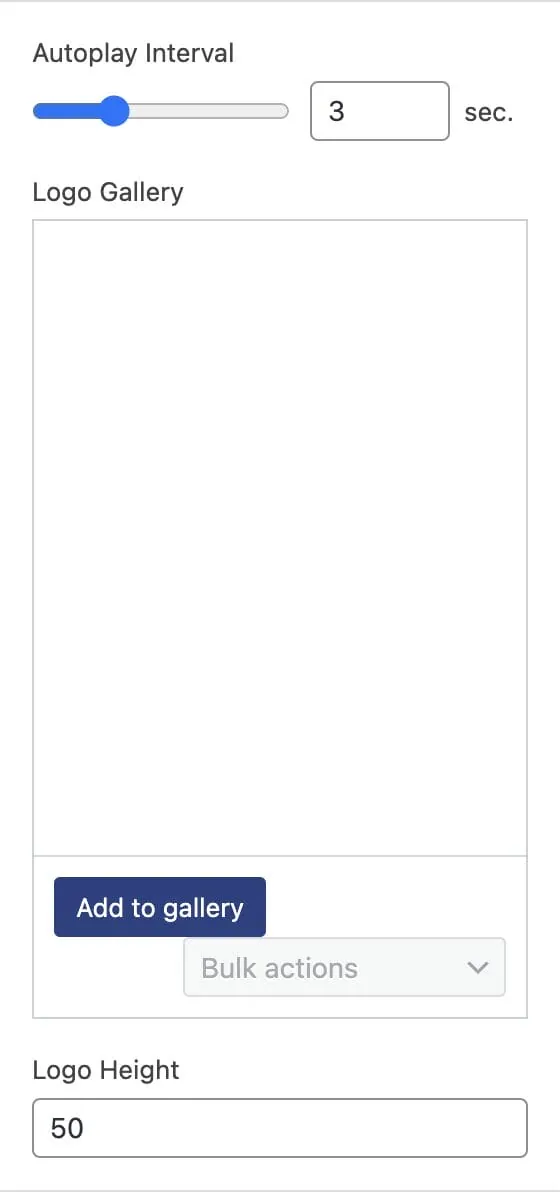
The sidebar has Autoplay Interval, Logo Gallery, and Logo Height.
Settings
Logo Carousel
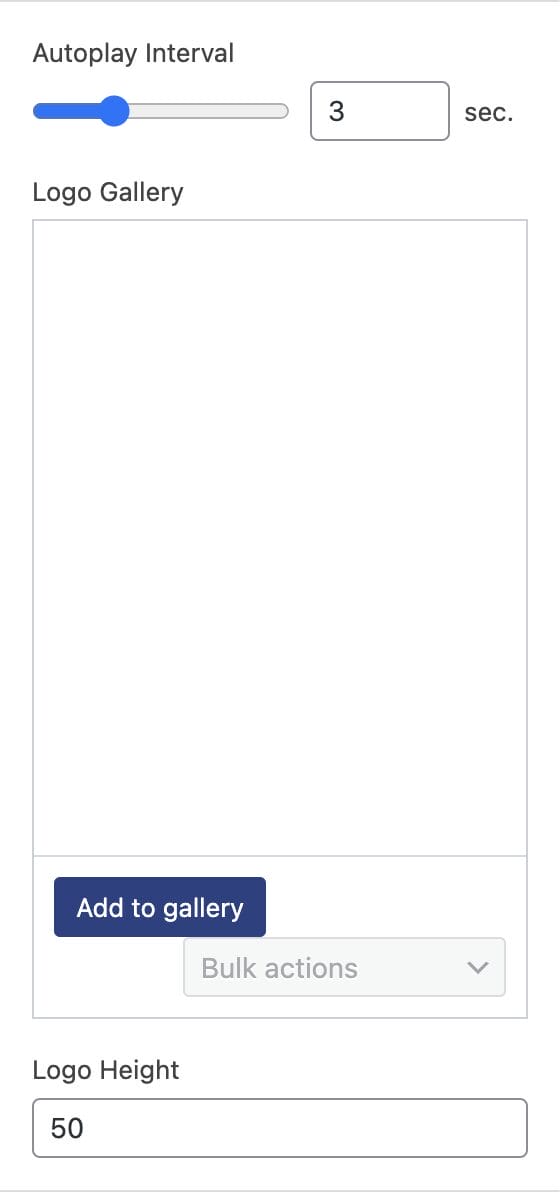
How many seconds before the carousel moves to the next logo.
The logos in the carousel. Add at least one; drag to reorder.
Every logo is shown at this height. Widths adjust to keep each logo's proportions.