

Person
Usage
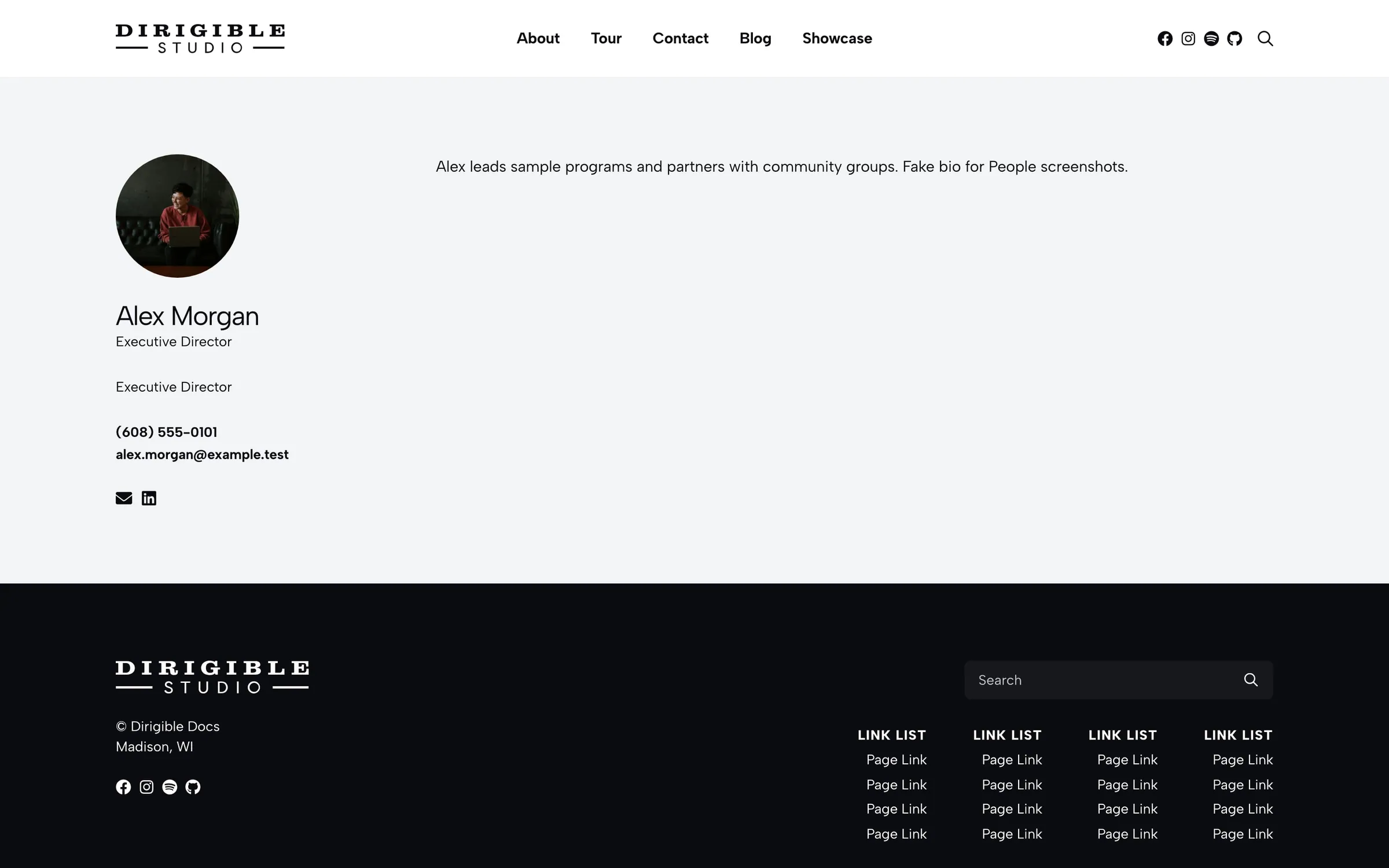
The Person block features one person, such as a dean, department head, or staff spotlight, often above a larger People directory.
Real-world example
On dcs.wisc.edu/directory, the Meet the Dean section at the top fits the Person block: one person with a headshot, name, job title, and a link to their profile.
Settings
- Person — the person to feature. The block shows only once that person is published
- Display Options — toggle Swap (flip image and copy), Name, Title, Link, and Categories
- Link Style — Button or Understated (default)
- Link Text — defaults to "Read More"
- Custom Title — replaces the heading; leave blank to use the person's name
- Copy — your own intro text; leave blank to use the person's excerpt
Tips
- Keep Copy to a few sentences and let the link lead to the full biography.
Settings
Person
Person
Link Style
Appears when Link is on in Display Options.
Link Text
Default "Read More."
Title
Leave blank to use the person's name.
Copy
Leave blank to use the person's excerpt.
