

Location Search
Usage
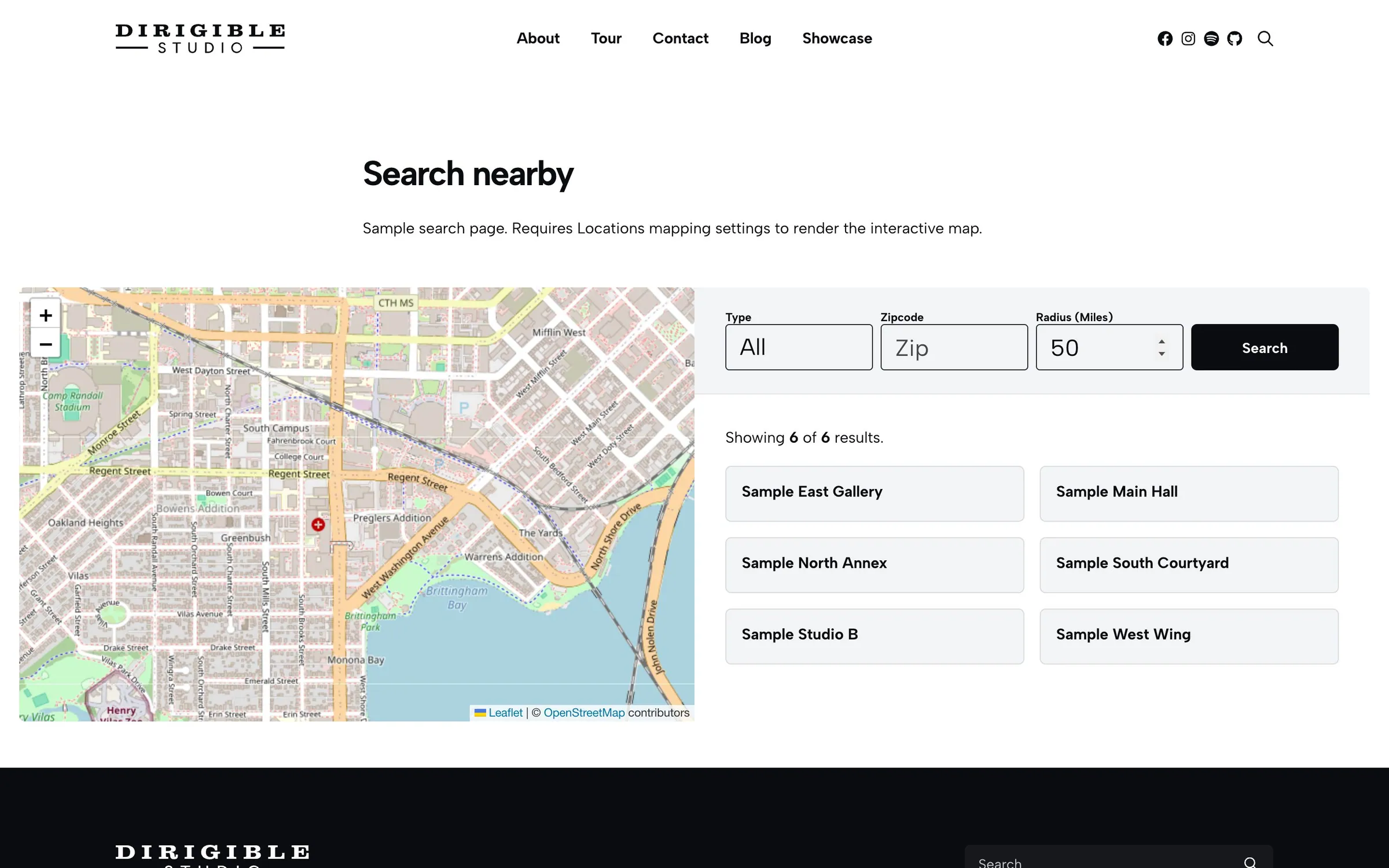
The Location Search block is a store locator. Visitors enter a US zip code and a distance in miles, then see nearby locations on a map and as result cards, with optional address, contact details, and links.
Turn on Enable Mapping and pick a map provider under Locations → Settings → Maps first.
Which locations it lists
Every published location with a map pin, Sticky ones first (Location Settings on the location), then by name. A location with Hide from Location Search on is left out: of the first list, the "Showing X of Y" count and every search. Its page and Locations blocks still show it.
New locations show by default, however they were added: in the editor, with Import & Export, or moved from The Events Calendar. To keep a location out, turn on Hide from Location Search under Location Settings, or put Yes in the Hide from Location Search column of an import.
Changes show on the next page load.
Settings
- Columns — result cards per row
- Title Link — link each result's name to its page or its spot on the map
- Show Address / Show Contact / Show Locate Link / Show Details Link
- Default Location — where the map centers before a search
- Initial Load Results — how many locations show before a search
- Background / Reverse Print — card colors
Tips
- If visitors don't need to search by distance, a Locations block is simpler.
Settings
Settings
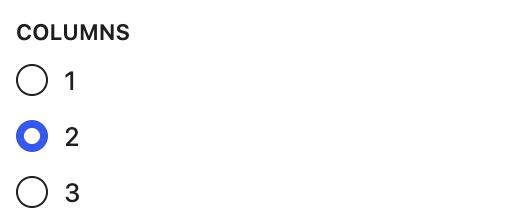
Result cards per row.
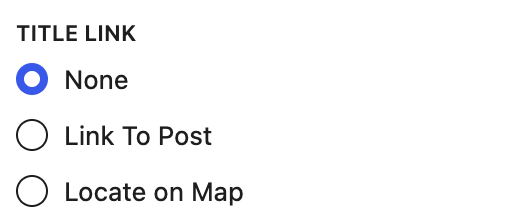
Link each result's name to the location's page, to its spot on the map, or not at all.


Shows phone and email on each result.

Adds a directions link.

Adds a link to the location's page.
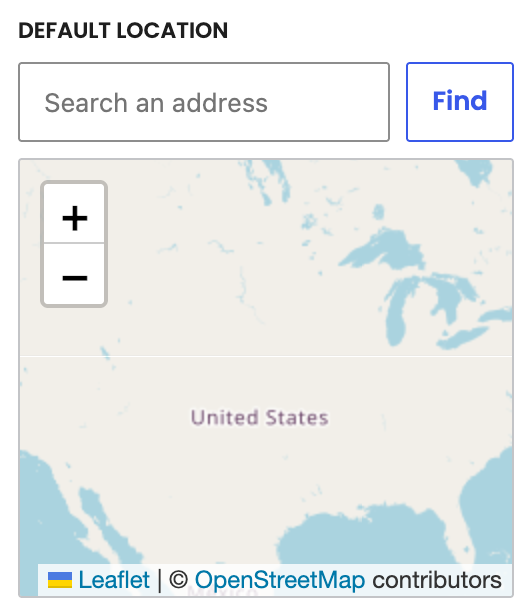
Where the map centers before anyone searches.
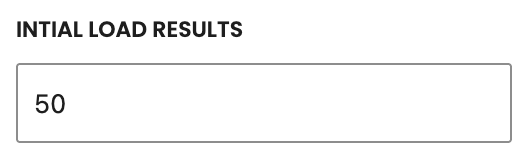
How many locations show before anyone searches.
Locations
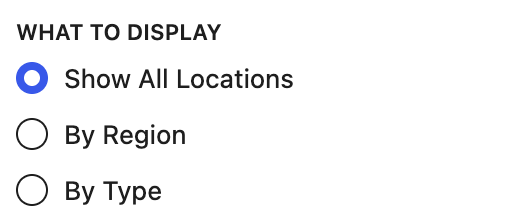
Search every location, or only certain Regions or Types.
Appears when What to Display is By Type.
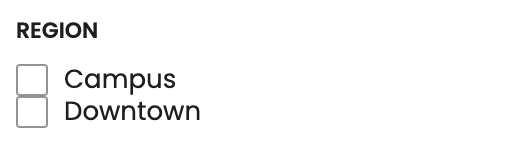
Appears when What to Display is By Region.
Appearance
Background color for the result cards (default gray).

Light text for dark backgrounds.
