

Locations
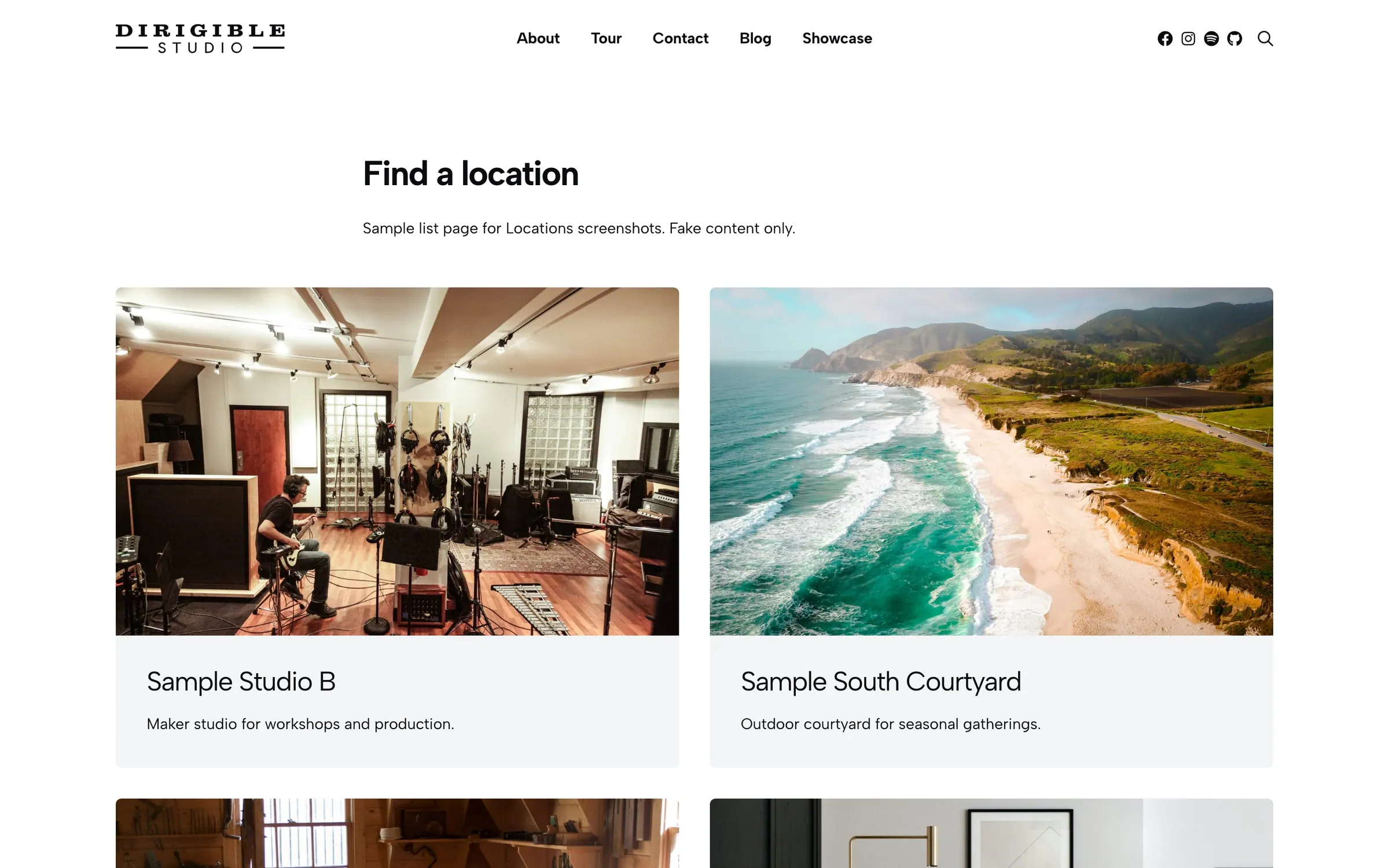
Usage
The Locations block lists your locations as a Grid, Cards, or Features layout. Show all of them, one region or type, or locations you pick by hand, and optionally add filter buttons visitors can click.
Real-world example
Steve Brown Apartments — Madison Parking uses a Locations block with:
- A card grid of parking properties (128 Langdon, 122 E. Gilman, and more)
- Filtering set to By Region, with Show All and Central Campus buttons
- Each card showing the property name and, in the excerpt, pricing and availability ("Garage parking available for $295/mo. Available 8/17!")
- An inquiry form below the listing (regular page content)
Regions like Central Campus group the properties. Types could separate garages from surface lots.
Content
- What to Display — Show All, By Region, By Type, or Handpicked
- Handpicked Locations — appears when What to Display is Handpicked
- Type / Region — which types or regions to show for By Type or By Region
Appearance
- Layout — Grid, Cards (default), or Features
- Columns — 2–4 per row (Cards layout)
- Feature — a map or image on each card (Cards layout)
- Style — Cards or Inline (Cards layout)
- Title Style — text style for location names
- Heading Level — H2, H3 (default) or H4 for location names. Title Style still sets the look
- Button Style — Hide, Button, or Understated link on each card
- Filtering — By Region, By Type, or Disabled
- Region Filters / Type Filters — which regions or types get a filter button
Tips
- Directly under the page title, set Heading Level to H2; under an H2 section heading, keep H3.
- Put pricing and availability in each location's excerpt so cards are quick to scan.
Settings
Settings
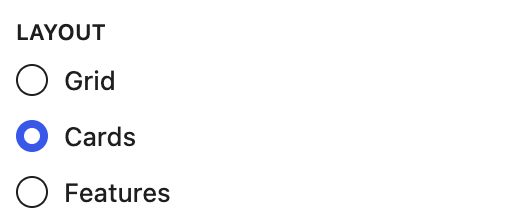
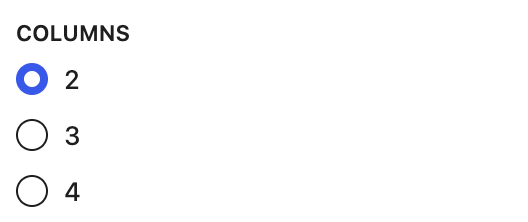
Appears when Layout is Cards.
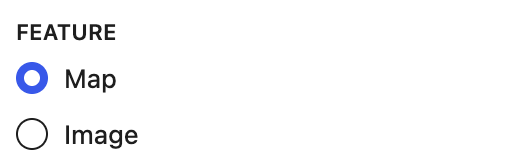
Show a map or the featured image on each card.
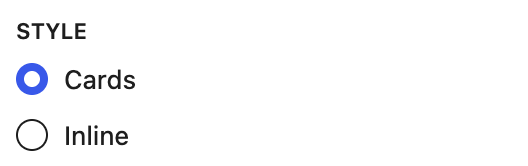
Appears when Layout is Cards.
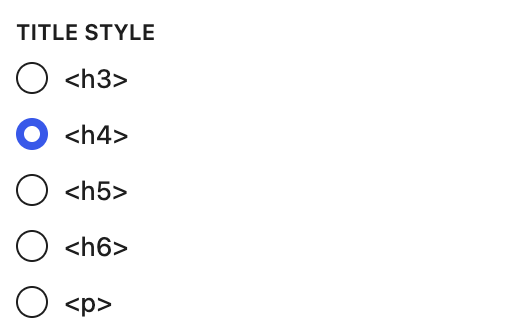
Text style for location names.
The heading level of each location's name. Pick the level that fits under the heading above this block. Title Style still sets the look.
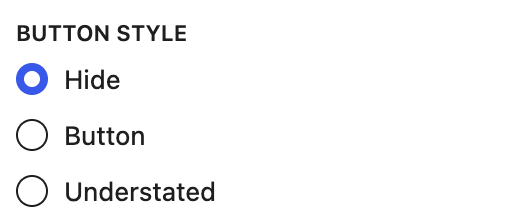
The link on each card. Hide removes it.

Appears when Layout is Cards or Features.
Locations
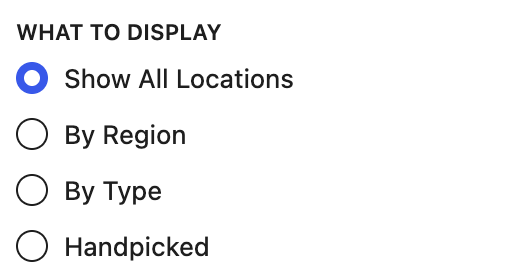
Show every location, only certain Regions or Types, or locations you pick by hand.
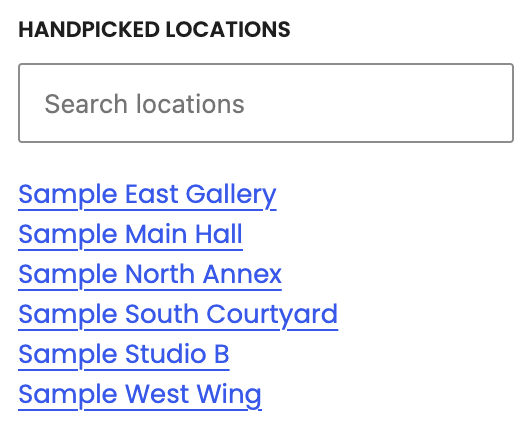
Appears when What to Display is Handpicked.
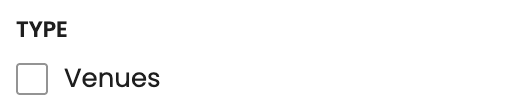
Appears when What to Display is By Type.
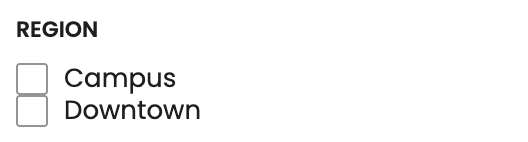
Appears when What to Display is By Region.
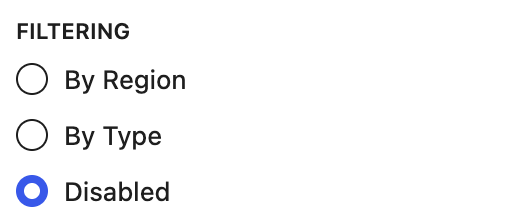
Adds filter buttons visitors can click to narrow the list by Region or Type.
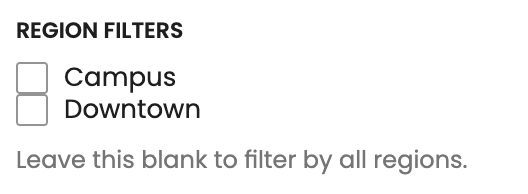
Which Regions get a filter button. Leave blank for all.

Which Types get a filter button.
