

Single Location
Usage
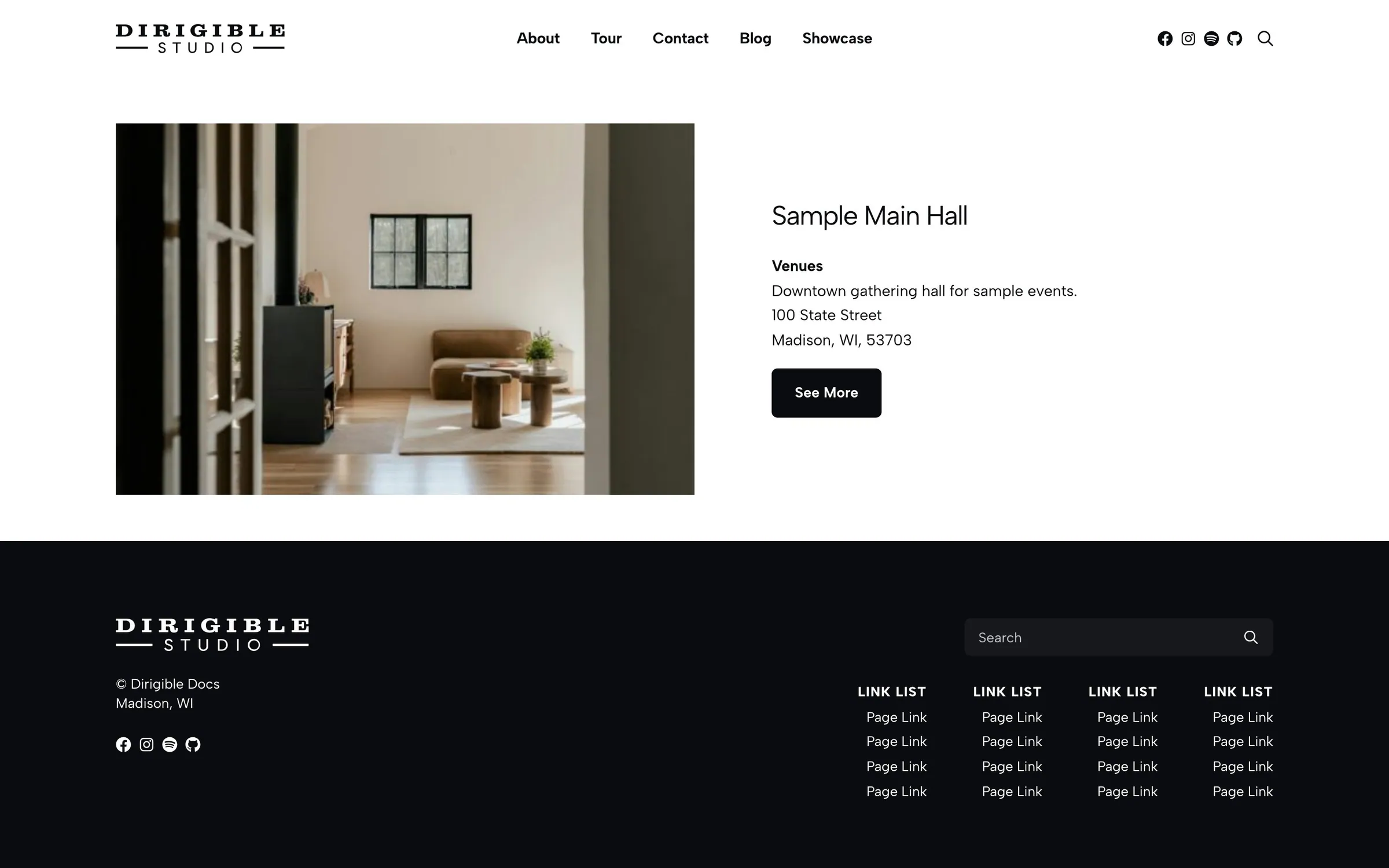
The Single Location block features one location, like a flagship store or main campus, often above a wider Locations listing.
Settings
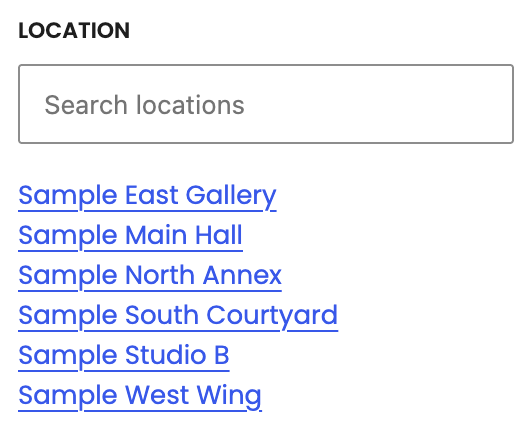
- Location — the location to feature
- Display Options — turn on Swap Order, Name, Link, Description, Address, Type, and Region
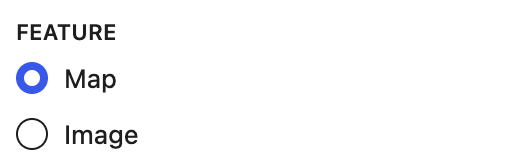
- Feature — a map or image beside the text
- Heading Level — H2, H3 (default) or H4 for the location's name. It doesn't change the look
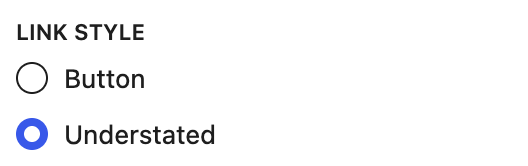
- Link Style — Button or Understated
Tips
- Directly under the page title, set Heading Level to H2; under an H2 section heading, keep H3.
- The Map feature needs Enable Mapping on and a map pin set on the location. When the pin can't show, the location's Location Embed shows instead; with neither, the details fill the whole block.
- If the location is deleted, trashed or unpublished, the block shows nothing on the page until you choose another location.
Settings
Settings
Location
Feature
Show a map or the featured image beside the text.
Heading Level
The heading level of the location's name. Pick the level that fits under the heading above this block. It doesn't change the look.
Link Style
