

Product Downloads
Usage
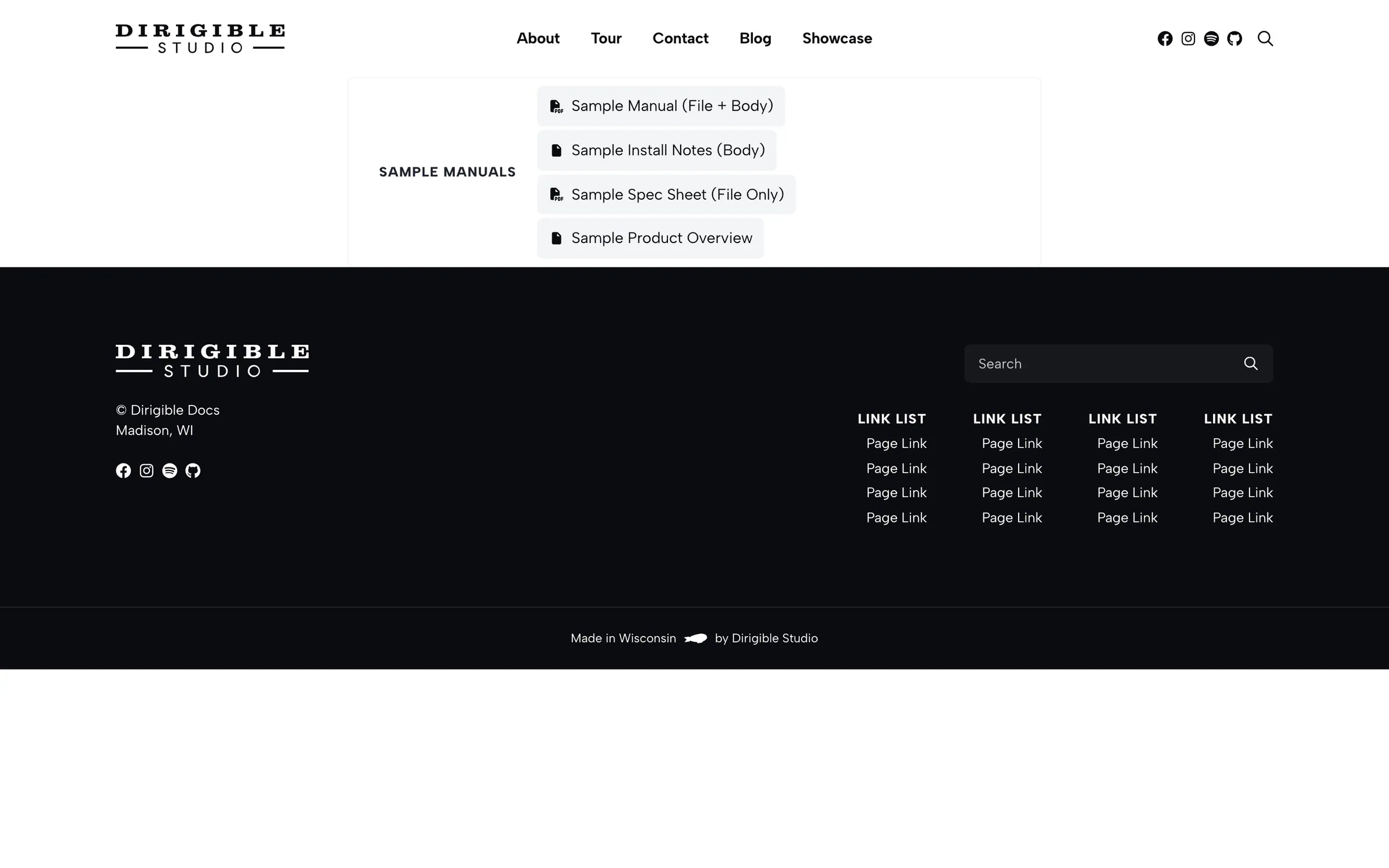
Product Downloads lists files assigned to one Doc Product. Groups use Doc Type as the heading. Each file is a download or a link to the documentation page.
Product is required. The editor shows a notice until you pick one.
Place the block inside a Section or a column.
Show documents from another site
When a sister brand keeps its documentation on another Dirigible site, Product Downloads can list that site's documents instead of this site's.
- In Documentation → Settings, enter the other site's address in Documentation Site (for example
https://www.example.com). - In the block, set Source to Documentation site.
- Pick the Product, and optionally a Brand to list only that brand's documents for the product.
Files and documentation pages open on the other site. The list only shows documents anyone can see there. Documents limited to selected users never appear. If the other site uses lead gating, every link opens its documentation page so the form still applies, even with Direct Download.
A product or brand added on the other site shows in the block's Product and Brand lists within a minute. Other changes there can take up to an hour to show here. If the other site can't be reached, the block keeps showing the last list it loaded. On a page that has never loaded the list, visitors see nothing, and the editor shows a notice.
Source only appears once Documentation Site is set.
When to use it
Use this on a product page when visitors should download manuals and CAD for that product only. Use Documentation Explorer when they need to search the full library.
Tips
- Direct Download sends the file. Landing Page opens the documentation page (lead gating and member access still apply there).
- Headline Style and Filename Style change how the type heading and file name look. They stay paragraphs.
- Divider Height is the box border and the rule between type groups.
Settings
Product Downloads
Where the documents come from. Appears once Documentation Site is set under Documentation → Settings.
- This site defaultLists this site's documents.
- Documentation siteLists documents from the Documentation Site, with links to that site.
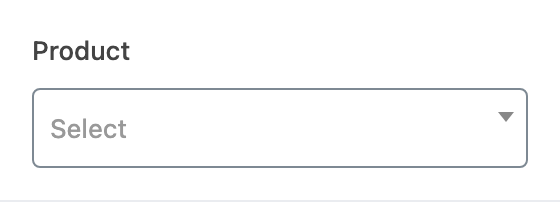
Which Doc Product to list. Required. The block stays empty until you pick one.
Which product on the Documentation Site to list. Required when Source is Documentation site.
Optional. Lists only that brand's documents for the product. Leave empty for every brand.
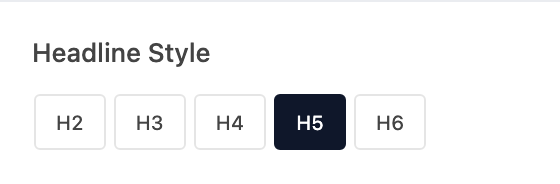
How the Doc Type heading looks. The heading stays a paragraph.
- H2Looks like your site's H2 style.
- H3Looks like your site's H3 style.
- H4Looks like your site's H4 style.
- H5 defaultLooks like your site's H5 style.
- H6Looks like your site's H6 style.
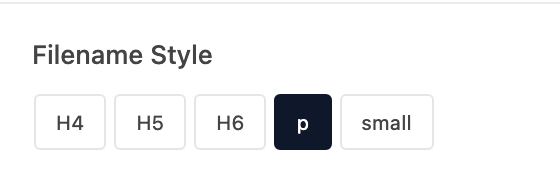
How each file name looks. The name stays a paragraph.
- H4Looks like your site's H4 style.
- H5Looks like your site's H5 style.
- H6Looks like your site's H6 style.
- p defaultLooks like your site's paragraph style.
- smallLooks like small paragraph text.
Thickness of the box border and the rule between type groups.
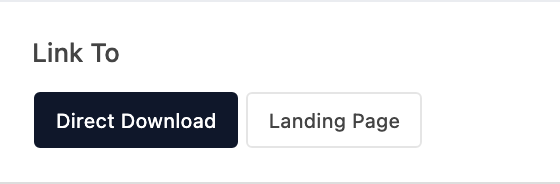
Where each file control goes.
- Direct Download defaultDownloads the assigned file.
- Landing PageOpens the documentation page.
