

Event Countdown
Usage
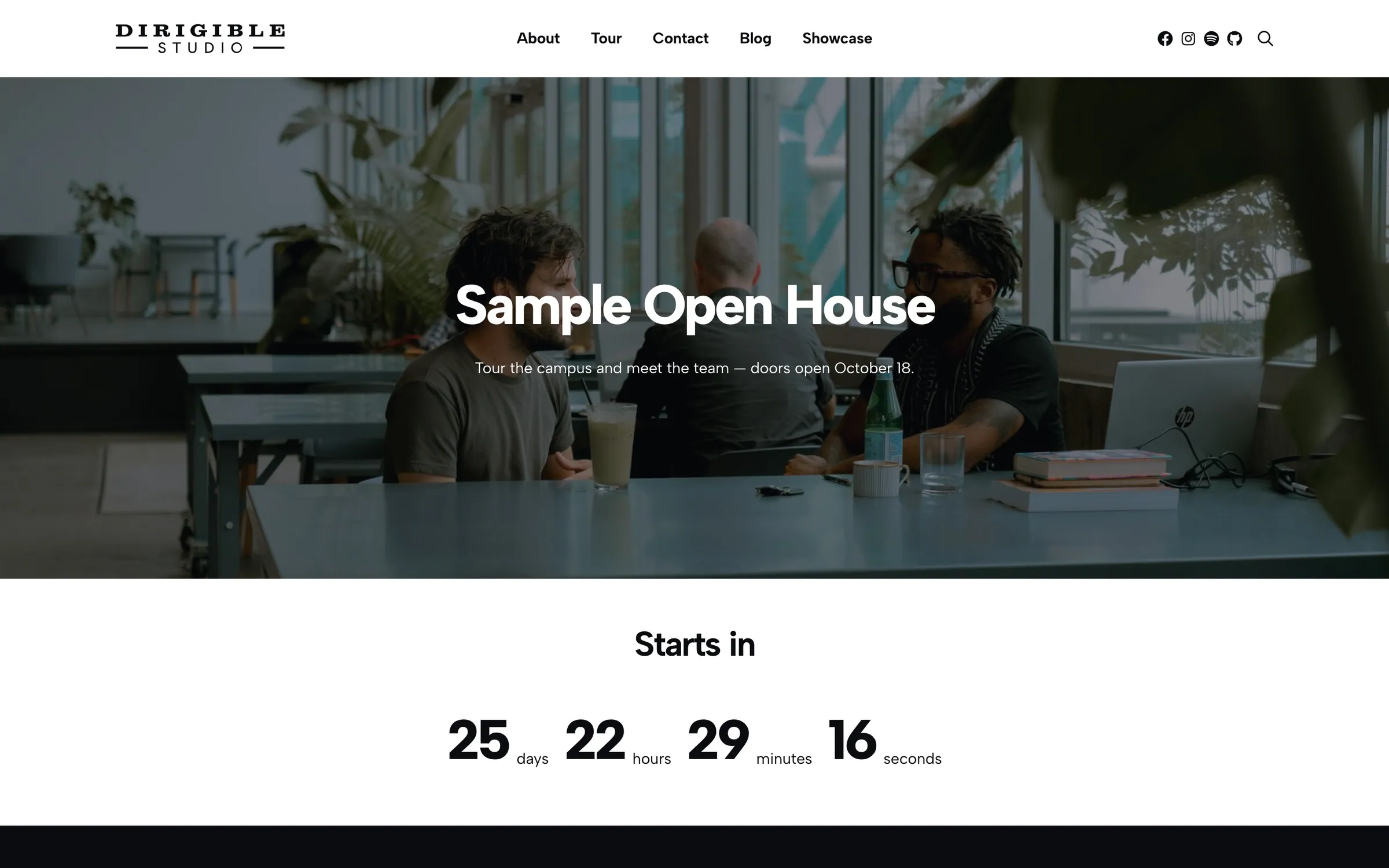
Event Countdown shows a live days, hours, minutes, and seconds countdown to one event's Starts date. Use it on a landing page or hero ahead of a show, launch, or registration deadline.
Where the Events block lists many events, the countdown promotes the one you pick in the sidebar.
Settings
- Justification — Left, Center, or Right alignment
- Display — Stacked (numbers above labels) or Inline (side by side)
- Number Display Style — text style for the numbers (default h1)
- Label Display Style — text style for the unit labels (default p)
- Event — the event to count down to (required). The list shows upcoming events, soonest first, with their dates so repeat occurrences are easy to tell apart. Type part of a title to search.
Front-end behavior
The countdown ticks every second and stops at zero when the event starts.
Block width
Event Countdown supports Wide (default) and Full alignment.
Tips
- Pick an event with a future Starts date. Past events drop out of the list and a countdown already set to one just shows zeros.
- For a recurring event, each date is its own entry — pick the specific occurrence you're counting down to.
- Add a button to the event page below the countdown so visitors can get tickets and details.
Settings
Countdown
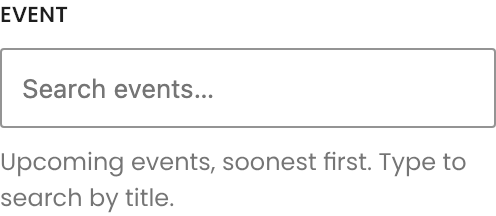
Lists upcoming events soonest first, with dates, so each occurrence of a recurring event is its own entry. Type to search by title. The countdown runs to the event's start time and stops at zero once it passes.
Stacked puts each unit in a column. Inline lines them up in a row, which suits hero banners.
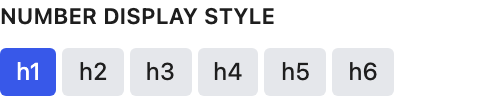
Text style for the numbers (default H1).
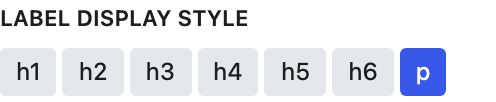
Text style for the Days, Hours, Minutes, and Seconds labels.
