

Single Event
Usage
Single Event is the block every event page is built in. New events open with it already in place and it can't be removed, so the event header and details always look consistent. Everything inside it is yours to edit.
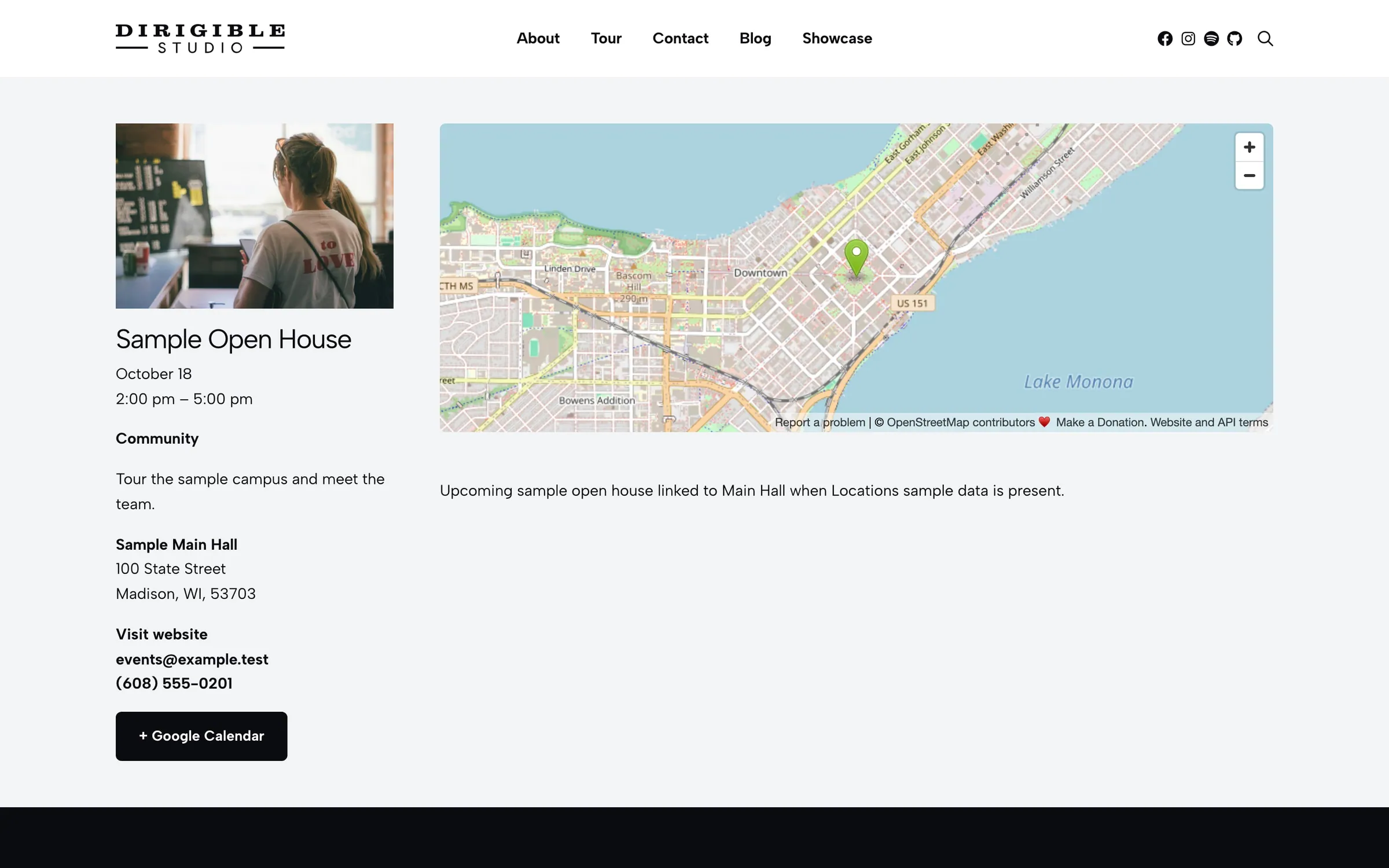
Visitors reach this page from Events listing blocks. The block shows the title, dates, venue details, an optional map and ticket links, then whatever blocks you add inside.
Layouts
Choose Layout in the block sidebar, or select Change on the layout bar at the top of the event in the editor. Each layout has a small drawing of the page. New events start with Default Single Template from Events → Settings.
- Sidebar (Customizer default) — event details in a column beside your content
- Default / Simple — single-column header and body
- Billboard — large hero header
- Article — magazine-style layout with optional Header Align (Wide or Default)
- Details Right — Sidebar mirrored: your content on the left, the photo and details in a column on the right
- Photo Banner — the photo across the page, dimmed, with the title and date over it; the other details in a row below. Without a photo, the title sits on the background
- Centered — the photo, title and every detail centered in one column, then your content. The photo is cropped to 16:9 so the title stays near the top; choose None under Photo → Aspect Ratio to show it whole
- Details Bar — the title, then the date, venue, cost and contact in a row of columns (stacked on phones), then your content. No photo; columns with nothing in them are left out
- Poster — the photo whole, at its own shape (a gig flyer), beside the details
- Series — for a recurring event: the repeat rule in words ("Every week on Saturday") and the upcoming dates, each linked to its own page. Dates that pass drop off the list on their own. An event that doesn't repeat shows just its date
- Freeform — only what you build inside the block. The event's date, venue and other details still reach event lists, the calendar and search engines
- Lineup — a gig poster: the date and title, then the performers (from Lineup in the event's sidebar) with the first one large as the headliner, then the venue and tickets, all centered
- Box Office — the title, photo and details beside a tickets card with the cost, the buy button (tickets sold on this site) or a Get tickets button to the event's Ticket URL, and the calendar link
- Video Hero — the video across the top (the photo when there's no video), then the details
- Map Split — the map on one half of the page and the details on the other
Every layout shows a notice at the top when the event's Status is Cancelled, Postponed, Rescheduled or Moved Online. While it's Scheduled, the Status sits in the bar at the top of the event in the editor, under the layout; select Change there to set it.
Under Style in the block sidebar (not shown for Freeform, which has only your content):
- Title Style — text style for the event title (default h3). Also Edit on the title in the editor
- Background — the color behind the event header (default Gray)
- Text Color — Dark or Light text on the background. Choosing a background picks the one that reads better; you can change it after. Background and Text Color are also on the round brush button at the top right of the event in the editor
Settings for one part of the event live with that part: select Edit on it in the editor, or on its row under Event Details in the sidebar.
- Photo → Aspect Ratio — the shape the photo is cropped to, in layouts that crop it
- Date & Time → Show Time — show start and end times (default on)
- Short Description → Show Excerpt — show the short description on the event page
Your content
Add paragraphs, photos, columns, embeds, or any Dirigible block inside Single Event. New events start with a placeholder paragraph.
The header fills itself in from the event's fields (Starts, venue, tickets, map embed), so you don't need to repeat dates or addresses in the body. In the editor, each part of the header has an Edit button that opens its fields; see Post Types → Events.
What goes where
| Put it in | What it's for |
|---|---|
| Starts / Ends | Listings, the calendar, and search results |
| City, State, Venue | Addresses on listing blocks and maps |
| Excerpt | Short copy on Events cards (door time, lineup) |
| The block content | Photos, long descriptions, embeds, ticket calls to action |
Block width
Single Event defaults to Full width alignment.
Tips
- Set the default layout under Customizer → Events → Events Single Template, then change Layout on any event that needs something different.
- Pair with Event Countdown on a landing page to promote one upcoming date.
Settings
Layout
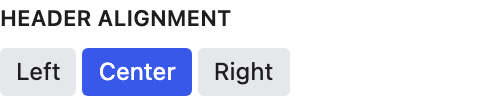
Appears when Layout is Article. Wide stretches the header across the content area.
Style
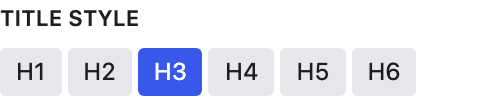
Text style for the event title (default H3).
