

Events by Location
Usage
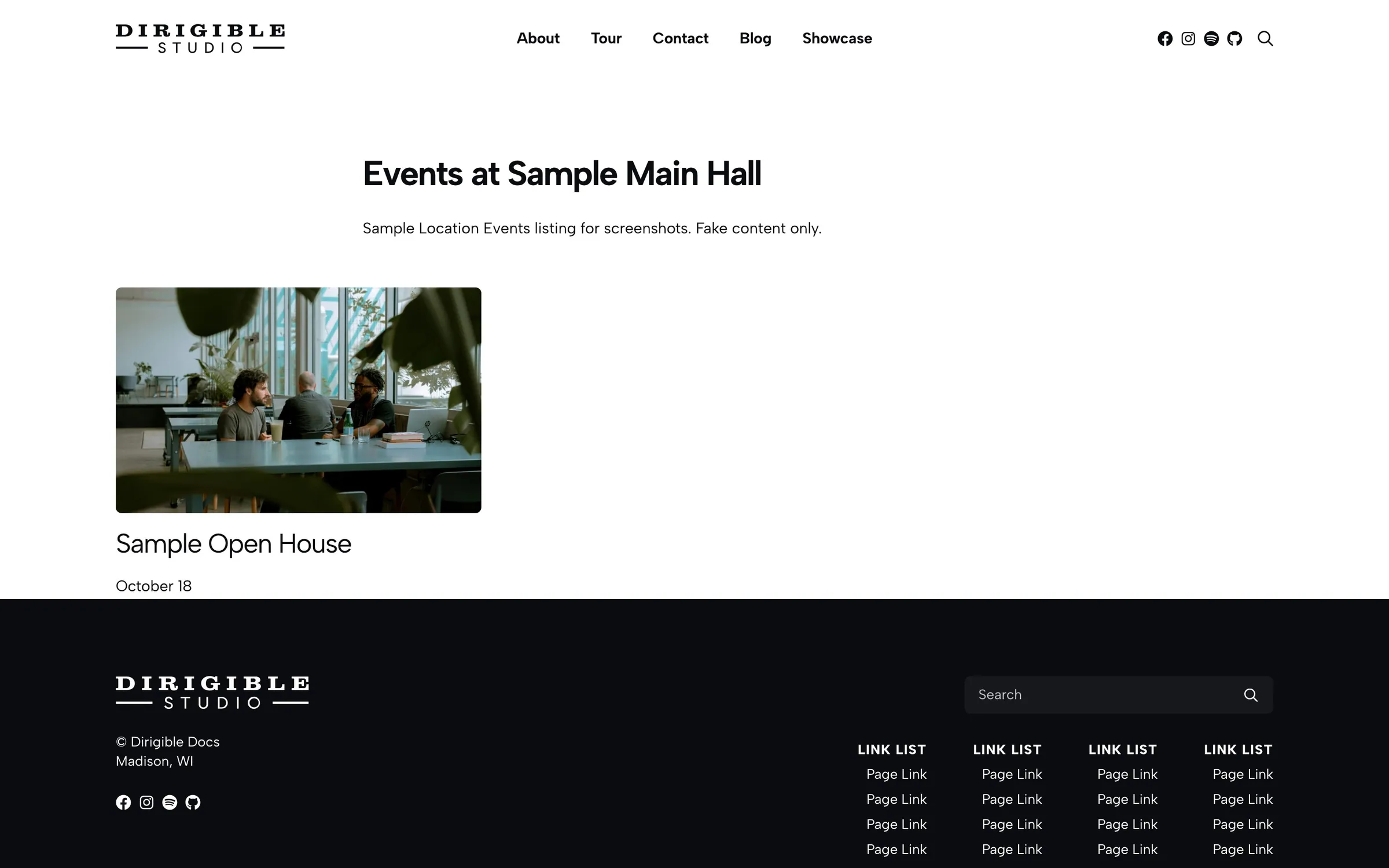
Events by Location lists the events linked to one location from Dirigible Locations. It's only available when that plugin is active.
Put it on a venue, branch, or campus page to answer "what's happening here?"
For category filters or a list across all venues, use the Events block instead.
Settings
Content
- Location — the location to show events for (required)
- Display — Default (Ongoing & Future) (default), Ongoing, Past, Future, or All
- Display As — List, Cards (default), Mini, or Agenda (the Events block's dated list, see below)
- Columns — when Display As is Cards or Mini
Appearance
The same styling controls as the Events block: title style, image and aspect ratio, excerpt, link style and text, spacing, and address fields. Excerpt and link start hidden to keep location pages compact.
Agenda
Agenda is the Events block's dated list for this location's events: a date badge (weekday and day), the time, the title, the excerpt, a ticket line, and the image, grouped under month headings. Every event here is at this location, so the venue name isn't repeated and the Address choice starts at Hide; pick Full or Choose Parts to print it. The Agenda panel has Month Separators, Image Position, Excerpt Length, and Show Tickets / Ticket Link Text, as on the Events block. The search, category and date filters and paging are only on the Events block.
Block width
Events by Location supports Wide (default) and Full alignment.
Tips
- Link each event to its location with the Location field in the event's Event Information panel.
Settings
Location Events
Required. Shows only events linked to this location.
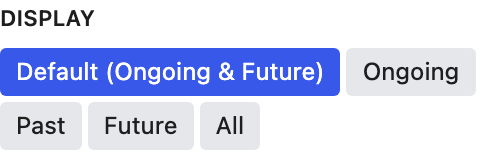
Default shows ongoing and upcoming events.
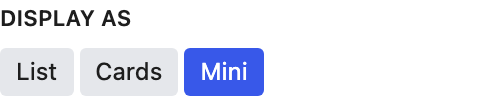
Cards suits a location page. Mini fits narrow sidebars. Agenda is the Events block’s dated list (month separators, date badge, time, excerpt, image and ticket line) for this location’s events.
Items per row when Display As is Mini.
Appearance
Mini lists often use Small or Hidden so the dates stand out.
Mini uses Small by default. Pick a heading size when the date matters most.

Crops event photos to one shape so cards line up. None keeps each photo's original shape.
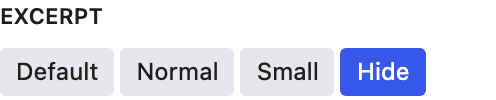
The excerpt is a good place for door times, lineups, or ticket notes.
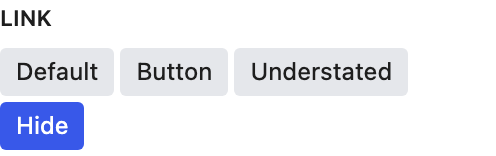
Hide the link when the whole card is already clickable.
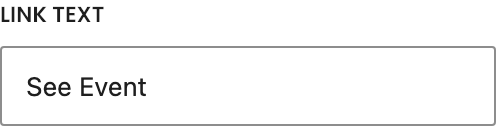
Default "See Event."

Makes the whole card clickable. The link text still shows unless Link is hidden.
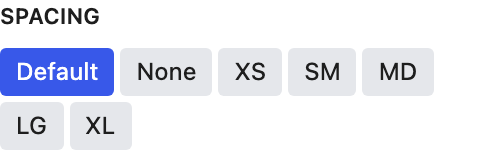
Space between events.
Agenda only. Every event here is at this location, so the address is off by default; Full prints the street, city, state and zip, and Choose Parts uses the Show Street / City / State / Zip toggles.

Shows the venue location under each date.

Appears when Show Address is on.

Appears when Show Address is on.

Appears when Show Address is on.

Appears when Show Address is on.
Agenda
Agenda only. A month heading (October 2026) above the first event of each month.
Agenda only. Which side of the text the image sits on at desktop widths; on phones it sits above the text.
Agenda only. How many words of the excerpt to show when Excerpt isn’t hidden; 0 shows the whole excerpt.
Agenda only. A ticket line under the excerpt: the Ticket URL as a link, the Cost field or Free, and for tickets sold on the site the price and how many are left.
Agenda only. The ticket link’s wording. An event’s own Buy button text, set in its Ticketing panel, wins.
