

Document
Usage
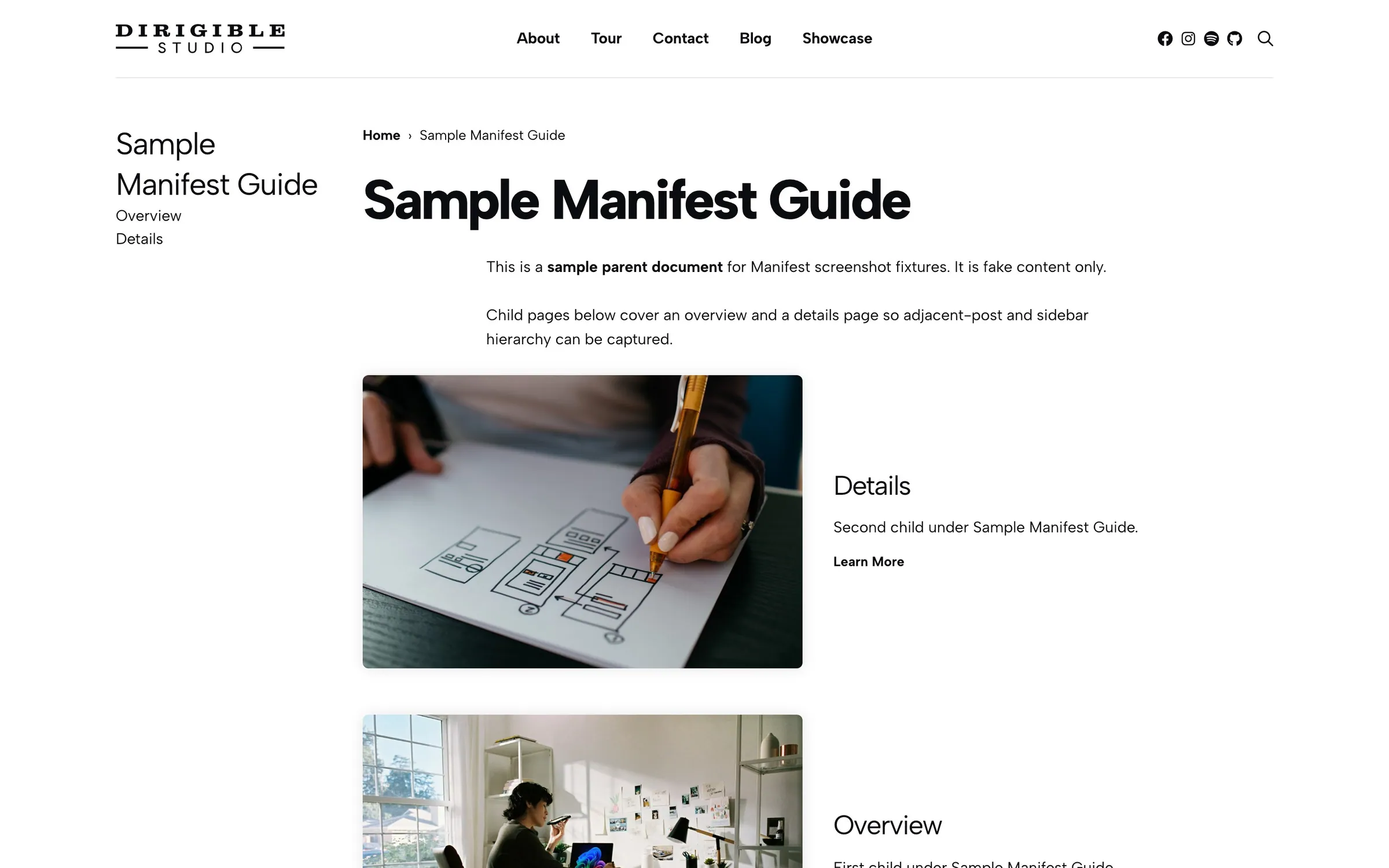
Every Document already includes this block. You cannot remove it, and you do not add it to ordinary pages. Open a document, select the Document block, and use the sidebar to set the tree, trail, child list, and bottom links.
Write in the inner blocks (starter paragraphs are placeholders). Nest documents with Page Attributes → Parent. Site-wide permalink and heading styles live under Manifest → Settings.
When to use it
Use these controls when you edit a handbook or documentation page. Turn on Enable Page Nav for index pages that should link to every top-level document. Turn on List Children for section pages that introduce the pages underneath.
Tips
- Set List Children on before Children List Layout appears. Use List when the next pages need a photo or clip; use Grid for a compact index.
- Set Enable Page Nav on before Page Nav Headline appears. That grid lists all top-level documents, not only this branch.
- Sidebar Heading and Adjacent Posts Style under Manifest → Settings change how those labels look. They do not change heading levels in the page outline.
Settings
Single Document Block
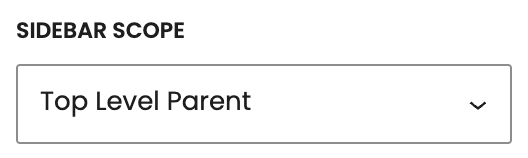
Which documents appear in the sidebar list. On small screens the same list collapses under the page title.
- Top Level ParentThis branch from the top-level parent (or this document if it has no parent).
- Closest ParentDocuments under the immediate parent — this page’s siblings and their children.
- AllThe full document tree, not just this branch.

Previous and next links under the content. Style those links with Adjacent Posts Style under Manifest → Settings.

Hides the trail (Home, then each parent, then this document) above the title.

Cards for this document’s direct children. Turn this on to reveal Children List Layout.
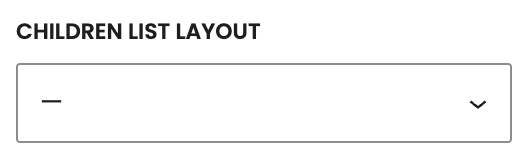
How those child cards look. Set List Children on first.
- GridTitle and excerpt tiles.
- List defaultImage or video beside the title and excerpt. Featured video wins over the featured image.

A bottom grid of every top-level document, not just this branch.
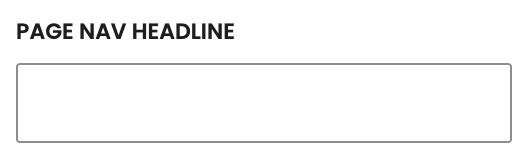
Heading above that grid (default Up Next). Set Enable Page Nav on first. It prints as an H2.
