

Snippet
Usage
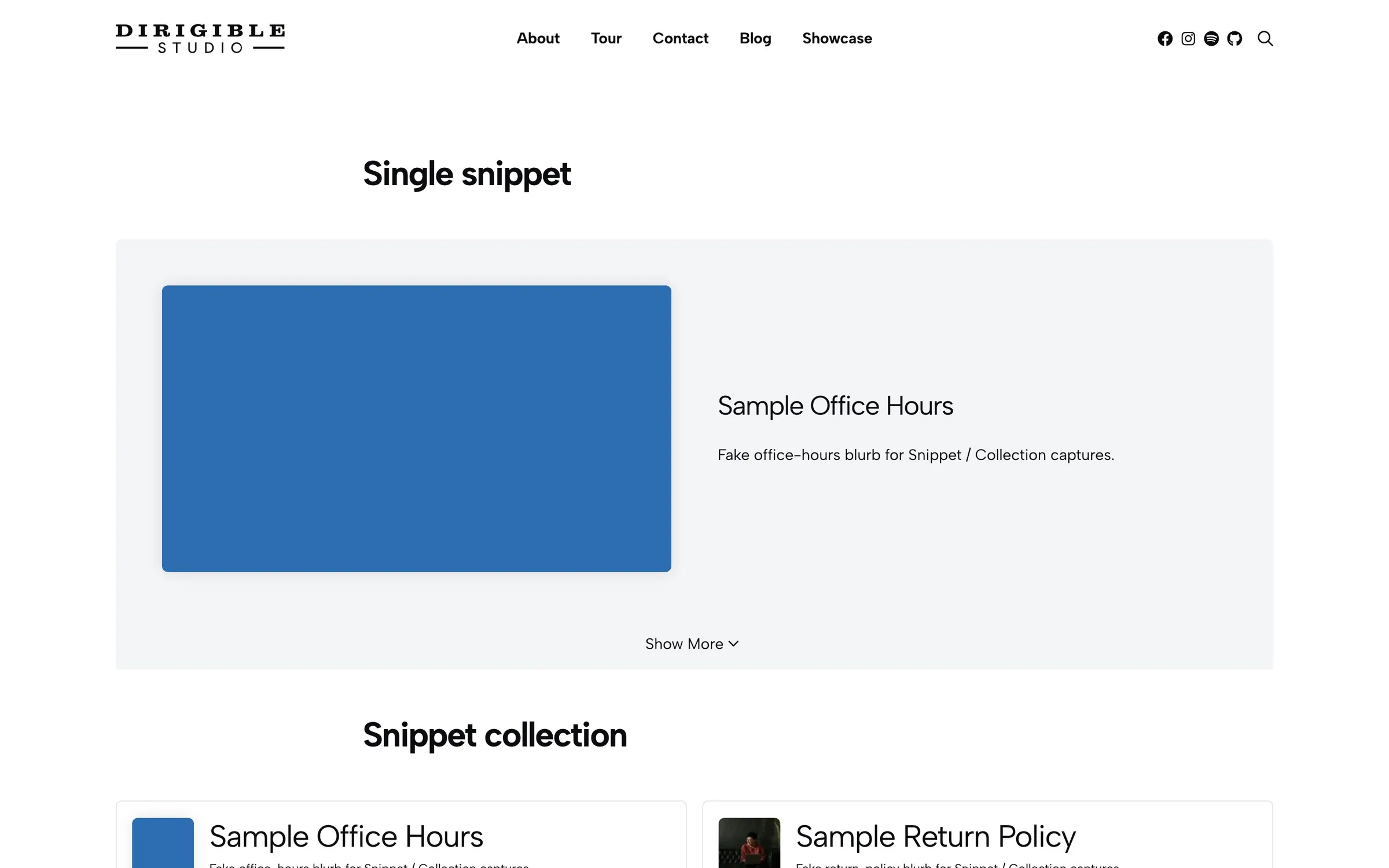
Insert Snippet on a page and pick a published snippet in the sidebar. The block prints that snippet’s title, excerpt, media, and inner blocks. Custom Title, Custom Excerpt, and Custom Image change this placement only. The snippet itself stays the same.
Set Display to Snippet (media beside the title) or Inline (title and excerpt above the body). When Display is Snippet, Content can stay always visible or collapse behind Show More.
When to use it
Use it to place one piece of reusable content in the page, such as a policy blurb, a how-to, or a bio you already wrote under Manifest → Snippets. Use Snippet Collection when visitors should pick among several snippets.
Tips
- Set Display to Snippet before Content appears. Expandable only adds the Show More bar in that layout.
- Headlines and Excerpts change how the title and summary look. They stay an H2 and a paragraph; hidden removes that line.
- A featured video on the snippet wins over its featured image unless you set Custom Image.
Settings
Snippet
Which published snippet this block shows.
How the title, excerpt, and media sit relative to the snippet body.
- Snippet defaultMedia beside the title and excerpt, then the body underneath.
- InlineTitle and excerpt above the body. No media column, and no Show More bar.
Whether the snippet body stays visible. Set Display to Snippet first. Expandable adds a Show More / Show Less bar.
- Always ShowThe body is always visible.
- ExpandableThe body stays hidden until someone clicks Show More.
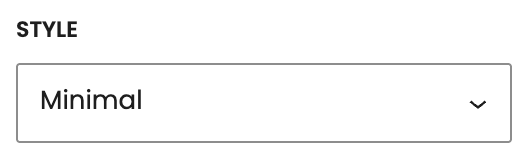
Frame around the snippet.
- MinimalNo extra border or background.
- WellTinted, padded box.
- CardBordered, padded box.
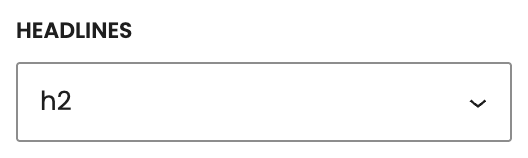
How the title looks. It stays an H2. Hidden removes the title.
- h1Looks like your site’s H1 style.
- h2 defaultLooks like your site’s H2 style.
- h3Looks like your site’s H3 style.
- h4Looks like your site’s H4 style.
- h5Looks like your site’s H5 style.
- h6Looks like your site’s H6 style.
- strongLooks like bold body text.
- pLooks like body text.
- hiddenHides the title.
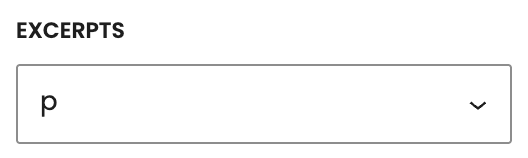
How the summary looks. It stays a paragraph. Hidden removes the excerpt.
- p defaultLooks like body text.
- smallLooks like small paragraph text.
- hiddenHides the excerpt.
Replaces the snippet’s title for this placement only.
Replaces the snippet’s excerpt for this placement only.
Replaces the snippet’s featured image for this placement. If empty, the snippet’s featured video is used, then its featured image.
