

Snippet Page
Usage
Every Snippet already includes this block. You cannot remove it, and you do not add it to ordinary pages. Open a snippet under Manifest → Snippets, then write in the inner blocks (the starter paragraph is a placeholder).
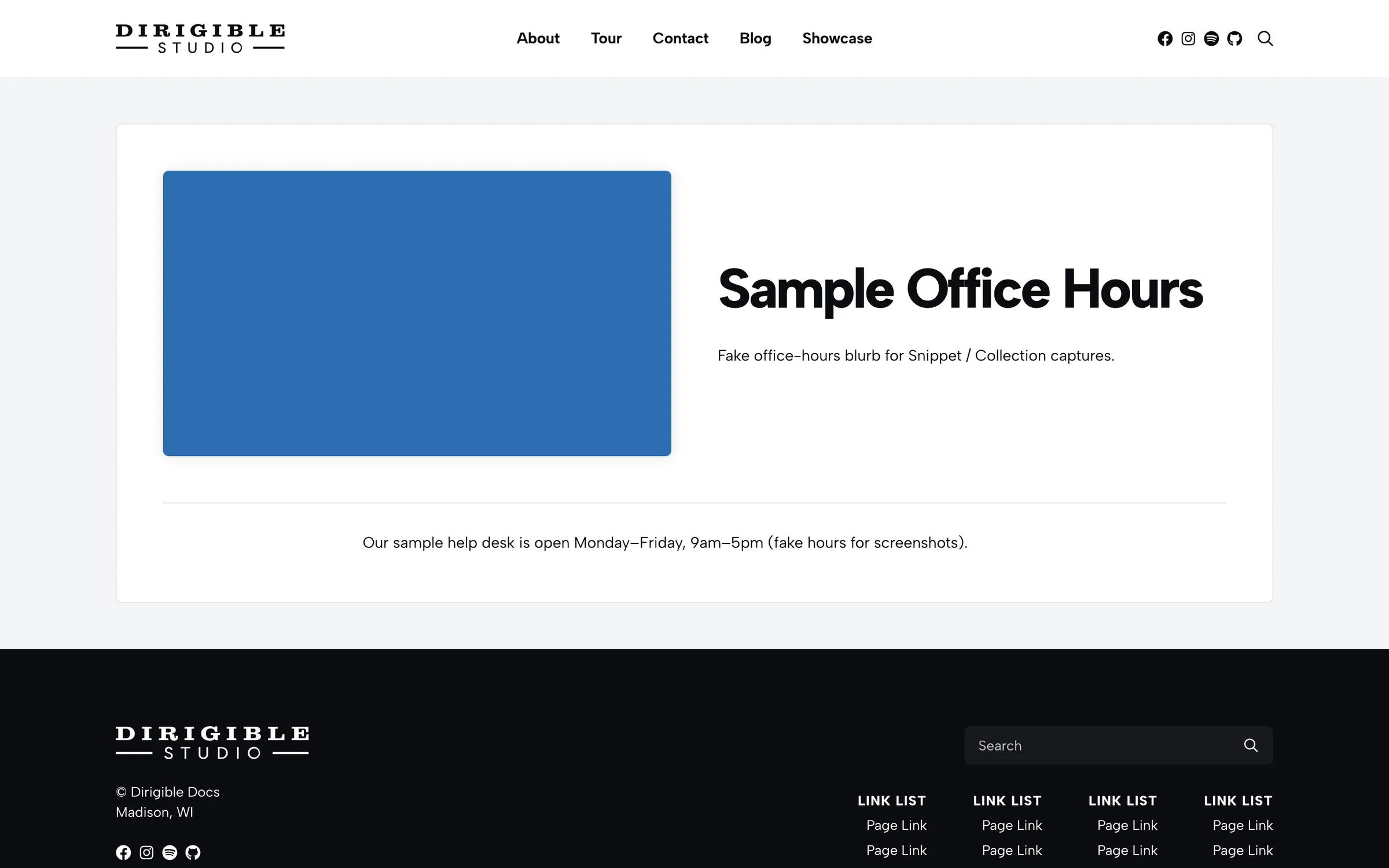
The snippet page shows the title, excerpt, and featured video or image, then your blocks. There are no sidebar settings on this block. Set the title, excerpt, and media on the snippet itself.
When to use it
Use it when you are writing a snippet, not when you are laying out a marketing page. To place a published snippet on a page, insert Snippet or Snippet Collection.
Tips
- Put the visitor-facing name in the title and a one-line summary in the excerpt.
- A featured video (MP4) is preferred over the featured image. The image can still be the video poster.
- Pages that embed the snippet stay in sync when you update this block.
Screenshots
Editor
-
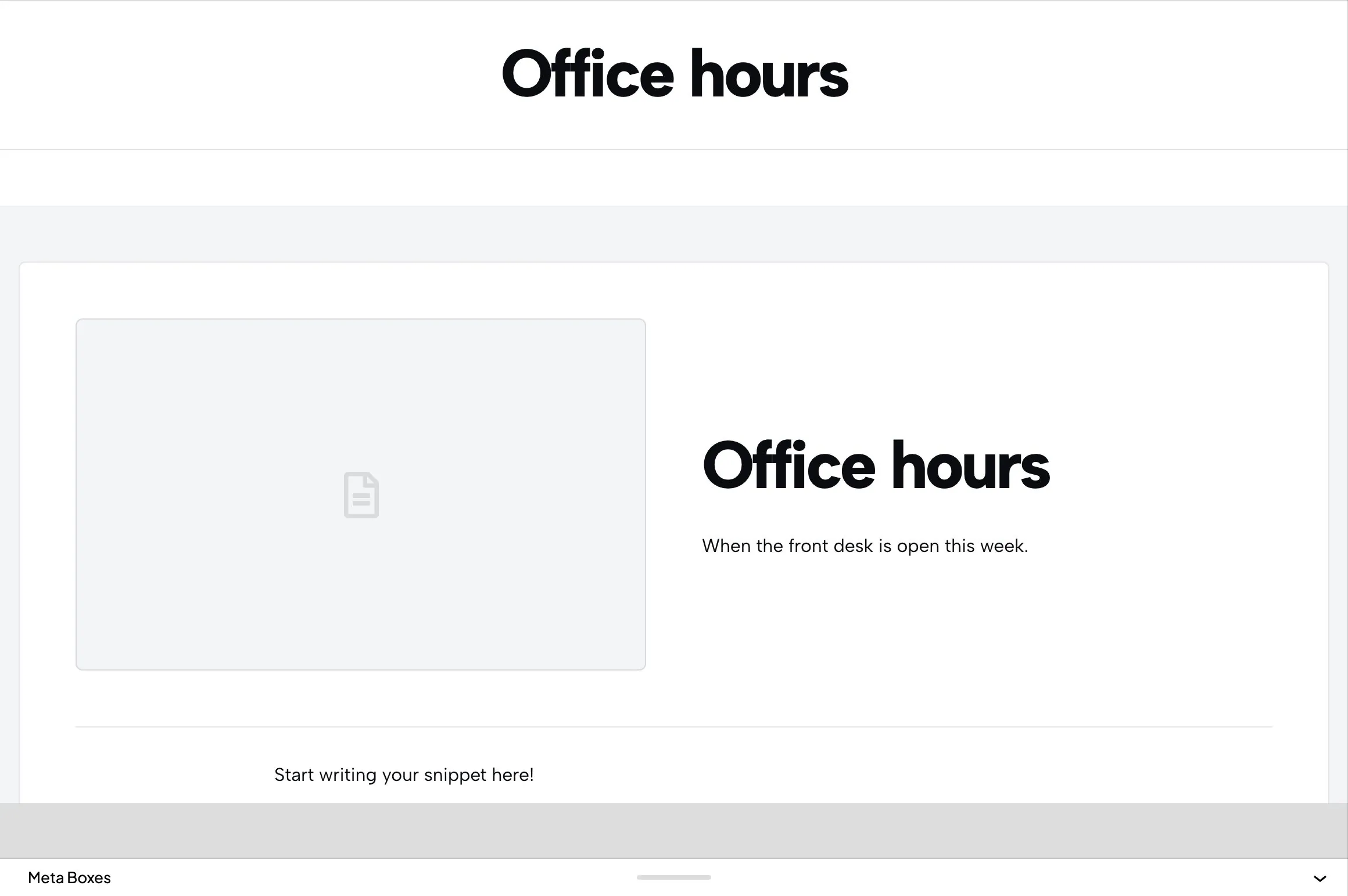
A snippet in the editor, with title, excerpt, and the locked Snippet Page layout.
