

Snippet Collection
Usage
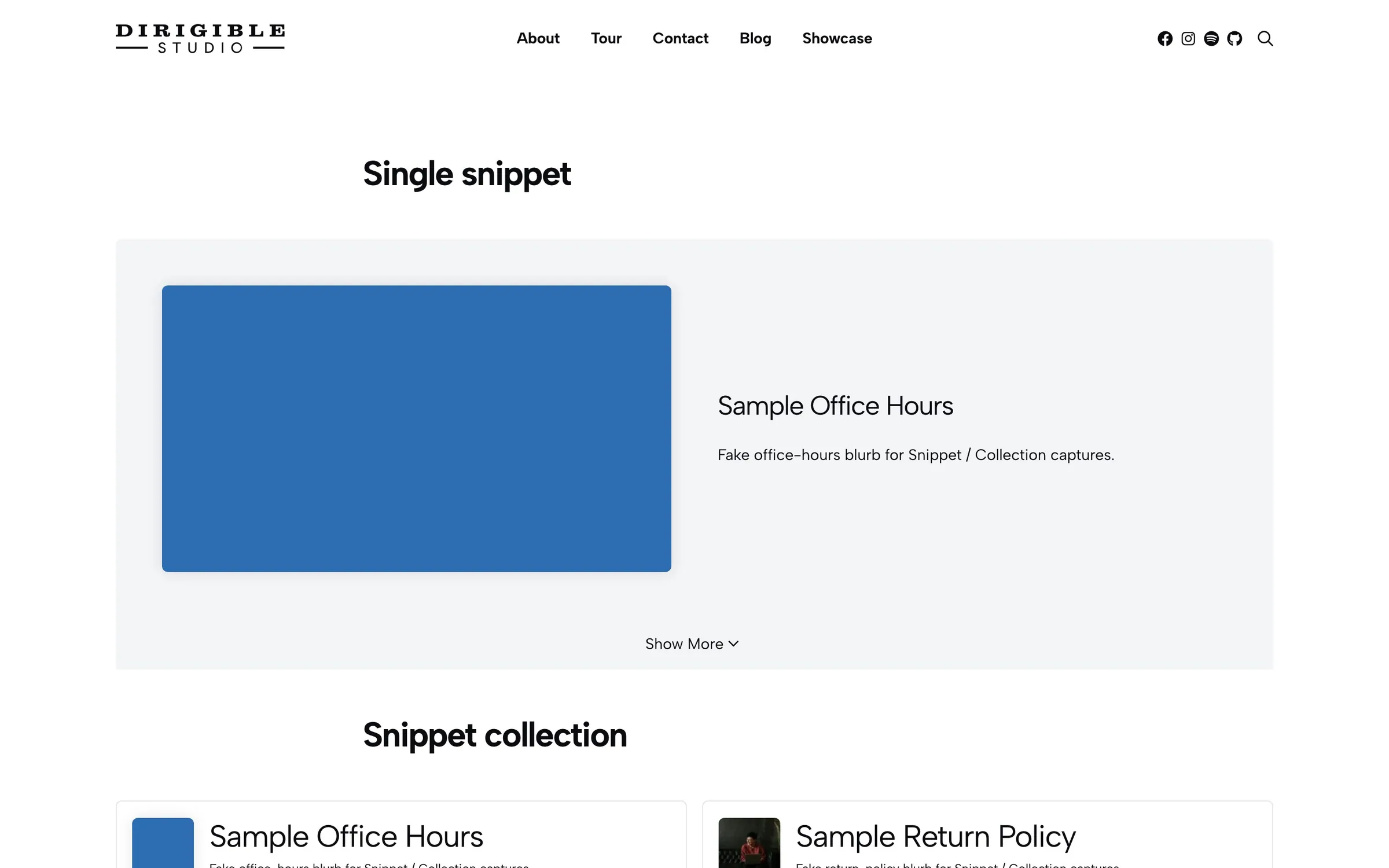
Insert Snippet Collection on a page. In the sidebar's Snippets panel, add a row for each snippet with Add Snippet, then pick the snippet. Move up, Move down and Remove reorder or drop a row. Optional Custom Title, Custom Excerpt, and Custom Image change that snippet for this placement only.
On the page, visitors click a tile to reveal that snippet’s body underneath. Click the same tile again to hide it.
When to use it
Use it when several related snippets belong together, such as service blurbs, product how-tos, or staff bios, and visitors should open one at a time. Use a single Snippet block when you only need one.
Tips
- Display styles the clickable tiles. Snippet Display styles the revealed body below.
- Set Headlines, Excerpts, and Images away from hidden before the matching custom fields appear on each row.
- Featured video on a snippet fills the tile when you leave Custom Image empty.
Settings
Snippet Collection
How the clickable tiles look.
- MinimalNo extra border or background until hover.
- WellTinted, padded tiles.
- Cards defaultBordered, padded tiles.
How the revealed snippet body looks underneath the tiles.
- MinimalNo extra frame around the body.
- WellTinted, padded box.
- Cards defaultBordered, padded box.
How many tiles sit in a row on wide screens.
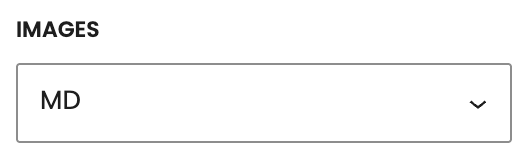
Thumbnail size on each tile. Hidden removes the image. Custom Image appears on each row unless this is hidden.
- SMSmall square thumbnail.
- MD defaultMedium square thumbnail.
- LGLarge square thumbnail.
- XLExtra-large square thumbnail.
- XL-altA wide rectangle instead of a square.
- hiddenHides tile images and the Custom Image field.
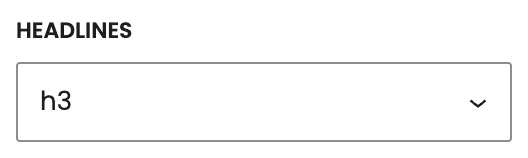
How the tile title looks. It stays an H3. Hidden removes the title and the Custom Title field.
- h3Looks like your site’s H3 style.
- h4Looks like your site’s H4 style.
- h5Looks like your site’s H5 style.
- h6Looks like your site’s H6 style.
- strongLooks like bold body text.
- pLooks like body text.
- hiddenHides the title.
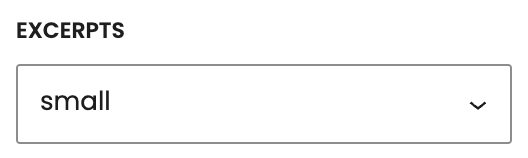
How the tile summary looks. It stays a paragraph. Hidden removes the excerpt and the Custom Excerpt field.
- pLooks like body text.
- small defaultLooks like small paragraph text.
- hiddenHides the excerpt.
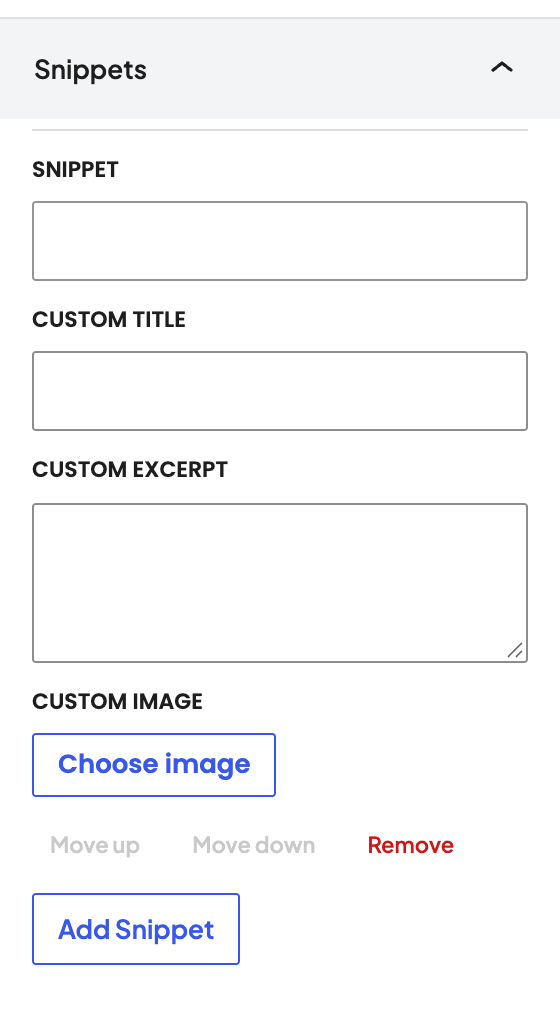
The snippets in this collection. Add a row, pick a snippet, then optionally override its title, excerpt, or image for this placement.
Which published snippet this row shows.
Replaces that snippet’s title on the tile. Set Headlines away from hidden first.
Replaces that snippet’s excerpt on the tile. Set Excerpts away from hidden first.
Replaces that snippet’s featured image on the tile. Set Images away from hidden first.
