

Knowledgebase
Usage
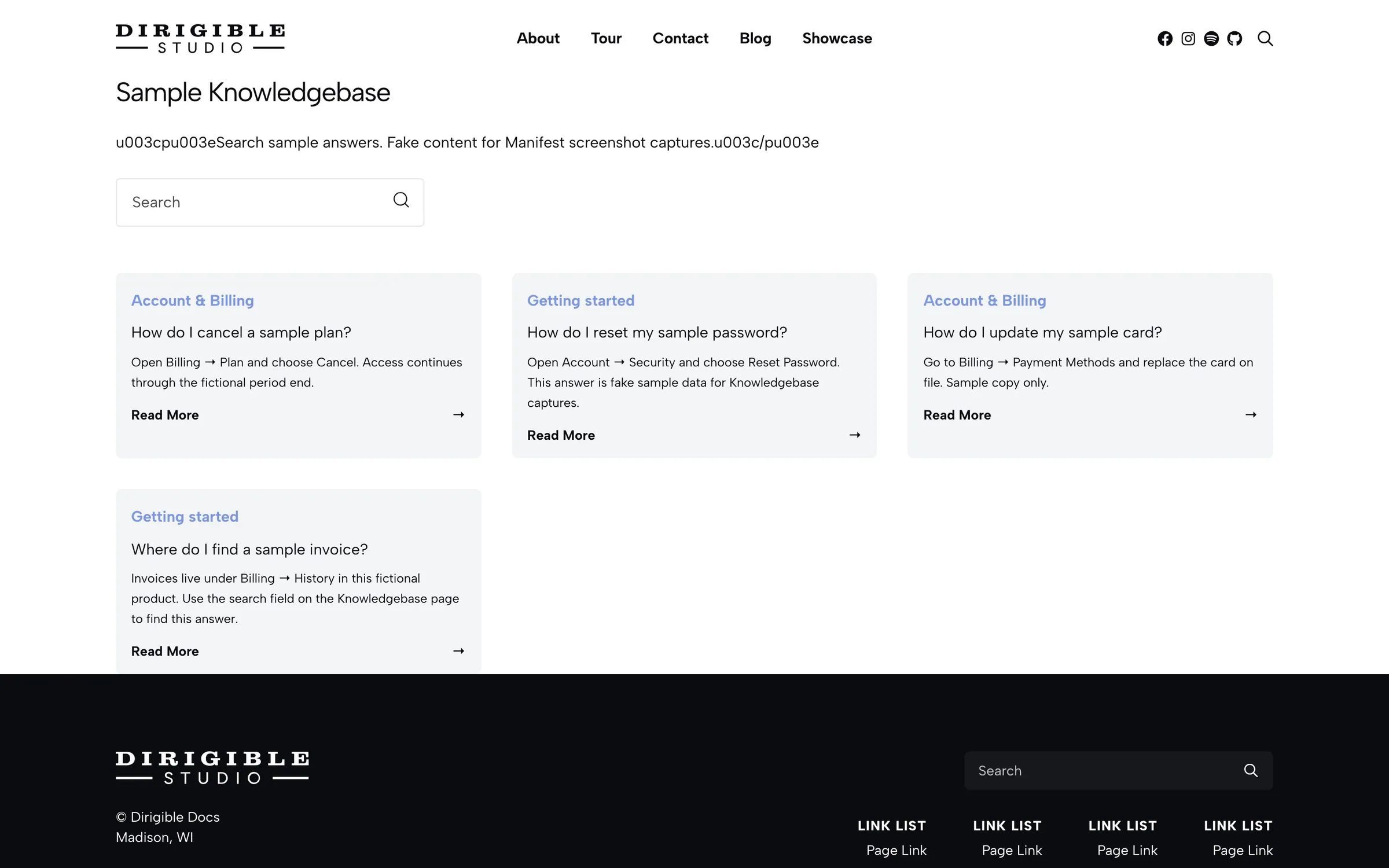
Insert Knowledgebase on a page. Set Title and an optional Description. Leave Category empty to list every published answer, or check the categories to include.
The block shows a search field and answer cards A–Z by title. Each card shows the answer's categories, its title, a short excerpt, and a Read More link to the full answer. Images, videos and embeds appear only on the answer's own page. You can place only one Knowledgebase block on a page.
The card excerpt is the answer's own excerpt when it has one. Otherwise the card shows the first sentence or two of the answer text. To write your own, edit the answer, open the Answer tab in the sidebar and click Add an excerpt… under the title.
Search matches words in the title, the categories, the excerpt, and anywhere in the answer text.
Set Knowledgebase Page to this page under Manifest → Settings so each answer links back to it.
When to use it
Use it as the public knowledge-base home. Prefer Knowledge Base FAQ when answers should sit beside other page content as a compact accordion.
Tips
- The search field is part of the block. There is no sidebar control for the placeholder or the empty-search message.
- Write an excerpt when the answer opens with an image, a video or a heading, so the card still reads well.
- Assign every answer a category so Category checkboxes and answer sidebars have something to group.
- Add this page to your menu. There is no built-in
/knowledgebase/page.
Settings
Knowledgebase
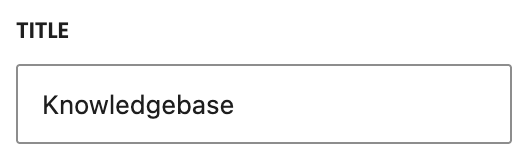
Heading above the search field (default Knowledgebase). It prints as an H1 styled like an H3.
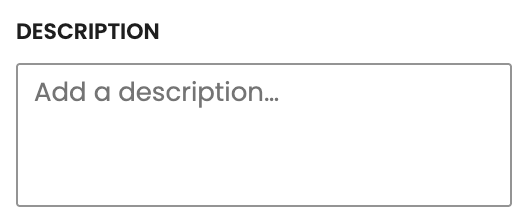
Optional intro under the title, before the search field.
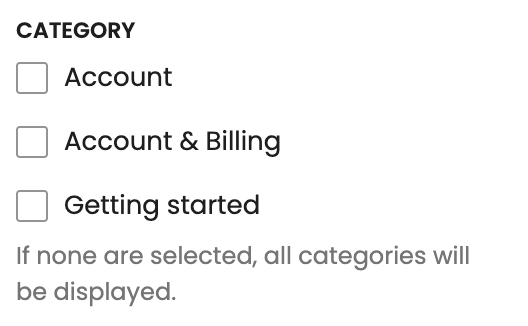
Which answer categories to list. Leave empty to show every published answer.
