

Knowledge Base FAQ
Usage
Insert Knowledge Base FAQ on a page, or inside a Section or Columns. Leave Category empty to include every published answer, or check the categories to include.
Each answer is a row you can open. FAQ Body chooses whether the open panel shows the excerpt (with a Read More link) or the full answer. Search filters the list as you type. It matches words anywhere in an answer, even when the rows show only the excerpt.
When to use it
Use it beside other page content, such as a help column or an FAQ section under a product. Use Knowledgebase when you need a full-page index with answer cards.
You can place only one Knowledgebase block on a page. You can place more than one FAQ.
Tips
- Set FAQ Body to Excerpt if you want Read More Text to appear. Content prints the full answer and skips that link.
- Card is a padded well. Inline is a divided list.
- Header Style changes how the question looks. It stays an H3.
- The block also describes its questions and answers to search engines (FAQ structured data), using each answer's full text rather than the excerpt. It updates on its own when you edit an answer.
Settings
Knowledgebase FAQ
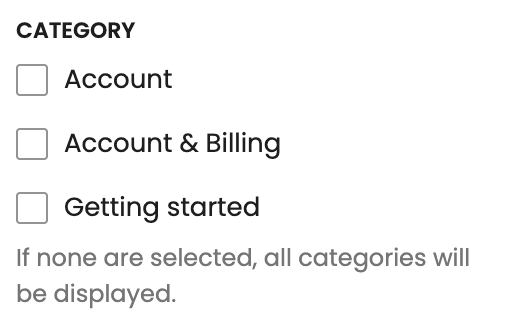
Which answer categories to list. Leave empty to show every published answer.
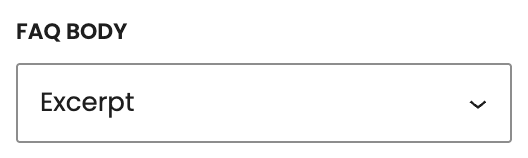
What opens when someone expands a question.
- Excerpt defaultThe answer excerpt, plus a Read More link to the full answer.
- ContentThe full answer in the panel. No Read More link.
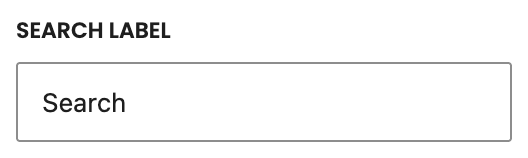
Placeholder on the search field (default Search).
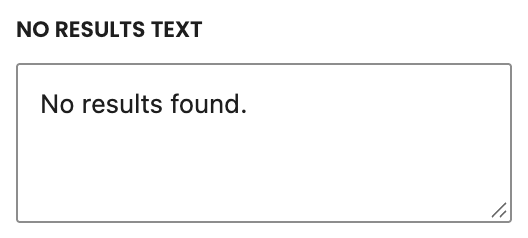
Message when search finds no matching questions (default No results found.).
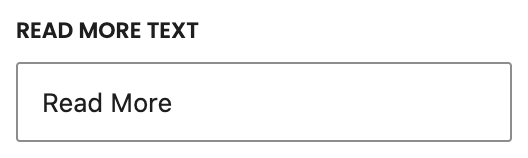
Label on the link to the full answer (default Read More). Used when FAQ Body is Excerpt.
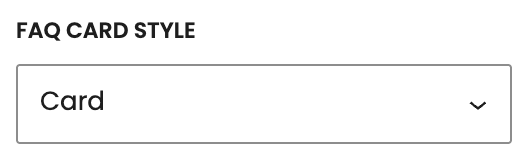
How each question row looks.
- Card defaultPadded, tinted wells.
- InlineA divided list with a line under each row.
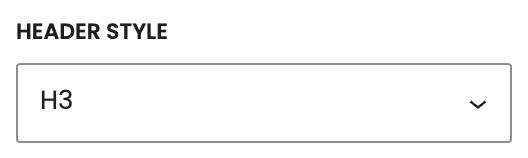
How the question looks. It stays an H3.
- H1Looks like your site’s H1 style.
- H2Looks like your site’s H2 style.
- H3 defaultLooks like your site’s H3 style.
- H4Looks like your site’s H4 style.
- H5Looks like your site’s H5 style.
- H6Looks like your site’s H6 style.
- strongLooks like bold body text.
