

Speed settings and when to change them
Dirigible's speed settings start on sensible defaults, so most sites never touch them. Change one only when a plugin stops working, italic text flashes in, or images are slowing pages down. Change one setting at a time, then test forms, the cart, the pop-up, and the header.
These settings affect the public site, not the WordPress admin.
A plugin stopped working. Is it jQuery?
Many plugins (sliders, form add-ons, carts) rely on jQuery, a script library. Dirigible Optimize loads it in a faster way, which can upset an older plugin. The quickest test: deactivate Dirigible Optimize under Plugins, reload the broken page, and see if it works. Deactivating Optimize puts jQuery back the way WordPress ships it.
If that fixes it, turn Optimize back on and change only the jQuery setting:
Click Optimize in the WordPress admin menu, just above Dirigible.
Find the jQuery card.
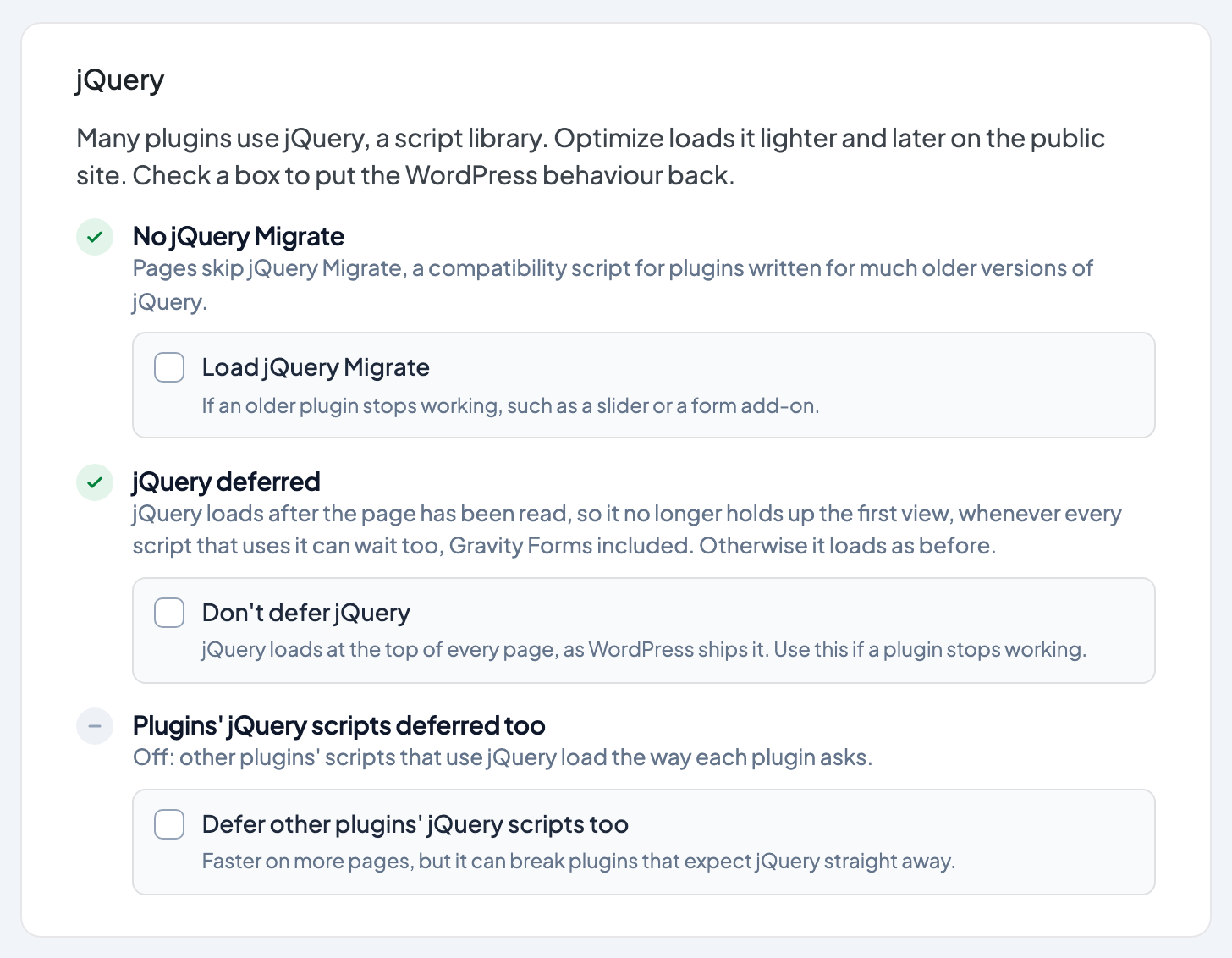
Check Don't defer jQuery. It saves straight away.
Retest the thing that broke. If it still fails, also check Load jQuery Migrate, a compatibility script some older plugins need.
Defer other plugins' jQuery scripts too is off by default. If you turned it on and something broke, uncheck it first.
Pages cached before the change keep the old behavior until the cache clears. On Rocket.net, purge the site's cache after saving. Details: Optimize Settings → jQuery.
These settings used to be Remove jQuery Migrate and jQuery Defer under Appearance → Customize → Scripts & Embeds → Performance. They only still appear there on a site running an older Dirigible Optimize, and they go away once Optimize updates. Each site keeps what was chosen there.
Are my images making pages slow?
Large photos are the most common reason a page loads slowly. With Dirigible Optimize active, new uploads are compressed and very large ones resized automatically.
For images uploaded before Optimize was installed:
Click Optimize in the admin menu.
On the Images card, click Compress older images. It runs in the background with a progress bar.
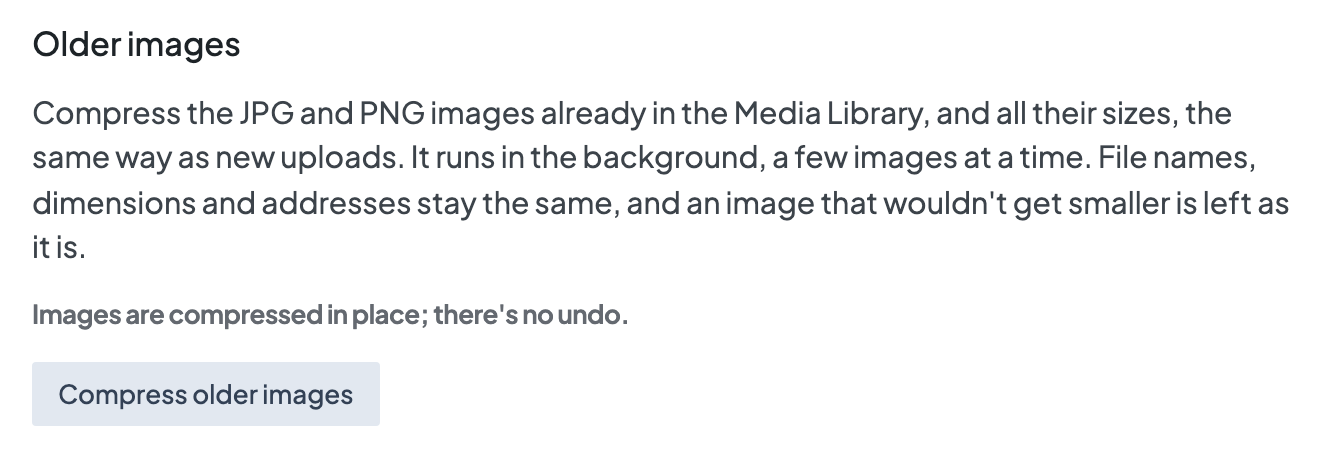
If another image optimization plugin is active, the card says so and Optimize leaves images to that plugin. For sizes and formats to upload in the first place, see Best image size and format for your website. Details: Images and PDFs.
Why do fonts flash or show up late?
Two settings under Appearance → Customize → Settings → General control how fonts load:
| Setting | Default | When to change it |
|---|---|---|
| Font Preload | On | Starts loading Dirigible Fonts early so they appear faster on the first visit. Turn it off only while troubleshooting font loading. |
| Load Italic Early | Off | Loads italic font files with the main stylesheet. Turn it on if italic text appears late or flashes on first paint. |
Extra Google or Adobe families load from Scripts & Embeds → Embed Fonts, not from these settings. See Using Google Fonts or Adobe Fonts.
Should tracking load later to speed up the page?
Tracking Load Strategy, under Appearance → Customize → Scripts & Embeds → Analytics & Tracking, has two options:
- After Page Load (default): tracking starts once the page finishes loading.
- First Interaction: tracking waits until the visitor first clicks or scrolls.
Keep After Page Load unless you have a specific reason. With First Interaction, a visitor who leaves without clicking or scrolling isn't counted, which skews bounce rate and visit counts. ID-based tracking also waits for the cookie banner when that's on.
Don't move tracking into Custom Embeds to make it "faster". Those snippets ignore this setting and the cookie banner. See Add scripts and chat widgets to your site.
What to test after a change
- A page with a Gravity Form.
- A page with the site pop-up, if it's on.
- Checkout, if you use WooCommerce.
- The header and mobile menu.
- A page with italic headings or body text, if you changed a font setting.
Test logged out or in a private window. If nothing seems to change, see Fix WordPress changes not showing on your site.
