

Create a mega menu
A mega menu is a large dropdown panel that opens from a link in your header. To make one, build the panel with blocks under Mega Menus, then add it to a WordPress menu under Appearance → Menus. Visitors only see it through that menu; it has no page of its own. Requires the Dirigible Mega Menu plugin.
Build the mega menu
Go to Mega Menus → Add New Mega Menu.
Enter a title. This becomes the link text in your navigation.
Edit the starter blocks or replace them.
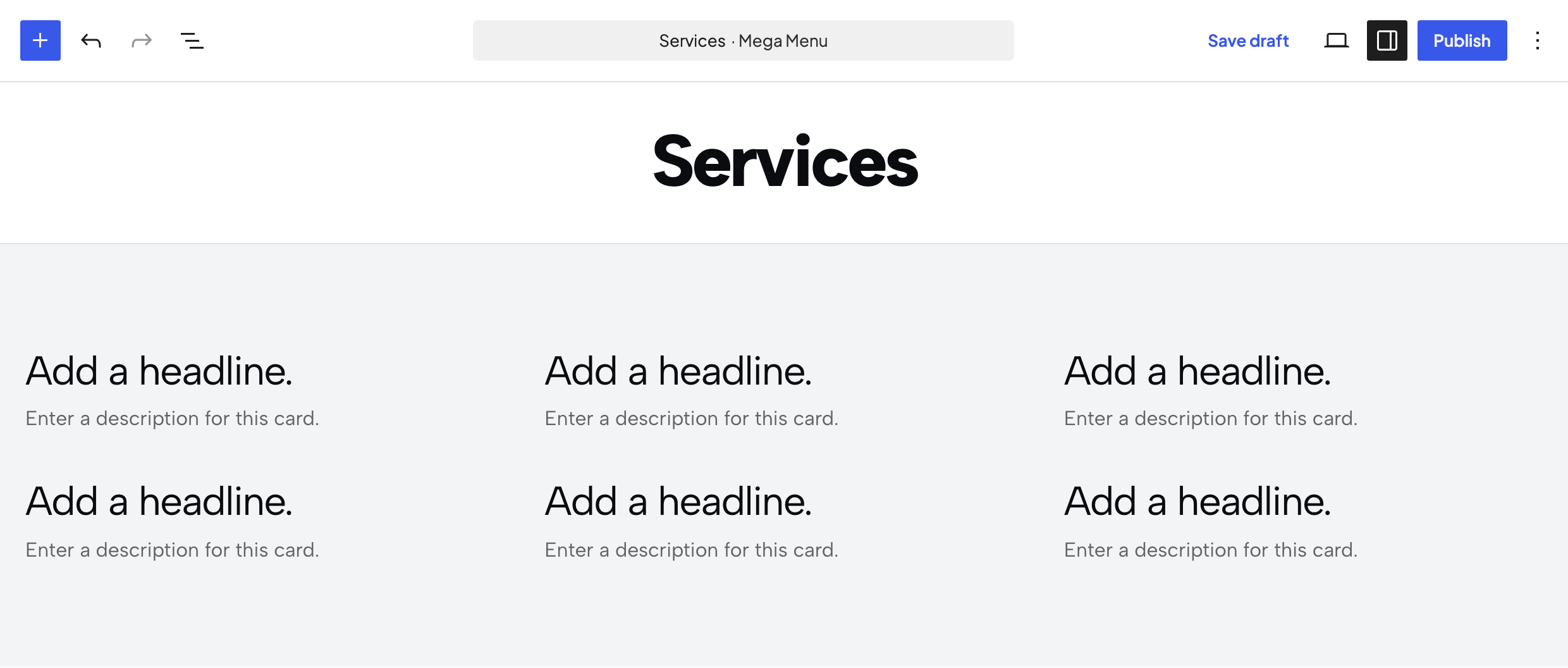
Click Publish.
New mega menus start with a full-width Section holding a Structured List, usually set to three columns of List Cards. Change it or swap in any other blocks.
Add it to a menu
Go to Appearance → Menus.
Open the Mega Menus box on the left.
Check your mega menu and click Add to Menu.
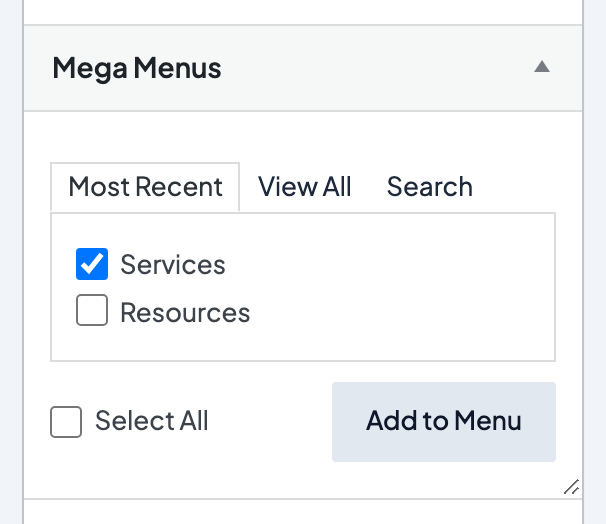
Drag the item where you want it.
Click Save Menu and make sure the menu is assigned to a location, such as Main Menu.
You can add the same mega menu to more than one menu. If your desktop and mobile menus both include it, they share the same panel, so there's nothing to duplicate.
For general menu editing (pages, labels, dropdowns), see Edit WordPress menus.
What visitors see
- Clicking the menu link opens or closes the panel instead of going to a page.
- Opening one mega menu closes any other open one.
- Clicking anywhere outside the panel closes it.
- On phones, the open panel fills the space below the header.
Can the panel close when visitors scroll?
Turn on Close on Scroll under Appearance → Customize → Dirigible Mega Menu → Settings to close an open panel when the visitor scrolls. It only works when Sticky Menu or Floating Masthead is on under Header & Menus → Desktop. Leave it off if the panel should stay open until the visitor clicks.
Tips
- Keep the panel easy to scan. Three columns of links is the usual layout.
- Use the Section background to put a color or image behind the links.
