

Build a custom footer with blocks
To design your own footer, build it with blocks under Footer → Add Footer, then switch it on under Footer → Settings. This freeform footer replaces the standard theme footer on every page. It needs the Dirigible Footer plugin.
If you just need your address, social icons, and a few layout choices, the standard footer is quicker. See Set up the footer and contact info.
Design the footer
Go to Footer → Add Footer.
Build the layout with blocks. New footers usually start with a Section and Columns.
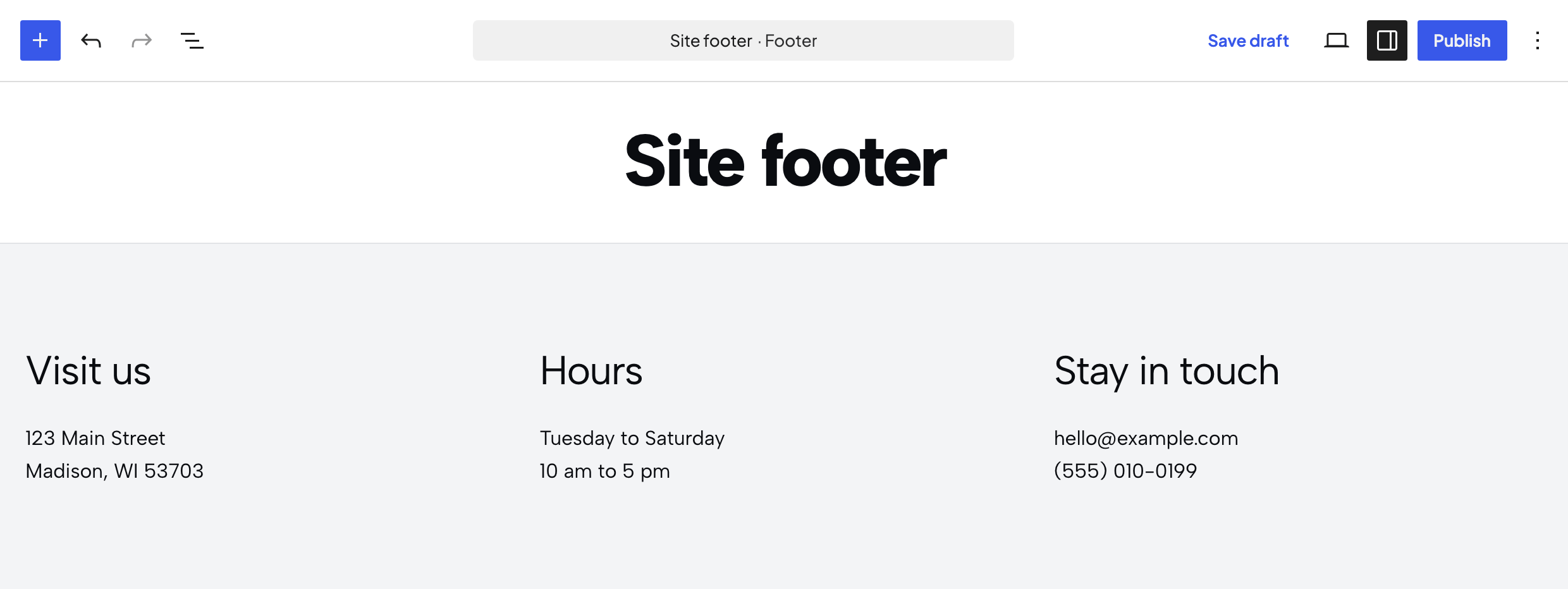
Click Publish.
The footer doesn't have its own page. Visitors only see it once you turn it on below.
Turn it on
- Go to Footer → Settings.
- Turn on Enable.
- Choose your footer from the Footer dropdown. Only published footers are listed.
- Select Save Settings.
Why are my contact details missing from the footer?
The freeform footer only shows what you put in it. Your contact details and social links from Footer & Contact, the newsletter signup, and your business hours from Dirigible → Hours won't appear automatically. Add them with blocks if you want them in the footer.
Keep the layout compact so it doesn't turn into a long scroll on phones.
