

Breadcrumbs
A linked breadcrumb trail showing the pages that lead to the current page.
Usage
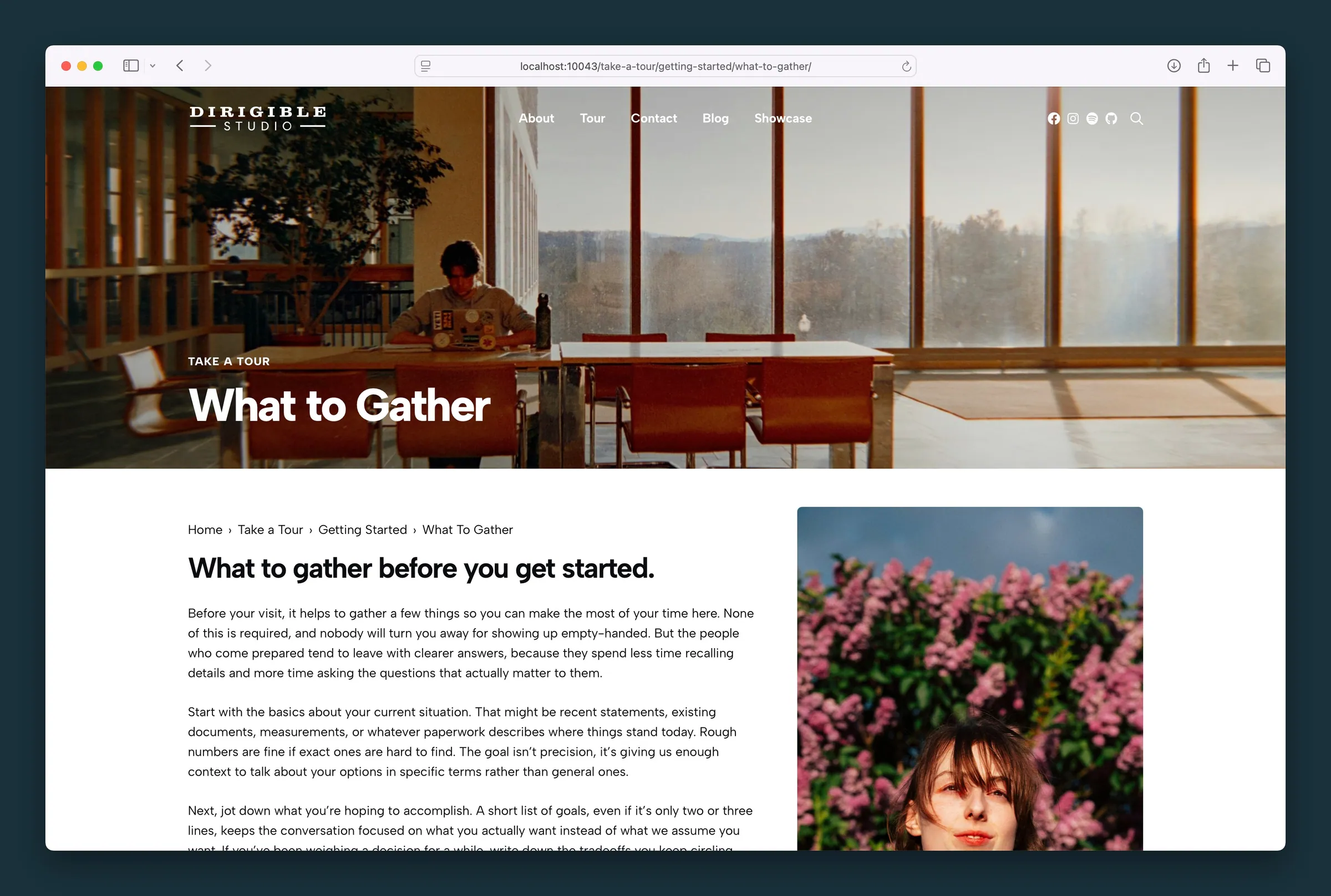
Breadcrumbs show visitors where they are on your site and give them a one-click way back up. They're most often placed at the top or bottom of a page, and they help most on sites with lots of nested pages or posts.
We use breadcrumbs on all our block documentation (see the trail at the top of this page).
How the trail is built
The block builds its trail automatically from where the page sits on your site:
- Pages — parent pages, then optionally the current page title.
- Posts — the primary category and its parent categories, then optionally the current post title.
When Show Home is on, a link to your homepage is always the first item. When Show Current is on, the current page or post title appears as the last item, without a link.
The trail is also shared with search engines as breadcrumb structured data, which they can use to show your page's location in search results.
Settings
Select the Breadcrumbs block to open its sidebar settings:
- Show Home — adds a link to your homepage as the first crumb.
- Show Current — adds the current page or post title as the last crumb.
- Separator — the character shown between links (the default is
›).
Block width
Breadcrumbs supports Wide and Full alignment from the block toolbar. Use Wide for a trail that follows your content column, or Full when the trail should span the entire page.
Screenshots
Front-end
-

Pill-style breadcrumbs above page copy on a Getting Started page. -
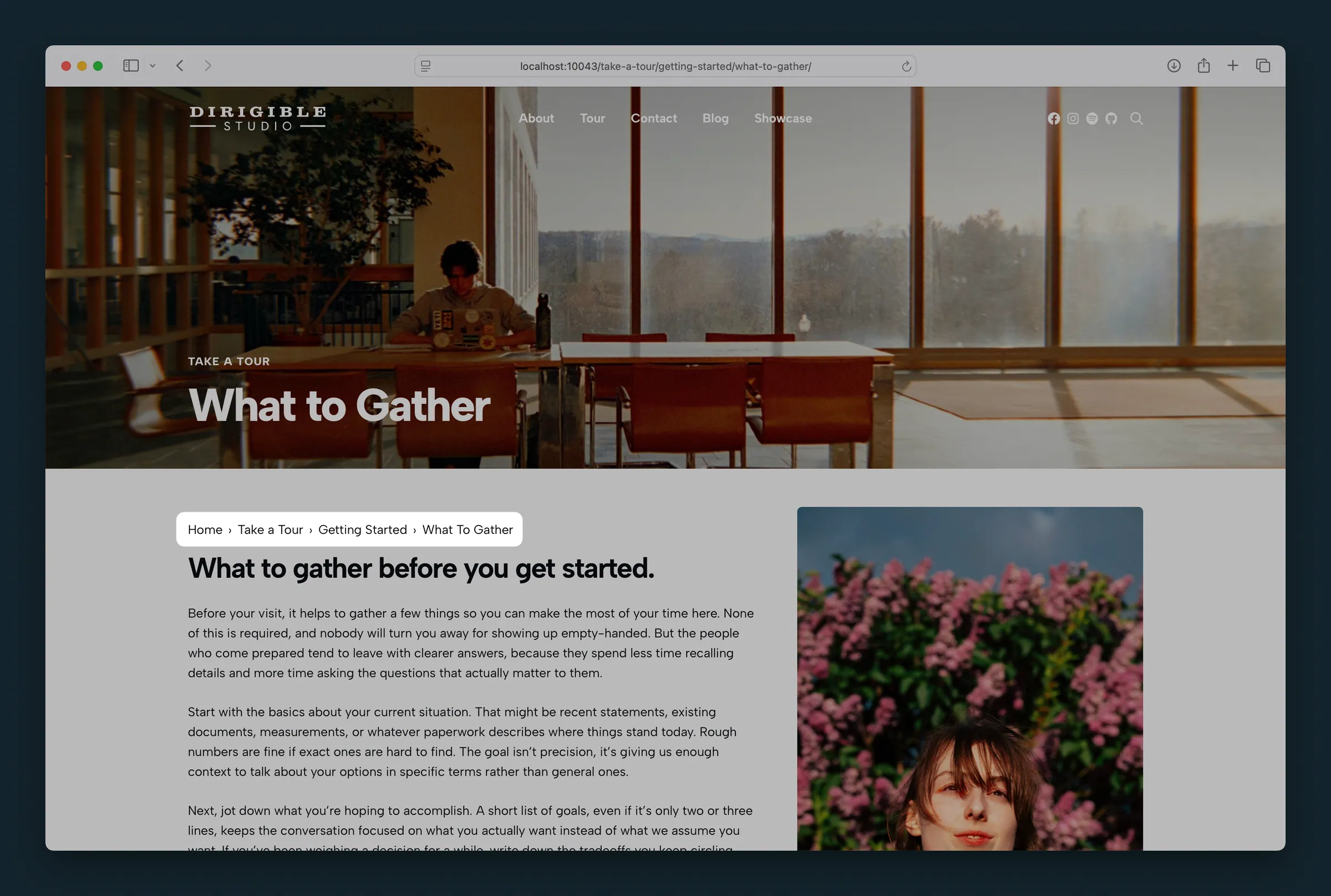
Same pill trail on a deeper nested page in the Tour hierarchy.
Editor
-
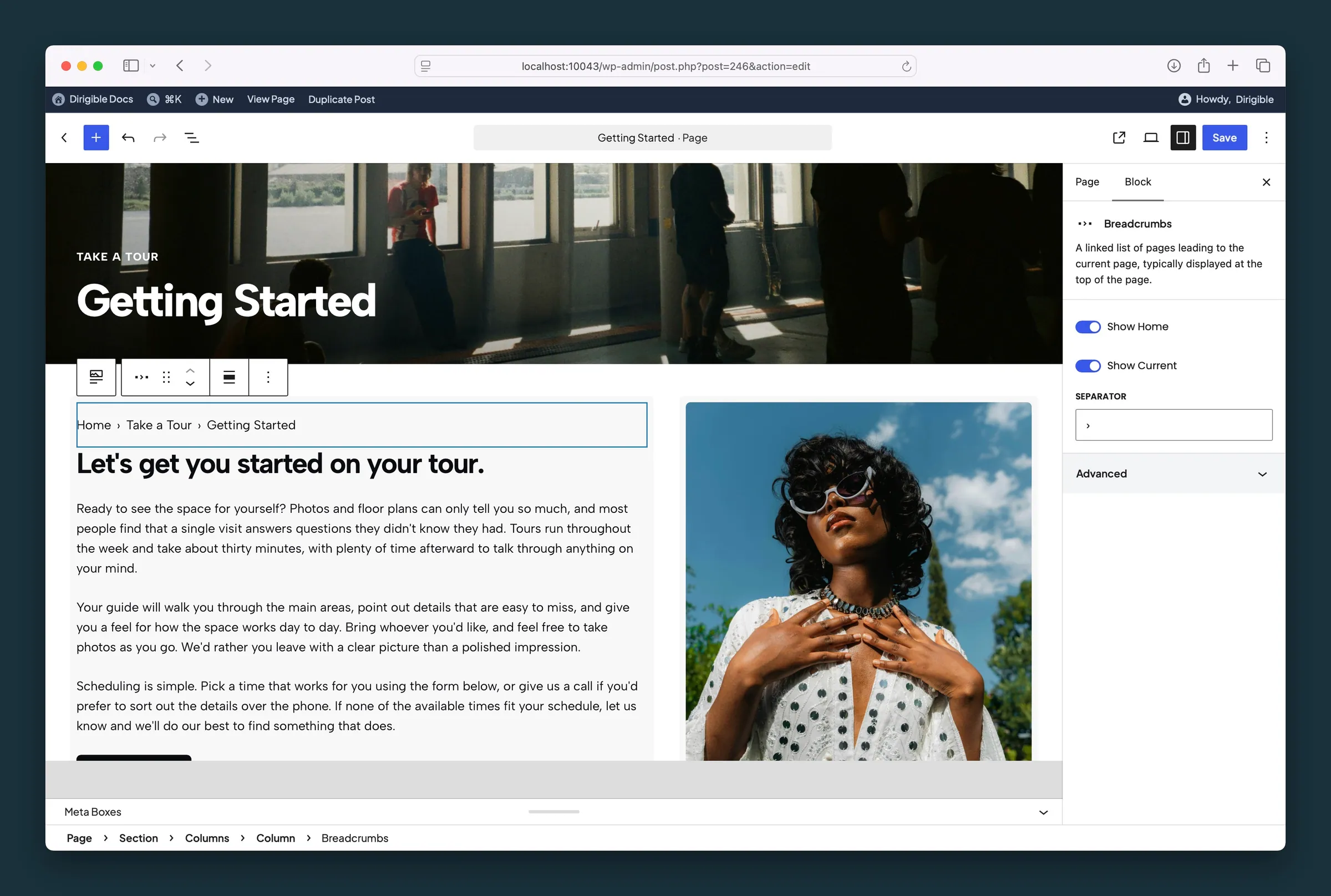
Breadcrumbs settings — Show Home, Show Current, and Separator set to ›. -
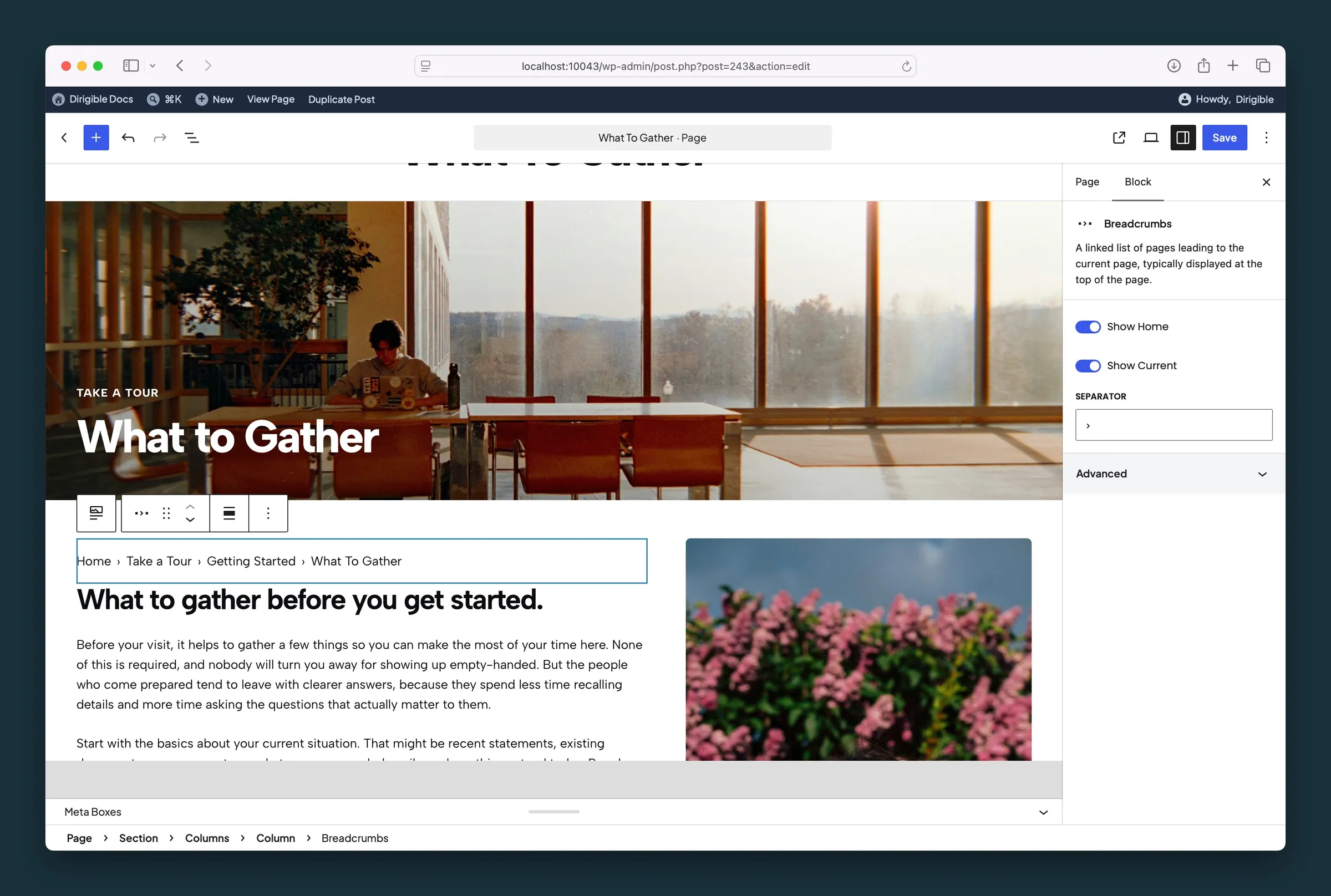
Same controls with Separator set to > on a nested Tour page.
Settings
Settings

Adds a link to your homepage as the first item in the trail.

Adds the current page or post title as the last item in the trail. It isn't a link.
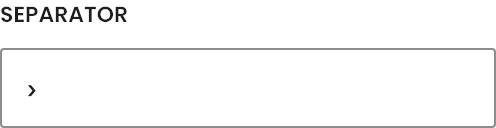
The character or text shown between each link in the trail.
