

Video Gallery
Show several YouTube, Vimeo, or uploaded videos in a clean grid.
Usage
Video Gallery lays out several videos in a simple grid. Use it for demo reels, tutorial collections, speaker highlights, or any section that needs a few videos side by side.
The block starts with three sample ocean videos. Replace the links with your own, add more videos with the block inserter, or remove the ones you don't need.
Each video is a standard WordPress Embed or Video block. Paste a YouTube, Vimeo, or other link into an Embed, or upload a file with a Video block, the same way you would anywhere else.
Gallery Settings (parent)
Select the outer Video Gallery block to see Gallery Settings:
- Columns: the most videos per row on wide screens.
- 2: two per row
- 3 (default): three per row
- 4: four per row
On smaller screens the gallery shows fewer videos per row.
Adding and removing videos
Use the inserter inside the gallery to add another Embed or Video block. To remove one, select it and delete the block.
Block width
Video Gallery supports Wide and Full alignment from the block toolbar and starts at Wide.
Tips
- Select the outer Video Gallery block, not a single video, before changing Columns.
- You can mix YouTube and Vimeo in one gallery. Videos with the same shape (all widescreen, for example) make a tidier grid.
- Use 4 columns for short clips on wide pages and 2 when each video deserves more room.
- Need backgrounds, headings, or text with each video? Build it with Grid instead.
- For one video beside text, use the Video & Text layout under Columns, or Vignette.
Screenshots
Front-end
-

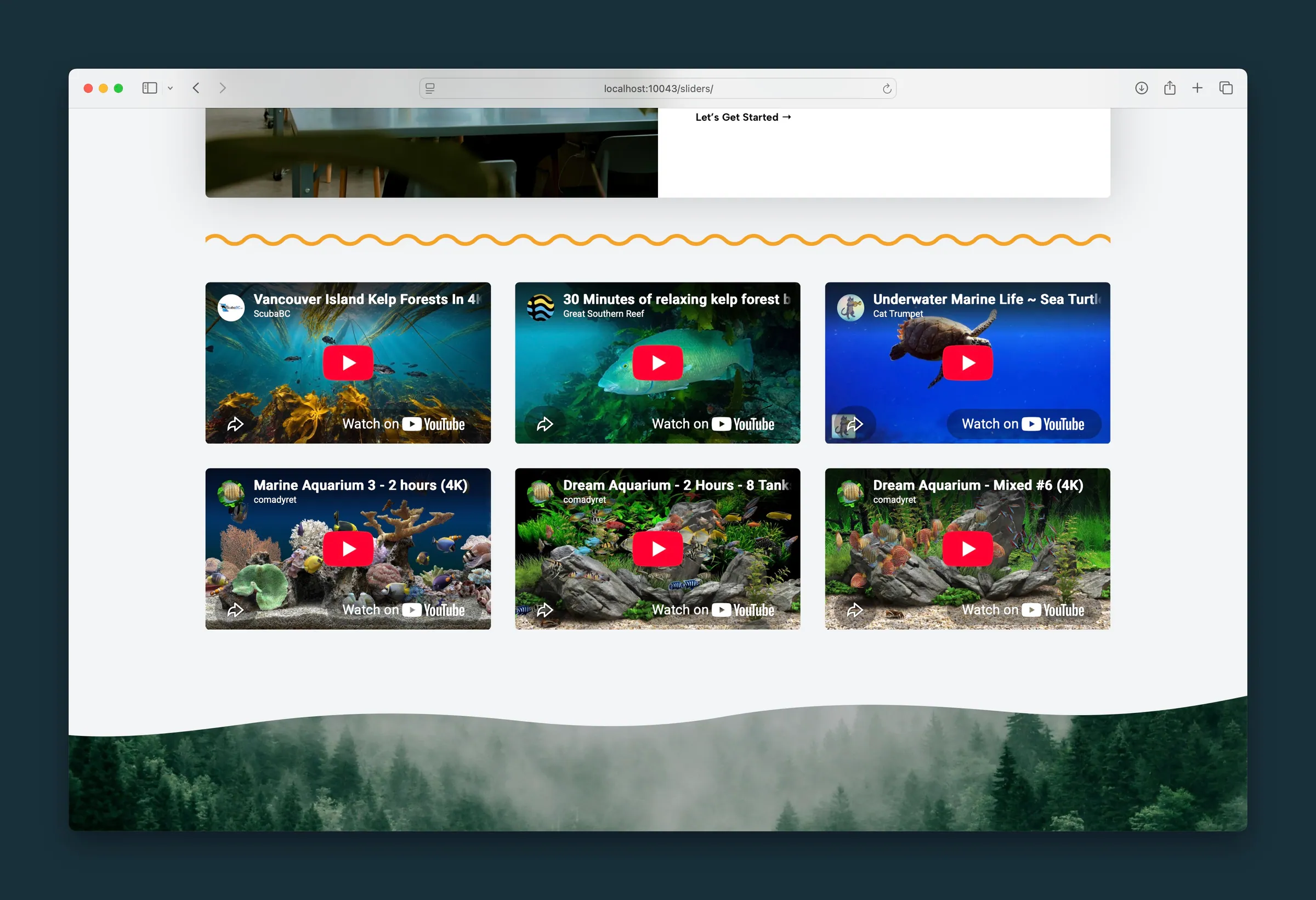
The same videos in two wider columns. -
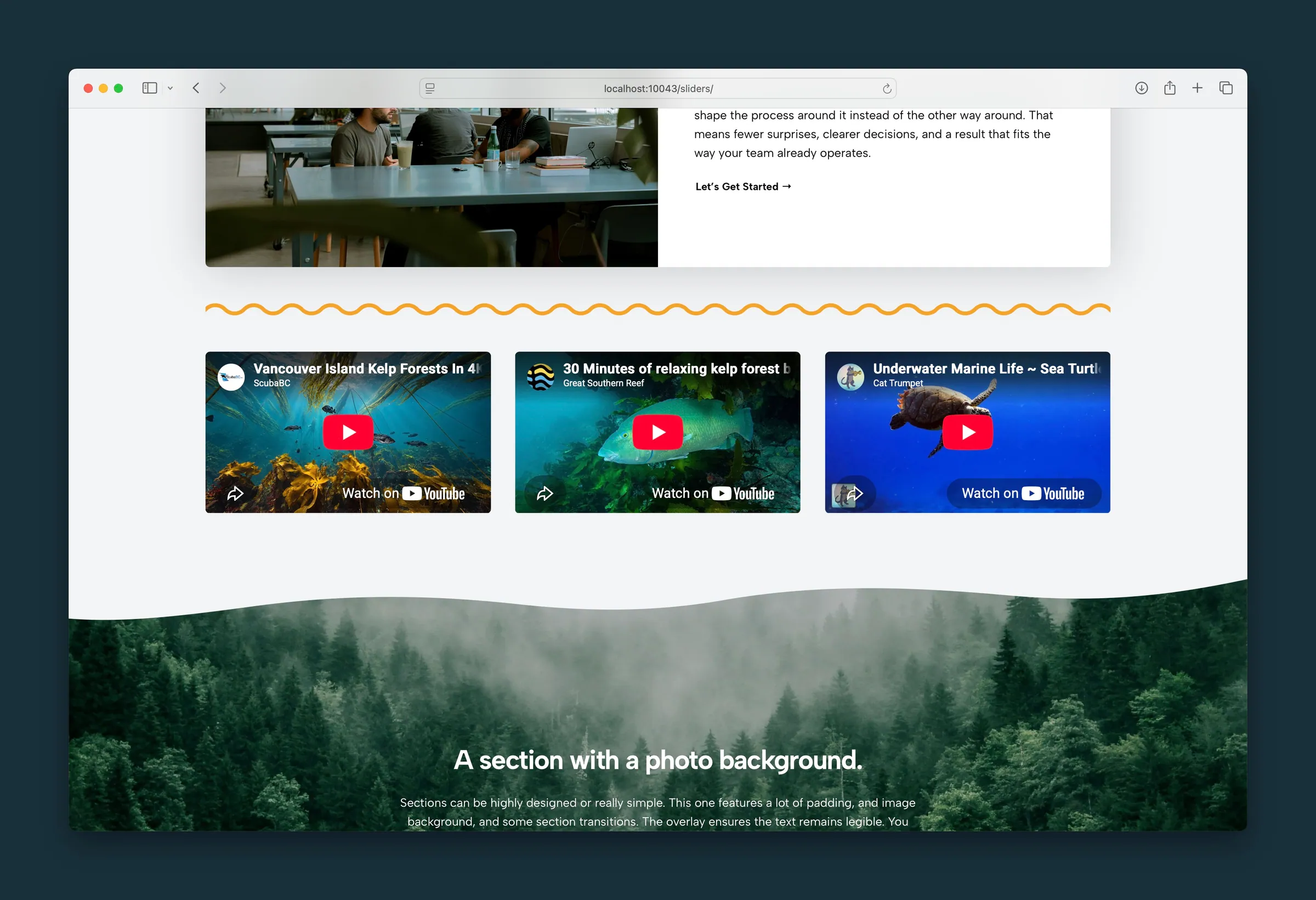
A single row of three videos.
Editor
-
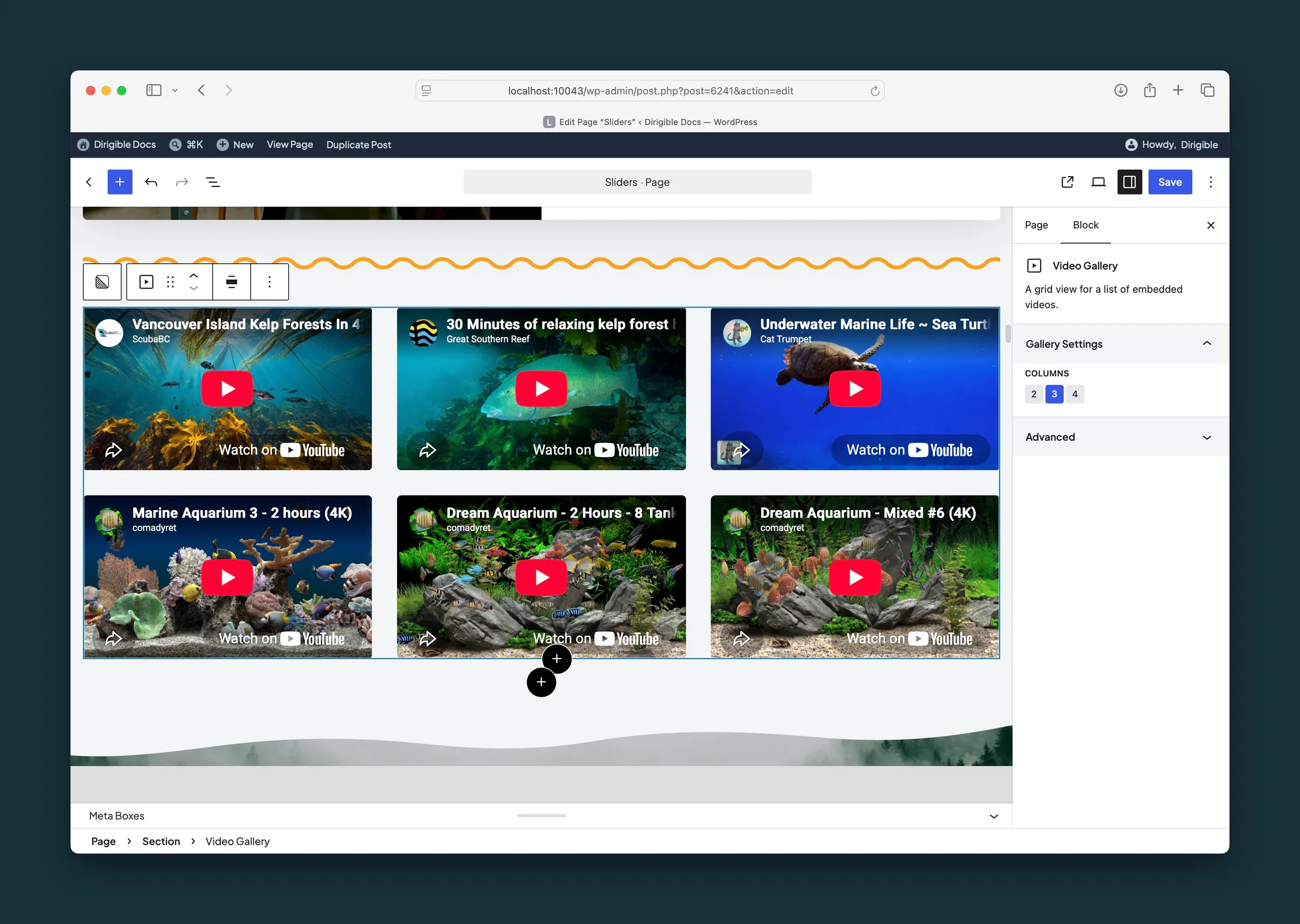
Video Gallery selected, with Columns set to 3. -
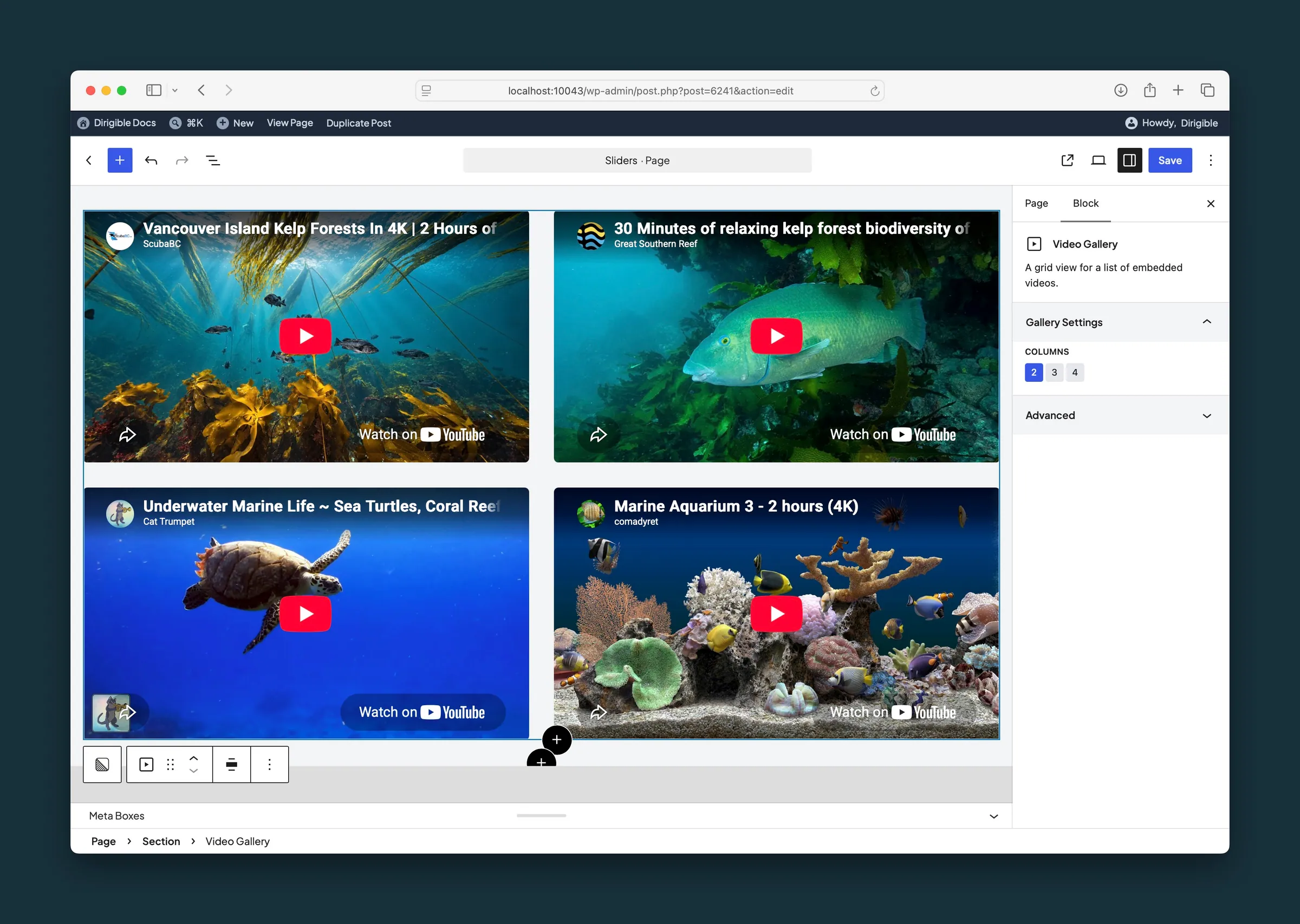
The same gallery set to 2 columns.
Settings
Gallery Settings

The most videos per row on wide screens. Smaller screens show fewer per row.
