

Color Palette
Show brand palette colors on a style guide or internal page.
Usage
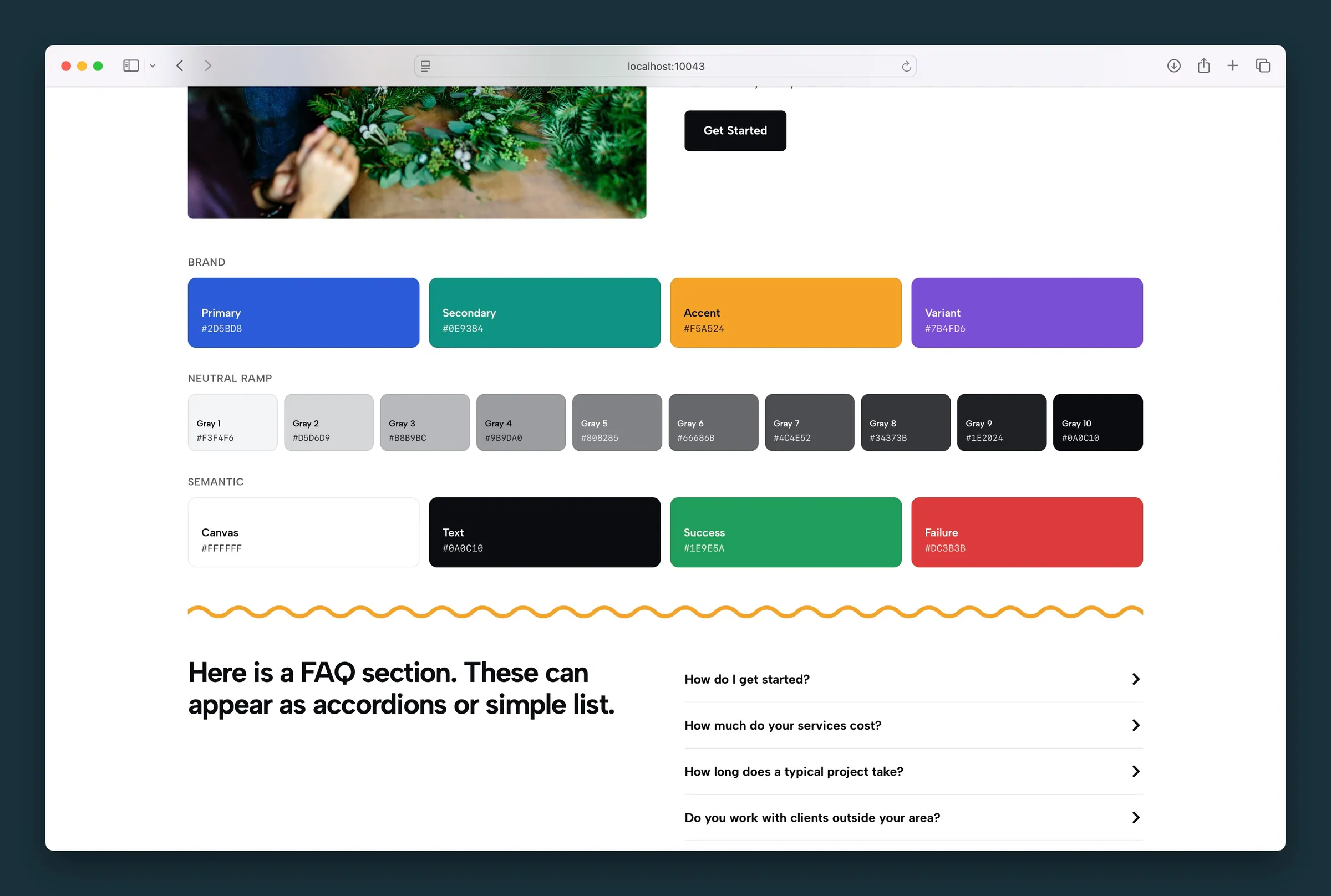
Color Palette shows swatches of your site's brand colors. Add it wherever designers or clients need a live reference to site colors. There are no sidebar settings.
When to use it
Use it on internal style guide pages or during onboarding. It isn't meant for public marketing sections unless you want a swatch reference visible.
Tips
- The swatches come from your Customizer palette, so they update automatically when you change brand colors there.
- Pair with typography samples on the same page for a compact brand reference.
Screenshots
Editor
-
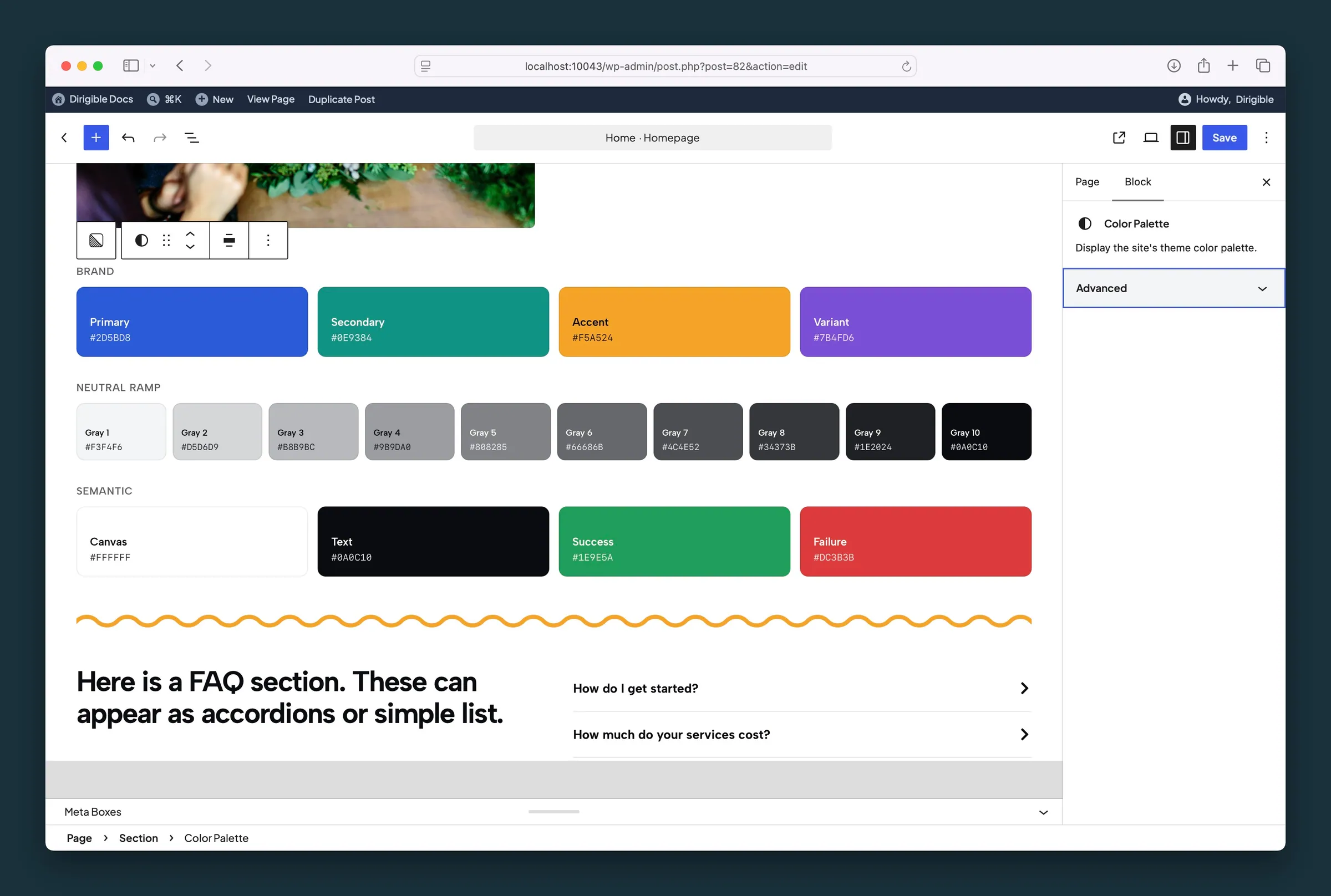
Color Palette in the editor — no sidebar settings beyond Advanced; the block mirrors the live theme palette.
