

Blog Posts
Add a feed of your latest blog posts or news to any page.
Usage
Blog Posts pulls your published blog posts into a grid, list, cards, or magazine layout. Show the latest posts automatically (filtered by category or tag if you like), or set Populate by... to Manual and pick specific posts.
When to use it
Add it to a homepage, landing page, or news section when you want recent posts next to your main content. When you only show a few, pair it with a View all link to your blog.
Tips
- Use Filter by Category for topic sections like "Company News" or "Tips".
- Display changes the overall layout. List works best in narrow columns.
- Turn off Show Image or turn on Disable Excerpt for a compact headline-only list.
Screenshots
Front-end
-
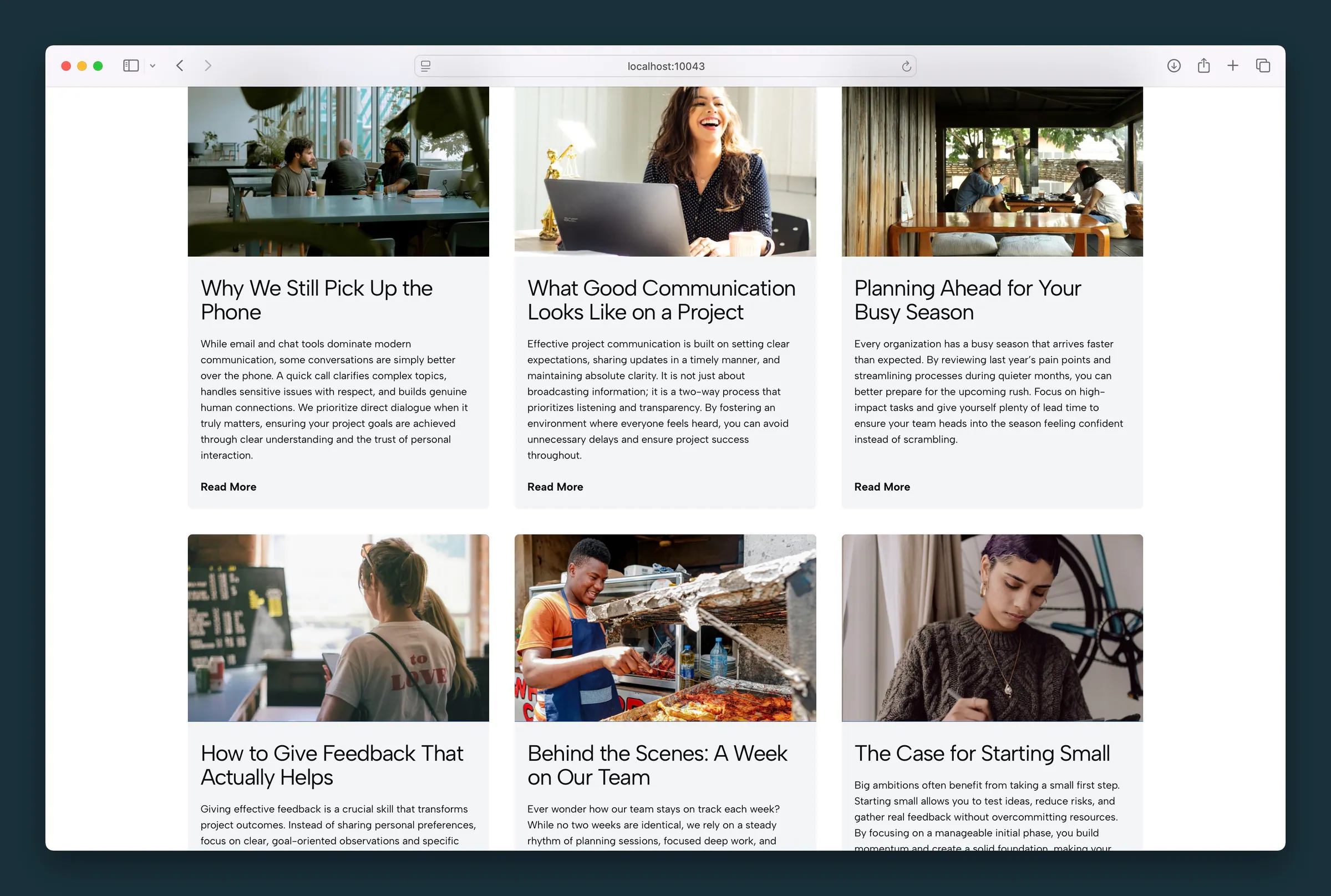
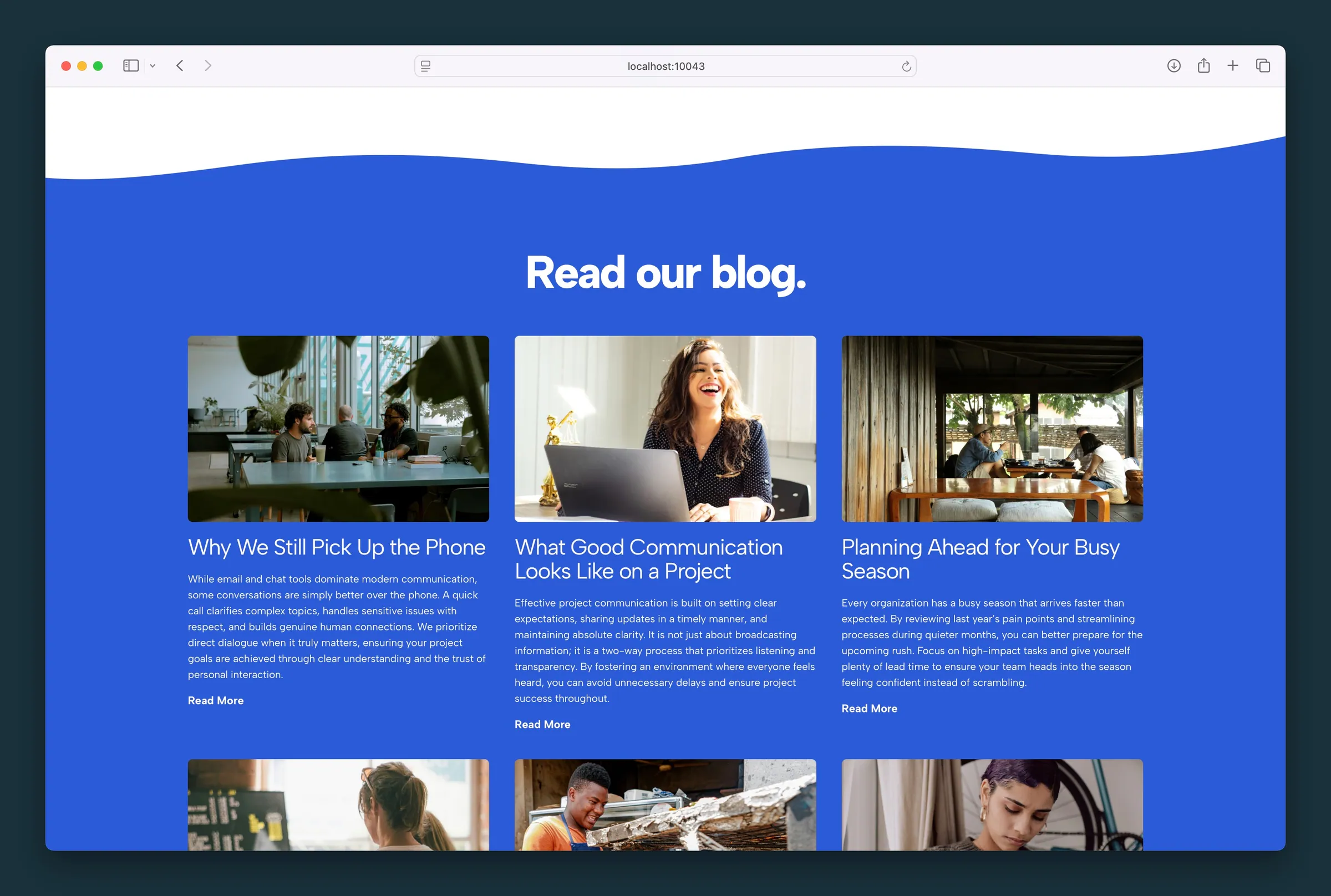
Six posts in a three-column Cards grid with thumbnails, excerpts, and Read More. -
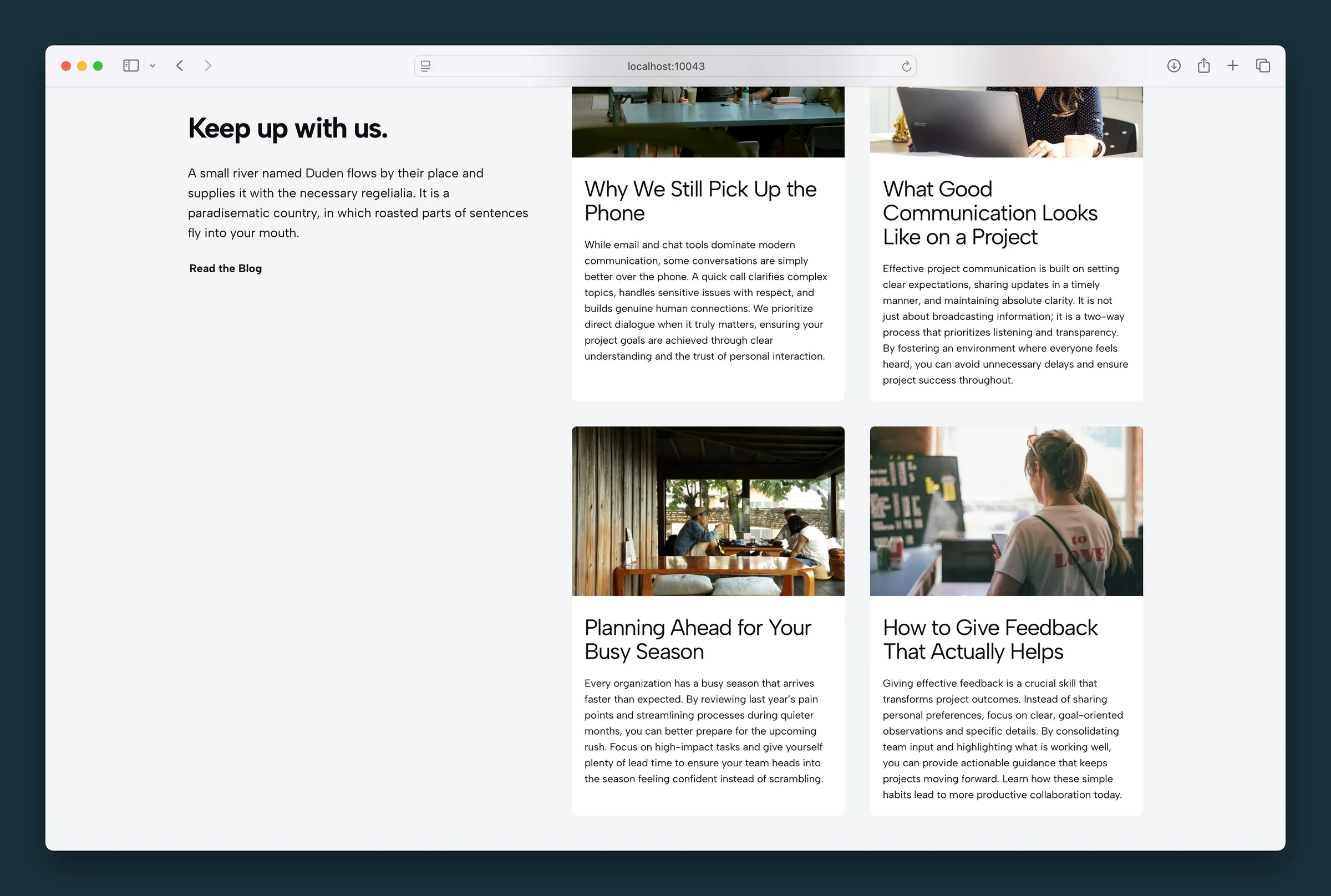
Two-by-two Cards grid beside intro copy and a Read the Blog link.
Editor
-
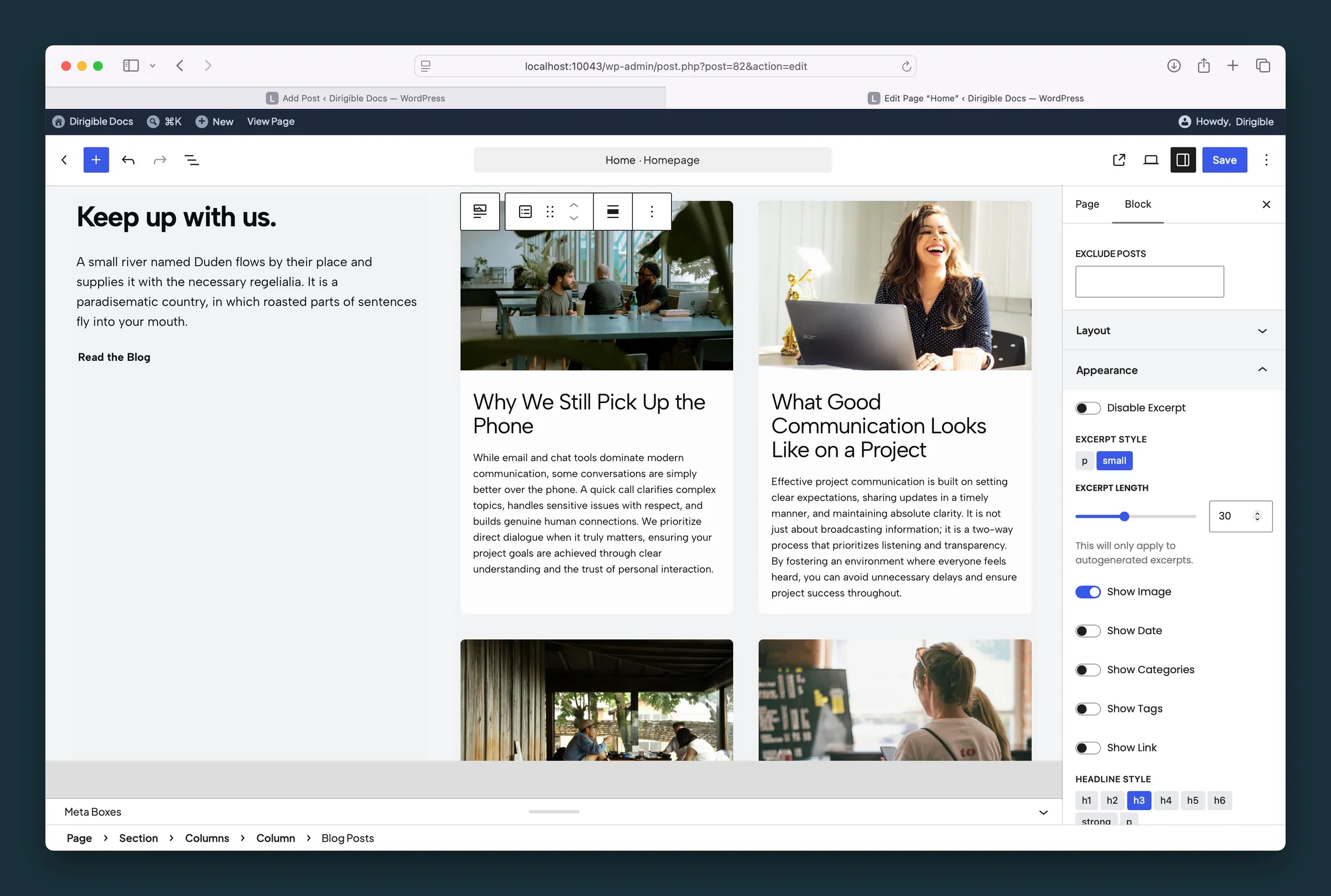
Appearance settings — excerpt length and style, show image, and headline style. -
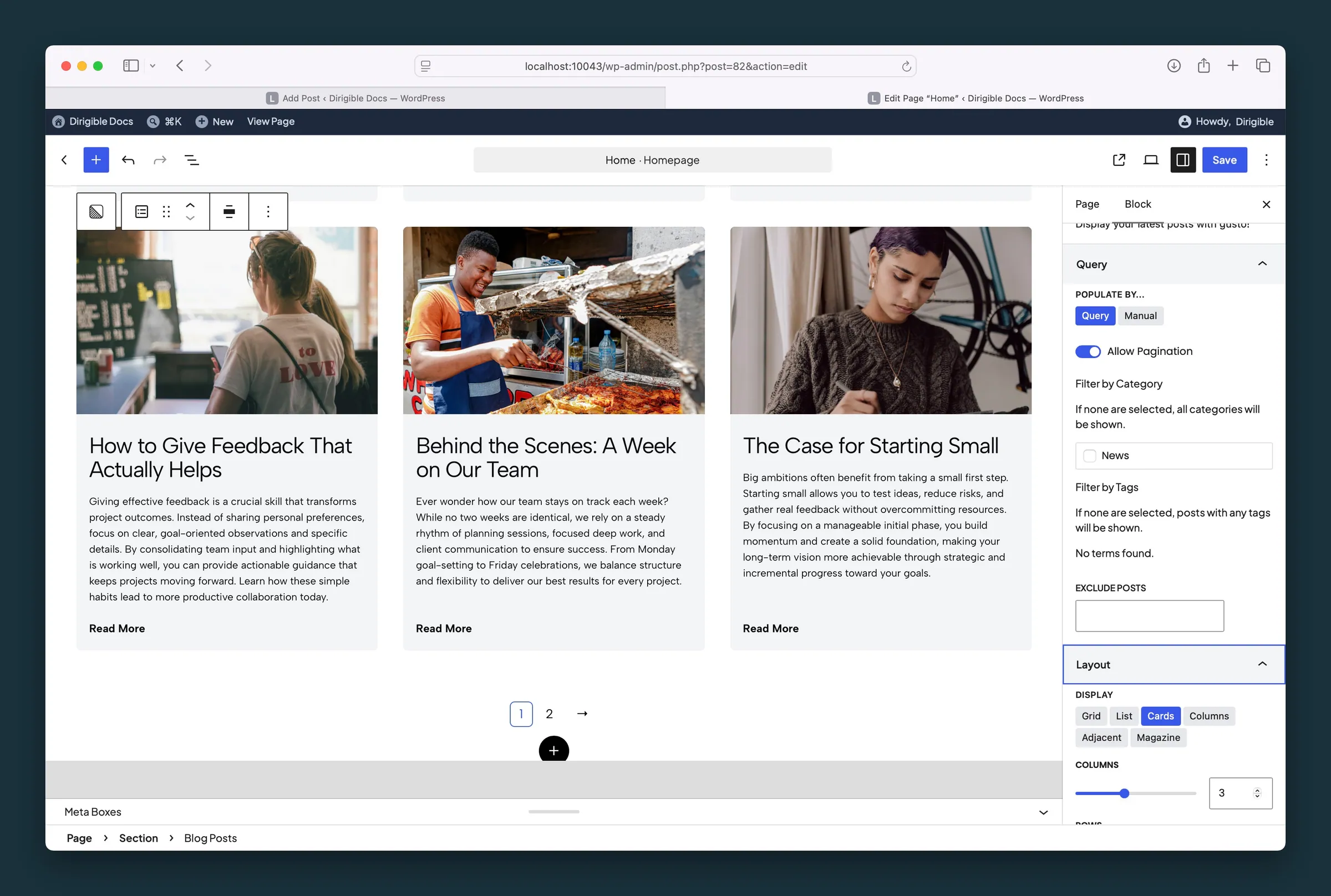
Query and Layout — populate by query, pagination, Cards display, and columns.
Settings
Query

Populate by...
Choose Posts

Allow Pagination
category
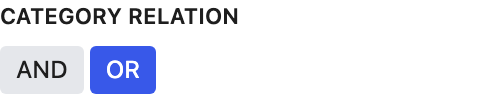
Category Relation
tags

Tag Relation
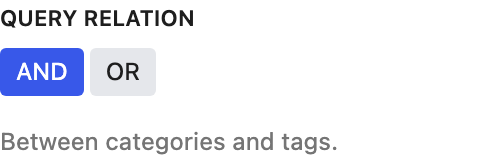
Query Relation
Exclude Posts
Layout
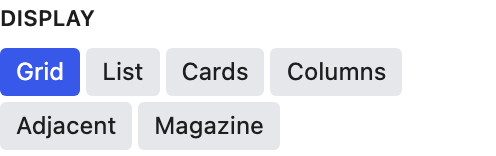
Display
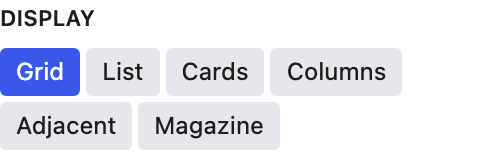
Columns
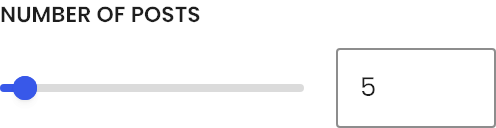
Number of Posts
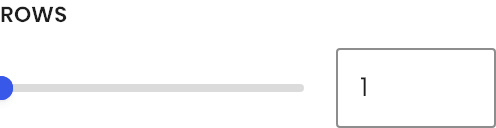
Rows
Appearance

Disable Excerpt

Excerpt Style
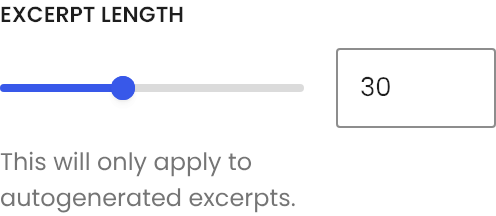
Excerpt Length

Show Image

Show Date

Show Categories

Show Tags

Show Link
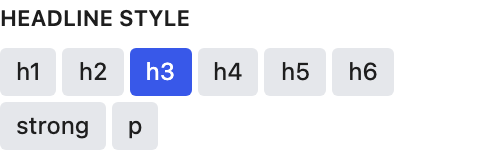
Headline Style

Link Style
Link Text
