

Map
Drop an interactive map onto a contact or location page.
Usage
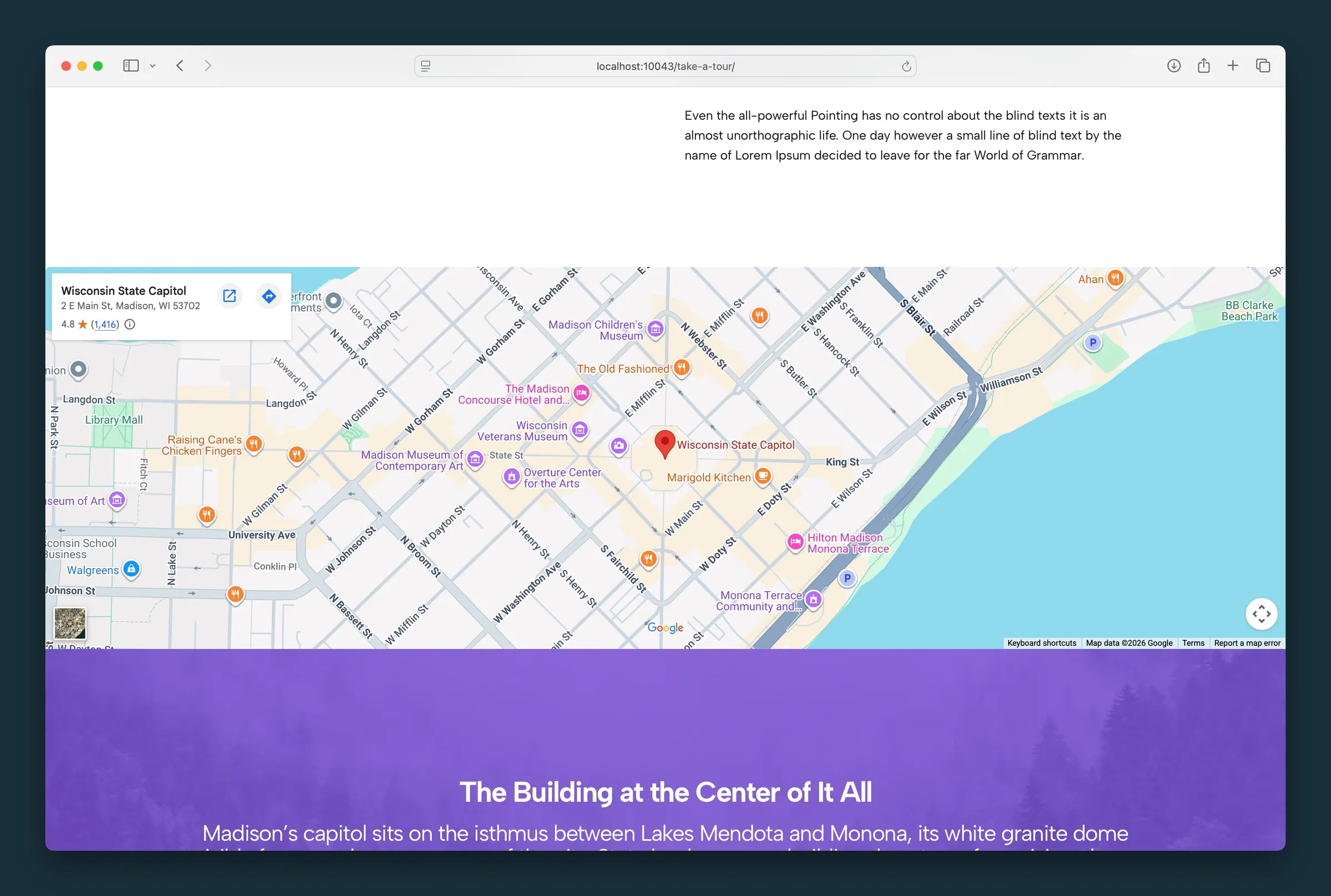
Map adds an interactive Google Map to your page. In Google Maps, open Share → Embed a map, click Copy HTML, and paste the code into the block’s Embed field. Use the block toolbar for Full, Wide, or default width.
When to use it
Use on contact pages, event venues, or single-location footers. For multiple locations with filters, use Dirigible Locations blocks instead.
Tips
- Confirm the pin in the editor preview before publishing.
- Full-width alignment suits hero-style location sections; default width fits beside contact copy.
- Map height follows the theme’s responsive defaults — you do not set it in the sidebar.
Screenshots
Editor
-
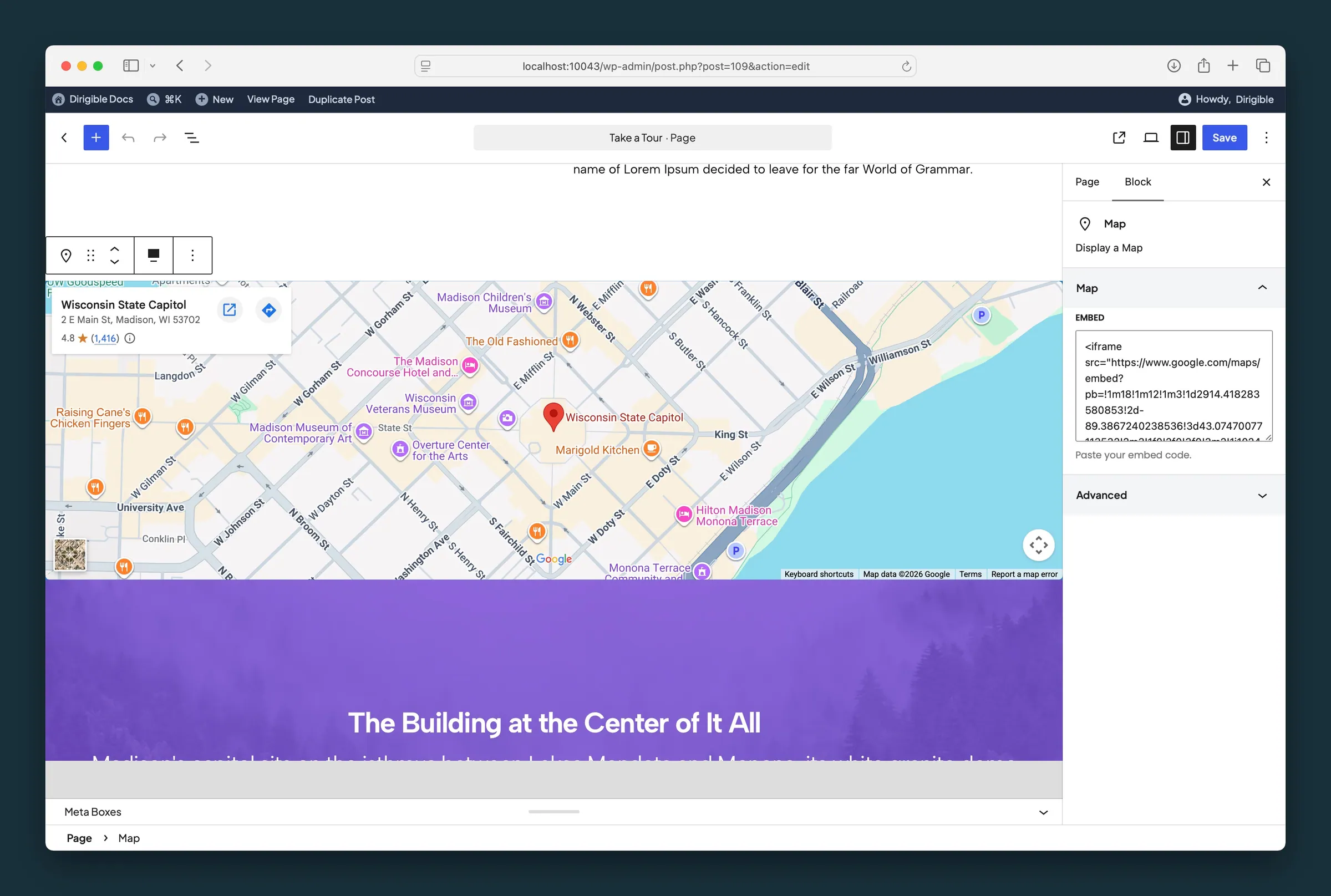
Map sidebar — paste a Google Maps iframe embed; the live preview updates in the canvas.
Settings
Map
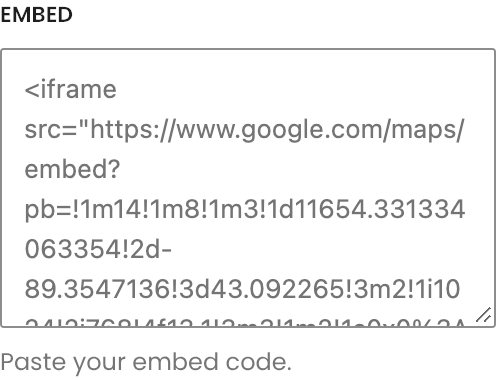
Embed
Paste the iframe embed code from Google Maps (Share → Embed a map). The map preview updates in the editor as soon as the code is valid.
