

Photo Feature
Let your photography shine with a print-style layout.
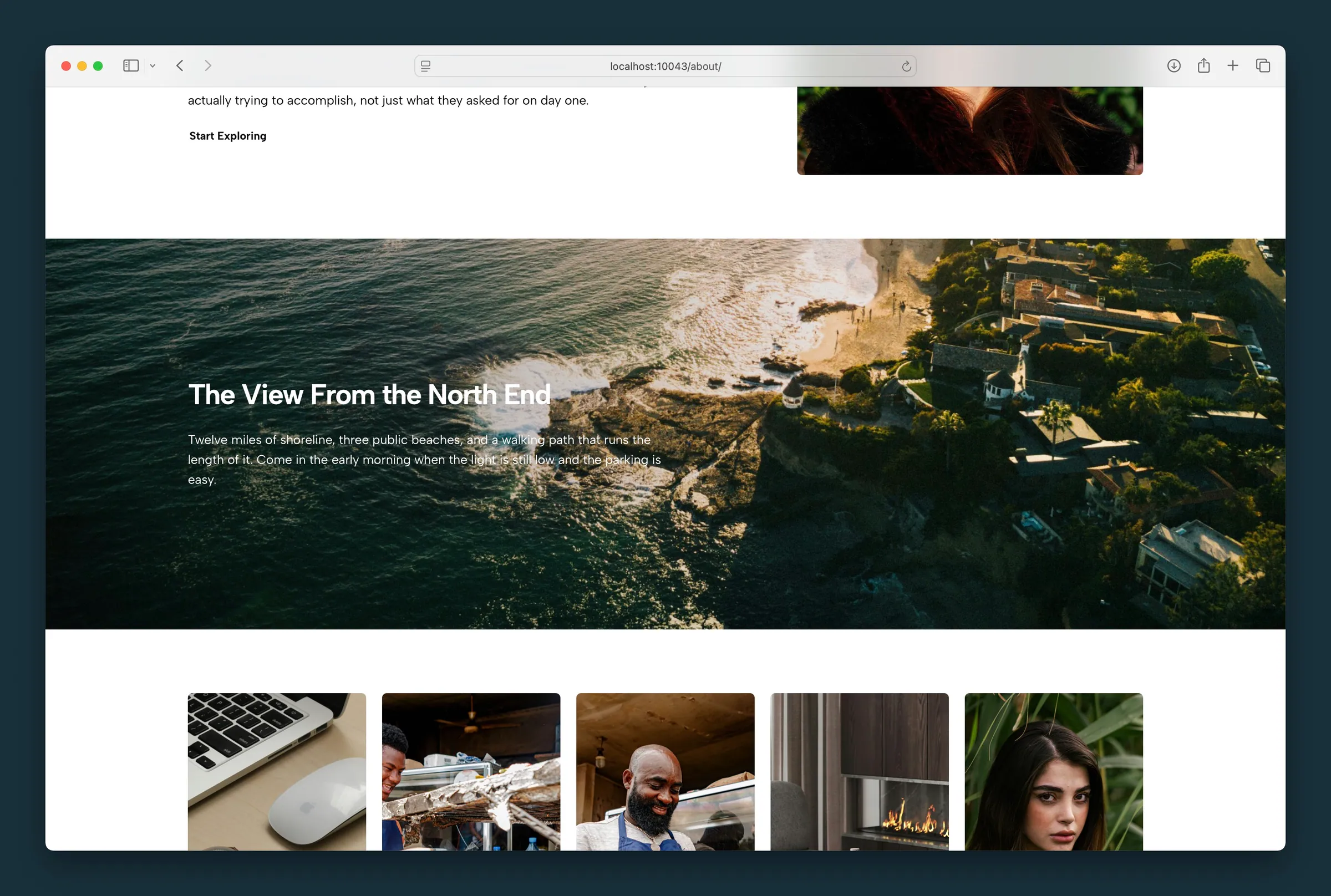
Usage
The Photo Feature block puts a big photo front and center with a magazine-style layout: a full-width background image with a headline, body copy, and an optional button on top. Content is kept to a headline, paragraphs or lists, and one button so the photo stays the focus.
For a simpler photo-beside-text layout, use the Photo & Text starter in Columns. Use Call To Action when you need column sizing and container styling.
Layout
- Background Image — full-width photo behind all content (sidebar Background Image + BG Focal Point)
- Content Origin — places the text panel on the Left or Right half of the image. Unlike some blocks, this also applies on mobile.
- Content Width — Full runs the text panel to the edge of the block; Wide keeps it within your site's wide content width
The headline is always an H3 in the page outline. Headline Style only changes how it looks (h1–h6 or paragraph styles from your Customizer).
Style
Two presentation modes affect how text sits over the photo:
- Seamless (default) — text sits on a soft gradient that fades into the photo. Darkening controls how strong the gradient is (0–100%). With light text the gradient is black; with dark text, white.
- Boxed — no gradient; content sits on a solid panel with rounded corners (from your site's corner radius setting). Light text gets a dark panel, dark text a light panel. Darkening controls how solid the panel is.
Content
- Headline — edit inline in the editor or in the sidebar
- Body copy — paragraph and list blocks only; keep to a few sentences
- Button Link — set a URL in the sidebar or toolbar to reveal the button; edit button text inline (defaults to "Learn More")
- Link Style — Button or Understated
Appearance
- Text Color (reverse print) — light or dark text, also on the toolbar as White Text. Defaults to light text for readability over photos.
- Headline Style — how the headline looks
- Darkening — gradient strength (Seamless) or panel opacity (Boxed), 0–100% in 1% steps
Block width
Photo Feature supports Wide and Full alignment from the block toolbar and defaults to Full width so the photo runs edge to edge.
Tips
- Set BG Focal Point so the subject stays visible when the image crops at different sizes.
- Start with Seamless + moderate Darkening for editorial photo bands; switch to Boxed when you want a distinct card over the image.
- Use Content Origin to balance composition — place text on the side with more negative space in the photo.
- Add the button URL before expecting a visible CTA; without a link, no button renders on the front end.
Screenshots
Front-end
-
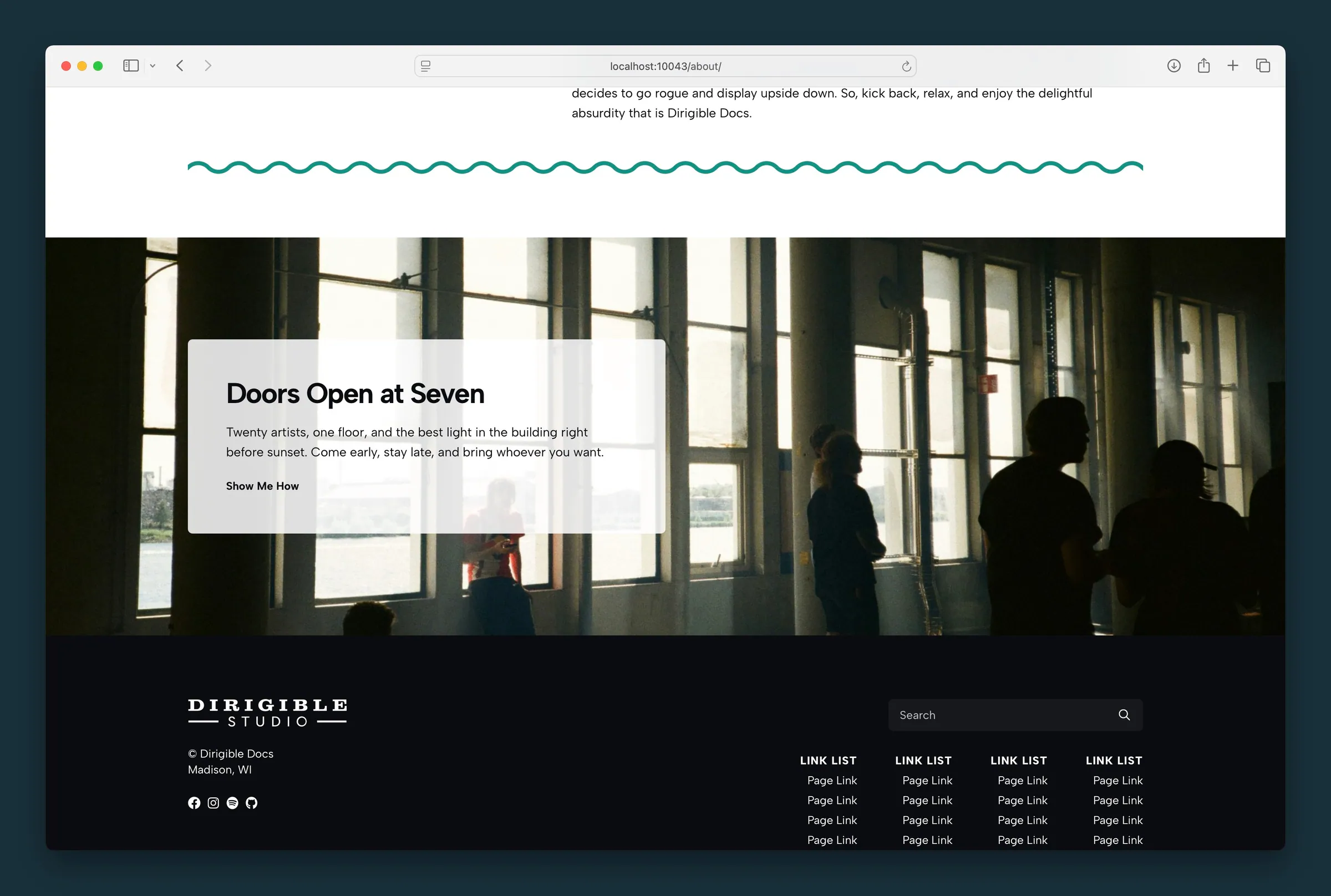
Boxed style on a dark gallery interior — light overlay panel with headline, body copy, and an understated link on the left. -
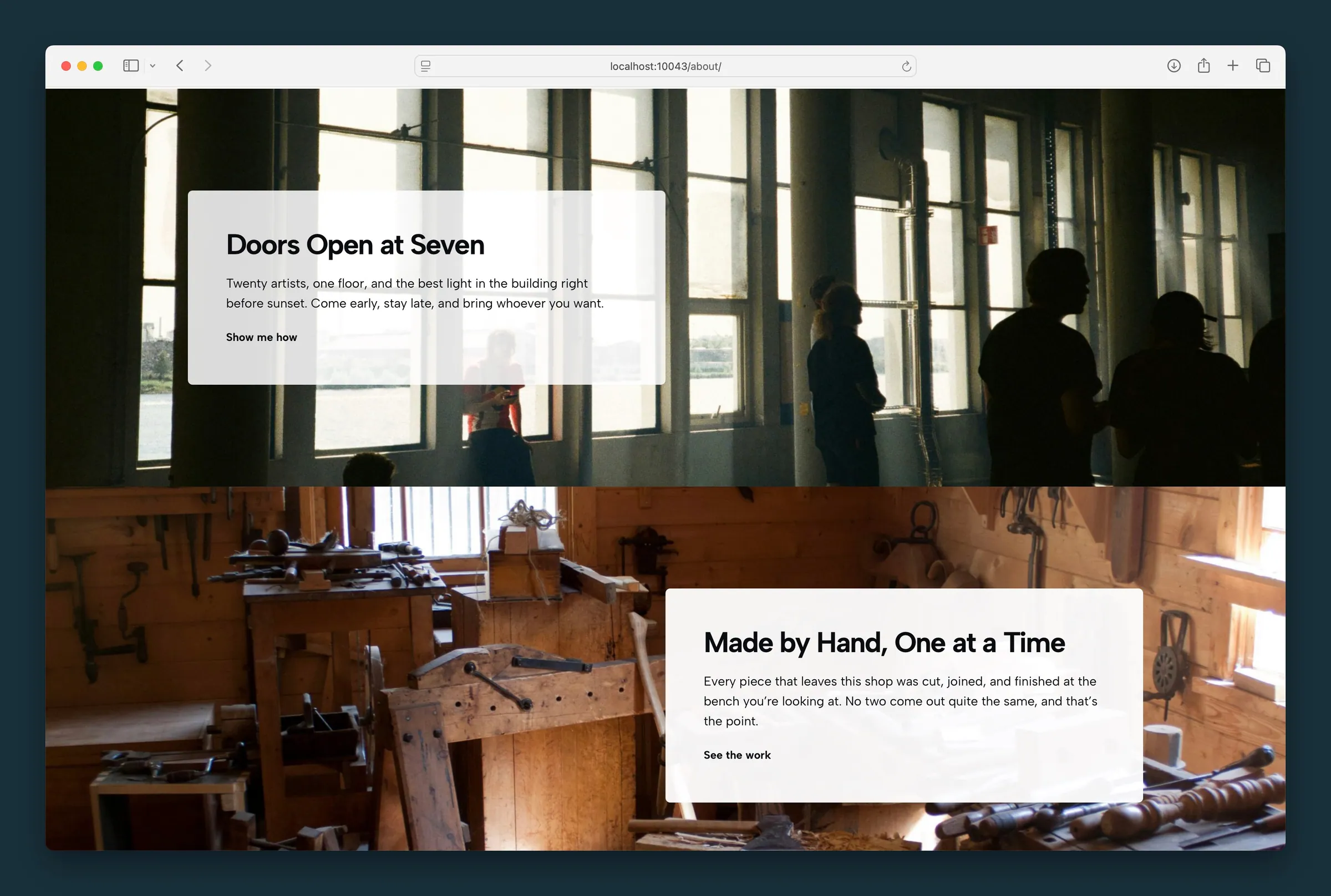
Two features on one page — Boxed panels alternate left and right over gallery and workshop photos.
Editor
-
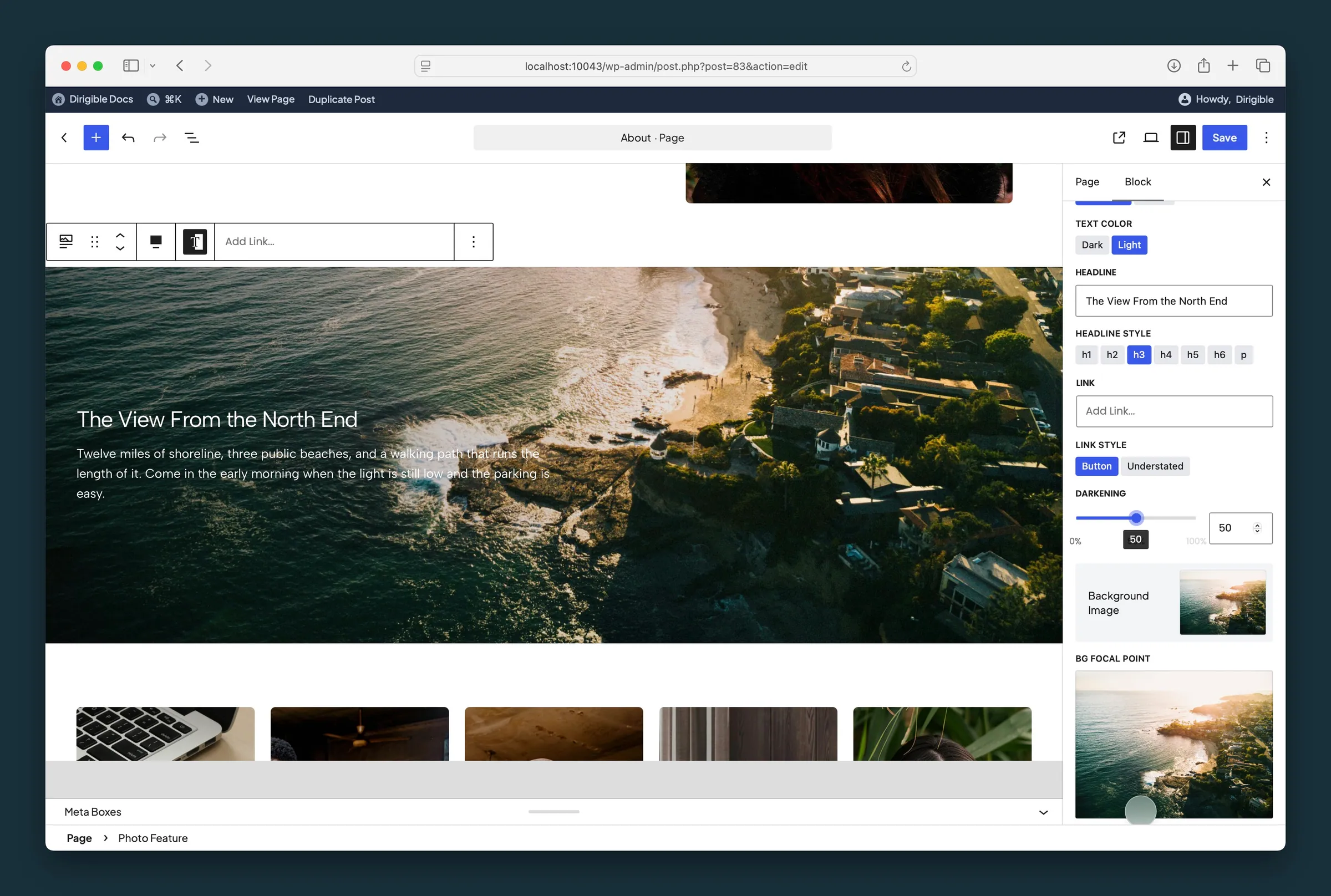
Seamless mode — Settings panel with Text Color, Headline, Darkening, Background Image, and BG Focal Point. -
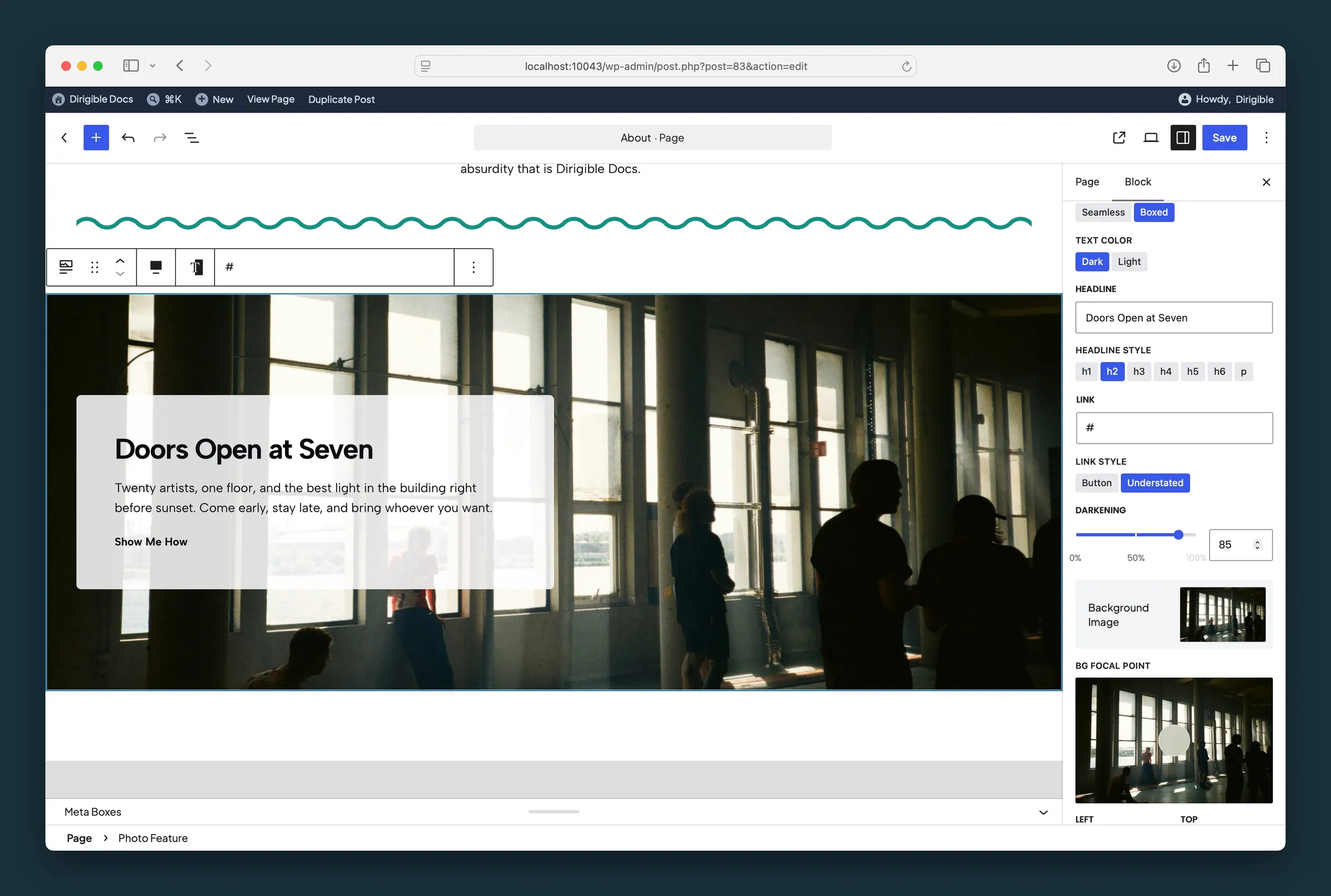
Boxed style selected — white overlay panel on a gallery photo with Style, Link Style, and Darkening at 85.
Settings
Settings

**Full** lets the text panel run to the edge of the block; **Wide** keeps it within your site's wide content width.

Places the text panel on the left or right half of the photo, on mobile as well as desktop.

Seamless integrates text with a directional gradient over the photo. Boxed places content on a solid rounded overlay panel instead.
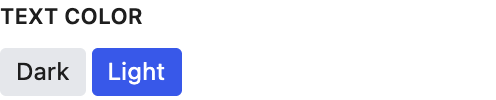
Light or dark text. Also sets the backdrop behind it: light text gets a dark gradient or box, dark text a light one. Also on the toolbar as **White Text**.
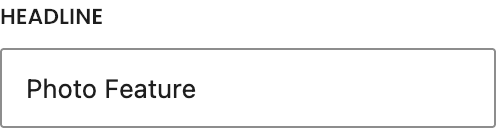
You can also type the headline directly on the photo.
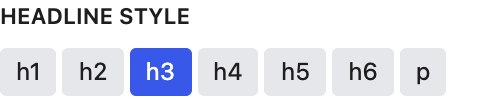
Changes how the headline looks. It stays an H3 in the page outline whichever style you pick.

Button or Understated style for the optional link below the body copy.
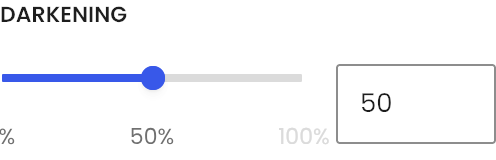
In Seamless mode, controls gradient opacity behind content (black gradient with reverse print, white without). In Boxed mode, controls solid overlay opacity. Moves in steps of 1%.
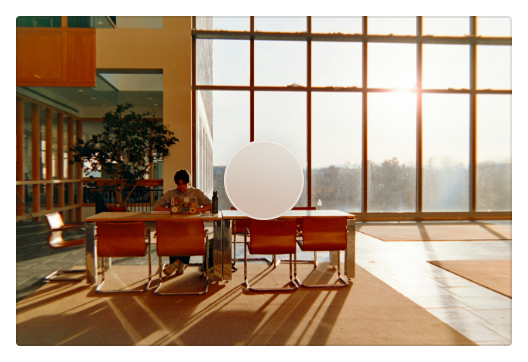
Keeps the key subject of the background photo in frame when it's cropped. It follows the image's focal point from the Media Library until you move it here; after that it's this block's own.
