

Marquee
Add scrolling text to your page.
Usage
The Marquee block adds a band of text that scrolls sideways across the page, like a news ticker. Use it for announcements, sales, event dates, or a short message you want people to notice. The text repeats so the loop never runs out.
Set the message, divider, gap, scroll speed, padding, look, and heading level from the sidebar.
Text
Type your message in the Text field (sidebar or inline). The block repeats it to fill the band.
- Pick a Divider to put a mark such as
•or//between the repeats, rather than typing it into the message, and use Gap for the space between them rather than typing spaces. Leave trailing spaces and separators out of the message. - If you see gaps between loops, make the message longer.
Screen readers and search engines get the message once, not every repeat. Only the first copy uses your Tag, so a Marquee set to <h1> adds one heading to the page, not ten. Dividers aren't part of the message either: search results and screen readers skip them.
Options
- Divider — a mark shown between repeats: None,
•(bullet),//(double slash),/(slash), or Custom for your own, such as✦or a short word. None keeps the message exactly as typed. - Gap — the space between repeats, in multiples of the text size, so it stays in proportion on every screen. With a divider, the space is split evenly either side of it (default 1.5). Without one there's no space unless you set it. Reset returns to the default.
- Duration factor — how fast the text moves. Higher values scroll slower. Loop time also adjusts to the length of your message.
- Padding — space above and below the text
- Style — how the text looks, using your Customizer type styles (h1–h6, paragraph, bold)
- Tag — the heading level in the page outline (h1–h6 or paragraph). Doesn't change the look.
Style and Tag are separate. Match them for predictable results, or mix them on purpose, for example a large look on a lower heading level.
Pausing
Visitors can stop the scrolling. Pointing at a Marquee, or tabbing into it with the keyboard, holds it still. A round pause button at the end of the band (it shows on hover and keyboard focus, and always on touch screens) keeps it still until they press it again.
- Stacked Marquees, placed one right after another, share one pause button at the end of the last one, and it pauses the whole stack.
- Visitors whose device is set to reduce motion see the text still, with no button.
Block width
Marquee supports Wide and Full alignment from the block toolbar (default is wide). Full-width marquees run edge to edge across the screen.
Tips
- Keep messages short — scrolling works best for punchy phrases, not paragraphs.
- Check the speed on a phone; what feels slow on desktop may read fine on a small screen.
- Pair with a Hero or Logos band above or below for event or sponsor announcements.
Screenshots
Front-end
-
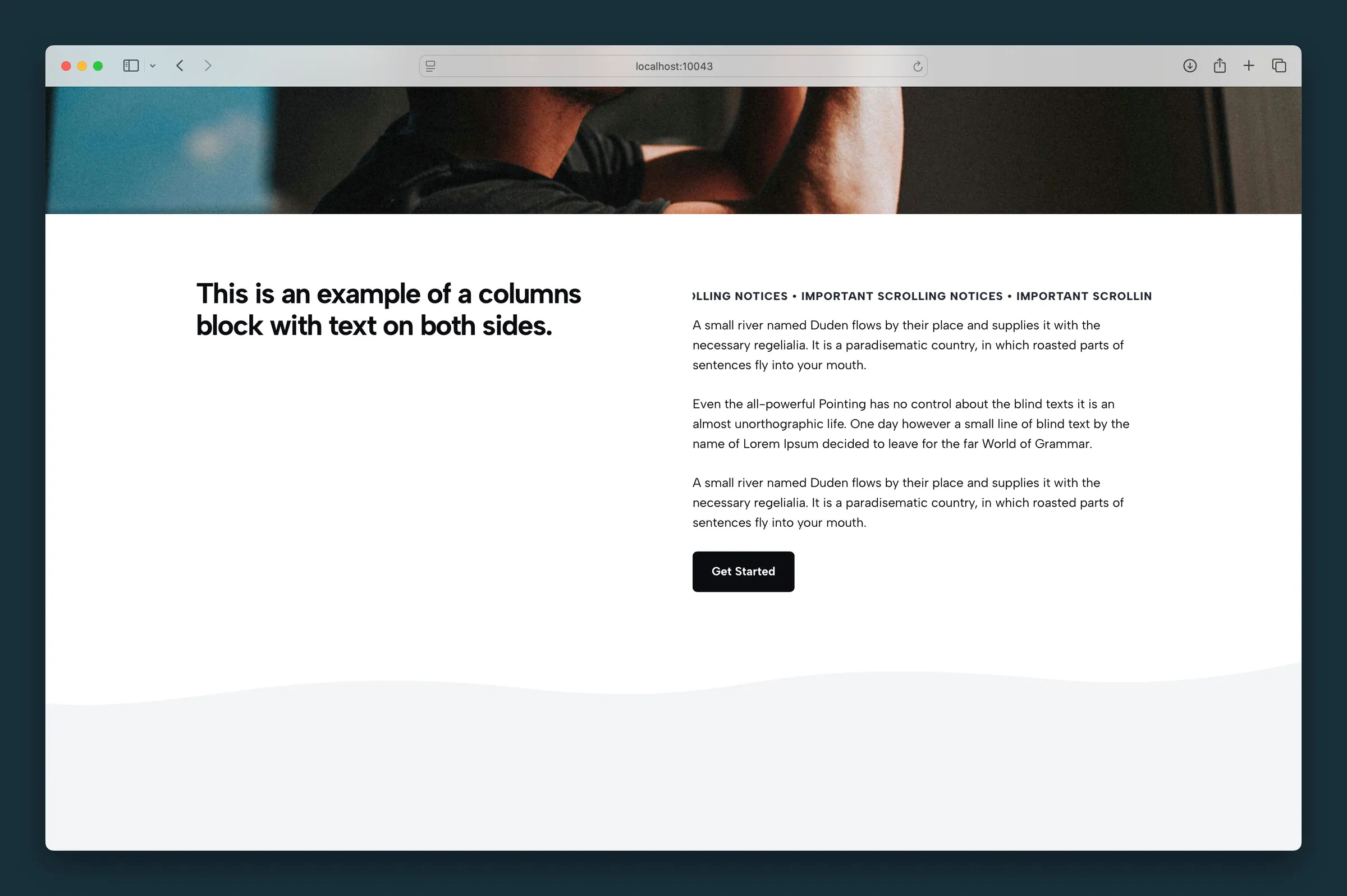
Full-width marquee between a hero photo and a two-column text section on the home page.
Editor
-
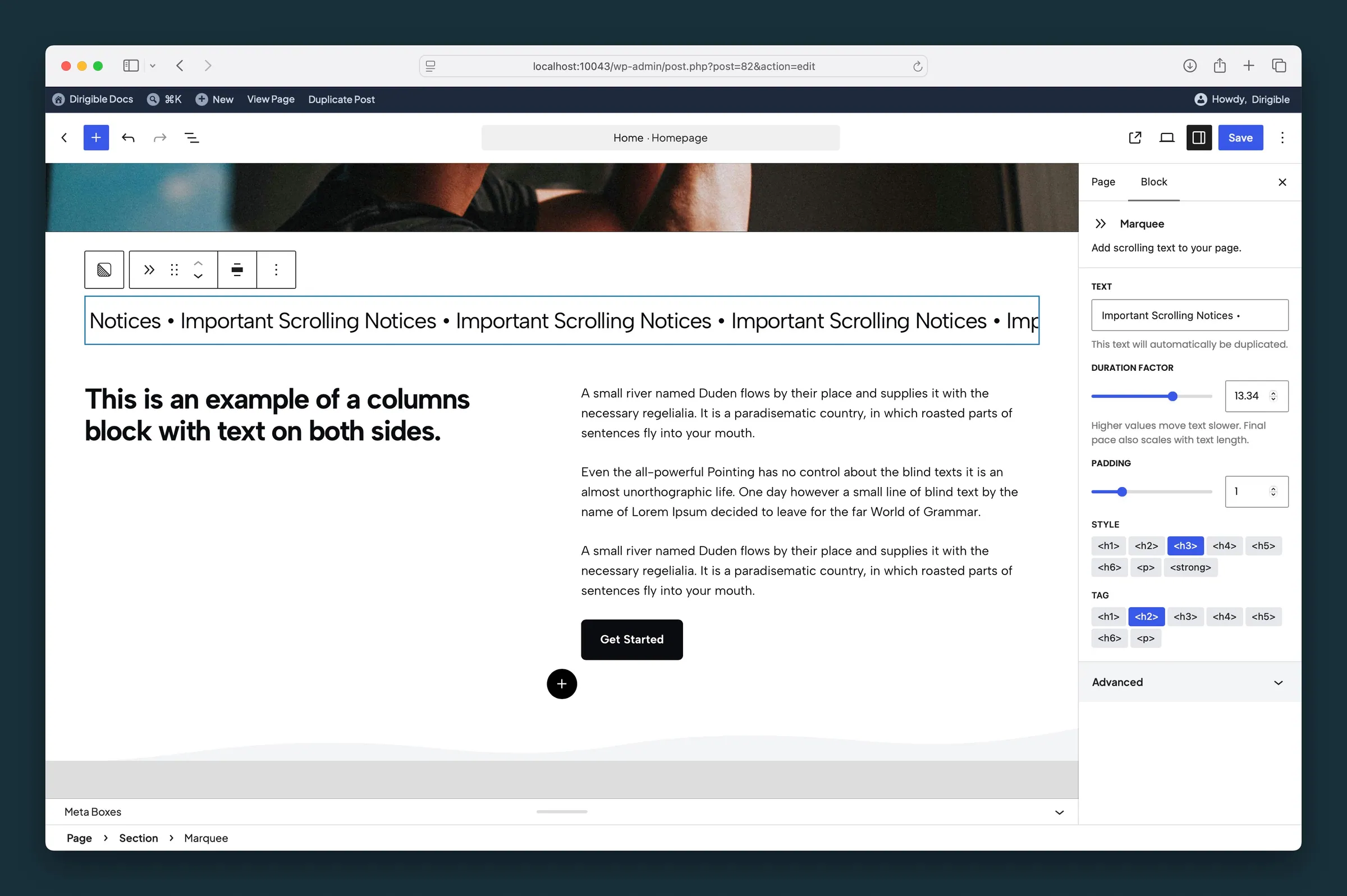
Text and Duration factor settings — duplicated message string and scroll speed in the sidebar. -
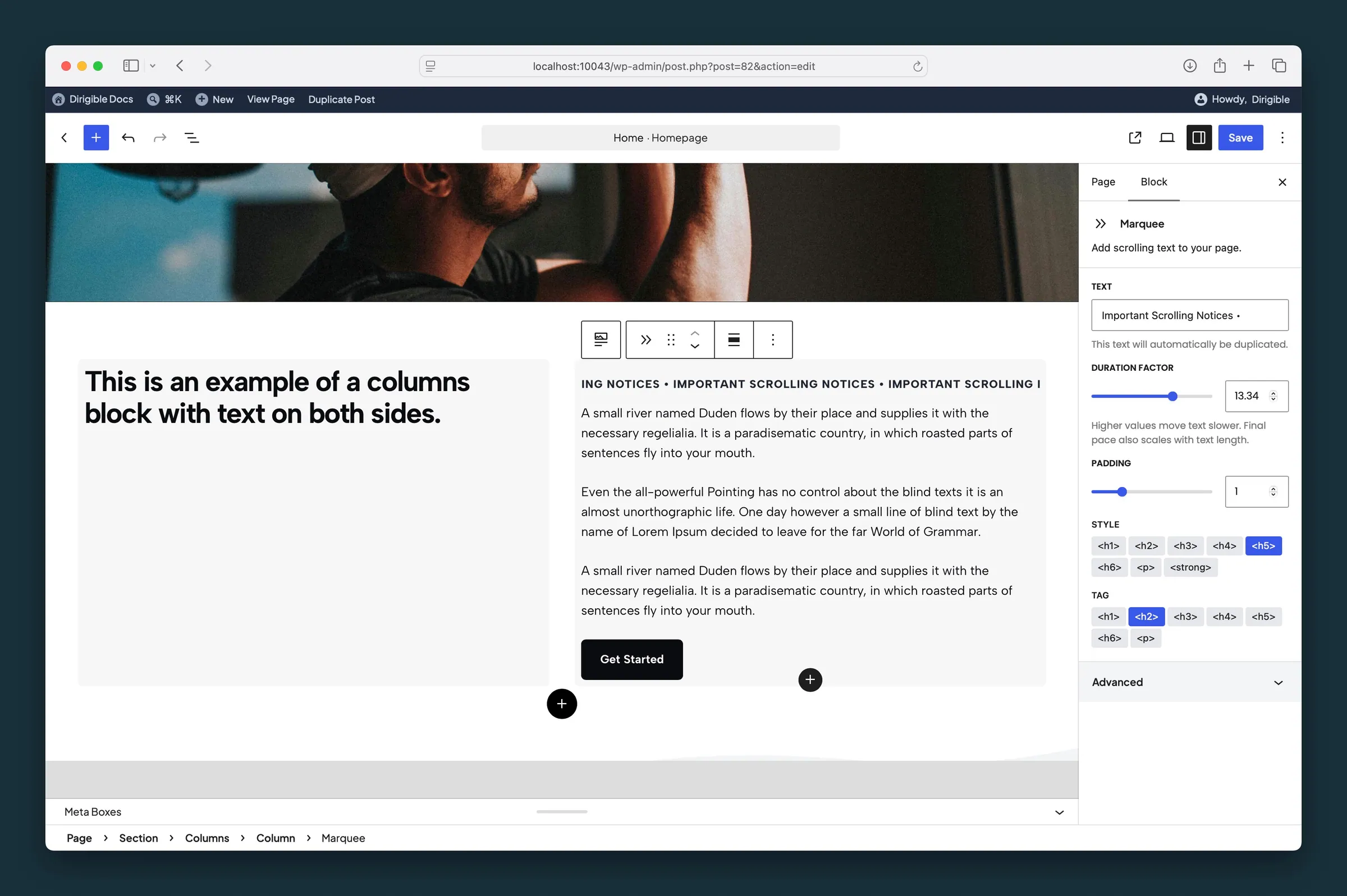
Style and Tag presets — visual typography vs semantic heading level for the scrolling line.
Settings
Settings
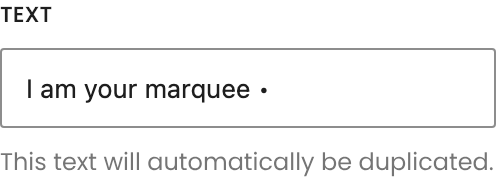
Your message, repeated automatically to fill the band. Use **Divider** to separate the repeats instead of typing a separator here.
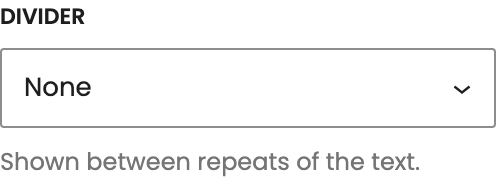
A mark between repeats of the text, such as • or //. Choose **Custom** to type your own. It isn't part of the heading search engines read.
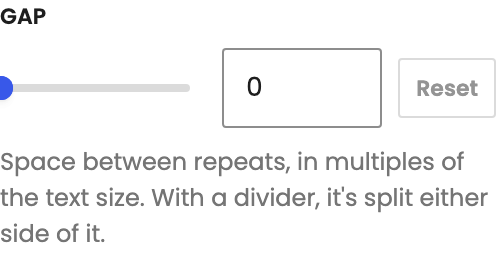
Space between repeats, measured in text sizes so it scales with the text. With a **Divider**, it's split evenly either side of it. **Reset** goes back to the default.
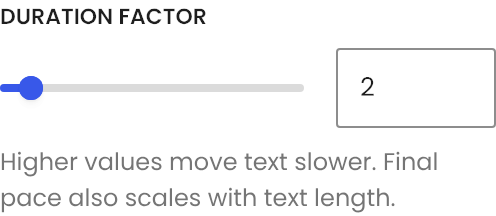
Higher values scroll slower. Loop time also adjusts to the length of your text.
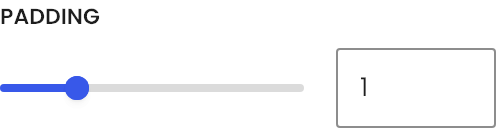
Space above and below the scrolling text.
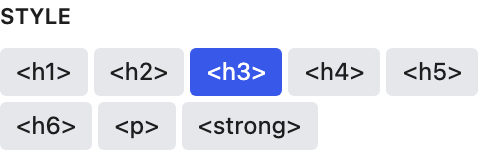
Changes how the text looks. Use **Tag** to set its heading level.
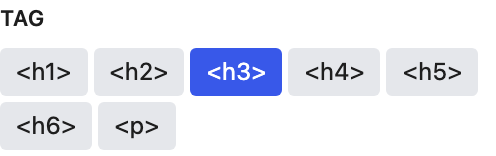
Sets the heading level in the page outline, or a plain paragraph. It doesn't change the look; use **Style** for that.
