

Jump Link
Mark a scroll target for Jump Nav when a block has no HTML anchor field.
Usage
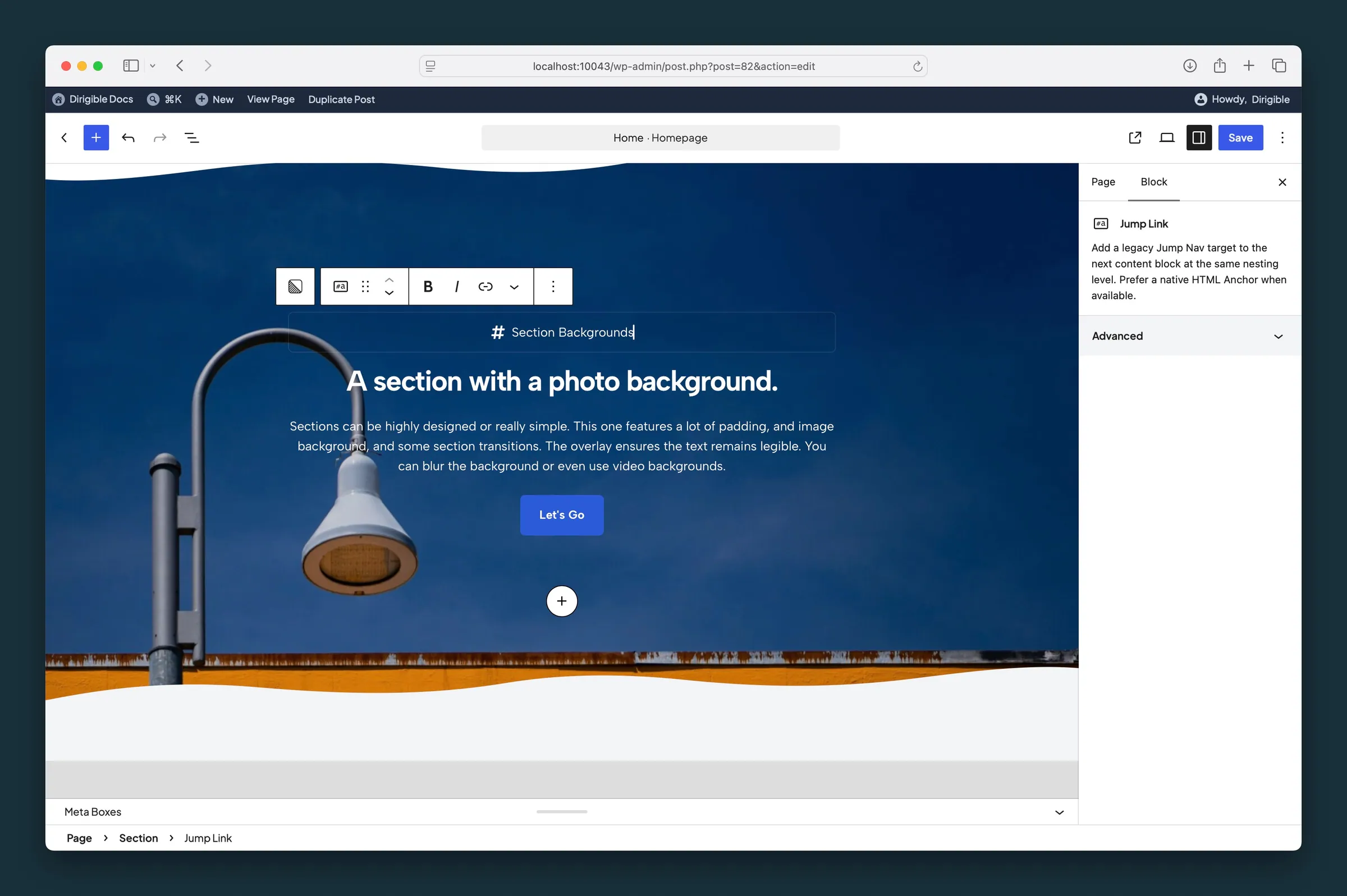
Jump Link is a small marker block that adds a scroll target to the Jump Nav block. Place it directly above the section you want to link to, then type its label inline.
When to use it
Most blocks have an HTML anchor field under Advanced in the sidebar. Use that when you can. Use Jump Link for blocks without that field, or on older pages that already use Jump Links.
Tips
- Keep labels short—they become Jump Nav pill text.
- One Jump Link per destination; place it immediately before the content block at that scroll position.
- A Jump Link at the bottom of a section scrolls to the start of whatever comes after that section. To land on a block inside the next section, put the Jump Link at the top of that section instead.
Screenshots
Editor
-
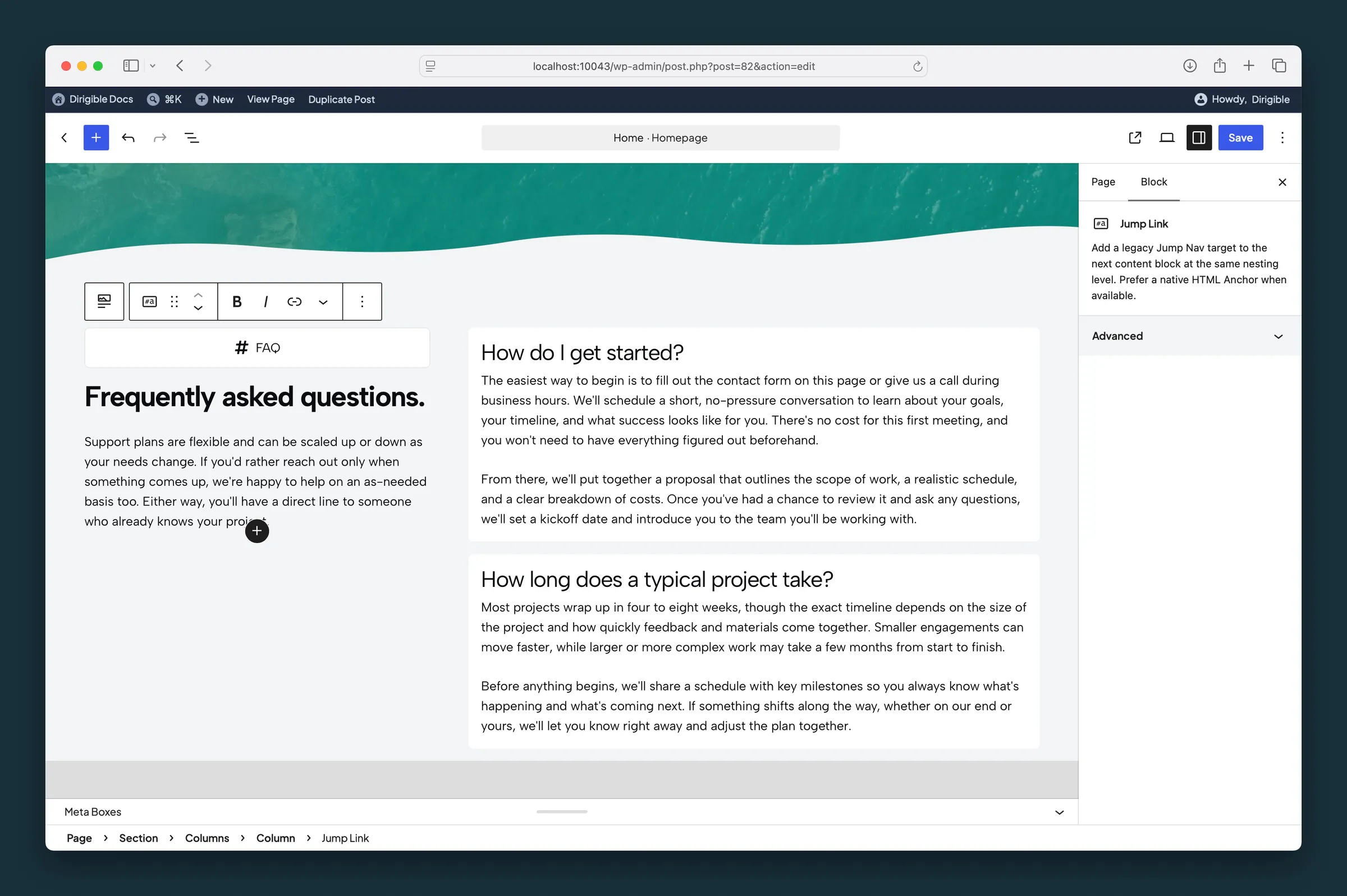
Jump Link above an FAQ column — place one marker before each section Jump Nav should scroll to. -
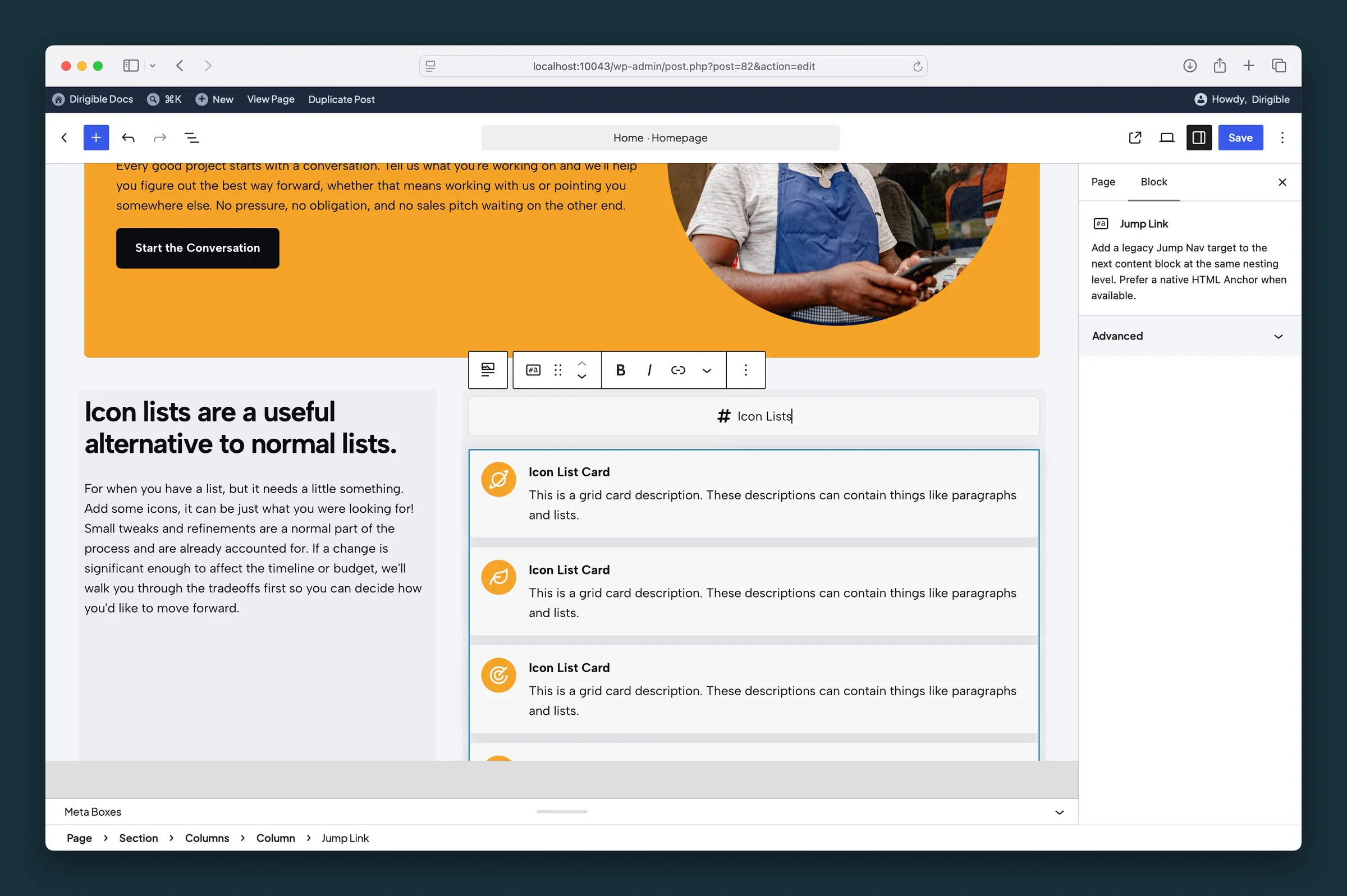
Another Jump Link above Icon Lists — labels stay short; edit inline with no separate sidebar fields.
