

Quote
A large featured quote or testimonial with headshot and citation.
Usage
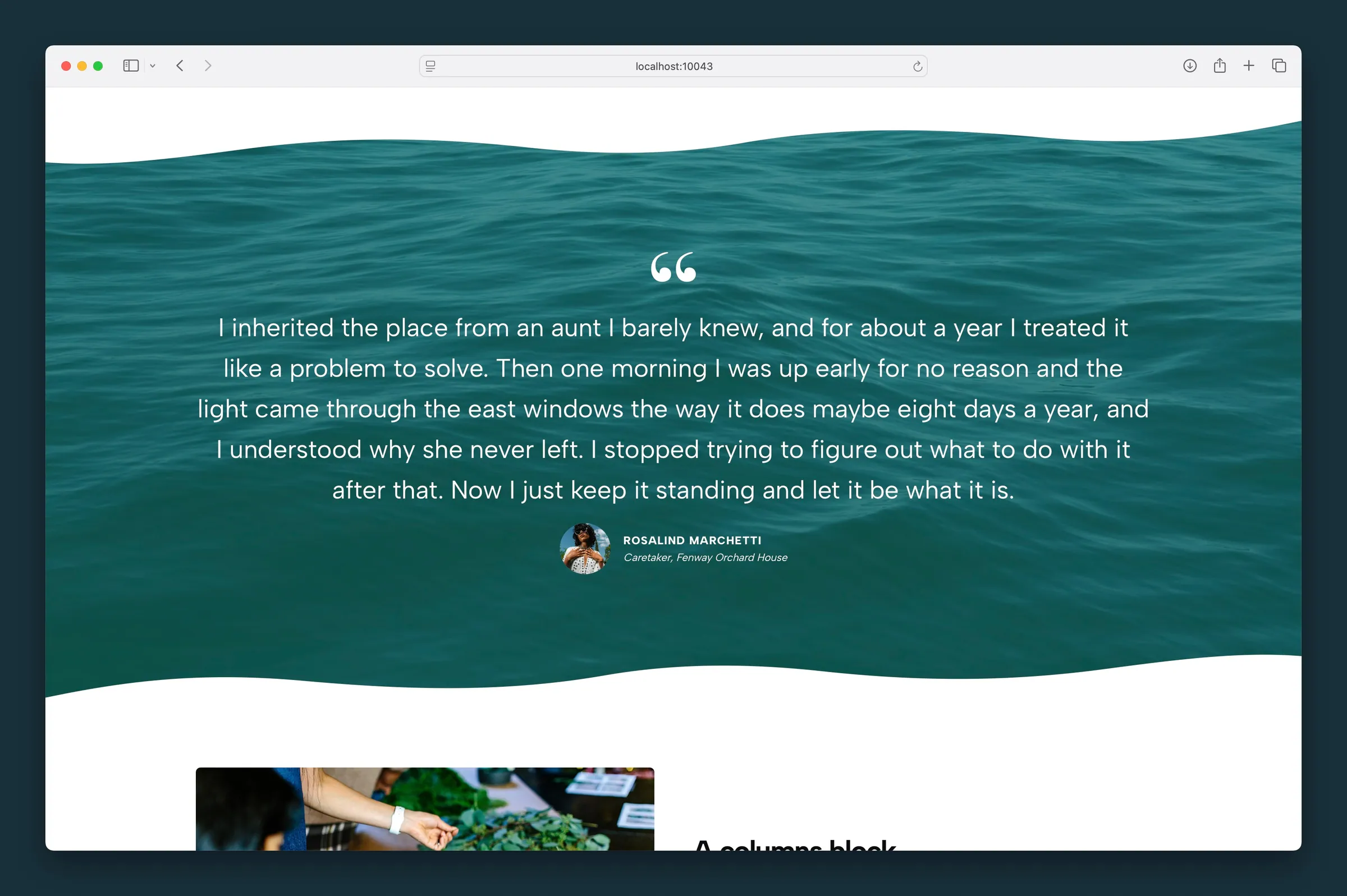
Quote shows a featured testimonial or pull quote, with an optional decorative quote mark, name, job title, and round headshot. Type the quote directly in the block; it can hold paragraphs and lists.
Set Style to Border to add a colored accent bar on the left.
New quotes start with Style None, centered text, Wide width, SM padding, the quote mark on, and 2XL text. Quotes added before this version keep their original border, left alignment, and size.
Content
- Quote — paragraphs and lists
- Name — the person being quoted, typed on the block or in the sidebar. It stays an H4 in the page outline; Name Style only changes how it looks.
- Job Title — a smaller line below the name
- Headshot — optional round photo, with focal point and size controls
Without a headshot, the name and job title center beneath the quote.
Appearance
- Style — None (default) or Border for a colored bar on the left
- Text Align — Center (default), Left, or Right
- Text Size — Normal, then XS through 4XL (default 2XL). Sizes scale down on smaller screens.
- Padding — None, SM (default), MD, or LG
- Border Color — color of the left bar when Style is Border
- Show Quote Mark — decorative quote icon above the text
- Icon Size — 1–40
- Icon Color — color of the quote mark (default matches body text)
- Quote Style — Rounded, Blocky, Message, or Comment
- Name Style — how the name looks (default matches your H4 style)
Headshot
Click the headshot placeholder on the block or use Choose Headshot in the sidebar. Once a photo is set, adjust Image Focal Point and Headshot Size.
Block width
Quote defaults to Wide; Full is also available from the block toolbar.
Tips
- Place a quote inside a Section with a background image or gradient and a large text size to break up a long page.
- Set the Section's padding to None when a quote sits inside a full-width background band.
- Turn off Show Quote Mark for a minimal pull quote.
- Opening a post or running Update blocks converts old Large Quote and Small Quote blocks to this block.
Screenshots
Front-end
-
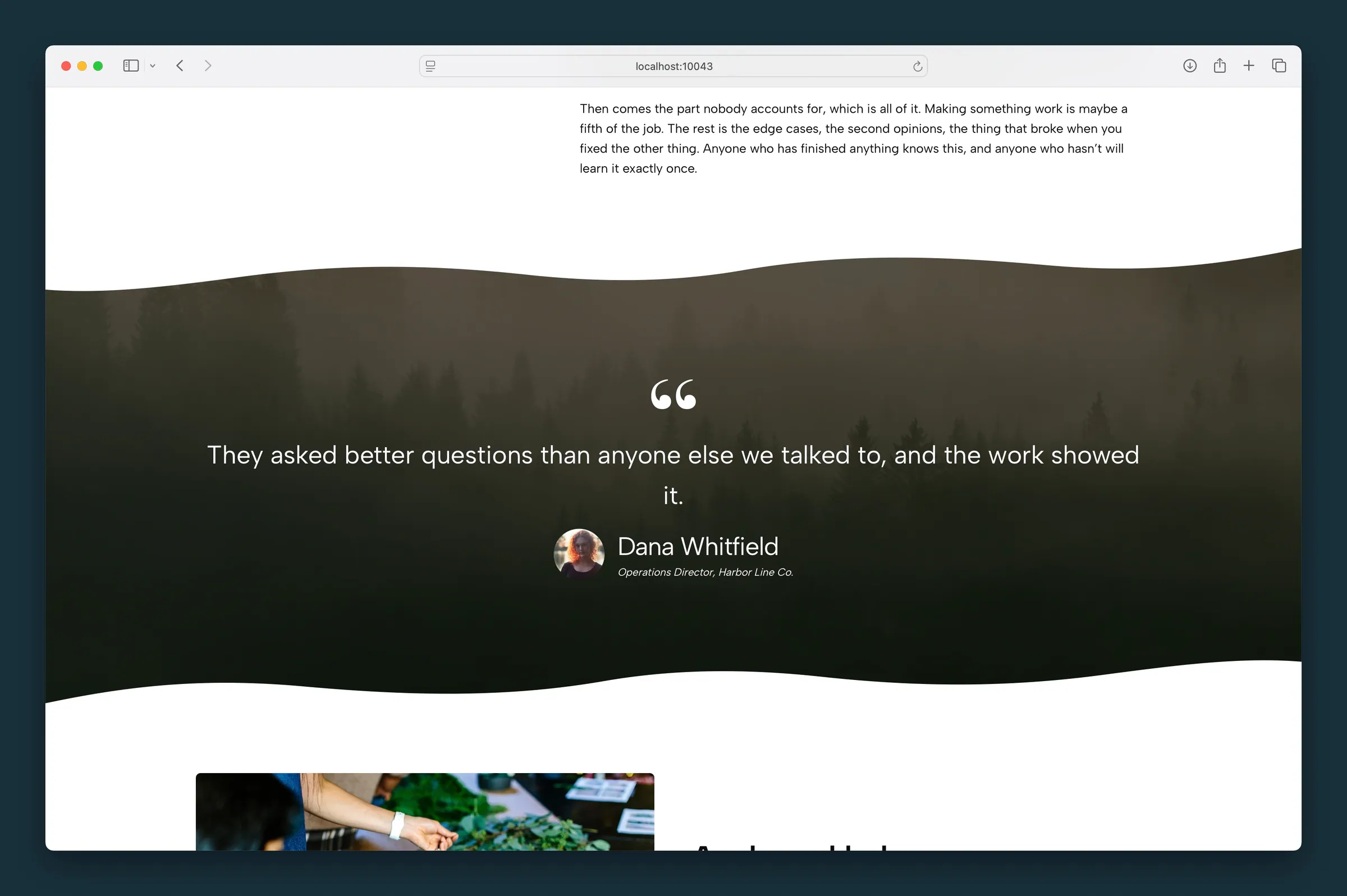
Centered testimonial on a dark Section background — white quote text with name and title below. -
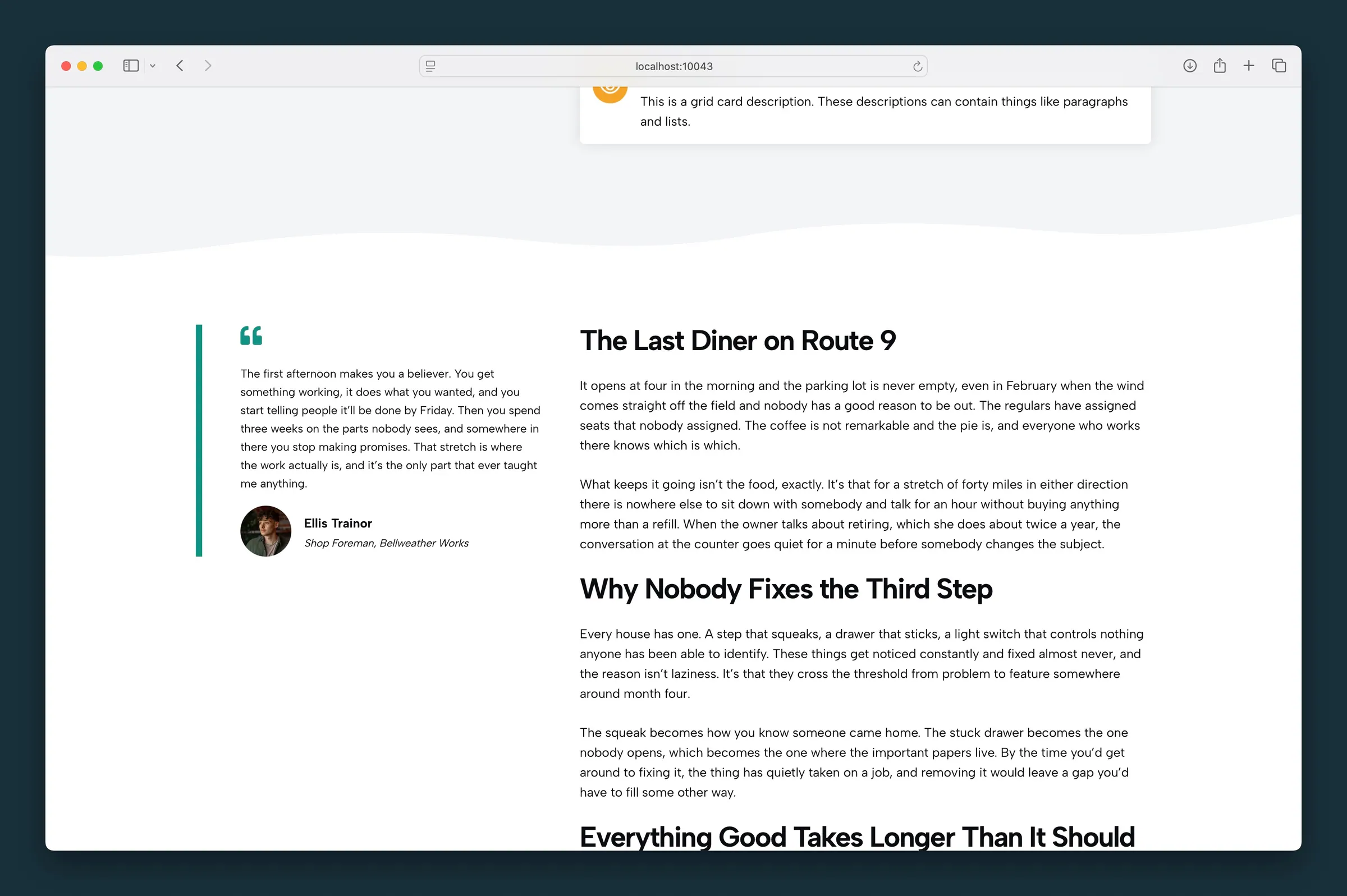
Border style with left accent bar and headshot — placed beside article copy in a wide layout.
Editor
-
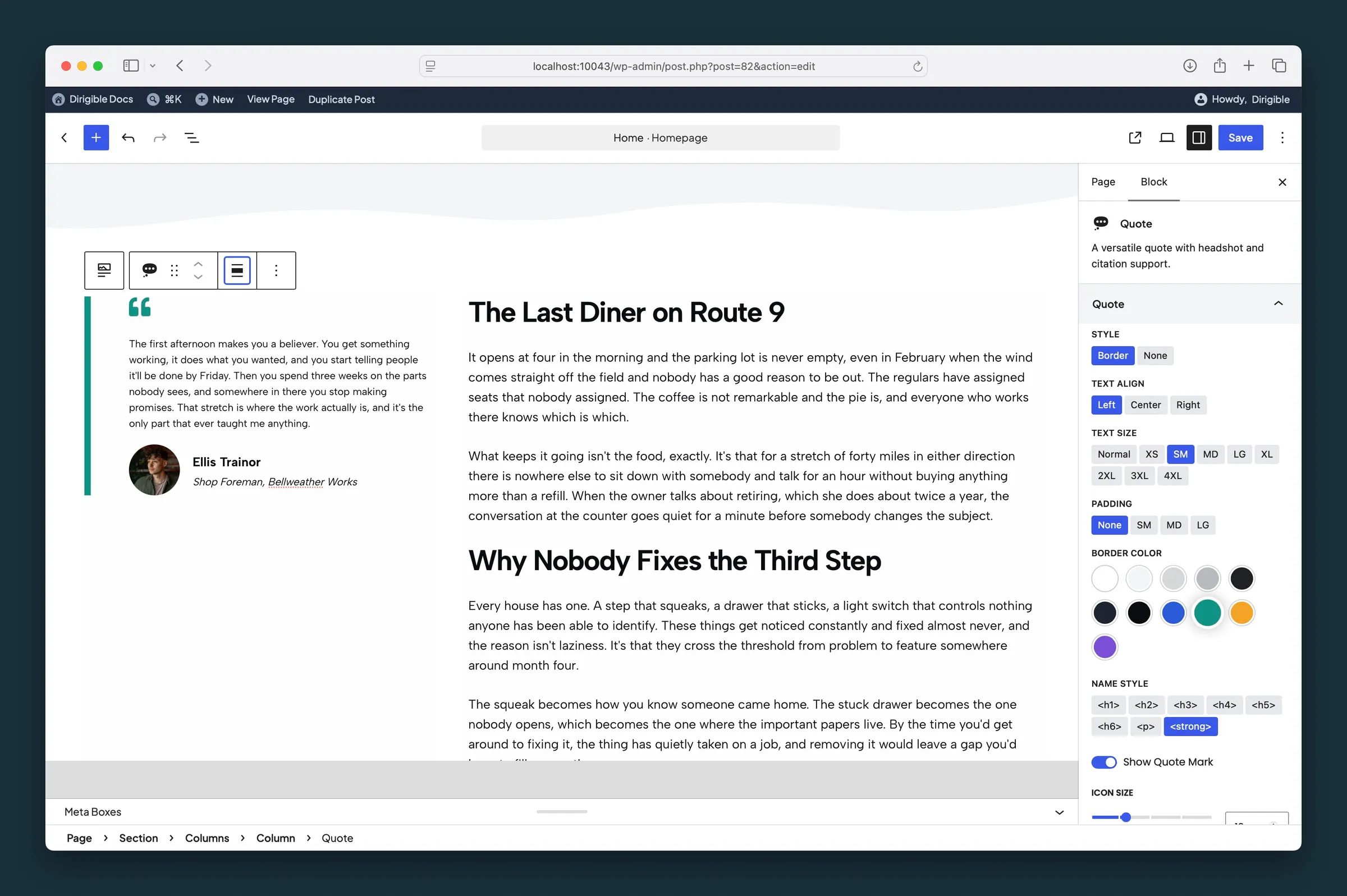
Quote sidebar — Style, Text Align, Text Size, Padding, Border Color, and Name Style controls. -
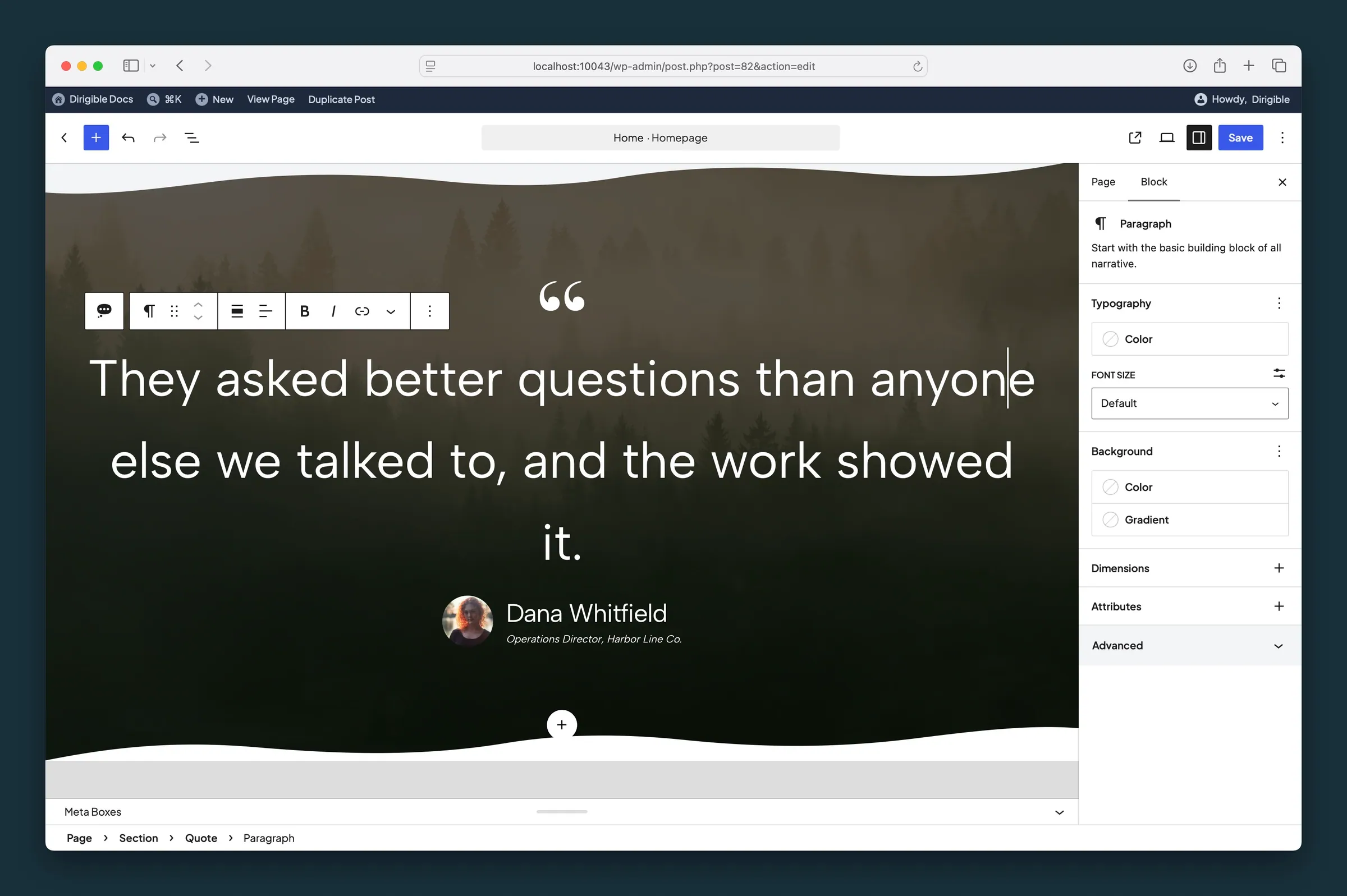
Quote nested in a full-bleed Section — pair large text size with a background image or gradient.
Settings
Quote
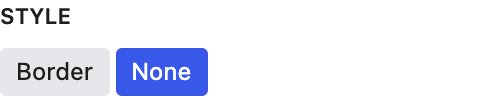
Border adds a colored bar along the left side. New quotes default to None.
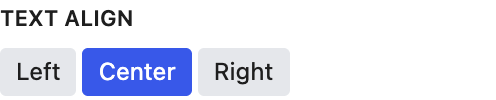
Aligns the quote text, quote mark, and name. New quotes default to center.
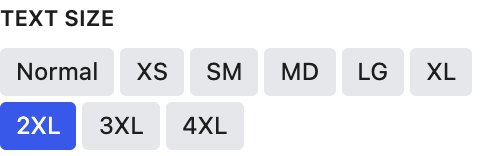
Size of the quote text. Sizes scale down on smaller screens.
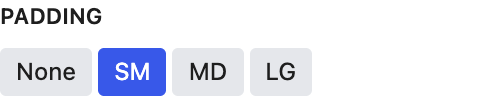
Space above and below the quote.
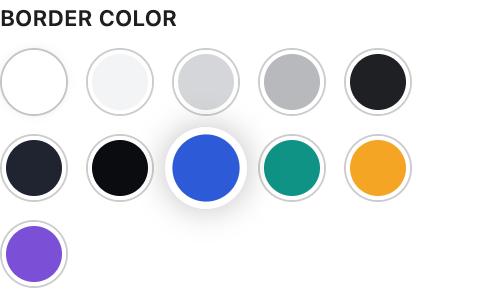
Color of the left accent bar when Style is set to Border.
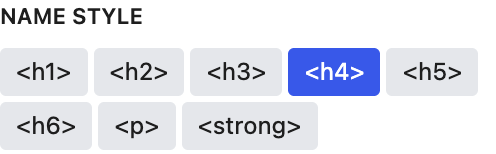
Changes how the name looks. It stays an H4 in the page outline.

Shows a decorative quote mark above the text.
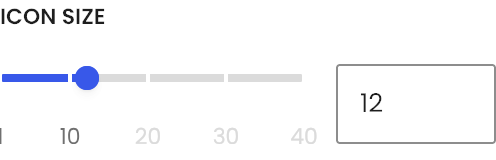
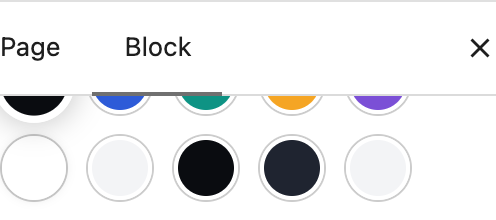
Color of the quote mark. Default matches body text.
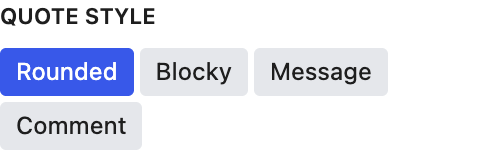
Shape of the quote mark.
Name of the person being quoted, shown below the quote.
Job title or a short line below the name, in smaller text.
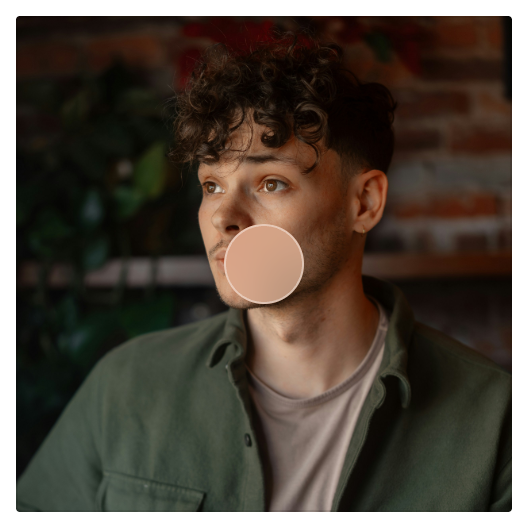
Focal point for the headshot crop. It follows the image's focal point from the Media Library until you move it here; after that it's this block's own.
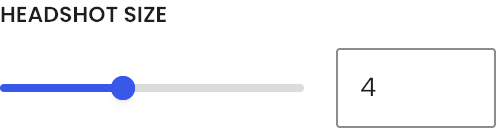
Size of the round headshot (0–10).
