

FAQ
An FAQ accordion that's easy for visitors to use and easy for search engines to read.
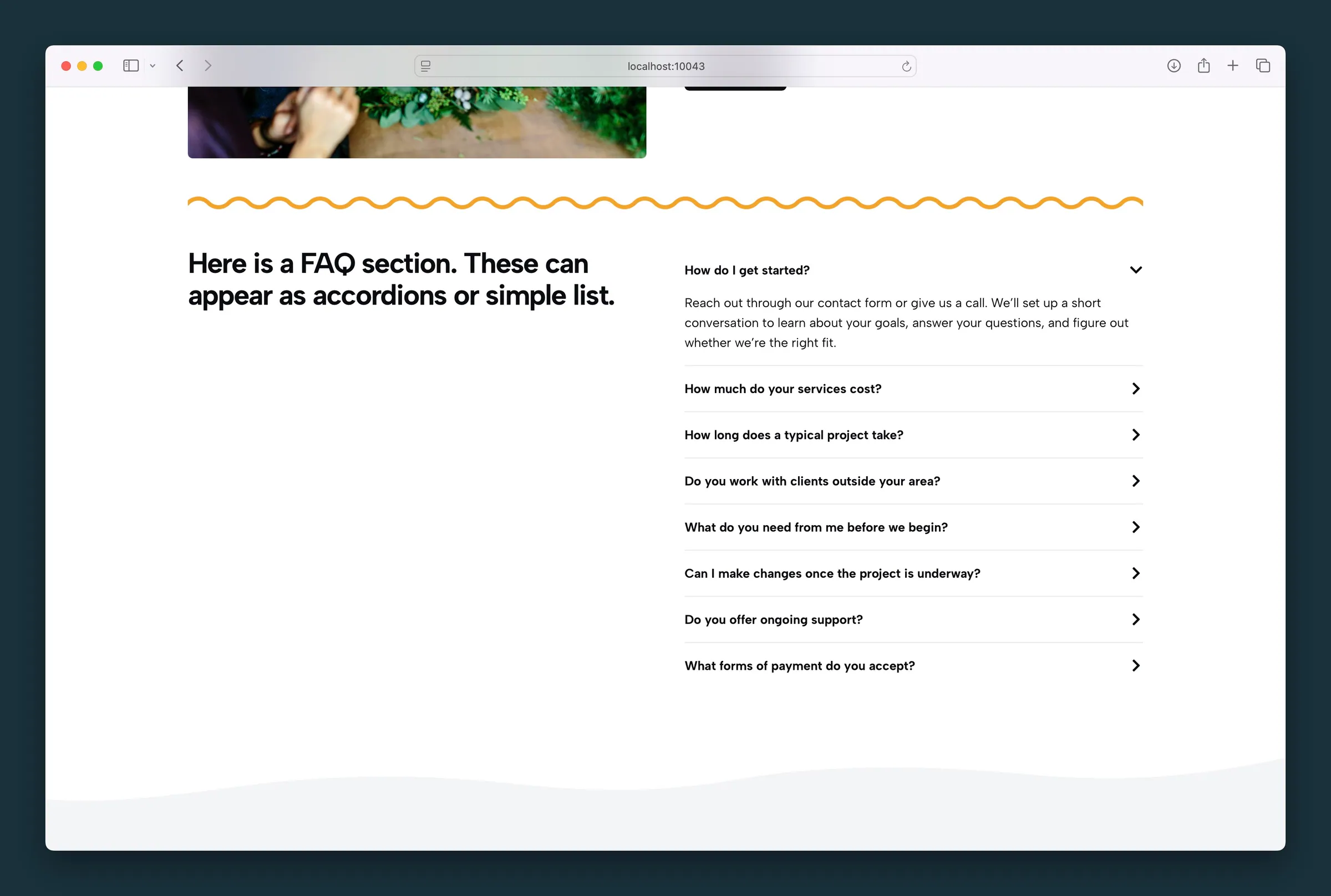
Usage
The FAQ block holds FAQ Card blocks, one per question. Use it for a frequently asked questions section, either as an accordion that opens on click or as a list with every answer showing.
Answers work best as text (paragraphs and lists), but each card can also hold headings, images, buttons, columns, forms, and more. Use those sparingly so answers stay easy to open and scan.
For collapsible sections that aren't questions (services, menus, policies, steps), use the Accordion block instead. It looks the same but doesn't label anything as an FAQ.
Search results
Each question and answer is labeled for search engines as FAQ content. That helps search engines and AI answers understand the page. Google now shows FAQ rich results (expandable questions under a listing) only for well-known government and health sites, so most sites won't see them in Google.
Parent and child blocks
Select the FAQ parent to change style, layout, and question text style for all cards. Select an FAQ Card to edit that question, its answer, and an optional background image behind the question.
Use Add FAQ below the last card to add more questions. When a card is selected, use the block toolbar breadcrumb, parent button, or List View to get back to the parent.
Style (parent)
Choose a look for the whole FAQ (select the parent first):
- Outlined — bordered cards with spacing (default)
- Cards — filled card backgrounds
- Compact — tight rows with subtle dividers
- Separator — a flush list with lines between items
- Naked — no card background or borders
All questions appear open in the editor so they're easy to edit; the live site follows the Layout setting.
Layout (parent)
- Accordion (default) — answers stay hidden until a visitor clicks the question; clicking again closes it
- Static — every answer shows on the page
Columns (parent)
Choose how many cards sit side by side on larger screens: 1 (default), 2, 3, or 4. Phones always show one column, so questions read top to bottom. With Static, the cards in a row share one height. With Accordion, cards line up with the top of their row, and opening an answer only lengthens that card.
With Compact, columns drop the outer frame and each card keeps its own bottom rule. With Separator, every card gets a rule above it so each row reads as a line across the columns.
Header Tag and Header Style (parent)
- Header Tag — the heading level each question uses in the page outline (H1–H6, or plain paragraph). Left at the default, H4, questions move up a level on the live site wherever H4 would skip one, for example to H3 under an H2 section title. They look the same, and the editor still shows H4. Any other level stays as you pick it.
- Header Style — how the question looks, using your Customizer text styles. It can differ from the tag, so a question can be an H4 in the outline but look like an H2.
FAQ Card settings (child)
Type the question in the card header. Add the answer in the area below: paragraphs by default, or insert other allowed blocks.
Optional card sidebar settings:
- Background — an image behind the question; the question text switches to light automatically
- Image Focal Point — choose which part of the image stays in view
Block width
FAQ supports Wide and Full alignment from the block toolbar.
Tips
- Use Accordion for long FAQ lists and Static when every answer should be readable without clicking.
- Match Header Tag to the headings around it on the page (often H3 or H4).
- Use Columns for short, scannable questions; keep long answers in a single column so visitors don't lose their place.
Screenshots
Front-end
-
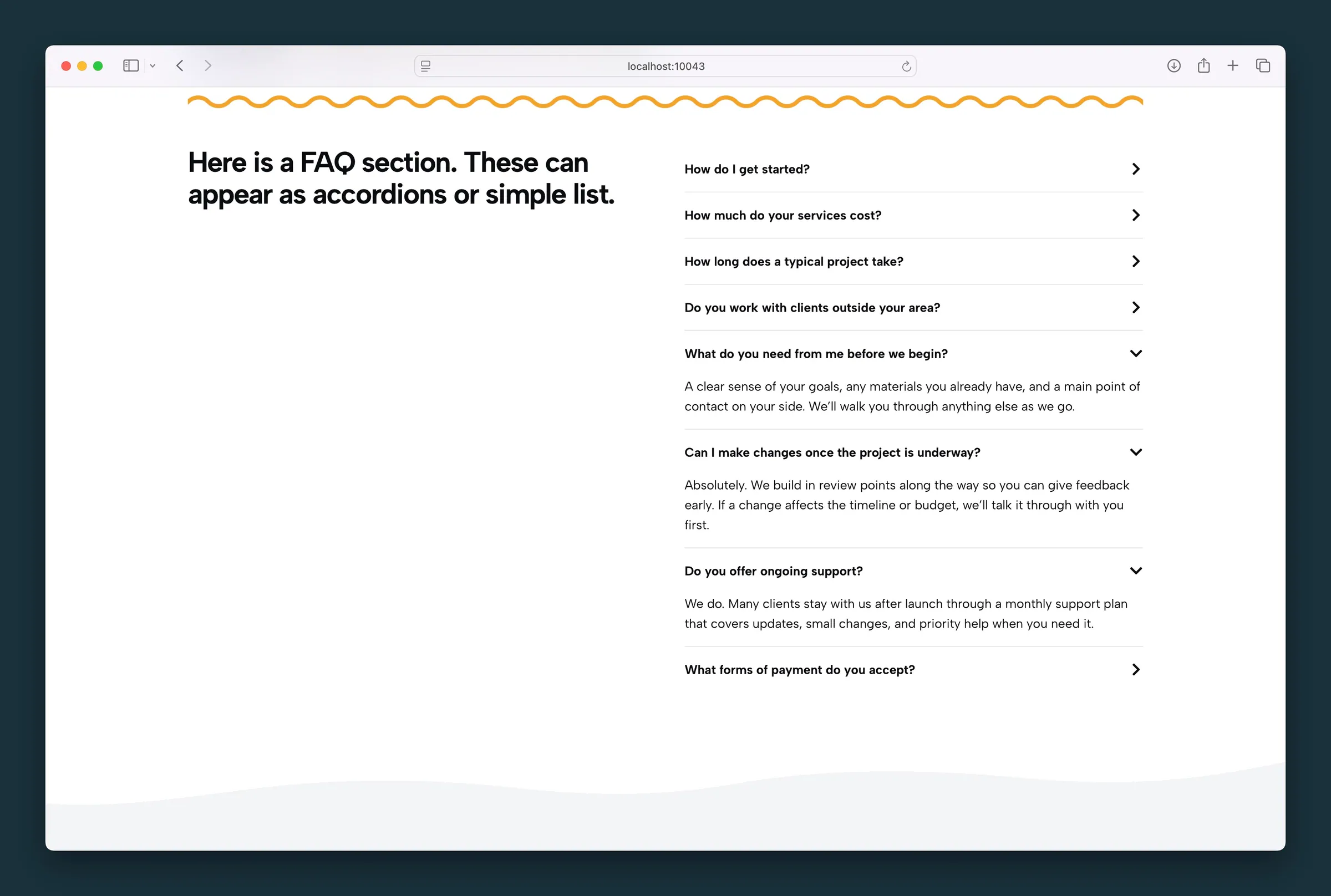
Same accordion layout with several answers expanded at once. -
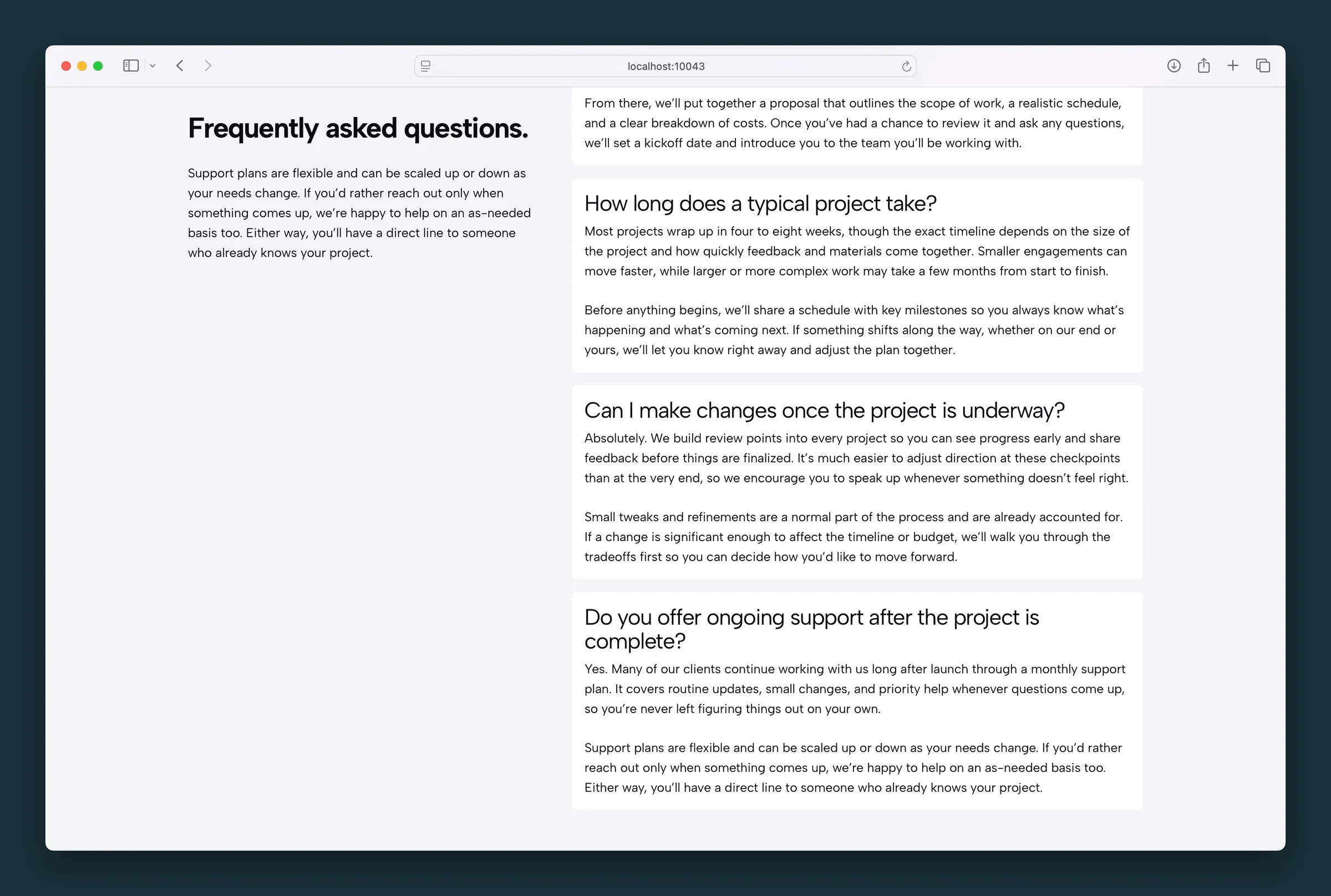
Cards style with Static layout — each question and answer shown in its own card.
Editor
-
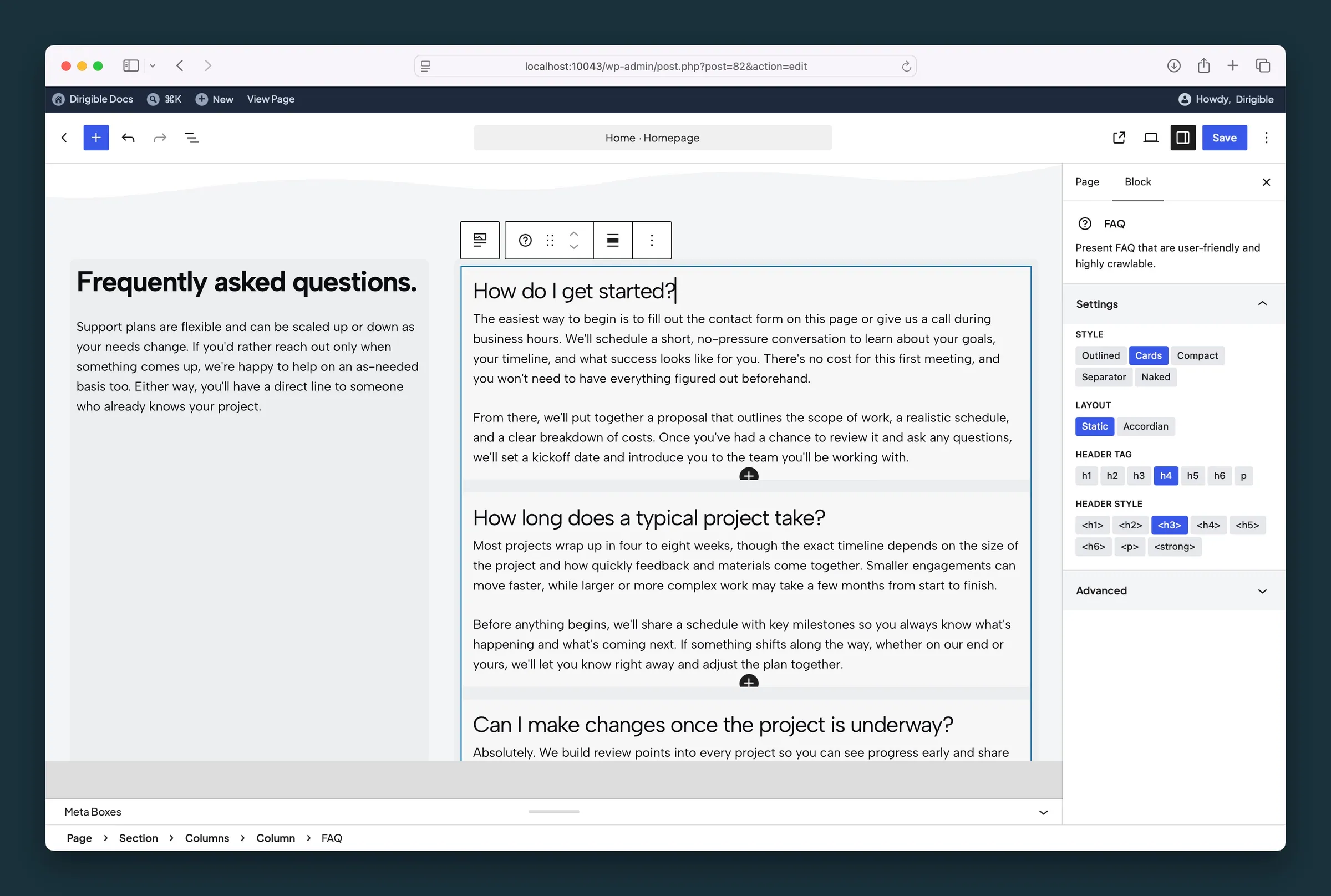
FAQ parent settings — Style, Layout, Header Tag, and Header Style. -
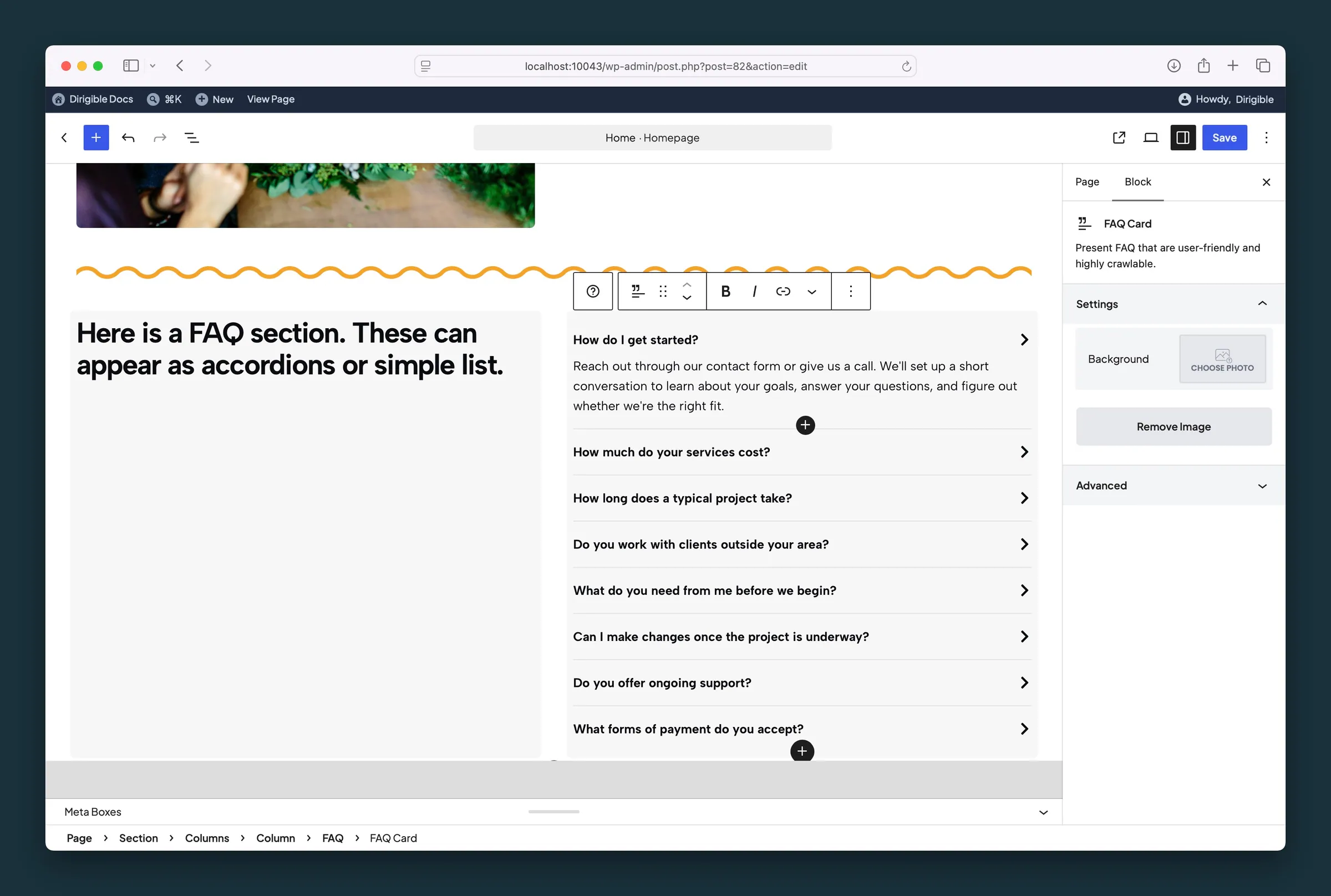
FAQ Card child selected — optional background image for an individual question.
Settings
Settings
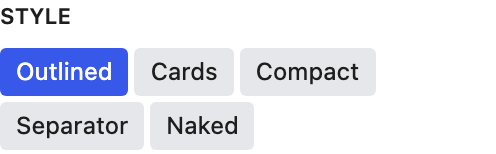
The look for every card in this FAQ. Select the parent FAQ block to change it.
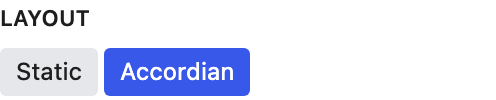
Accordion hides answers until a visitor clicks the question. Static shows every answer. Answers always appear open in the editor.

How many cards sit side by side on larger screens. Phones always show one column. With Static, the cards in a row share one height; with Accordion, an open answer only lengthens its own card.
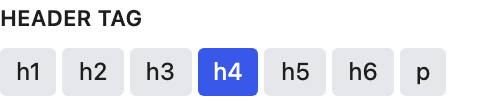
The heading level each question uses in the page outline. Left at H4, questions move up a level on the live site where H4 would skip one (H3 under an H2 section title); they look the same. Other levels stay as picked.
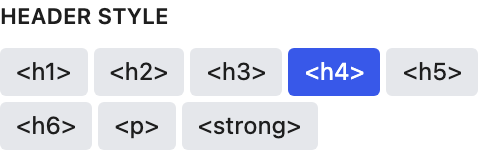
How each question looks. It's separate from Header Tag, so a question can stay an H4 in the page outline but look like an H2.
