

Featured Post Display
Usage
Open Appearance → Customize → Blog & Posts → Featured Post Display to lead the blog page with your newest posts. Choose a Display layout (Wide, Full, Hero, and others), then set the Style, Headlines, Link Text, and whether the Date shows.
The featured area appears only on the first page of the blog. It doesn't show on category or tag archives or on later pages. Sticky posts get a pin badge.
Each featured post is a tile with a fixed shape, so it keeps its proportions on every screen size. Its photo is cropped to fill the tile, around the photo's focal point when you've set one in the Media Library.
When to use it
- News sites leading with the latest story.
- Blogs that want new posts to stand out above older ones.
- Seasonal announcements that should lead the blog page.
Tips
- Keep Headlines a step below your page title so the featured post doesn't compete with it.
- Hide the date on evergreen guides; show it on time-sensitive news.
- If your blog page already starts with a Hero block, pick one or the other so visitors see one lead story.
- Keep Link Text short ("Read now") so it fits on phones.
Settings
Featured Post Display
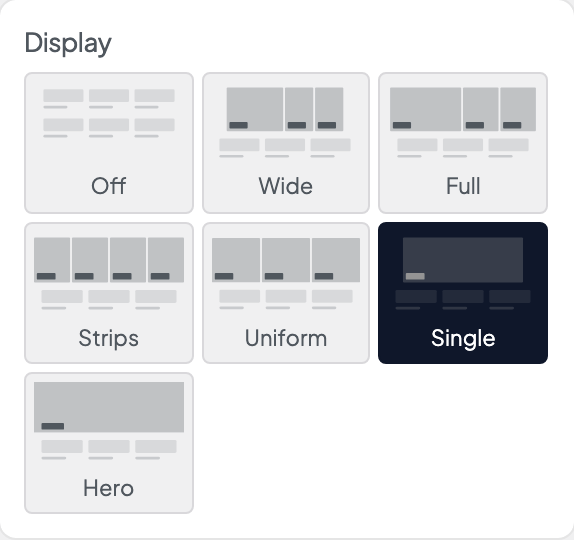
Display
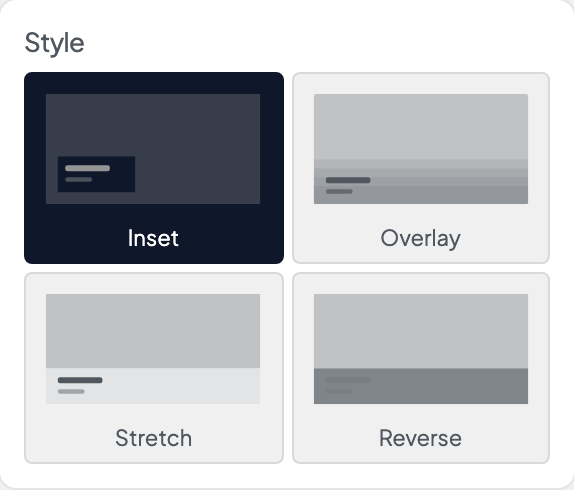
Style
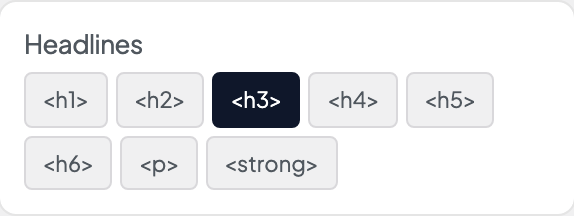
Headlines
Link Text

Date
