Settings
Usage
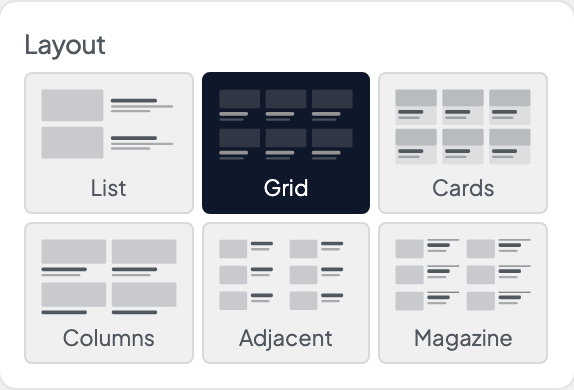
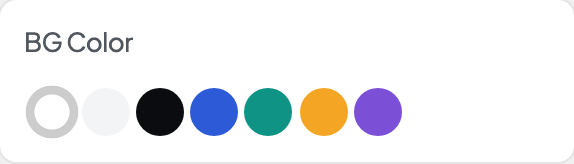
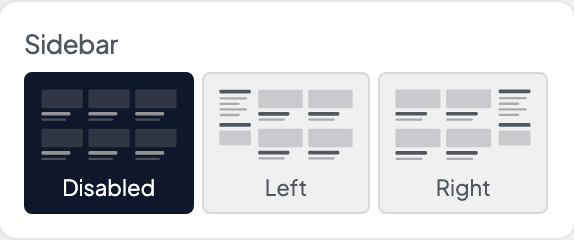
Open Appearance → Customize → Blog & Posts → Settings to set up the blog page and archives. Choose a Layout, set BG Color and White Text, and pick where the Sidebar goes.
Set Blog Page so the return link on single posts points to your blog. To design the blog page yourself, pick a Custom Layout page, build it with blocks, and add the {{posts}} keyword (plus the others listed under that setting) where the posts should go.
When to use it
- Setting up a new blog before styling cards or single posts.
- Switching from the default grid to a magazine or list layout.
- Hiding the sidebar on phones with Hide Sidebar on Mobile.
Tips
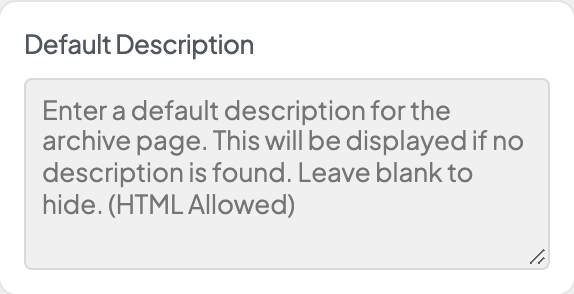
- Default Description shows on category and tag pages that don't have a description of their own.
- Default Headline is replaced by the category or archive name on those pages.
- Keep the custom layout page Private so search engines index your posts, not the layout page.
- Pair White Text with a dark BG Color.
Settings
Settings
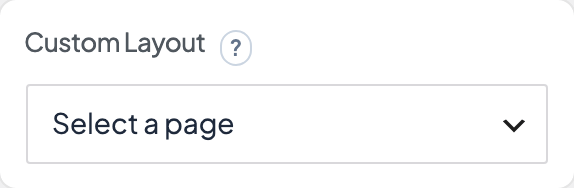
Select a page to use for a custom blog layout. Put these keywords in it: {{title}} for the archive title, {{description}} for the archive description, {{#}} for the current page number, and {{posts}} for the posts. Dirigible keeps this page out of search results and the sitemap.
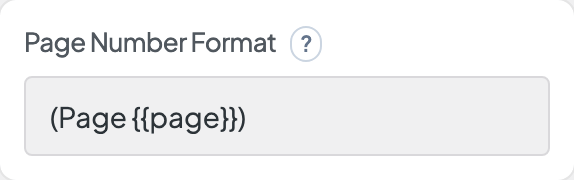
The format of the page number used in the custom blog layout. Keyword {{page}} will be replaced with the current page number.
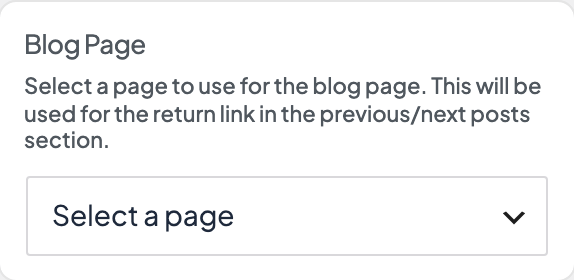
Select a page to use for the blog page. This will be used for the return link in the previous/next posts section.

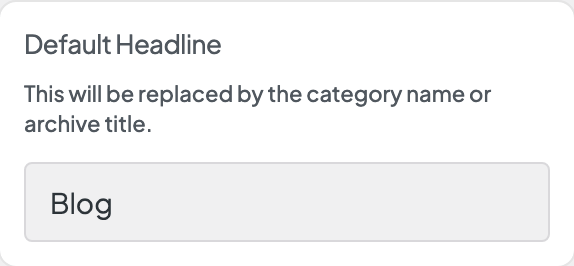
This will be replaced by the category name or archive title.