Custom Embeds
Usage
Open Dashboard → Tracking & Privacy and go to Custom Embeds when a tool doesn't have its own ID field under Analytics & Tracking. (These fields used to be in Appearance → Customize → Scripts & Embeds.) Paste the full code the vendor gives you into the field that matches where they say it should go:
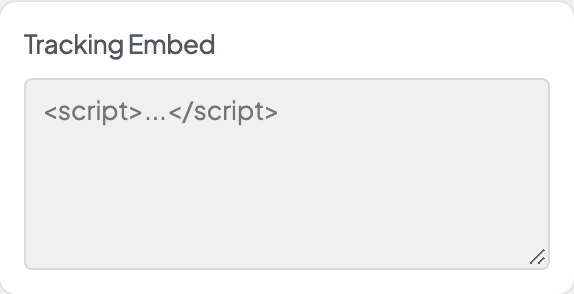
- Tracking Embed: tracking code that doesn't have its own ID field.
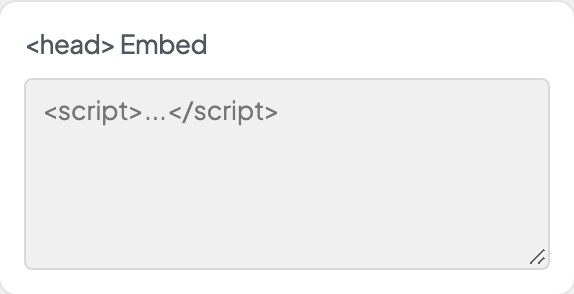
- <head> Embed: code the vendor says belongs in the page head.
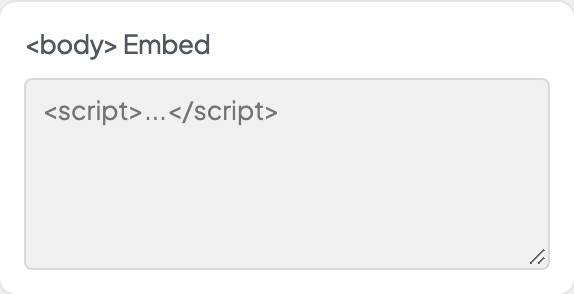
- <body> Embed: code that should load at the top of the page body.
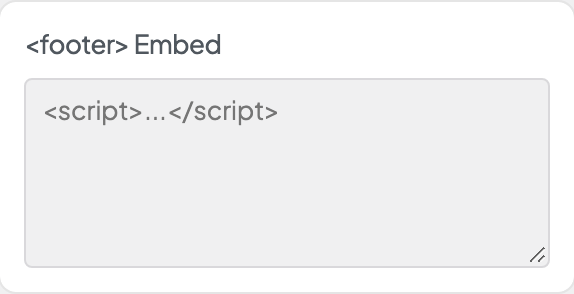
- <footer> Embed: chat, scheduling, and other widgets that can load last.
Click Save Settings after pasting. The code then runs on every page of the site, unless the vendor's code limits itself to certain pages.
When the pasted code is tracking
If what you pasted is tracking Dirigible recognises (Google Analytics, Google Ads, Tag Manager, Meta Pixel, LinkedIn, TikTok, Microsoft Clarity, Pinterest, Hotjar, HubSpot and others), saving asks first:
- Move it to Tracking settings moves the code into its field under Analytics & Tracking, when there is one and the code is the service's standard snippet (Google tag, Google Tag Manager, Meta Pixel, LinkedIn Insight Tag, Hotjar, HubSpot or StackAdapt; spacing and quote style may differ, nothing else). It then loads after the page and follows the cookie banner. The message says what can't be moved and why (for example, code with extra settings, or a plugin that already adds the same tag). To undo a move, empty the ID field and paste the code back. Purge your site's cache afterwards so cached pages update.
- Load after consent (when the cookie banner is on) keeps the code pasted but holds the tracking back until visitors accept. It turns on Load Pasted Tracking Only After Consent in the cookie banner settings.
- Keep it pasted saves the code as it is. Pasted tracking loads for every visitor, including ones who decline the banner.
- Cancel goes back without saving.
With the banner off, you're only asked when something can move. Chat, scheduling and accessibility widgets never trigger the question.
Only Administrators and Managers can change these fields. Other roles that can open the page, such as WooCommerce's Shop Manager, see them locked, and settings imports they run skip them.
When to use it
- Chat widgets, scheduling calendars, or testing tools that come with one install snippet.
- Pixels or tags your agency sends as code instead of an ID.
- Moving embed code out of page blocks so it loads the same way site-wide.
Tips
- Don't add the same code here and in a page block. Loading it twice causes errors and double-counts analytics.
- Only paste code from vendors you trust. These fields run whatever you put in them.
- Add one embed at a time so you can tell which one causes a problem.
- Use the Analytics & Tracking ID fields when a service has one (Google, Facebook, LinkedIn, StackAdapt, Hotjar, HubSpot, Piwik PRO). Those follow the cookie banner and load strategy automatically; code pasted here doesn't, unless Load Pasted Tracking Only After Consent is on. When you switch a service to its ID field, delete its code here in the same save, or let Move it to Tracking settings do it.
Settings
Custom Embeds