

Inline Links
Usage
Open Appearance → Customize → Styles → Inline Links to style links inside your text: paragraphs, lists, tables, captions, and similar. Set the Color (default Primary), Color On Hover, Background On Hover, the Underline color and Underline Size, and the matching hover underline settings.
Weight and Style apply to linked text inside paragraphs. Buttons and menu links aren't affected; they use Styles → Buttons and Styles → Navigation.
When to use it
- After setting your Palette, when links in body text are too faint or clash with your text color.
- Creating an underline-on-hover effect. By default there's no underline until a visitor hovers, then a 2px underline appears.
- Long articles that need readable links that don't look like buttons.
Tips
- Background On Hover can highlight links like a marker. Keep Color On Hover at White or Text for contrast.
- Links inside headings use the heading color, not these settings.
- Standalone links like "Read more" on cards use Styles → Links instead.
- Raise Underline Size above 0 if you want links underlined all the time.
Settings
Inline Links
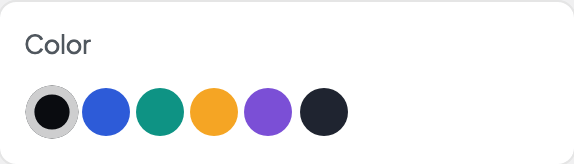
Color
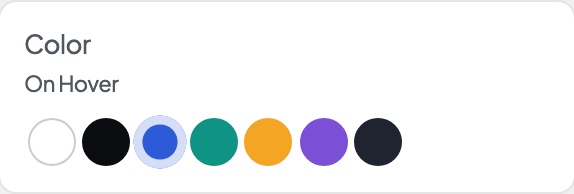
Color On Hover
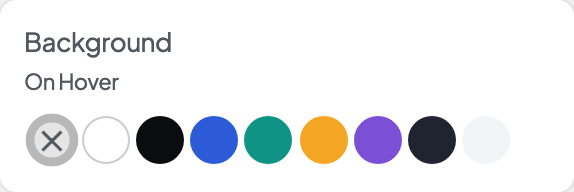
Background On Hover
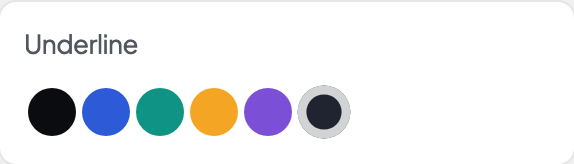
Underline
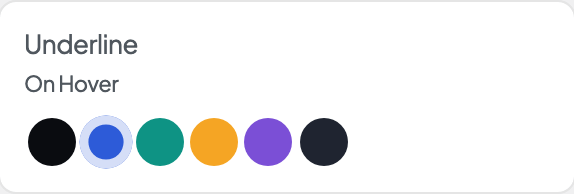
Underline On Hover
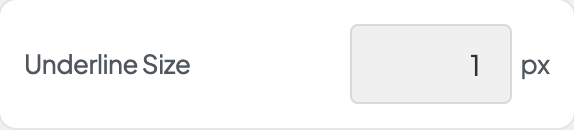
Underline Size
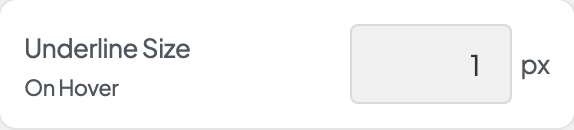
Underline Size On Hover
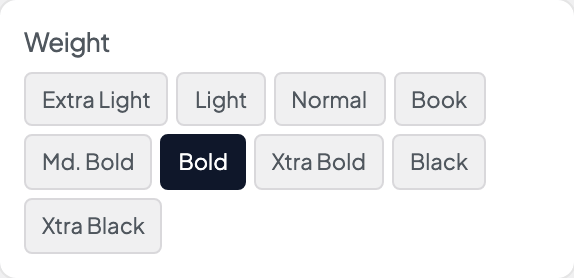
Weight

Style
