

Contact Information
Usage
Open Appearance → Customize → Footer & Contact → Contact Information to enter the business details shown in the footer. Fill in Address, City, State, Zipcode, Phone, and Email, then set the Copyright line at the bottom.
The address shows in the footer when Show Address is on under Appearance.
When to use it
- Before launch, to make sure your name, address, and phone match your Google Business Profile.
- Nonprofits and local businesses that want the same address on every page.
- Updating the copyright year or business name after a rebrand.
Tips
- Use Address (Line 2) for a suite or unit number.
- Outside the US, fill in Country (a two-letter code like CA, or the country's name). Search engines read it with your address; it isn't shown in the footer. Left empty, your address is listed in your WooCommerce store country when WooCommerce is active, and otherwise in the US. Dirigible Locations and event venues use it too, unless their State is a Canadian province (in Canada) or a US state (in the US). On a site outside the US and Canada, spell the state out (New York, not NY).
- Leave a field blank to hide it. No need for "N/A".
- Copyright is plain text. Add the © symbol and year if you want them.
- Keep the phone and email consistent with Settings → Social Media so visitors see the same details everywhere.
Settings
Contact Information
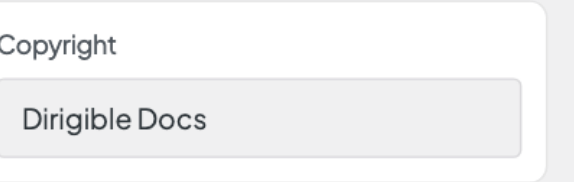
Copyright
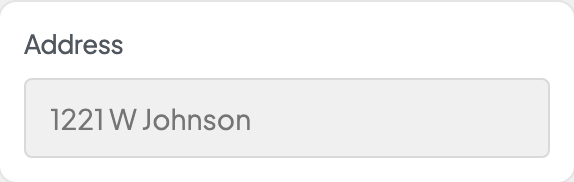
Address
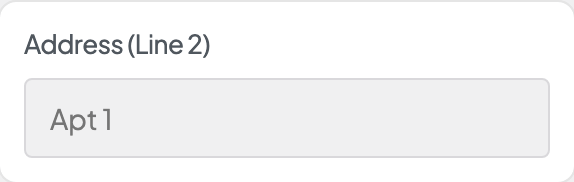
Address (Line 2)
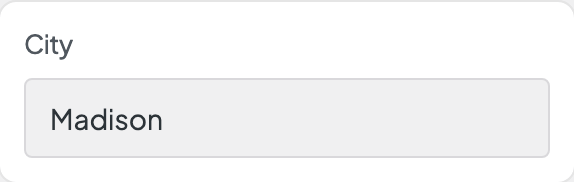
City
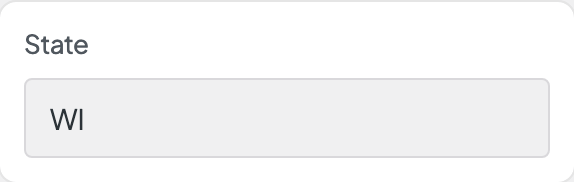
State
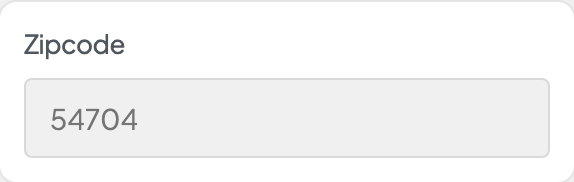
Zipcode
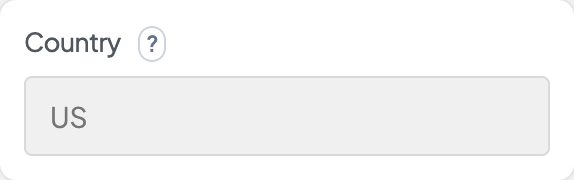
Country
Phone
Email
