

Settings
Usage
Open Appearance → Customize → Pop-up → Settings to control whether and when the pop-up appears. Turn Enable on, pick a Position, then write the message under Pop-up → Content.
The pop-up fades in; with Animations on, the centered pop-up also rises into place and the corner one slides in from the edge. Visitors whose device asks for less motion see it appear without animation.
When it appears
Turn on any of these. With more than one on, the pop-up appears on whichever happens first.
- Show After a Delay: after Delay seconds (up to 60).
- Show After Scrolling: once the visitor scrolls Scroll Depth (%) of the page. A page too short to scroll leaves it to the other settings.
- Show After Inactivity: after the visitor stops scrolling, typing and moving the mouse for Inactive For (Seconds).
- Show When Leaving: when the mouse heads for the browser's tabs or address bar. On phones and tablets, which have no mouse, it appears halfway down the page instead.
To open the pop-up from a button or link, link it to #popup, or add the class ds-open-popup to the block (Block → Advanced → Additional CSS class(es)). That works on any page that shows the pop-up, even if the visitor has already seen it. Turn every Show After setting off to show the pop-up only from those links.
Who sees it
- Reshow After (Days): how long before a returning visitor sees the pop-up again, counted from when it last appeared. At 0, visitors see it again only after you publish changes to the pop-up's content or appearance.
- Stop After Sign-up: a visitor who sends the pop-up's form doesn't see it again.
- Devices: show it everywhere, hide it on phones, or show it on phones only.
Where it appears
- Show On: All pages, Selected pages (pick them under Pages; Always Show on Blog adds the blog and posts), or Post types (tick them under Post Types: each item, its archive and its category pages).
- Never Show On: pages that never show the pop-up, whatever Show On says.
Sites set up with the older Limit to Page keep their page until you change Show On or Pages.
When to use it
- Newsletter sign-ups, announcements, or promotions.
- A home-page-only offer: set Show On to Selected pages and pick the home page.
- Blog sign-up prompts: set Show On to Post types and tick Posts.
- A lead-magnet offer: Show After a Delay (20 seconds), Show After Inactivity (15 seconds) and Show After Scrolling (50%) together, Reshow After (Days) 30 and Stop After Sign-up on.
Tips
- Center dims the page behind the pop-up; Corner is lighter, for small notices.
- Headline Style and Subheadline Style change how the text looks, not its heading level.
- Keep Never Show On for the thank-you page your form sends visitors to.
- Visitors who already saw the pop-up won't see it again until the reshow time passes or you publish changes to its content or appearance. To show it to everyone again, use Reset Popup Transient on the main Dirigible admin page.
- Add a Gravity Form under Content to collect sign-ups inside the pop-up instead of linking to a page.
Settings
Settings

Turns the site-wide pop-up on. Add headline, body, and optional form content under Pop-up → Content.
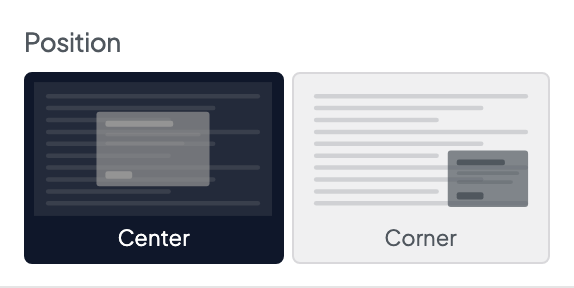
Where the pop-up appears on screen.
- Center defaultCentered modal with a dimmed page overlay.
- CornerCompact card tucked into a corner without a full-page overlay.
Shows the pop-up a set number of seconds after the page loads. Turn on more than one Show After setting and the pop-up appears on whichever happens first. With all of them off, it only opens from a link to #popup.
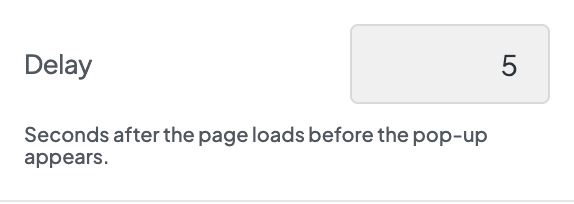
Seconds to wait after the page loads before the pop-up appears, up to 60. Shown while Show After a Delay is on.

Shows the pop-up once the visitor has scrolled part of the way down the page.
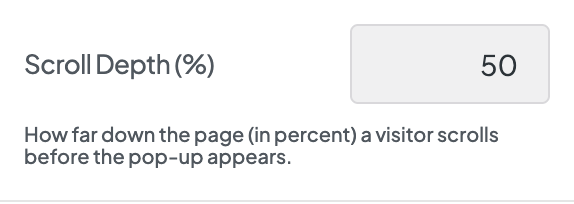
How far down the page, in percent, the visitor scrolls before the pop-up appears. A page too short to scroll never reaches it, so there only the other Show After settings apply.

Shows the pop-up when the visitor stops scrolling, typing and moving the mouse for a while.
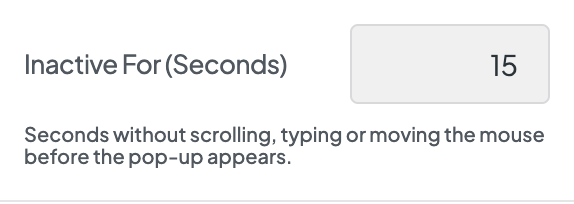
Seconds of inactivity before the pop-up appears.
Shows the pop-up when the mouse heads up toward the browser's tabs or address bar, as visitors do when they're about to leave. Phones and tablets have no mouse, so there it appears once the visitor scrolls halfway down the page.
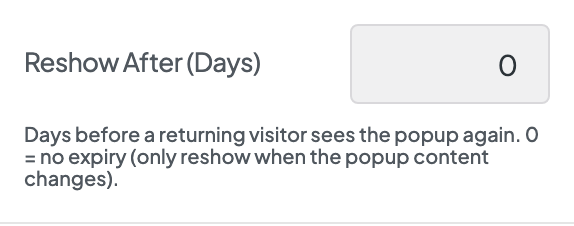
How long before a returning visitor sees the pop-up again, counted from the last time it appeared. Stored in the browser, not a cookie. At 0, visitors only see it again when you change pop-up content or publish Customizer changes that bump the pop-up version.
Once a visitor sends the pop-up's form, they don't see the pop-up again, even after you change its content. Picking a different Gravity Form shows it to them again.
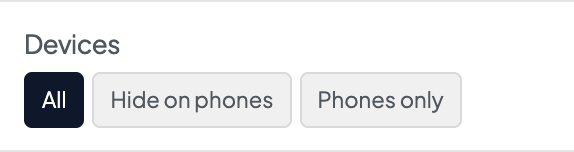
Which screens show the pop-up. Phones means screens narrower than 768 pixels.
- All defaultPhones, tablets and computers.
- Hide on phonesTablets and computers only.
- Phones onlyPhones only.
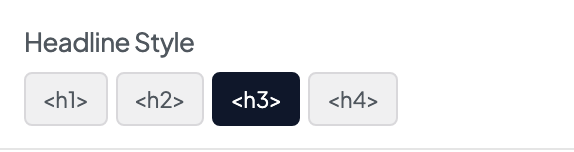
Visual heading preset for the pop-up headline. This changes appearance only — it does not change the semantic heading level on the page.
- <h1>Looks like your site's H1 style.
- <h2>Looks like your site's H2 style.
- <h3> defaultLooks like your site's H3 style.
- <h4>Looks like your site's H4 style.
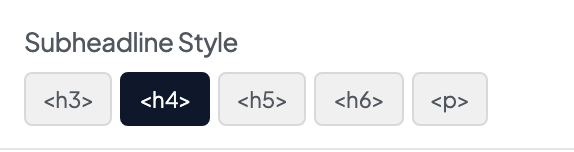
Visual preset for the subheadline below the main headline.
- <h3>Looks like your site's H3 style.
- <h4> defaultLooks like your site's H4 style.
- <h5>Looks like your site's H5 style.
- <h6>Looks like your site's H6 style.
- <p>Looks like normal paragraph text.
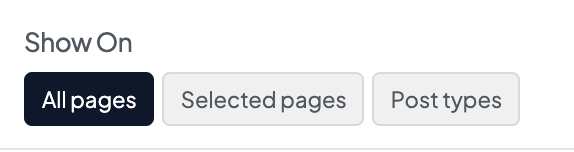
Where the pop-up can appear.
- All pages defaultEvery page.
- Selected pagesOnly the pages you pick under Pages.
- Post typesOnly the post types you tick under Post Types.
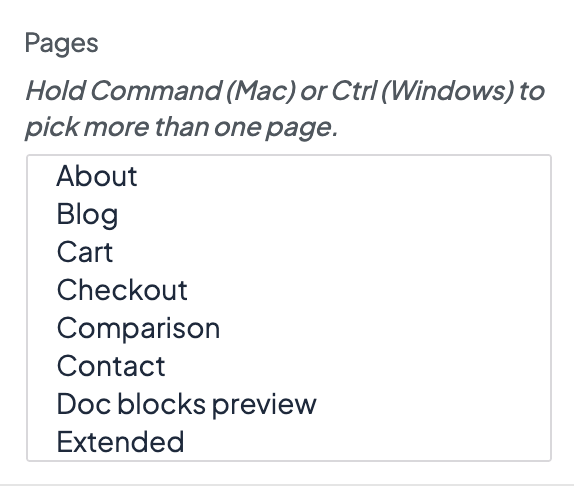
The pages that show the pop-up when Show On is Selected pages. Pick the Posts page to include the blog's main page.
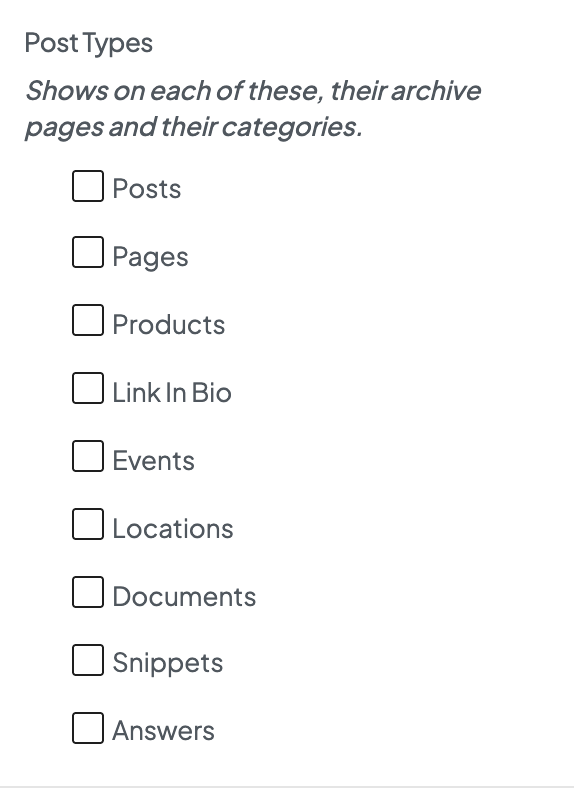
The kinds of content that show the pop-up when Show On is Post types: each item, its archive page, and its category and tag pages. Posts also covers the blog's main page.
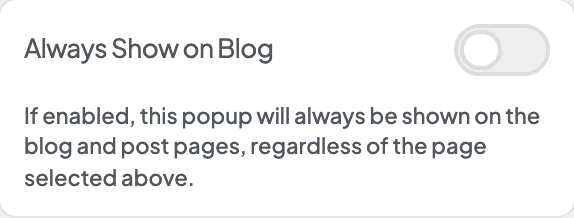
Also shows the pop-up on the blog's main page and on every post, alongside the pages you picked.
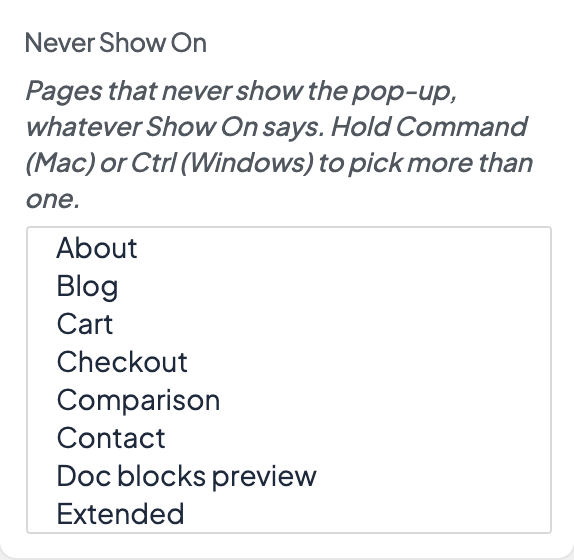
Pages that never show the pop-up, whatever Show On says. Useful for a contact or thank-you page.
