

Utility Nav
Usage
Open Appearance → Customize → Styles → Utility Nav to set the Font Size for the optional bar above the main header. It sizes the utility menu links, cart label, and other small text in the bar. The font itself follows your paragraph settings.
Turn the bar on, assign the Utility Menu, and set the background and link colors under Header & Menus → Utility Nav.
When to use it
- The utility bar feels louder than the main menu. Lower Font Size before hiding the bar on phones.
- After turning on Header & Menus → Utility Nav, to balance the banner text with the login and cart icons.
- Matching the bar to the small uppercase labels you use elsewhere (Header 4 or Header 6).
Tips
- This panel has one setting. Layout, height, colors, and social icons are under Header & Menus → Utility Nav.
- Don't show the cart or login in both the utility bar and Desktop → Show Cart / Show Login. Pick one.
- Enable on Mobile under Header & Menus → Utility Nav decides whether the bar shows on phones at all.
Settings
Utility Nav
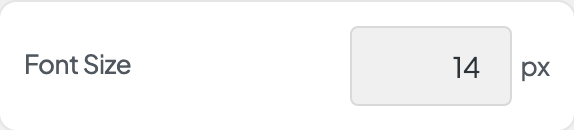
Font Size
