

Search documentation
No results found. Try a block name or setting label.
Features
Dirigible Theme
-
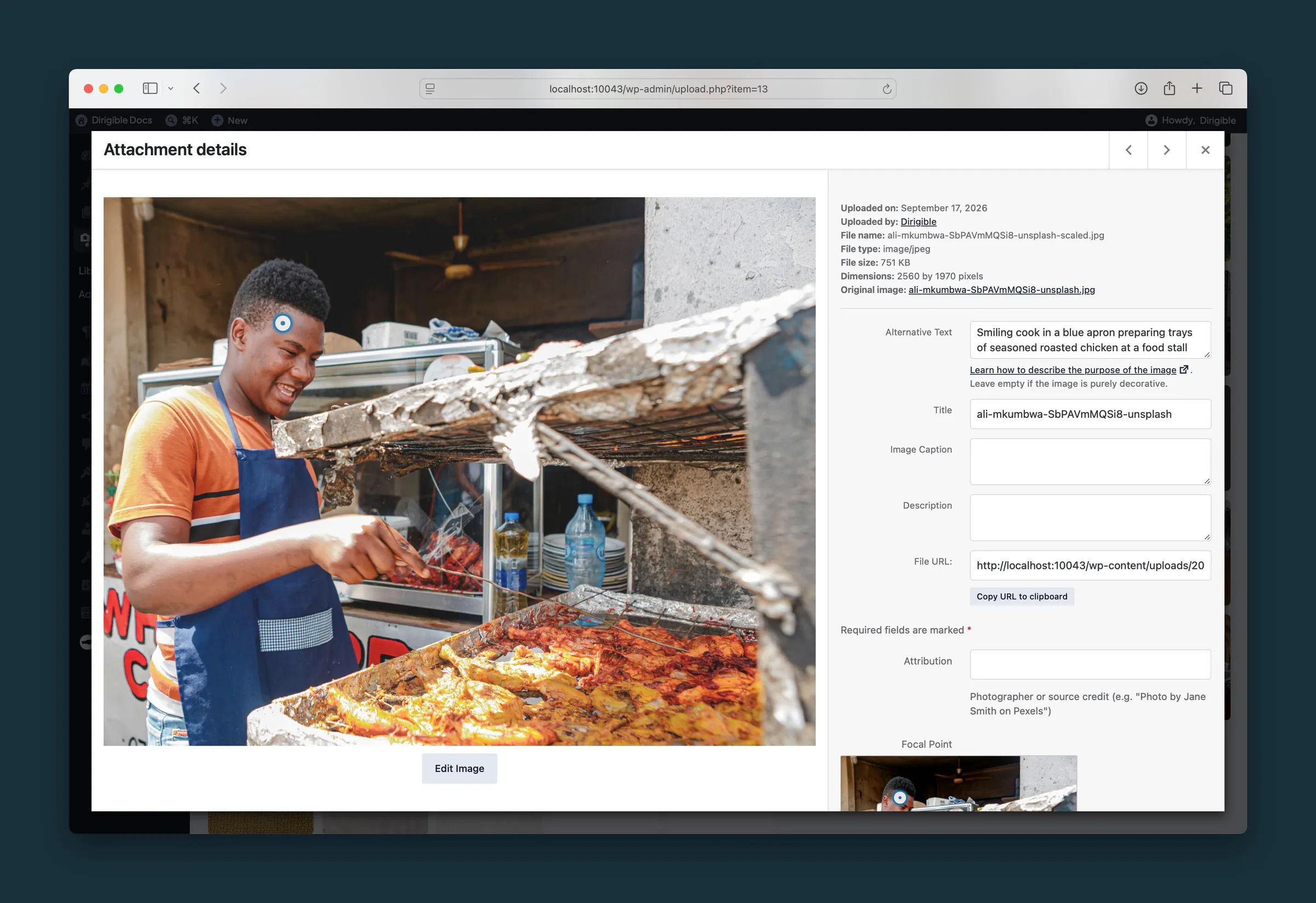 Image Focal Points
Set a focal point on any image so faces, products, and key details stay in frame when it is cropped for phones, wide screens, or different blocks.
Image Focal Points
Set a focal point on any image so faces, products, and key details stay in frame when it is cropped for phones, wide screens, or different blocks.
- User Roles and Security What the Manager role can do, strong passwords for staff accounts, and what Authors and Contributors can and can't put into pages.
-
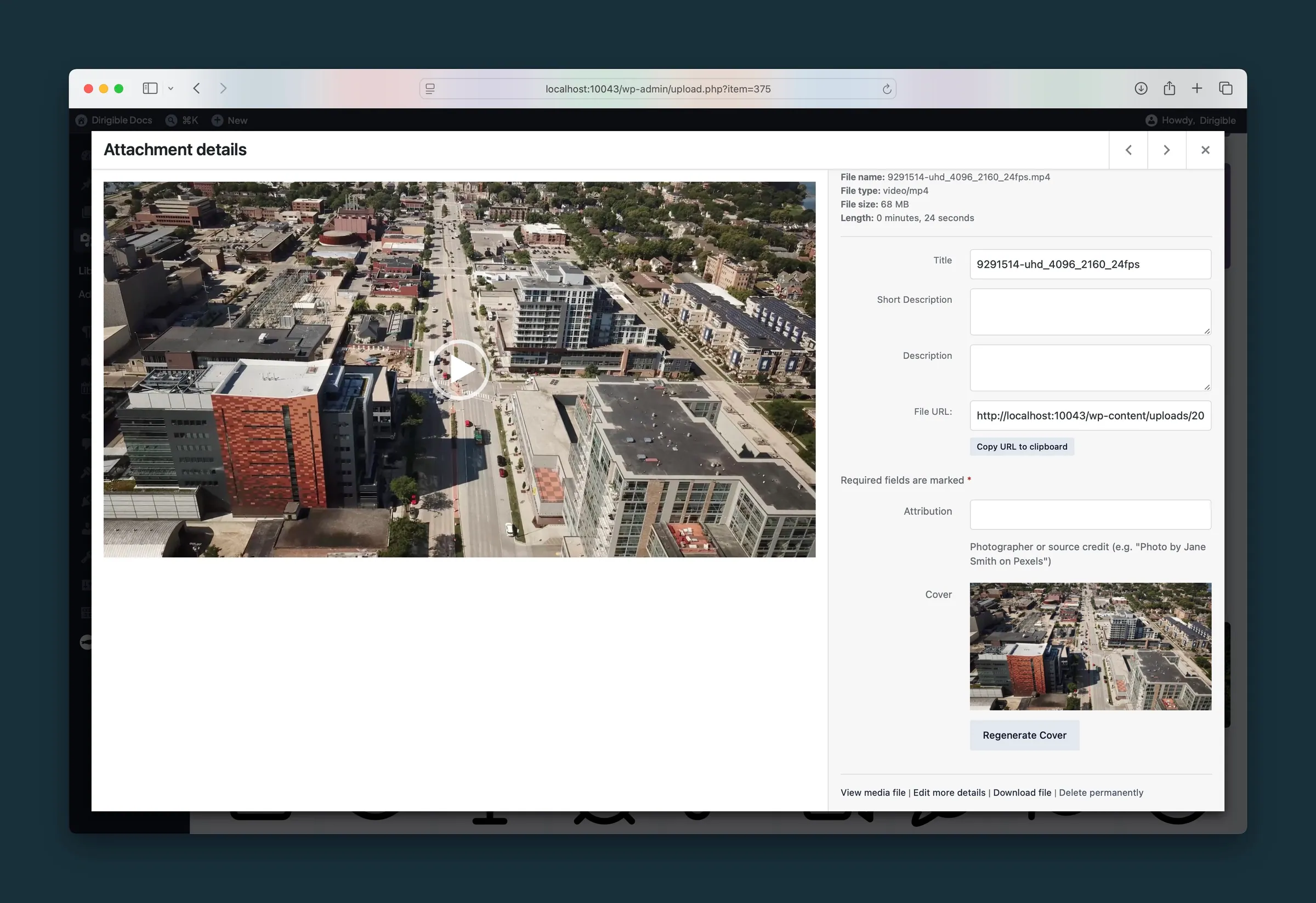 Automatic Video Cover Images
Dirigible saves a still from each uploaded video as a reusable cover image, shown while the video loads and on phones. Regenerate it any time.
Automatic Video Cover Images
Dirigible saves a still from each uploaded video as a reusable cover image, shown while the video loads and on phones. Regenerate it any time.
-
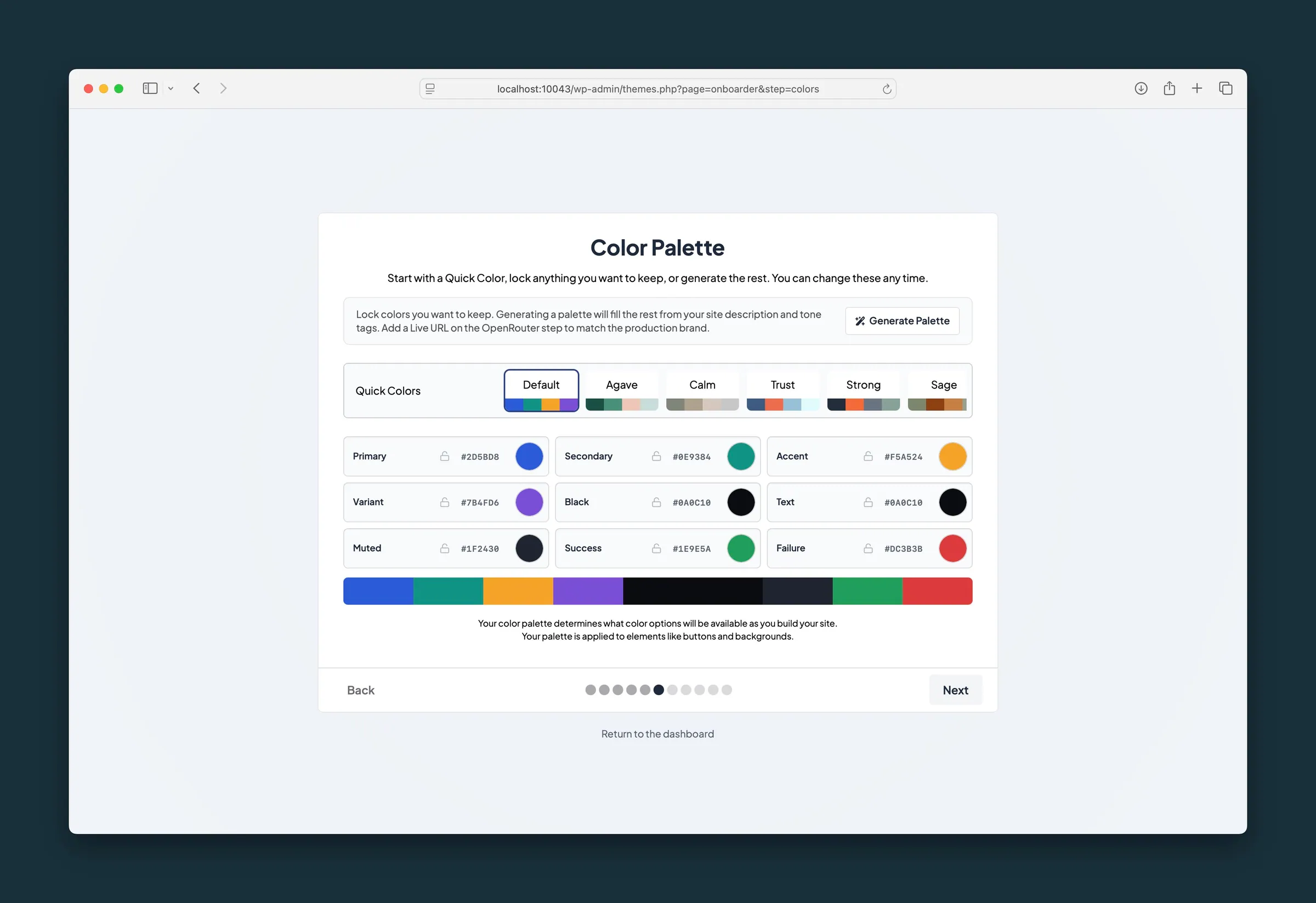 Guided Theme Setup
Launch a new site in one full-screen wizard: add your site license, install core plugins, set brand colors, fonts, and logos, and add starter pages.
Guided Theme Setup
Launch a new site in one full-screen wizard: add your site license, install core plugins, set brand colors, fonts, and logos, and add starter pages.
-
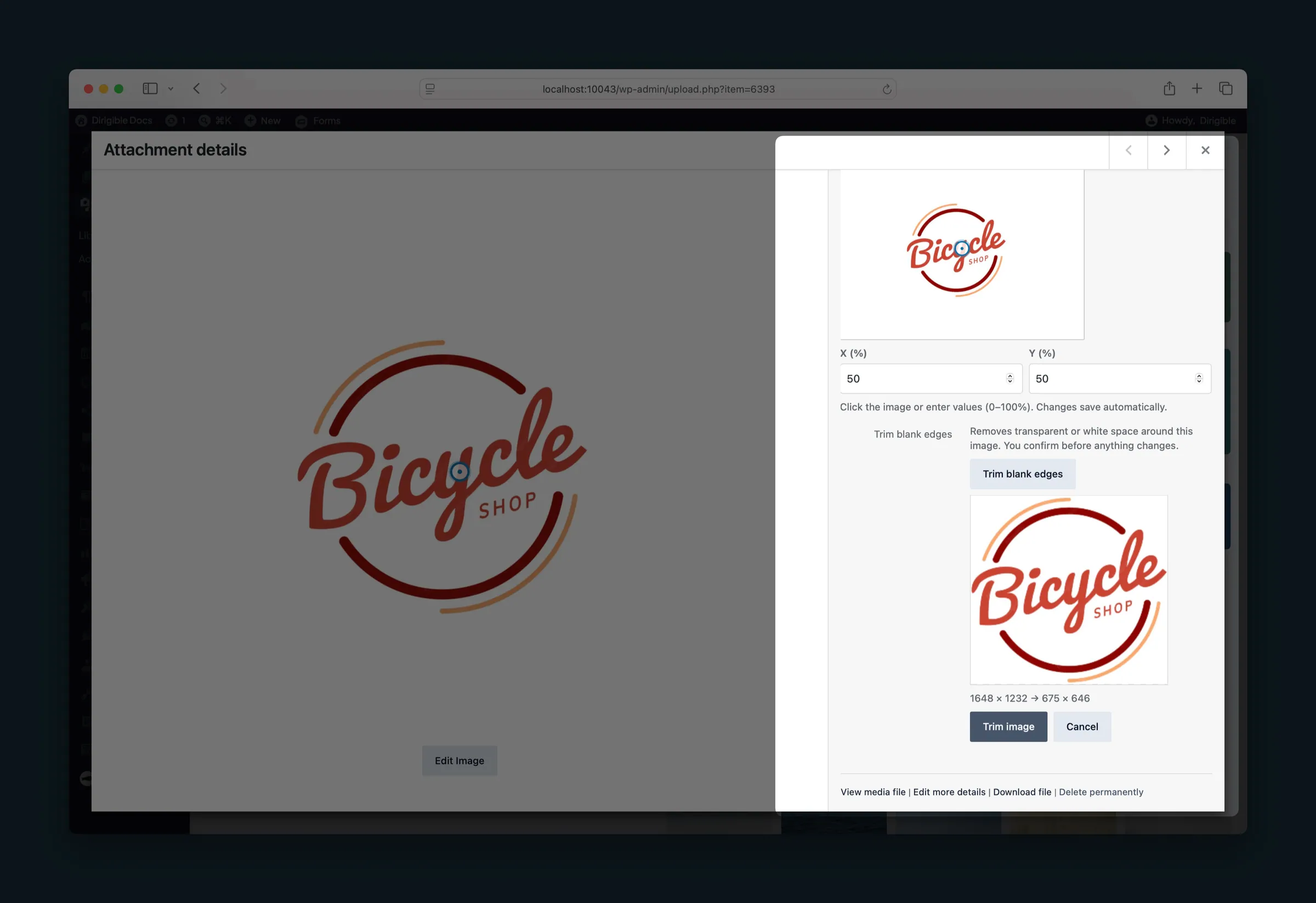 Trim Blank Edges
Remove transparent or white space from the edges of one media library image, then restore the original if you need it.
Trim Blank Edges
Remove transparent or white space from the edges of one media library image, then restore the original if you need it.
- Click-to-Load YouTube Videos YouTube videos show their thumbnail until a visitor presses play, so pages with videos load fast.
-
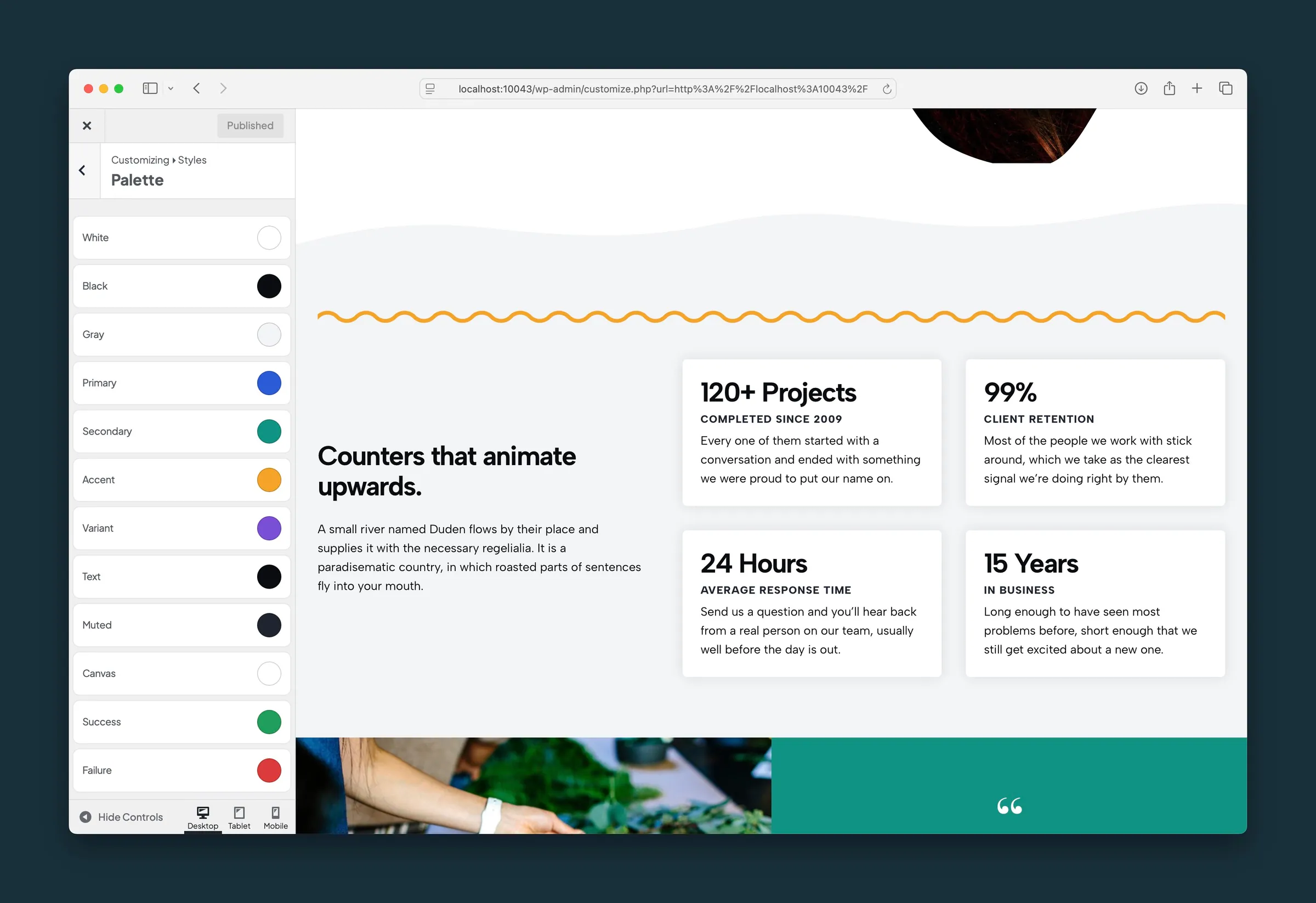 Global Styles and Live Preview
Set site colors, fonts, widths, buttons, and heading styles once in the WordPress Customizer and preview changes before publishing them sitewide.
Global Styles and Live Preview
Set site colors, fonts, widths, buttons, and heading styles once in the WordPress Customizer and preview changes before publishing them sitewide.
-
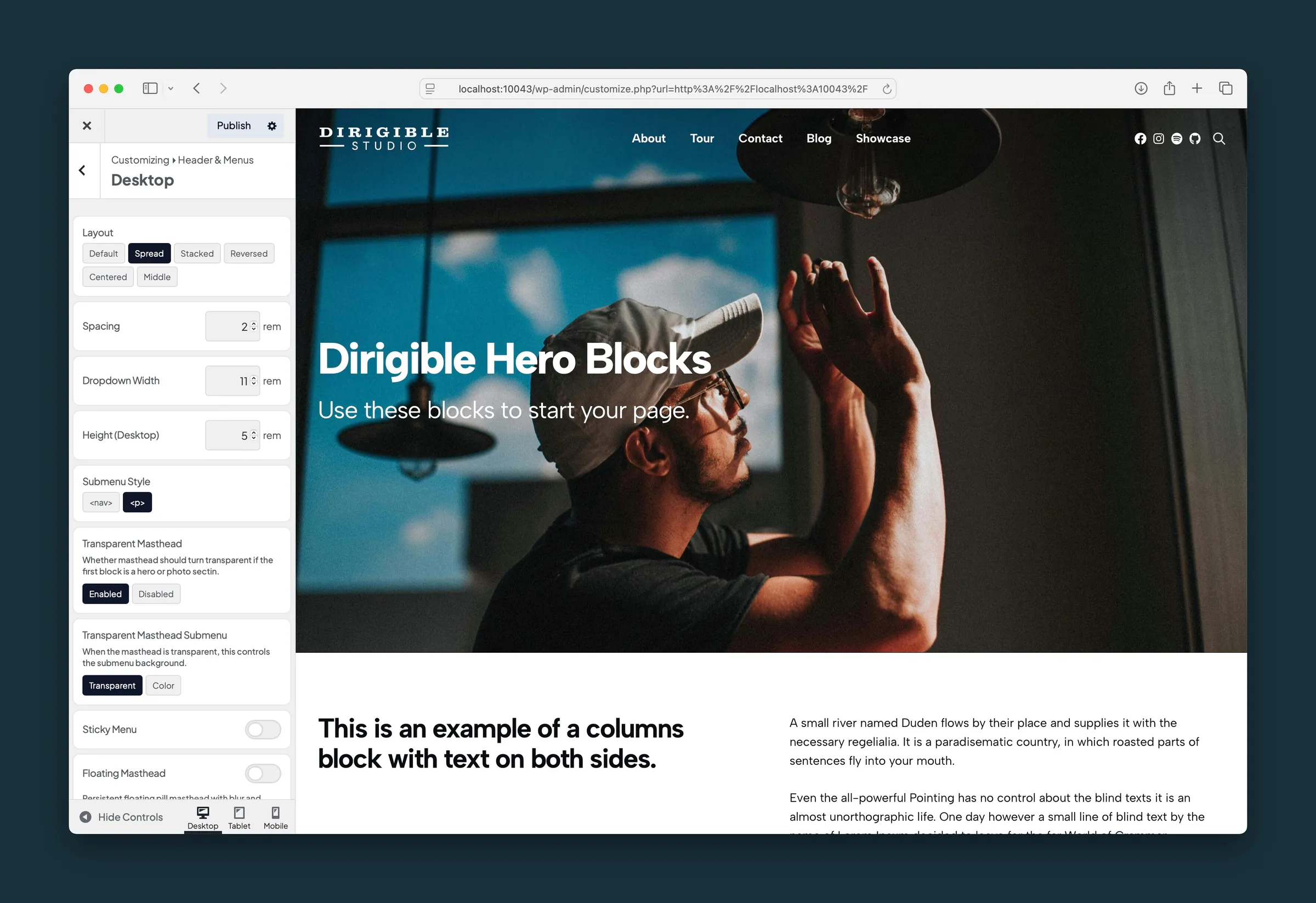 Flexible Headers and Mobile Menus
Transparent headers over heroes, sticky and floating headers, a utility bar, and a keyboard-friendly mobile menu.
Flexible Headers and Mobile Menus
Transparent headers over heroes, sticky and floating headers, a utility bar, and a keyboard-friendly mobile menu.
- Site Default Images Pick a set of your own photos, and new Hero, Photo Feature, Vignette, Media Strip and Quote blocks start with one of them instead of a stock photo.
-
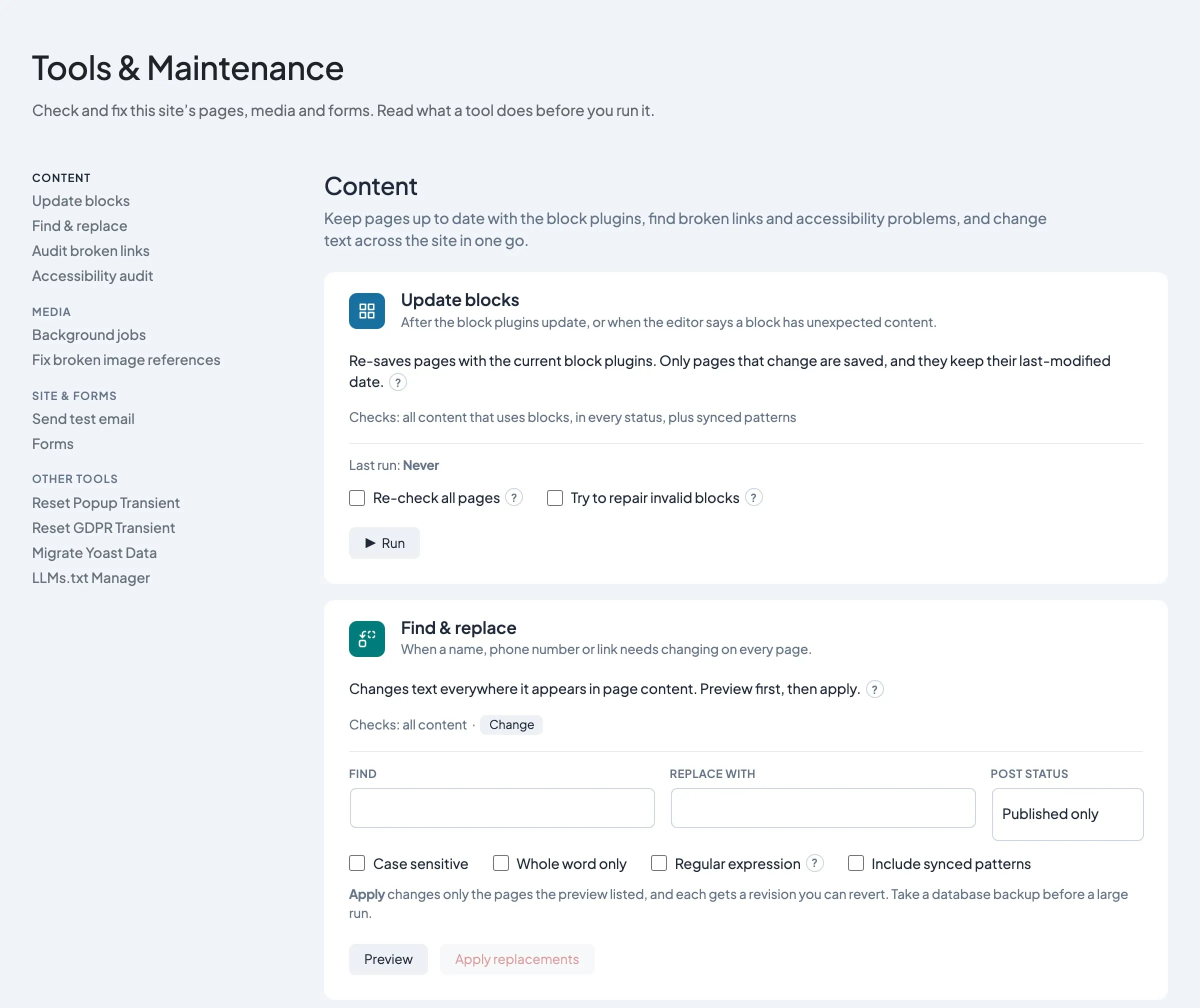 Tools & Maintenance
Update old blocks, find broken links, check media and forms, and test site email from one WordPress admin screen.
Tools & Maintenance
Update old blocks, find broken links, check media and forms, and test site email from one WordPress admin screen.
- Email Log See every email your site sent in the last 30 days, and for any that failed, the reason, with no mail-logging plugin needed.
-
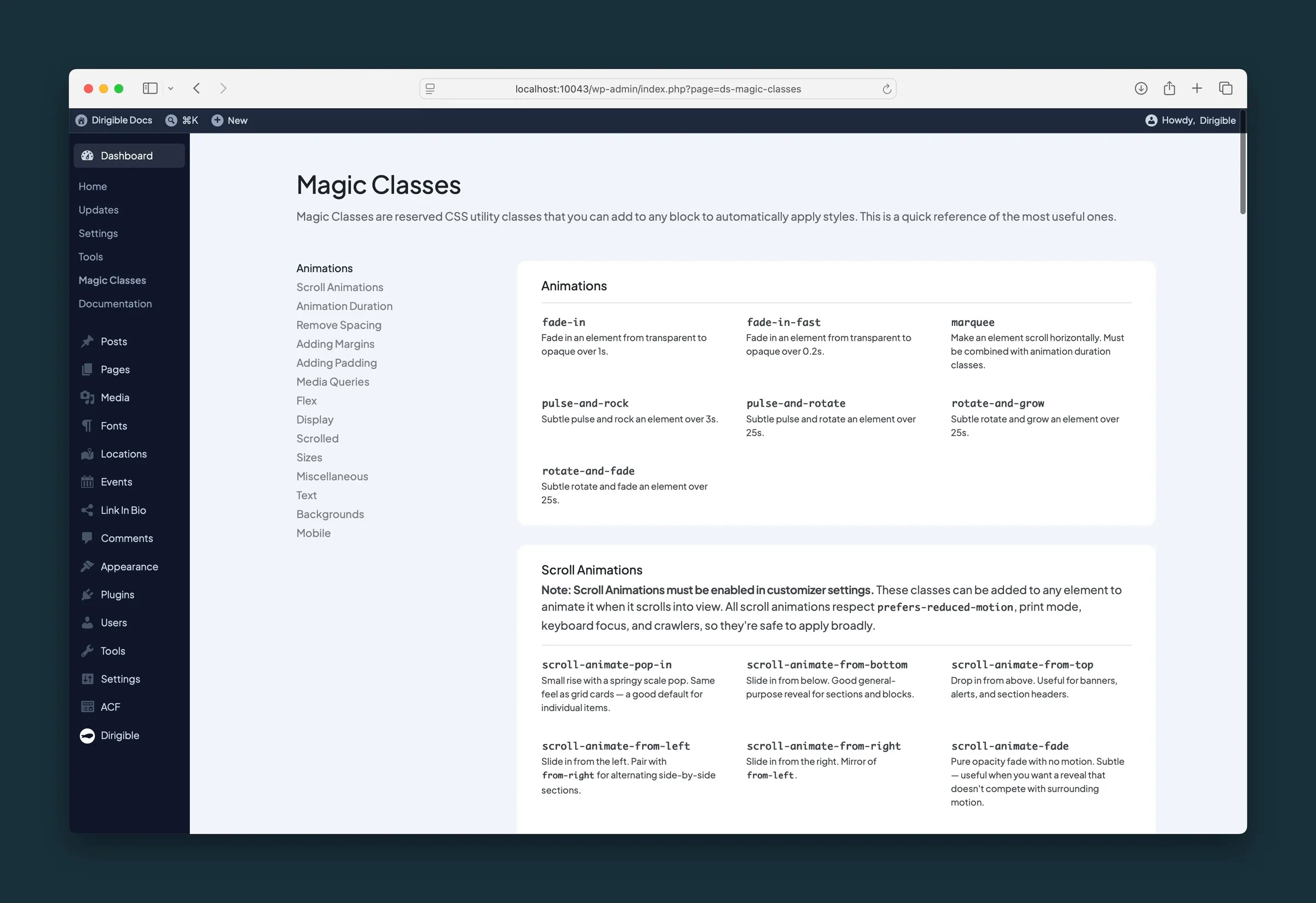 Magic Classes and Scroll Animations
Add spacing, layout tweaks, and fade or slide-in scroll animations to any block by typing a class name in the editor, with no custom CSS.
Magic Classes and Scroll Animations
Add spacing, layout tweaks, and fade or slide-in scroll animations to any block by typing a class name in the editor, with no custom CSS.
-
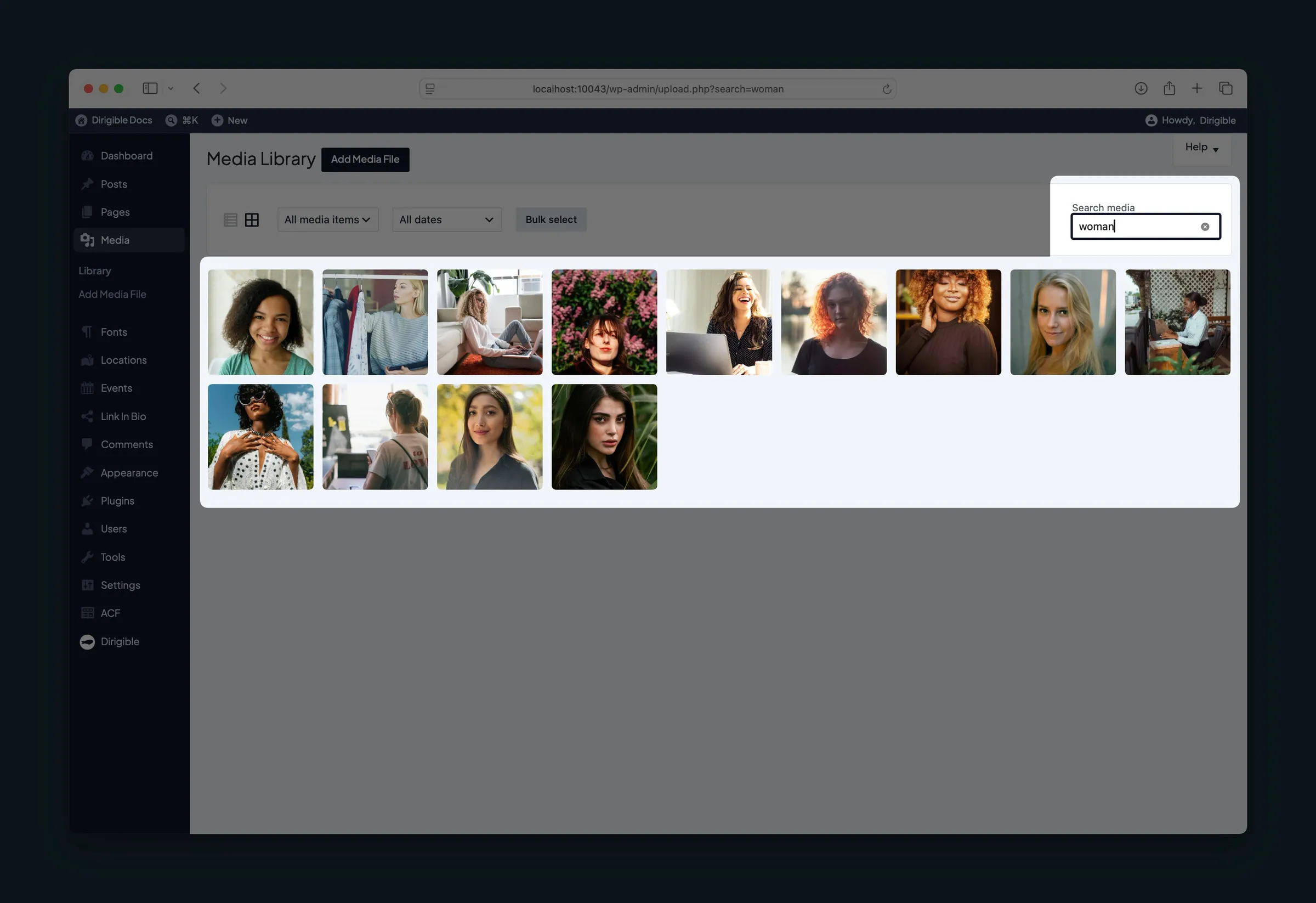 A Smarter Media Library
Set alt text, photo credits, and focal points once per image in the media library, find files faster, and serve right-sized images on every screen.
A Smarter Media Library
Set alt text, photo credits, and focal points once per image in the media library, find files faster, and serve right-sized images on every screen.
- Comment Spam Protection Comments sent by scripts are turned away and comments that look automated go to Spam, on every Dirigible site, with nothing to set up and nothing for visitors to solve.
-
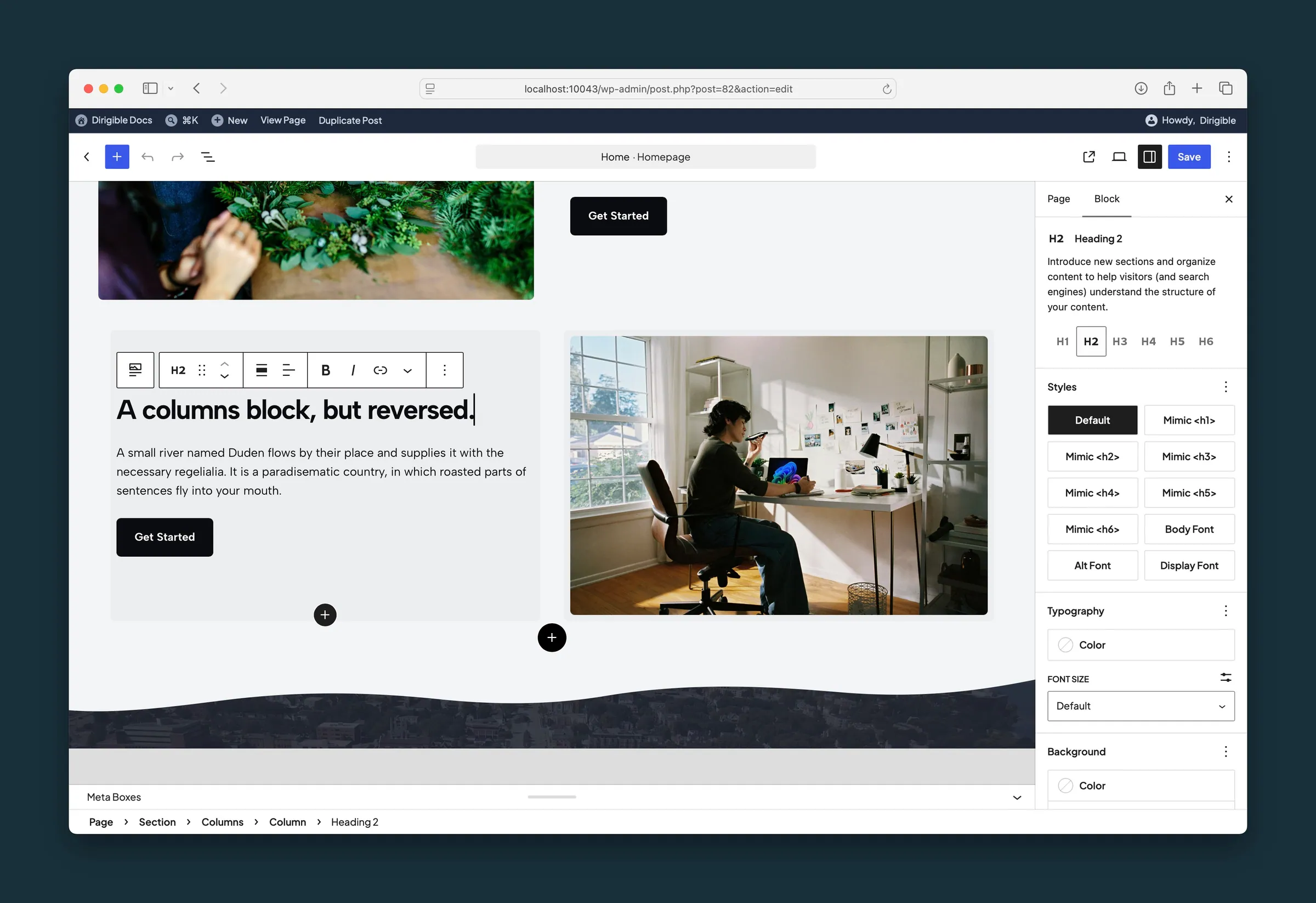 True-to-Site Block Editor
A block editor that shows your site colors, fonts, and buttons the way they look on the live site.
True-to-Site Block Editor
A block editor that shows your site colors, fonts, and buttons the way they look on the live site.
-
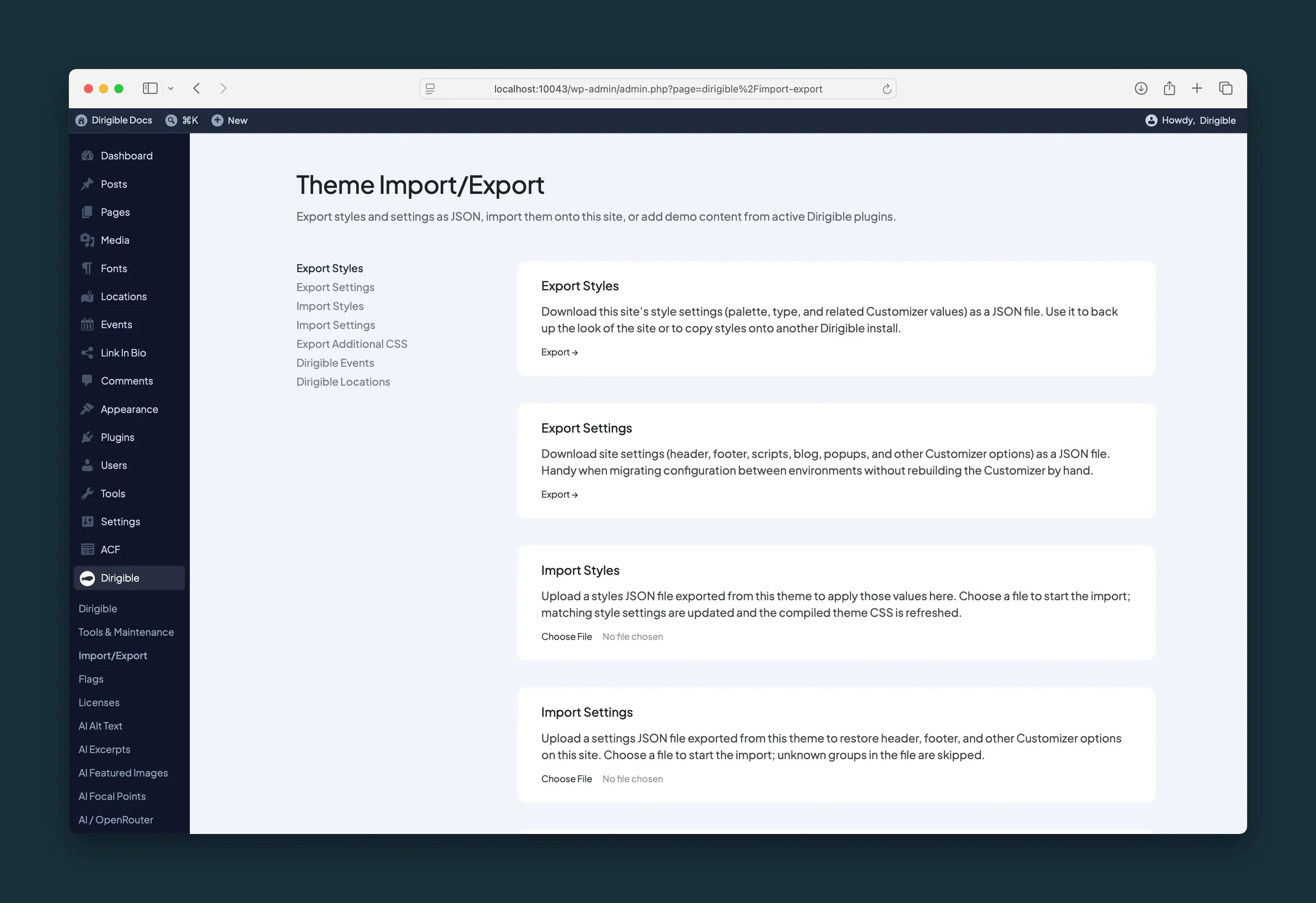 Import and Export Theme Settings
Back up or copy your site's Styles, theme settings, and Additional CSS to another WordPress site, and import plugin sample data when you need it.
Import and Export Theme Settings
Back up or copy your site's Styles, theme settings, and Additional CSS to another WordPress site, and import plugin sample data when you need it.
-
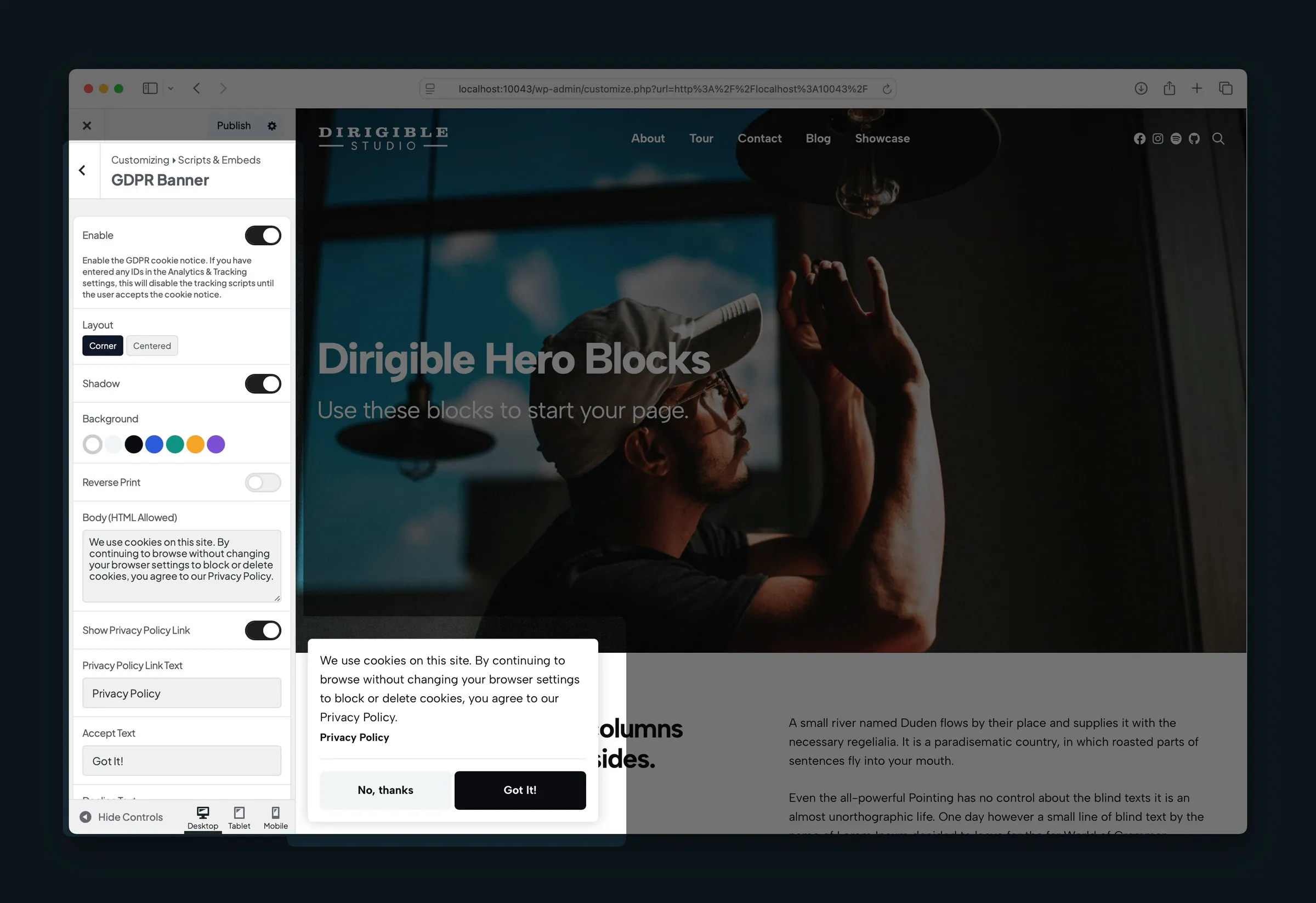 Privacy-Conscious Analytics Loading
Add Google Analytics and other tracking, load it without slowing pages, and require consent with a cookie banner.
Privacy-Conscious Analytics Loading
Add Google Analytics and other tracking, load it without slowing pages, and require consent with a cookie banner.
- Plugins Dirigible Replaces Some popular plugins do a job Dirigible already does. Before you activate one, Dirigible says so and links to the built-in feature.
-
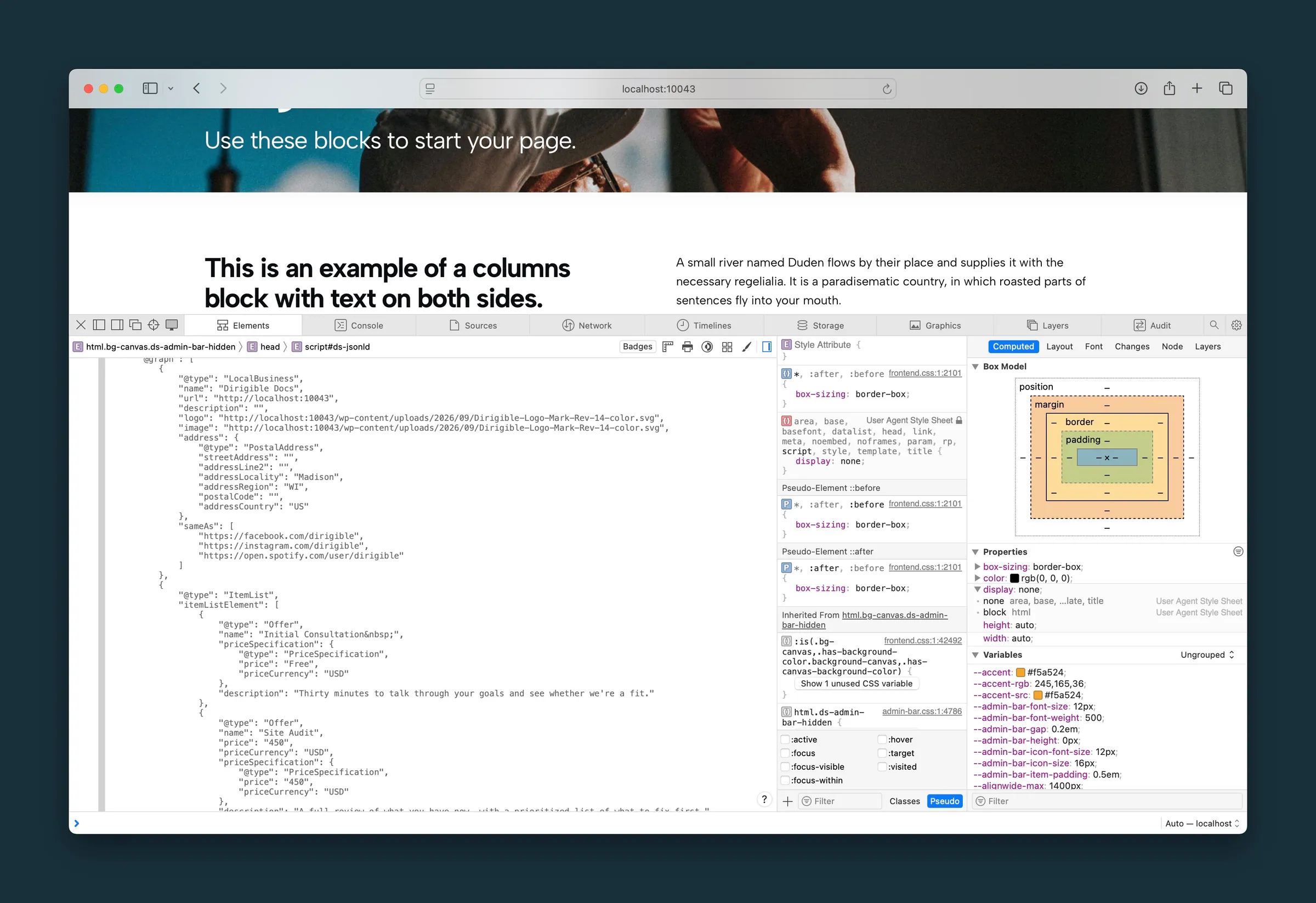 Structured Data for Search Engines
Automatic schema markup (JSON-LD) for your business details, blog posts, FAQs, videos, and breadcrumbs.
Structured Data for Search Engines
Automatic schema markup (JSON-LD) for your business details, blog posts, FAQs, videos, and breadcrumbs.
- Checkout-Safe Updates Automatic plugin and theme updates wait while someone is checking out in WooCommerce, so an update doesn't break an order halfway through.
-
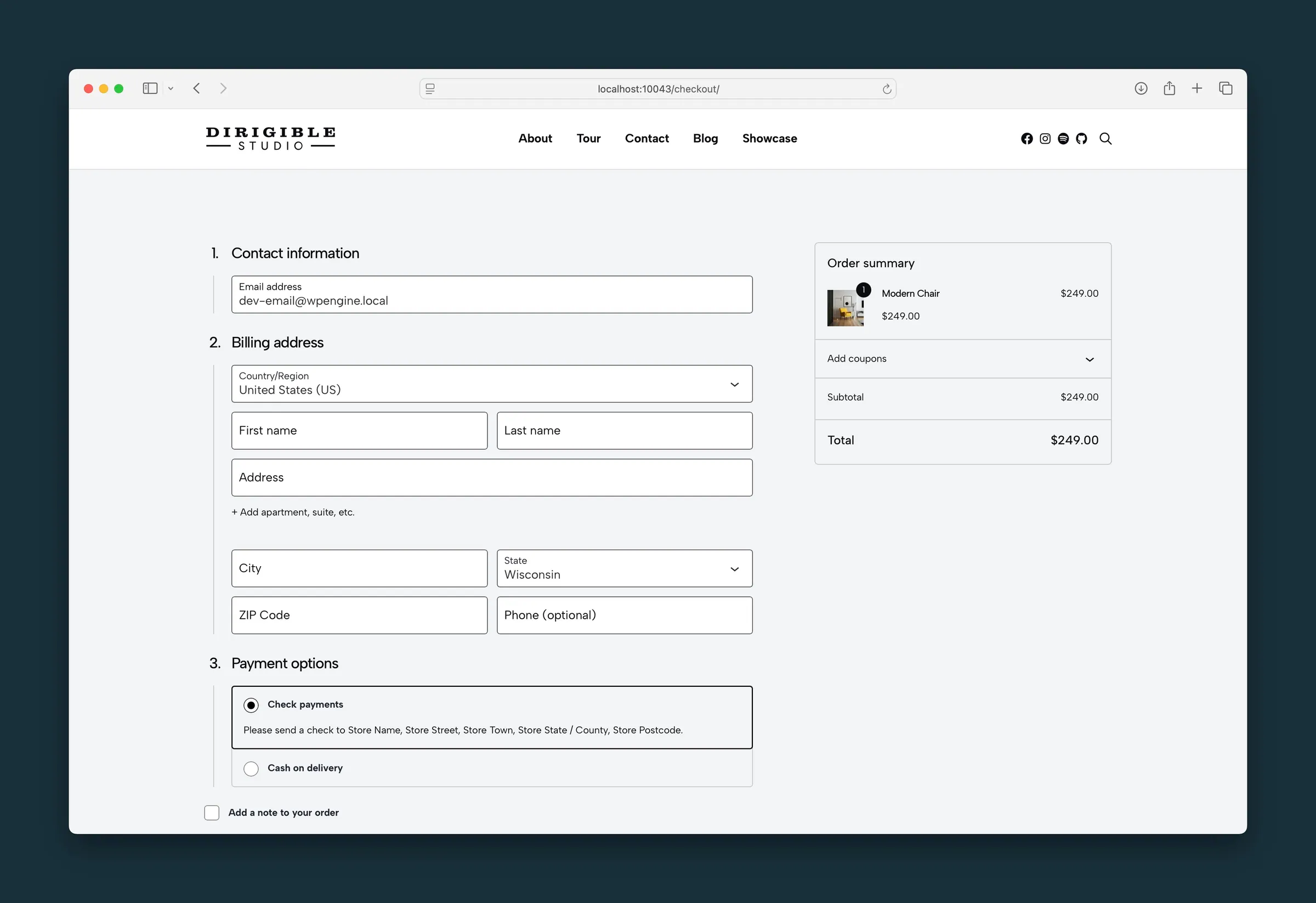 WooCommerce
Theme-styled shop, product, cart, checkout, and account pages — including block cart and block checkout.
WooCommerce
Theme-styled shop, product, cart, checkout, and account pages — including block cart and block checkout.
-
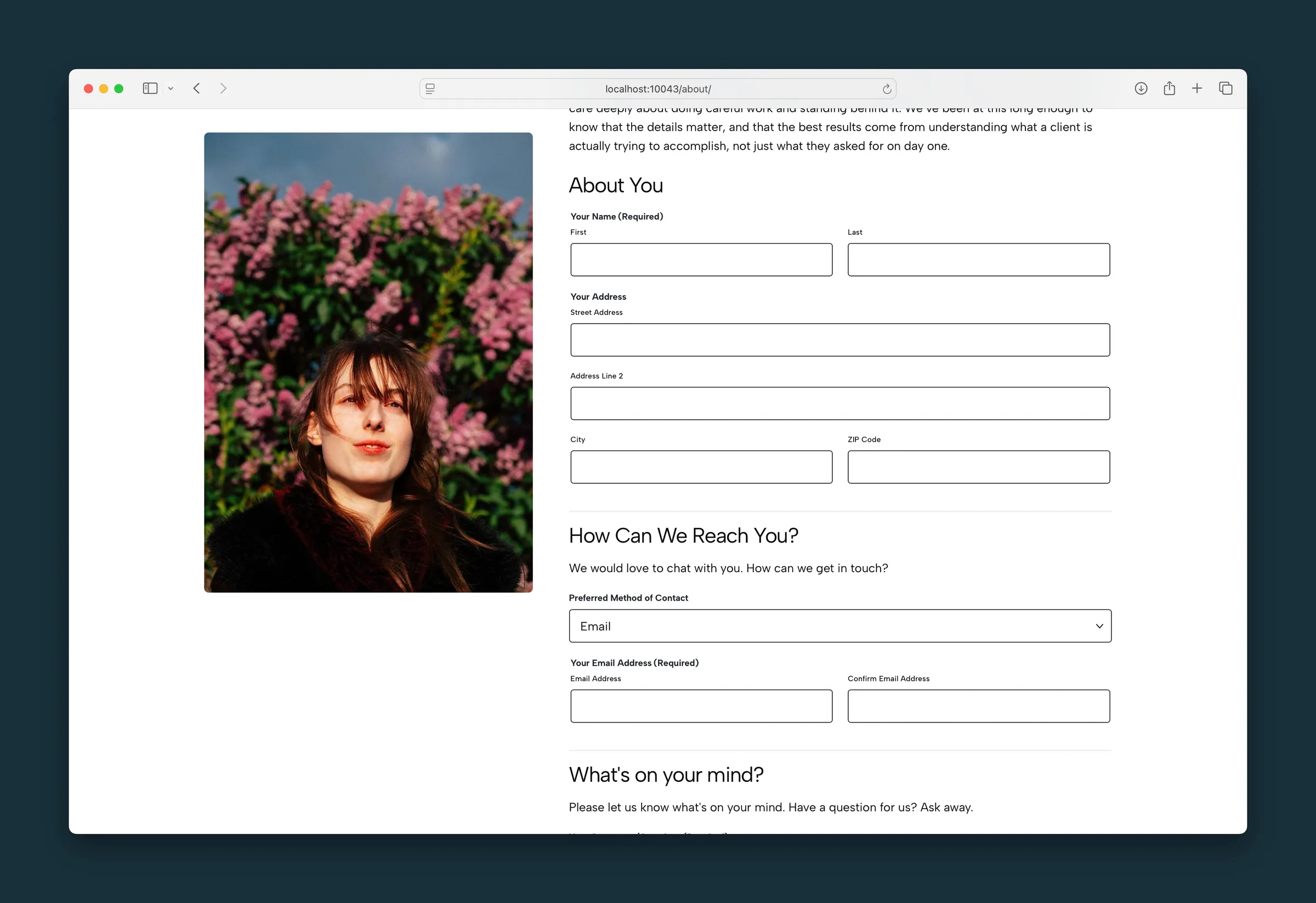 Gravity Forms
Theme-styled contact and lead forms — fields, buttons, and spam tools that match the rest of your Dirigible site.
Gravity Forms
Theme-styled contact and lead forms — fields, buttons, and spam tools that match the rest of your Dirigible site.
-
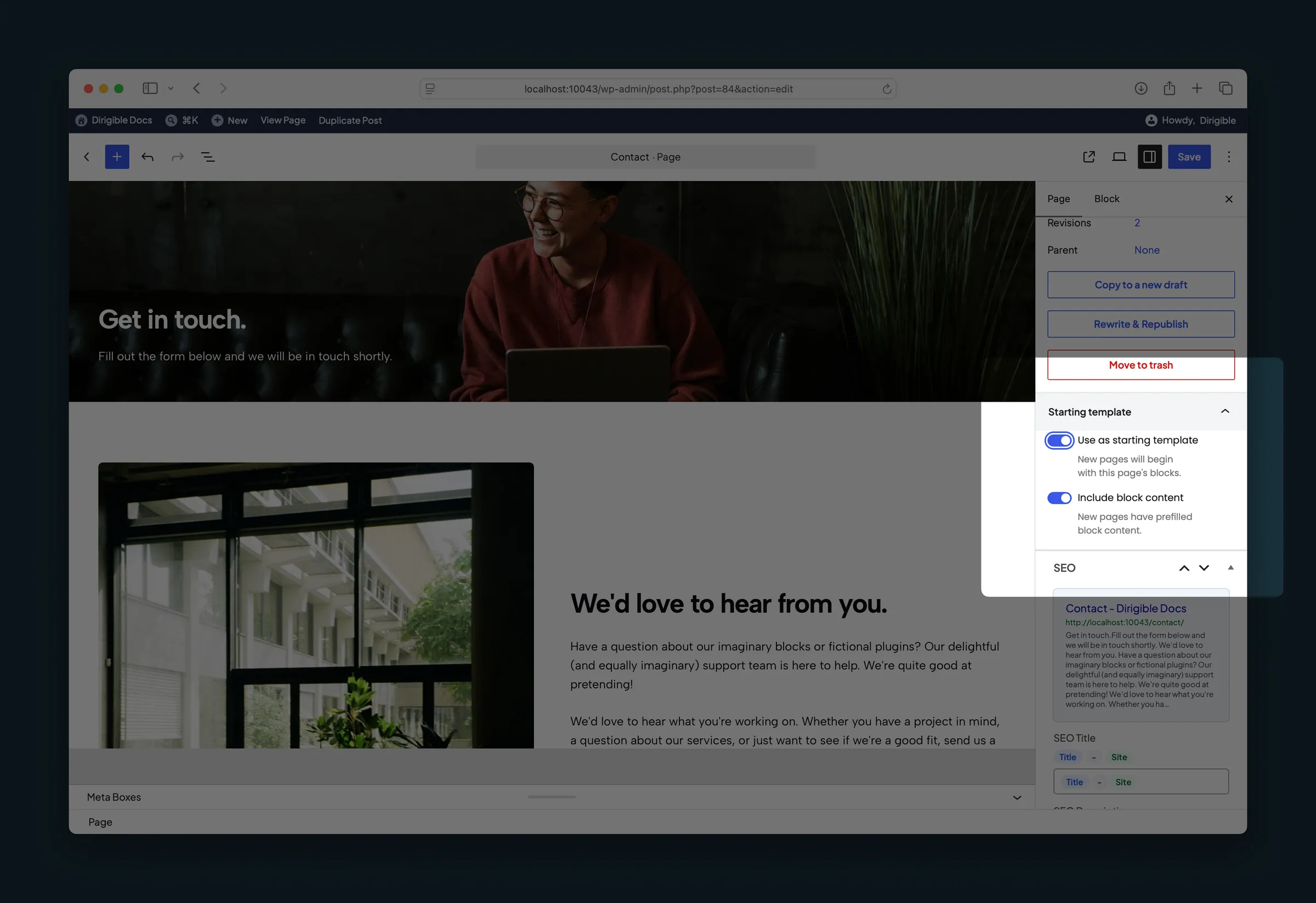 Starting Templates
Mark a published page, post or portfolio item as the starting layout for new ones, with or without its content.
Starting Templates
Mark a published page, post or portfolio item as the starting layout for new ones, with or without its content.
- Related Posts Show up to four related posts under each blog post, picked by shared wording, categories and tags, with no plugin needed.
- Utility Pages Out of Search The 404 page, form thank-you pages and WordPress's sample content stay out of search results and the sitemap on their own.
- Custom Order Put pages, posts, people, categories and other lists in the order you want by dragging them in the admin list, with no ordering plugin needed.
- Clone Make a draft copy of any page, post, event or other item, or a copy of a menu, with one click, with no duplicate-post plugin needed.
- Hide From Site Search Keep a page, post or event out of your site's own search results with one checkbox, with no search-exclude plugin needed.
-
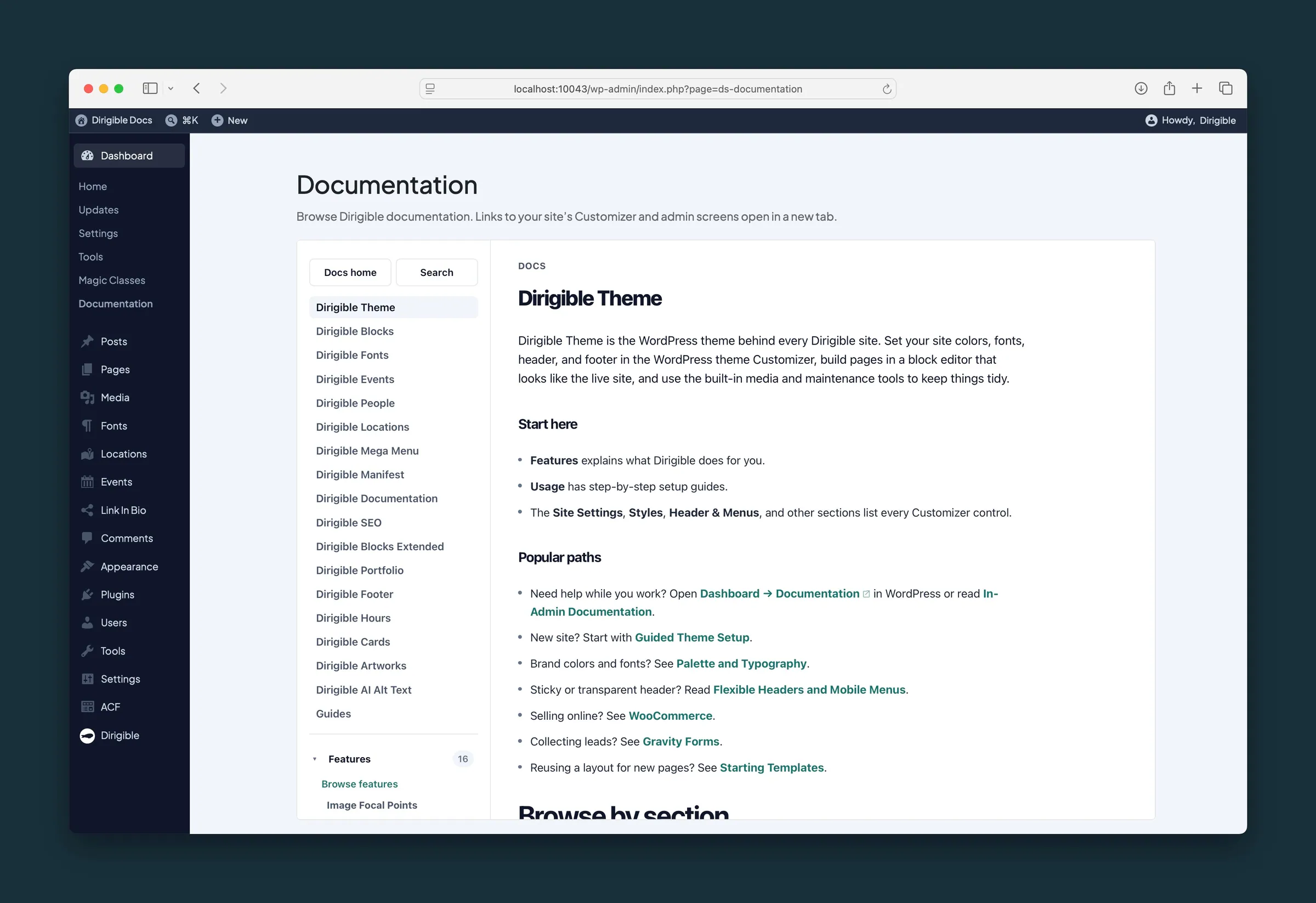 In-Admin Documentation
Browse Dirigible documentation inside WordPress with links that open your site’s Customizer and admin screens.
In-Admin Documentation
Browse Dirigible documentation inside WordPress with links that open your site’s Customizer and admin screens.
- Status Column One Status column in your page, post and event lists shows whether each item is public, a draft, scheduled or hidden from search, and why.
- Import & Export Content Bring people and other plugin content in from a spreadsheet or another Dirigible site, see every change before it happens, and undo the import afterwards.
- Accessibility Checks The Accessibility panel flags missing alt text, skipped heading levels and unclear links while you edit, with one-click fixes. Suggestions only: it never blocks publishing.
No items match your filter. Try another keyword.
Built by Dirigible Studio. Get in touch
