

Content
Usage
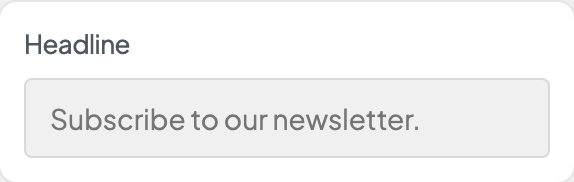
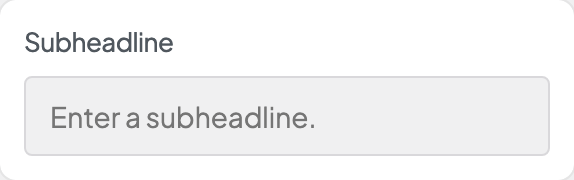
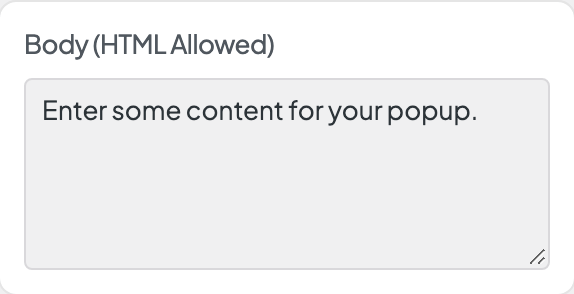
Open Appearance → Customize → Pop-up → Content after you turn on the pop-up under Pop-up → Settings. Enter the headline and subheadline, add an optional Image, and write the Body text. Image Position puts the image under the text or full width across the top.
To collect sign-ups inside the pop-up, set Gravity Form ID to your newsletter form (0 turns the form off). To show a button instead, choose a Link Page and enter Link Text. Both must be set for the button to appear. Headline and subheadline styles are under Pop-up → Settings.
When to use it
- Announcements, promotions, or newsletter prompts.
- Seasonal offers with an image and a short message.
- Sending visitors to a full sign-up page when the form is too long for a pop-up.
Tips
- Gravity Form ID needs Gravity Forms. Give the pop-up a form of its own: one form can't appear twice on a page, so the pop-up stays off any page that already shows its form (the Customizer preview says so in the pop-up). If your footer shows a newsletter form, duplicate it under Forms and use the copy in the pop-up. Gravity Form ID shows a warning while it matches the footer newsletter's form.
- The form's confirmation can be a message or a redirect to a thank-you page. After a visitor sends the form, the pop-up opens again to show the message, or any errors.
- You can show a form and a link together. Keep the message short so the pop-up is easy to scan.
- Publishing a content change shows the pop-up again to returning visitors, which matters most when Reshow After (Days) is 0.
- Test the delay, position, and page limits from Pop-up → Settings in a private browser window.
Settings
Content


Where the image sits.
- Below the text defaultUnder the text, at its own size.
- Above the headlineFull width across the top of the pop-up, above the headline.
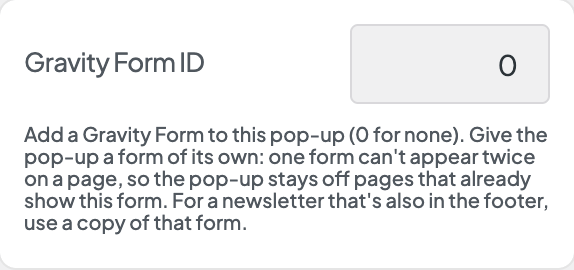
The ID of a Gravity Form to show in the pop-up (0 for none). Give the pop-up a form of its own: one form can't appear twice on a page, so the pop-up stays off any page that already shows this form, such as every page with the footer newsletter when both use the same form. A warning appears here in that case. Duplicate the form in Forms and use the copy.
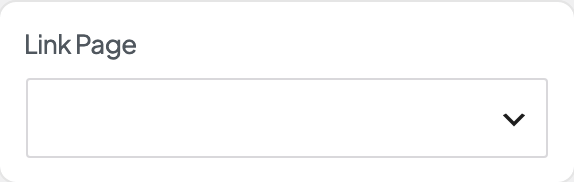
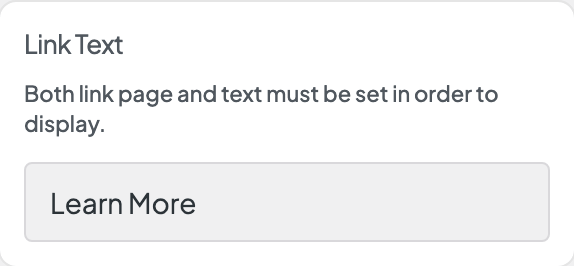
Both link page and text must be set in order to display.
