

Product Catalog
Usage
Open Appearance → Customize → Store → Product Catalog when WooCommerce is active. Choose a Layout: a full-width grid or a shop with a sidebar. Product Card Title sets which heading style product names use (it changes the look only).
Set Image Sizing to crop photos to fill each card or show the whole photo. Turn on Excerpts to show short descriptions, and Enable Cart Button for a quick-add button on simple products. Shopping Cart sets whether the cart is called Cart, Bag, or Basket in the header and utility bar.
When to use it
- Launching or refreshing a WooCommerce shop before fine-tuning product pages.
- Switching to a sidebar layout for filters or category lists.
- Letting visitors add simple products without opening each one.
Tips
- Product Card Title uses your heading styles from Styles → Header 1 through Header 6.
- Quick add only works for simple products. Products with options (size, color) still open the product page.
- The Shopping Cart label appears wherever the theme shows the cart icon.
- If this panel is missing, check that WooCommerce is installed and active.
Settings
Product Catalog
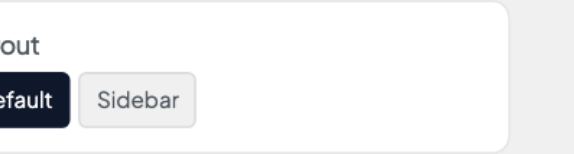
Choose whether the shop page uses the default full-width grid or adds a sidebar.
- Default defaultFull-width product grid without a sidebar.
- SidebarShop layout with a sidebar column.

Label shown for the cart icon in the header and utility nav.
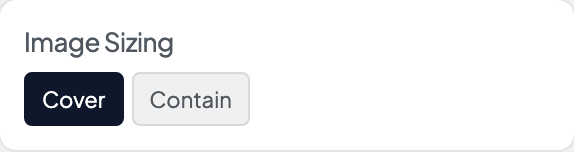
How product photos are cropped inside their cards on the shop page.
- Cover defaultFill the frame and crop edges if needed.
- ContainShow the whole image with letterboxing.
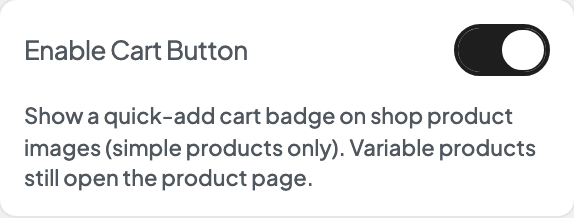
Show a quick-add cart badge on shop product images (simple products only). Variable products still open the product page.
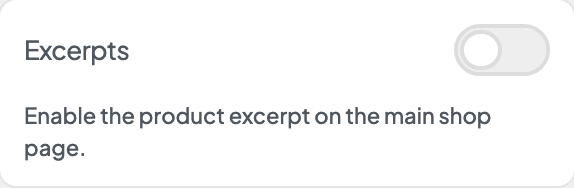
Enable the product excerpt on the main shop page.
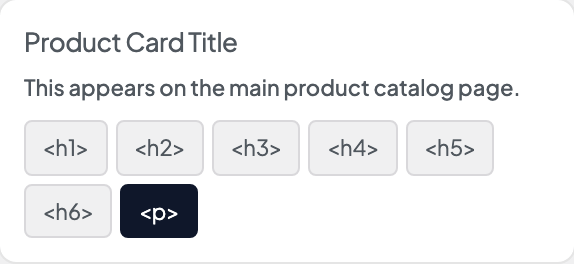
Visual heading style for product names on the catalog page. The tag stays a paragraph in the page outline.
- <h1>Looks like your site's H1 style.
- <h2>Looks like your site's H2 style.
- <h3>Looks like your site's H3 style.
- <h4>Looks like your site's H4 style.
- <h5>Looks like your site's H5 style.
- <h6>Looks like your site's H6 style.
- <p> defaultStandard body text size.
