Paragraphs
Usage
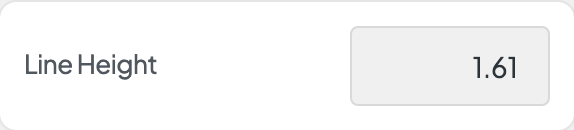
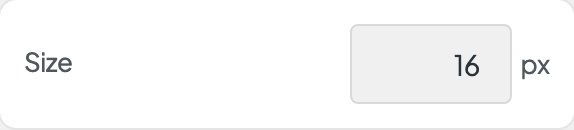
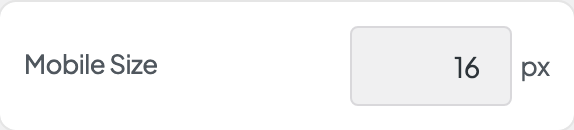
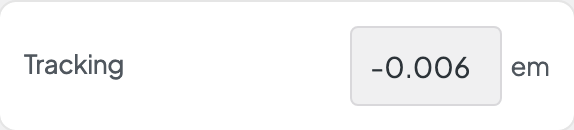
Open Appearance → Customize → Styles → Paragraphs to set your body text. Font defaults to your Body Font Stack from Styles → Fonts. Set Size and Mobile Size for desktop and phones, Line Height for spacing between lines, Tracking for letter spacing, and Width for a narrower or wider cut of the font.
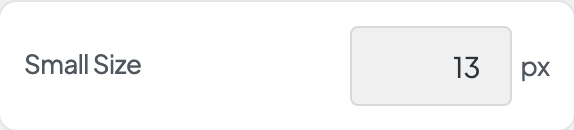
Weight and Bold Weight set normal and bold text inside paragraphs. Small Size is used for smaller text such as captions.
When to use it
- Body text feels too large or cramped across the site.
- After changing Styles → Fonts → Body Font Stack, to rebalance size and line height.
- Captions, footnotes, or card descriptions need a consistent smaller size.
Tips
- Blocks with a headline style set to Paragraph use these settings. Handy for subheads that should read like body text.
- Mobile Size applies on phones. Check a phone preview after changing Size.
- Links inside paragraphs are styled under Styles → Inline Links.
- A Line Height between 1.4 and 1.6 reads comfortably with most sans-serif body fonts.
- Width shows when this style's font comes in several widths and is set to Full axis in Dirigible Fonts. Uncheck Default and drag the slider for a condensed (narrower) or expanded (wider) cut of the font; the slider covers only the widths the font has. Leave Default checked to keep the width the text has now.
Settings
Paragraphs
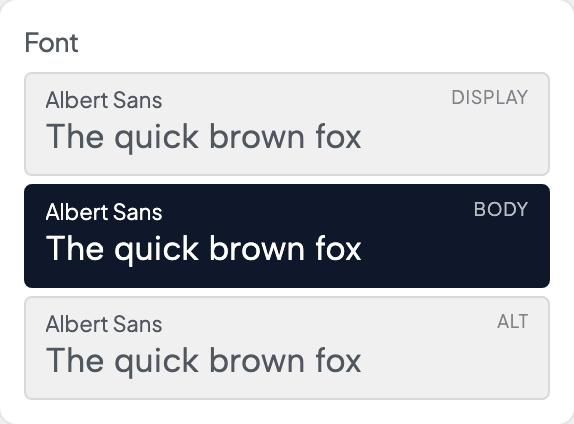
Picks which of the three stacks from Styles → Fonts this style uses. Each row shows the family behind it, with a sample set in that font.
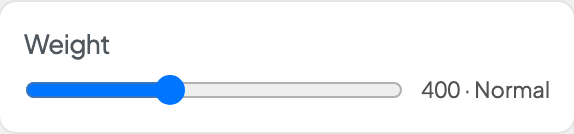
With a variable font, a slider covers the weights the font has. With other fonts, only the weights Dirigible Fonts loads show. A saved weight the font doesn't load is marked, with a note.
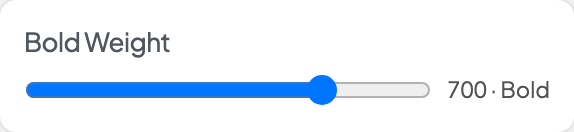
With a variable font, a slider covers the weights the font has. With other fonts, only the weights Dirigible Fonts loads show. A saved weight the font doesn't load is marked, with a note.
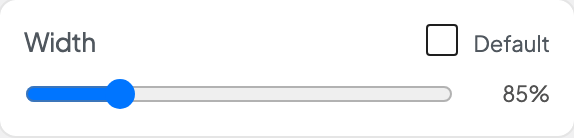
Shows when this style's font comes in several widths and is set to Full axis in Dirigible Fonts. Uncheck Default, then drag for a narrower (condensed) or wider (expanded) cut; the slider covers only the widths the font has. Default keeps the width the text has now.