

General
Usage
Open Appearance → Customize → Settings → General for settings that apply across the whole site. Choose a custom 404 Page, set the Body Background color for standard pages, and pick a Lightbox Theme for enlarged images.
Add your own photos to Default Images and new blocks start with one of them instead of a stock photo. See Site Default Images.
The font settings work with Dirigible Fonts. Leave Font Preload on so fonts appear faster, and turn on Load Italic Early only if italic text shows up late.
When to use it
- Designing your own "page not found" page instead of the default one.
- Setting the page background color before editing individual sections.
- Turning on Parallax or Inline SVG when your blocks or images need them.
- Giving new Hero, Photo Feature and other image blocks your own photos with Default Images.
- Choosing a Site Width so the header and footer run edge to edge or line up with your wide content.
Tips
- Set the 404 page to Private after you design it. Visitors still see it, but search engines are less likely to list it.
- Body Background sets the page color behind your content. Section blocks can still set their own backgrounds.
- Leave Inline SVG and Parallax off unless you need them. Each adds a small script to every page.
- Inline SVG only swaps in
.svgfiles from your own Media Library, and it strips scripts and click handlers from them first. Images from other sites, and other file types, stay as ordinary images. Styles saved inside an SVG (the colours Illustrator writes as.st0,.cls-1and so on) apply to that SVG only, so one icon can't recolour another or restyle the page. Your own CSS still overrides them as before. - Default Images only changes blocks you add from now on. Blocks already on your pages keep what they show.
- Dirigible Attribution only controls the small credit link in the footer.
Settings
General
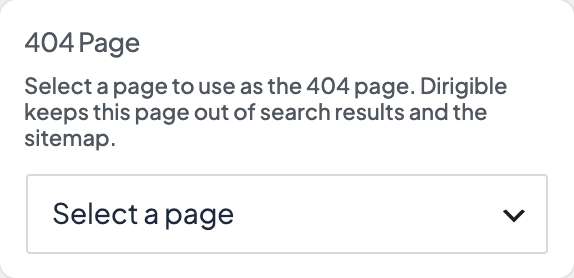
WordPress page shown when a URL is not found. Build the layout in the block editor. Dirigible keeps the page itself out of search results and the sitemap, so it can stay published.
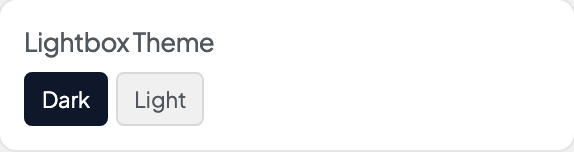
Color theme for the image lightbox overlay when visitors enlarge photos or gallery images.
- Dark defaultDark backdrop with light controls.
- LightLight backdrop with dark controls.
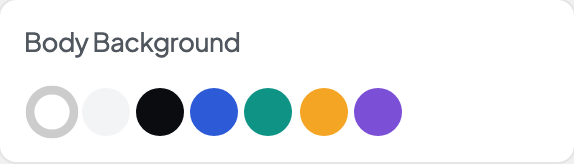
Default page background behind your content on standard pages, posts, archives, and search results. Section blocks can still set their own backgrounds.

Adds early font preload hints so custom fonts from Dirigible Fonts appear faster on first visit. Turn off only when troubleshooting font loading.

Loads italic font files in the main stylesheet instead of deferring them. Use when italic text appears late or flashes on first paint.

Enables parallax scrolling effects where blocks request them. Adds a small site-wide script — leave off if you are not using parallax sections.

Replaces SVG images that carry the style-svg class with inline markup so CSS can target their shapes. Loads a small site-wide script — leave off unless you need it.
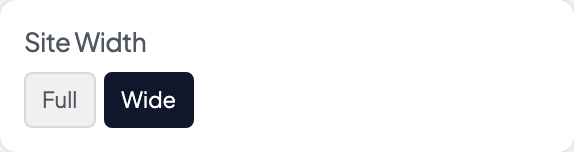
How wide the header, footer, and other aligned chrome sit relative to the viewport.
- FullEdge to edge — masthead and footer span the full screen width.
- Wide defaultWide — chrome respects your Alignwide max width with side gutters.
Photos new blocks start with instead of stock photos, taken in turn. A new Hero, Photo Feature, Vignette, Media Strip or Quote Blocks starts with one, and so does a Section or other background block you switch to an image. Theme Setup fills the set with its photos. Blocks already on your pages don't change.

Shows a small Powered by Dirigible link in the footer.

