Header 5
Usage
Open Appearance → Customize → Styles → Header 5 to set the fifth step of your heading scale. The defaults match Header 4 (Alternate font, uppercase, bold), but you can change them for a separate sidebar or label style.
These settings apply to H5 headings and to blocks whose headline style is set to H5.
When to use it
- Sidebar, footer, or filter headings that should stay smaller than card titles (H3).
- WooCommerce or archive pages that use H5-sized labels.
- When you need two sizes of uppercase label. Adjust Header 4 and Header 5 together.
Tips
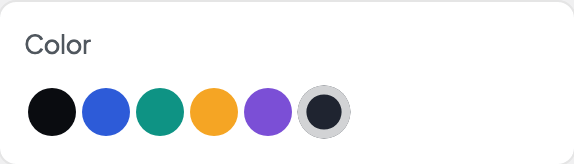
- If H4 and H5 look the same, set Color to Muted on one of them.
- Mobile Size matches the desktop size by default. Change it only if labels wrap awkwardly on phones.
- For clickable filter pills, use Styles → Tags.
- A heading style changes the look, not the heading level. Choose the block's actual heading level when it offers one.
- Width shows when this style's font comes in several widths and is set to Full axis in Dirigible Fonts. Uncheck Default and drag the slider for a condensed (narrower) or expanded (wider) cut of the font; the slider covers only the widths the font has. Leave Default checked to keep the width the text has now.
Settings
Header 5
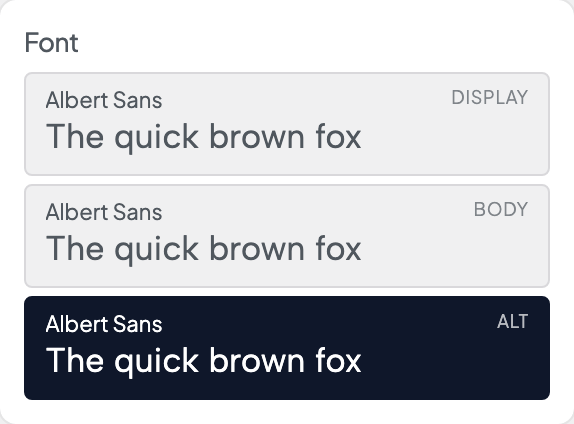
Picks which of the three stacks from Styles → Fonts this style uses. Each row shows the family behind it, with a sample set in that font.

Italic shows when the font has an italic loaded in Dirigible Fonts; with no italic, Style is hidden. A saved Italic the font doesn't load is marked, with a note.
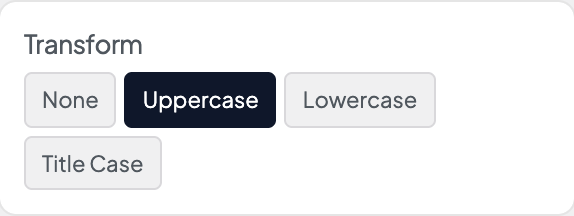
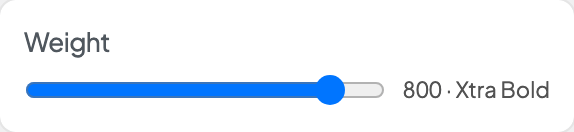
With a variable font, a slider covers the weights the font has. With other fonts, only the weights Dirigible Fonts loads show. A saved weight the font doesn't load is marked, with a note.

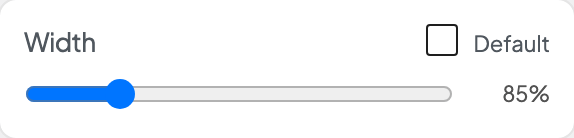
Shows when this style's font comes in several widths and is set to Full axis in Dirigible Fonts. Uncheck Default, then drag for a narrower (condensed) or wider (expanded) cut; the slider covers only the widths the font has. Default keeps the width the text has now.