

Post Pages
Usage
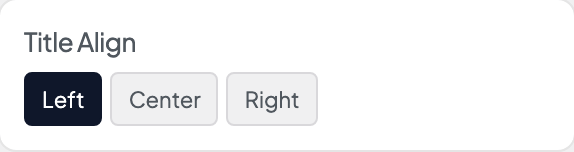
Open Appearance → Customize → Blog & Posts → Post Pages to set up single blog posts. Choose a default Layout and Title Align, then pick which details show: Show Date, Show Author, Show Tags, and Show Categories.
Turn on Post Styles for larger text plus the Gray Background, Top Border, and Font options, which apply only to single posts. Show Social Sharing adds share links with your own Social Sharing Text.
Turn on Show Related Posts to list up to four related posts under each post. Posts count as related when they share wording (titles count, and the post text counts most), categories, or tags; your default category (often News or Uncategorized) doesn't count. Set the Related Posts Headline, the Related Posts Image Size crop, and Related Posts Display: Seamless blends into the page, Card puts each post in its own panel.
When to use it
- After your first few posts are live, when the layout or post details feel off.
- Long articles that read better without a sidebar.
- Blogs that want next and previous links and a link back to the blog page.
Tips
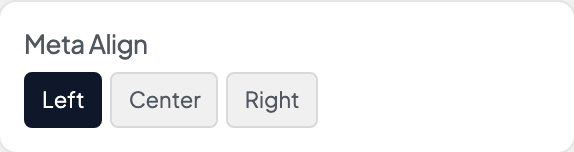
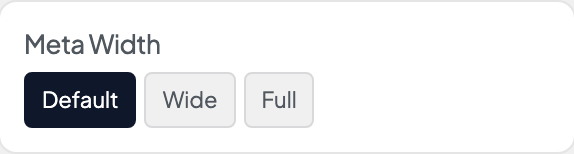
- Meta Position puts the post details before or after the content. Meta Align and Meta Width set how that row lines up.
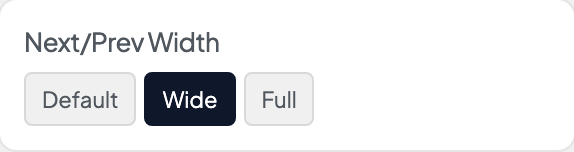
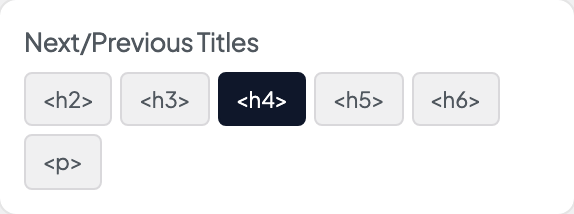
- Show Next/Prev Posts helps readers keep reading. Turn on Include Return Link and set a Return Link Label in your own words ("Back to blog", "All posts").
- A layout chosen on an individual post overrides the default Layout here.
- Turn Show Social Sharing off on members-only or internal sites.
- Show Related Posts hides itself on a post with nothing close enough, rather than padding the list with unrelated posts.
- Related posts update when you publish, unpublish, or re-tag a post. Pages your host has already cached keep their old list until the cache clears; purge the site cache to see the change straight away.
- Sites that used the YARPP plugin were switched to Show Related Posts in October 2026, and YARPP was deactivated. Going back to an older Dirigible version afterwards removes related posts until you reactivate YARPP under Plugins.
Settings
Post Pages
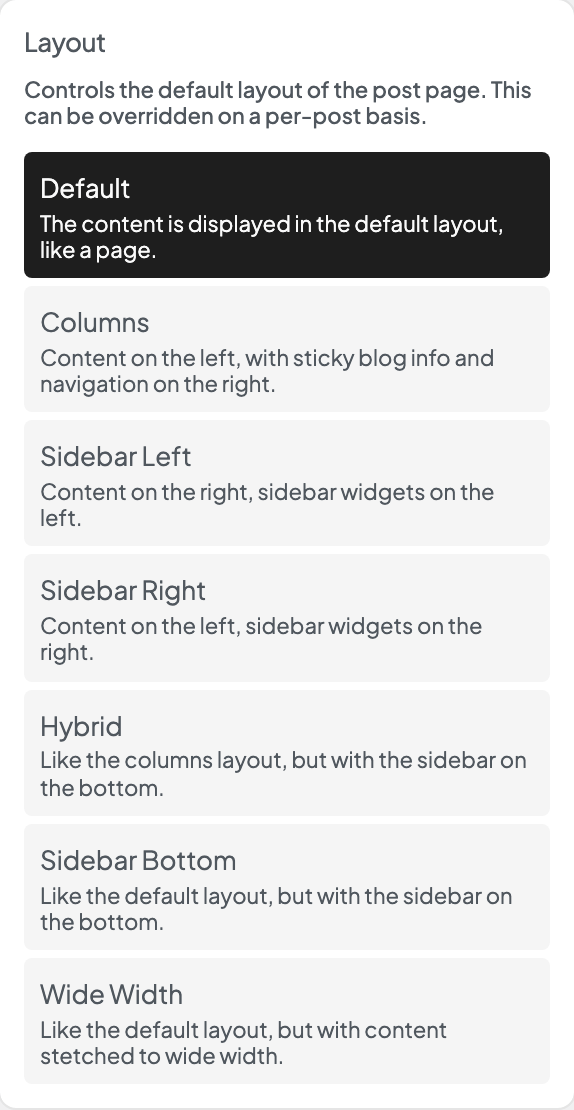
Controls the default layout of the post page. This can be overridden on a per-post basis.
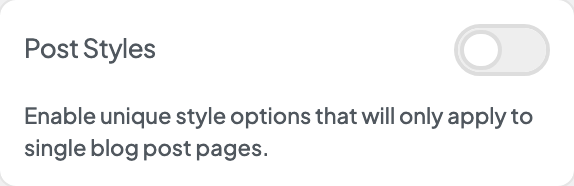
Enable unique style options that will only apply to single blog post pages.










Show up to four related posts under each blog post, picked by shared wording, categories and tags.
Heading above the related posts.
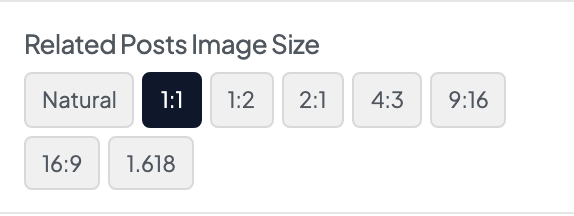
Crop ratio for related post thumbnails.
- NaturalUse each image's natural proportions.
- 1:1 defaultSquare crop.
- 1:2Tall portrait crop.
- 2:1Wide landscape crop.
- 4:3Standard photo crop.
- 9:16Vertical video-style crop.
- 16:9Widescreen crop.
- 1.618Golden-ratio crop.

Wrap each related post in a card or blend into the page background.
- Seamless defaultNo card background — sits flush with the page.
- CardEach item appears in a card panel.
