

Post Defaults
Usage
Open Appearance → Customize → Blog & Posts → Post Defaults to choose whether single posts show the Post Title, the Featured Image, and the Meta. Hiding Meta removes the post details (date, author, categories, and tags), the next and previous post links, and the sharing links.
Each post can override these in its own post settings in the editor. Posts left on Default follow what you set here.
When to use it
- Blogs where posts start with their own hero block, so the theme title and featured image should stay hidden.
- Keeping a consistent look across posts without changing each one.
Tips
- To drop only some details, leave Meta on Show and turn items off under Post Pages.
- Featured Image set to Hide only affects the top of the single post. The image still shows on blog cards.
Settings
Post Defaults
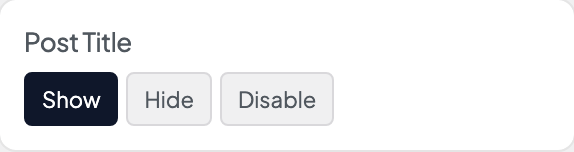
Post Title
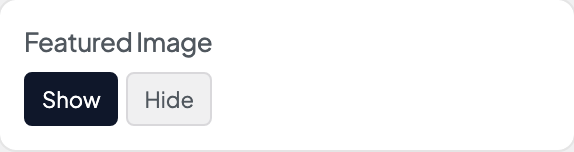
Featured Image
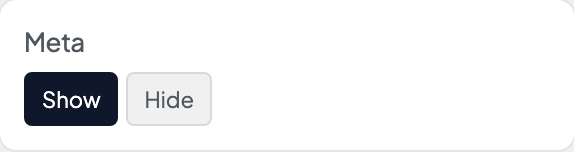
Meta
