

A Smarter Media Library
What it helps you do
Set alt text, photo credits, and cropping once on each image in the media library. Find files faster, and let every screen get a right-sized image.
Where to find it
- Media → Library — grid or list view for all uploads.
- Attachment details — alt text, caption, description, Attribution, focal point (see Image Focal Points), and Trim Blank Edges.
- Dirigible → Tools & Maintenance — the status of the background image jobs, including the index that stops the same file being uploaded twice.
How to use it
Alt text at the source
- Open an image in the media library.
- Fill in Alternative Text with a short, meaningful description (or leave empty only when the image is purely decorative).
Find files faster
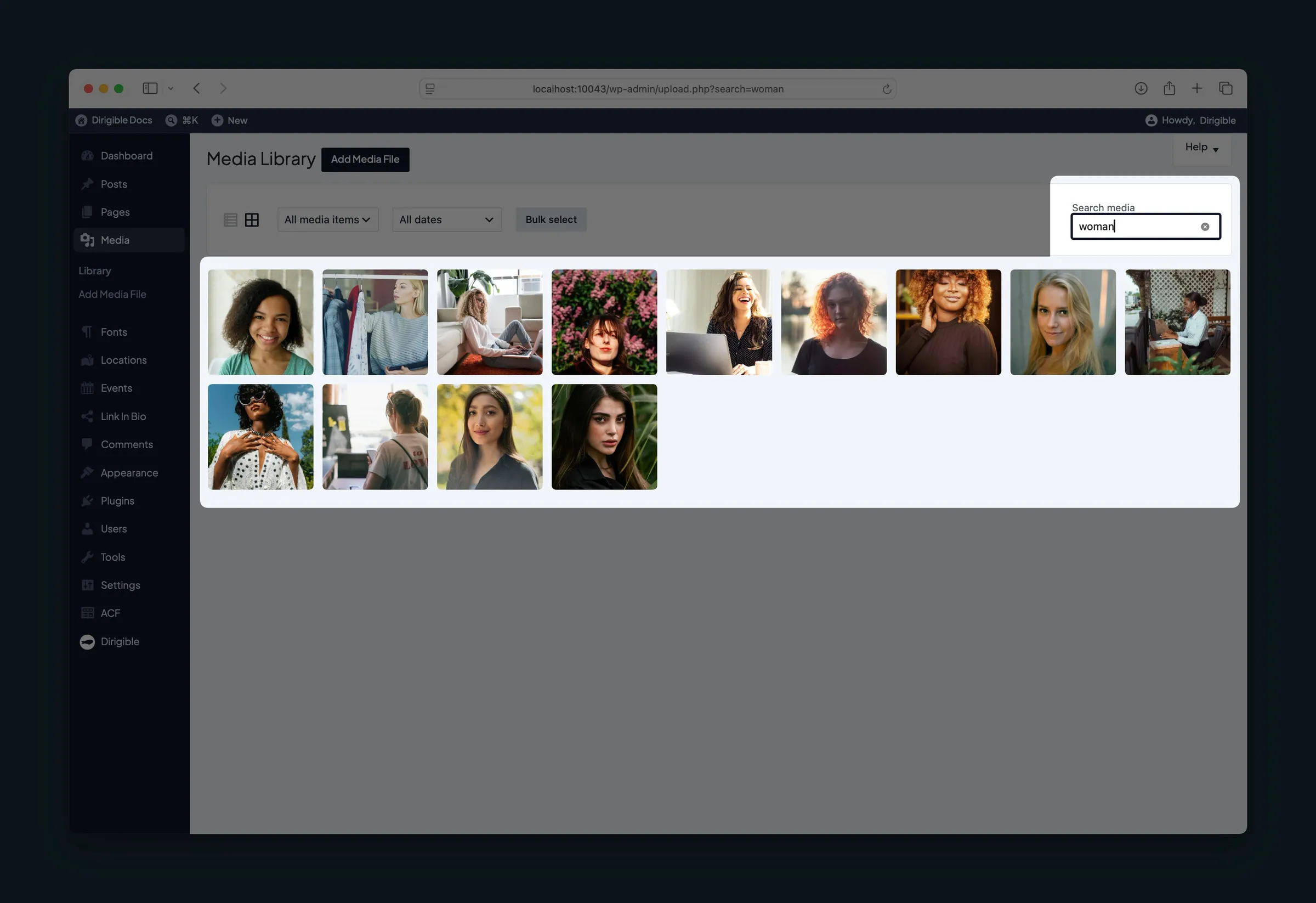
Search the library by title, filename, alt text, caption, or description — not just the file name WordPress shows in the grid.
Credits and attribution
Use the Attribution field on an attachment for photographer or stock source credit (for example, “Photo by Jane Smith on Pexels”). Templates can surface this where your theme displays credits.
Trim blank edges
Open an image and use Trim blank edges when a logo or graphic has extra white or transparent space around it. You review the crop before it is saved. See Trim Blank Edges.
SVG files
Administrators can upload SVG logos, icons and graphics to the media library, with no SVG plugin needed. Dirigible removes anything unsafe from each file as it's uploaded and keeps its real size. To style an SVG's shapes with your own CSS, turn on Inline SVG under Site Settings → General and give the image the style-svg class.
You don't need the SVG Support plugin: see Plugins Dirigible Replaces.
Responsive sizes
When inserting images, choose a size such as Small or Medium Large from the size dropdown. Dirigible adds a range of image sizes, and each visitor's browser picks a sharp one for their screen instead of loading the full original.
What happens automatically
- Logos and other theme images load at the right size for the height and width you set in the Customizer.
- Uploading the exact same file again can be blocked, so the library doesn't fill up with duplicates.
- When a theme or plugin update adds an image size, existing images get it in the background. Progress shows under Media in Tools & Maintenance.
- Images on your pages that have no alt text show the alt text from the media library, so alt text you (or Dirigible AI) add in the library reaches images placed before it was written. Alt text typed into a block always wins.
- A linked image that still has no alt text gets a name for screen readers from where it links: "View full-size image" when it opens the image file, or the page's title when it goes to a page or post on your site. Without one, a screen reader says only "link". Alt text on the image is still better, and replaces it.
- SVG files keep their real width and height, so they hold the right space while a page loads and show their true shape in the editor and media library. SVGs uploaded before this was added pick up their size the first time they're shown.
- Video uploads receive an automatic cover image (see Automatic Video Cover Images).
Things to know
- The alt text in the media library is the one that counts.
- Empty alt in the library is not always wrong: a decorative image should stay silent for screen readers. Leave its alt text empty in the library, since library text fills in wherever the image has none on the page.
- Dirigible AI (when installed) can draft alt text for attachments; you still approve or edit in the library.
- Very large originals are kept for download and hero use; pick smaller sizes in blocks when you do not need full resolution.
