

Animations
Usage
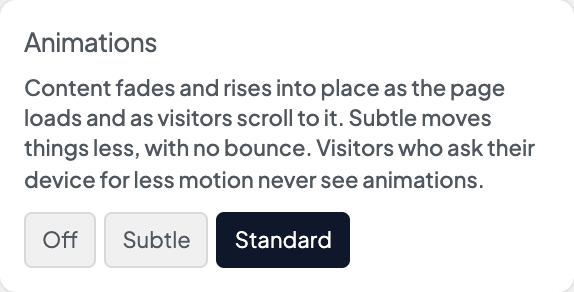
Open Appearance → Customize → Settings → Animations to choose how much motion visitors see. With animations on, the top of each page fades and rises into place as it loads, and blocks further down animate in as visitors scroll to them.
- Standard — the full effect. Cards and images pop in with a little bounce.
- Subtle — the same effects, moving half as far and without the bounce.
- Off — no animations.
New sites start on Standard.
When to use it
- Standard for marketing sites, portfolios and anything that should feel lively.
- Subtle for professional services, healthcare or legal sites that want a hint of motion.
- Off for reference sites where visitors jump around a lot.
Tips
- Visitors whose device is set to reduce motion never see animations, whatever you choose.
- Cards in long grids and galleries animate in reading order, however fast visitors scroll.
- Animations don't lower page speed scores.
- To animate a particular block as it scrolls into view, see Magic Classes and Scroll Animations.
Upgrade note
This setting replaced the Load Animations and Scroll Animations switches. Sites that had either switch on now use Standard; sites that had both off stay Off.
Settings
Animations
Animations
How much motion visitors see as pages load and as they scroll. Subtle moves things half as far, with no bounce. Off turns animations off.
